 EN
 IT Italiano
 ES Español
 FR Français
 DE Deutsch
Description
What it is
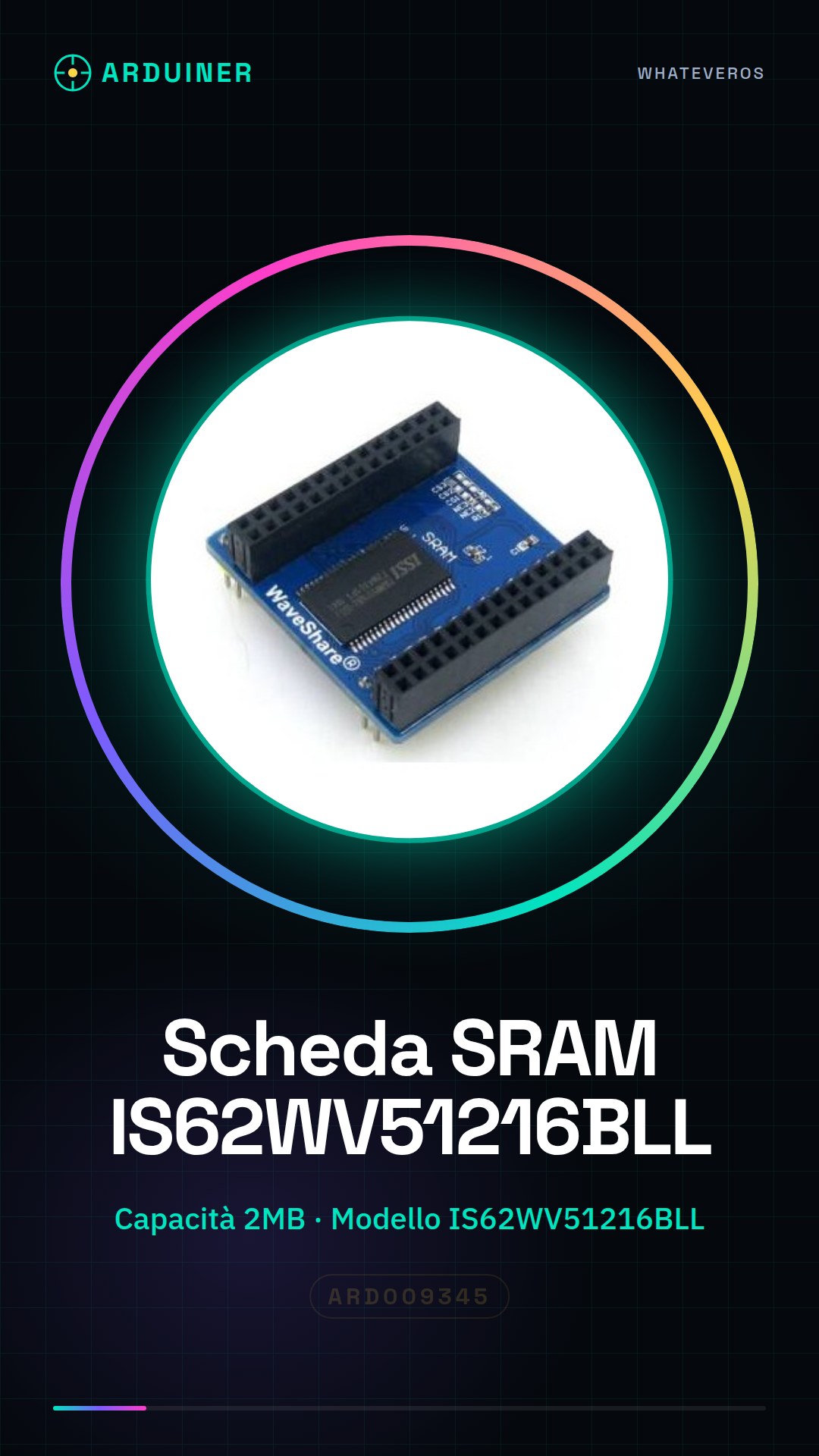
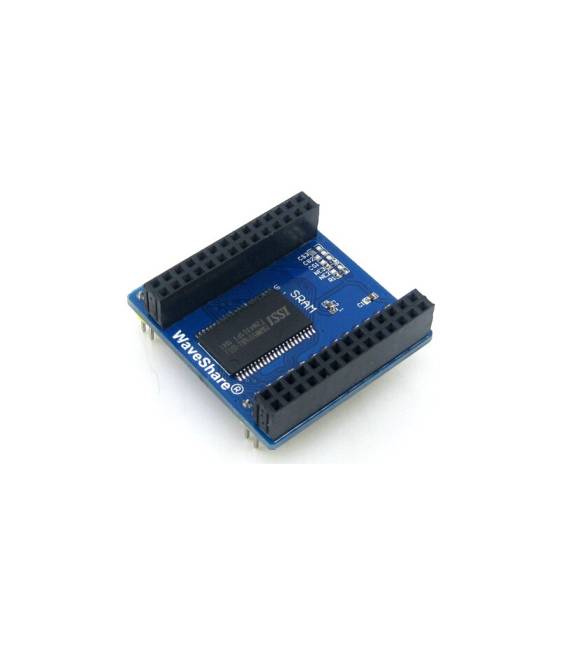
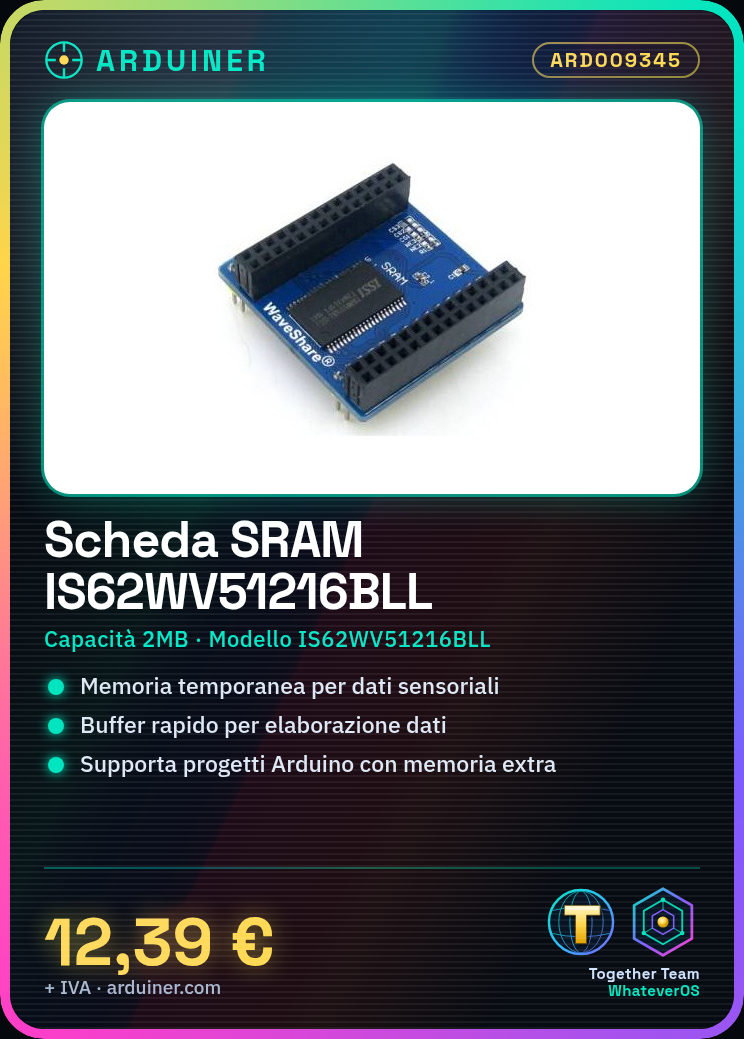
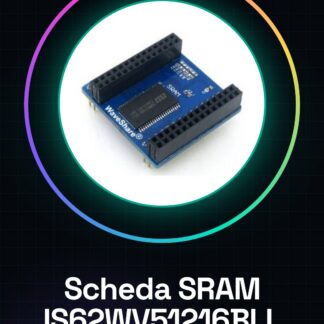
The IS62WV51216BLL SRAM Module is an electronic component that provides temporary memory (SRAM) for boards such as Arduino.
Features
- Capacity: 2MB
- Model: IS62WV51216BLL
- SKU: ARD009345
- Price: 12.39 €
What it is for
The IS62WV51216BLL SRAM Module is useful for Arduino projects that require a temporary data buffer. It can be used to store information that needs to be quickly accessed and modified, such as sensor values, processing data, or timing.
Tutorial: How to Use the IS62WV51216BLL SRAM Module
The IS62WV51216BLL SRAM Module is ideal for projects that require temporary data storage. It is useful for beginners and intermediates, allowing for quick saving and accessing of information.
What you need
- Arduino Microcontroller
- USB Cable
- PC with Arduino IDE
- Check the datasheet
Steps
- 1. Connect the Arduino microcontroller to the SRAM module via the data pins.
- 2. Connect the microcontroller to the power source (5V).
- 3. Load the Arduino IDE on your PC.
- 4. Download and install the microcontroller driver.
- 5. Create a new sketch in Arduino IDE.
- 6. Insert the following code to test the board: `SPI.begin(); SPI.transfer(0x00);`
- 7. Upload the code to the microcontroller.
- 8. Verify communication with the board through the serial monitor.
Example code
SPI.begin(); SPI.transfer(0x00);Mini project
Create a simple stopwatch using the SRAM to store the time.
Common mistakes
- Do not connect the pins correctly.
- Forget to load the driver.
- Power the microcontroller with incorrect voltages.
- Forget to check communication.
Recommended accessories
- Arduino Uno Microcontroller
- USB A-B Cable
- Serial Monitor
- Check the datasheet
Frequently asked questions
How can I verify communication with the board?
Use the serial monitor to check the data received or sent.
Which pins should I use to connect the SRAM?
Follow the datasheet instructions for data pins and power supply.
Can I use this board with a different microcontroller?
Check the compatibility with the microcontroller you are using.
How much space does the SRAM have?
The SRAM has a capacity of 512 KB.
Reviews
There are no reviews yet.