 EN
 IT Italiano
 ES Español
 FR Français
 DE Deutsch
Description
What it is
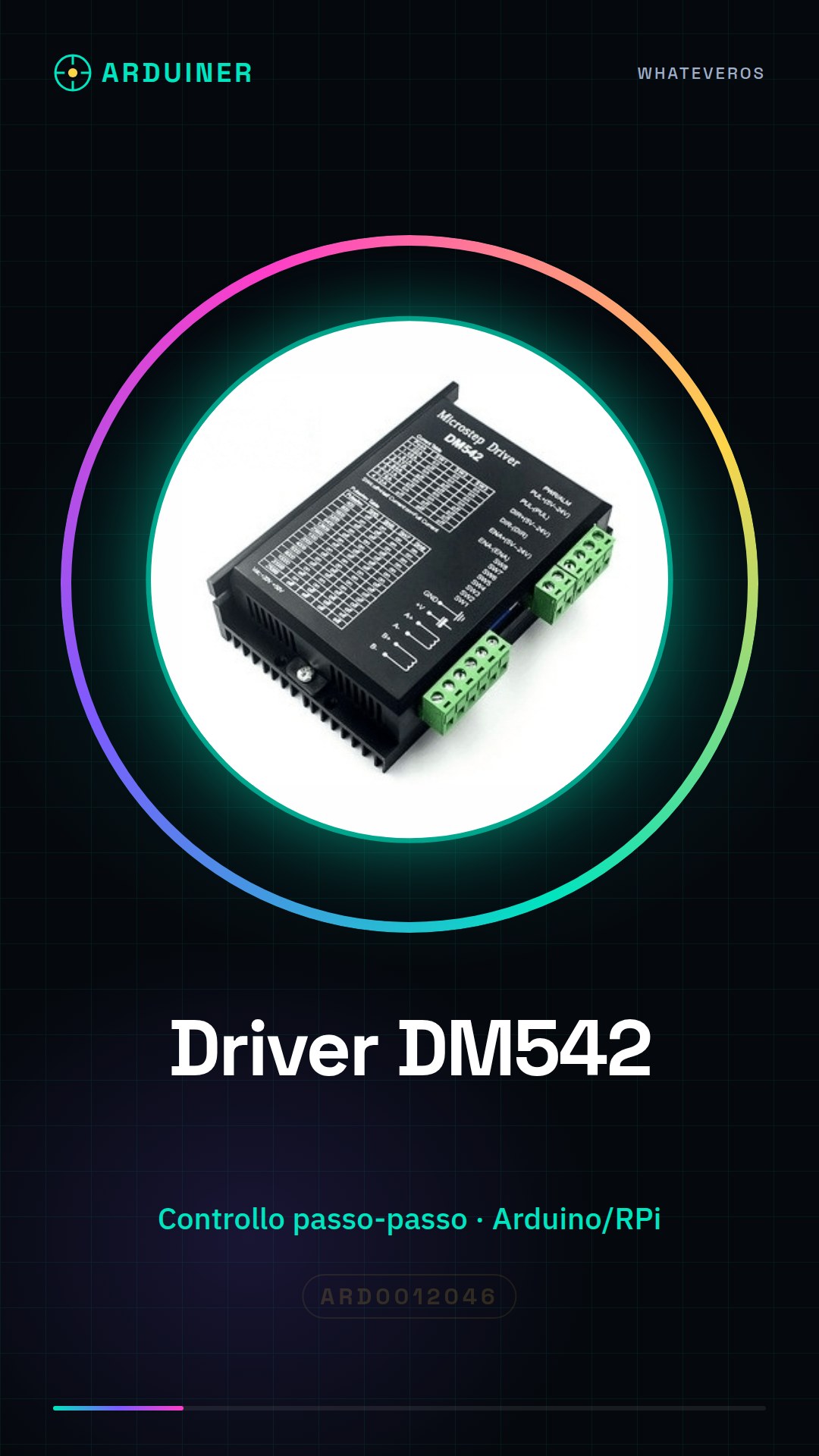
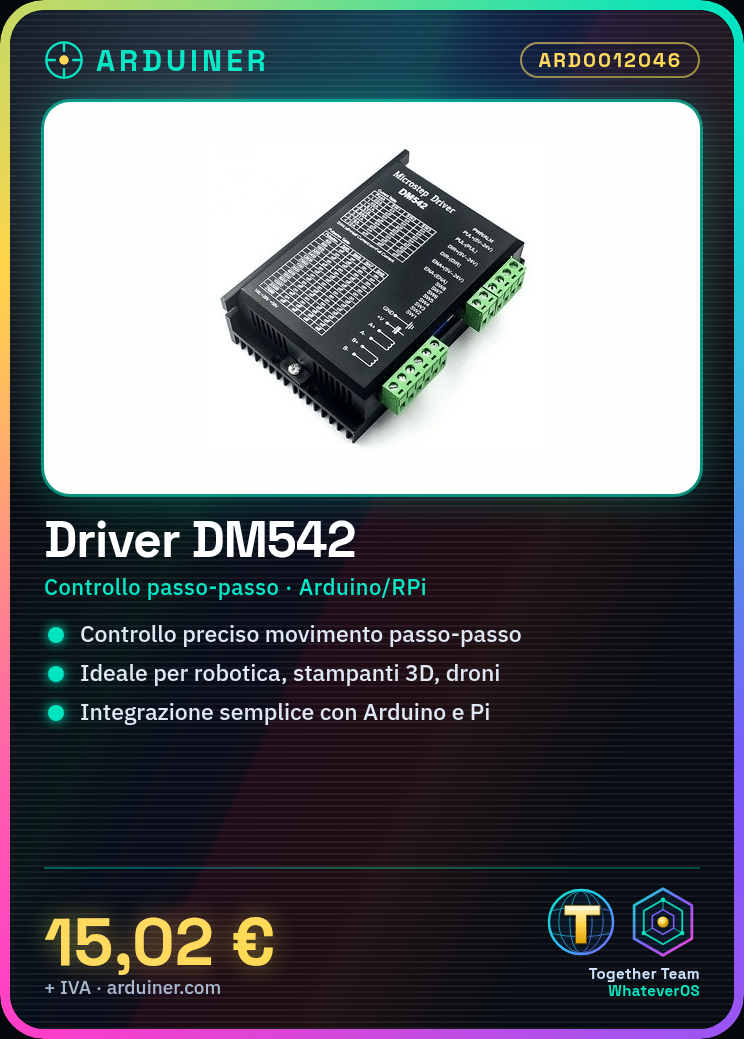
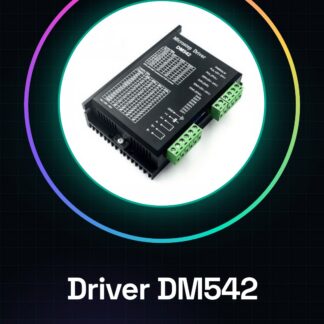
The DM542 stepper motor driver is an electronic component that allows the control of a stepper motor’s movement.
Features
- Name: DM542
- SKU: ARD0012046
- Price: 15.02 €
- Compatibility: check the datasheet
- Supply voltage: check the datasheet
- Output current: check the datasheet
What it is for
The DM542 driver is ideal for robotics projects, 3D printers, drones, and any other device requiring precise movement. Suitable for use with Arduino and Raspberry Pi.
Tutorial: How to use the DM542 Stepper Motor Driver
The DM542 stepper motor driver is an essential component for controlling and managing stepper motors from Arduino or other microcontrollers. Ideal for robotics projects, 3D printers, drones, and any other device requiring precise movement.
What you need
- Arduino Uno
- Compatible stepper motor
- USB cable
- Connections suitable for the motor
Steps
- Connect the motor driver to the Arduino microcontroller using the appropriate connectors.
- Check the power supply voltage required by the motor and ensure it is compatible with the external power adapter.
- Configure the Arduino digital interfaces to send PWM signals.
- Write an Arduino sketch that initializes the digital pins connected to the step motor driver.
- Test the forward and reverse movement of the motor, verifying the correct functionality of acceleration and deceleration.
- Adjust the DM542 driver settings to optimize energy efficiency and motion precision.
- Implement a control loop that manages motor movement based on project requirements.
- Verify the technical specifications in the datasheet to further customize the performance of the driver.
Example code
void setup() {
  pinMode(stepPin, OUTPUT);
pinMode(dirPin, OUTPUT);}

void loop() {
digitalWrite(dirPin, HIGH);
analogWrite(stepPin, 128);
delayMicroseconds(1000);
digitalWrite(dirPin, LOW);
analogWrite(stepPin, 128);
delayMicroseconds(1000);}
Mini project
Build a small robot with wheels that can move forward and backward. Use the DM542 driver to control the stepper motors.
Common mistakes
- Do not verify the voltage compatibility between the motor and the power supply.
- Incorrect configuration of the digital interfaces of the Arduino.
- Omission of the testing phase before the final project.
- Circuit overload due to a calculation error in the technical specifications.
Recommended accessories
- NEMA 17 stepper motor
- External power supply for Arduino
- Various electronic connections
- Position sensors
Frequently asked questions
How do you connect the DM542 driver?
Connect the stepper motor pins to the Arduino PWM signals, ensuring correct polarity.
Which power supply is recommended for this driver?
Check the datasheet for the voltage and current specifications required by the motor and choose an appropriate power supply.
Reviews
There are no reviews yet.