 EN
 IT Italiano
 ES Español
 FR Français
 DE Deutsch
Description
What it is
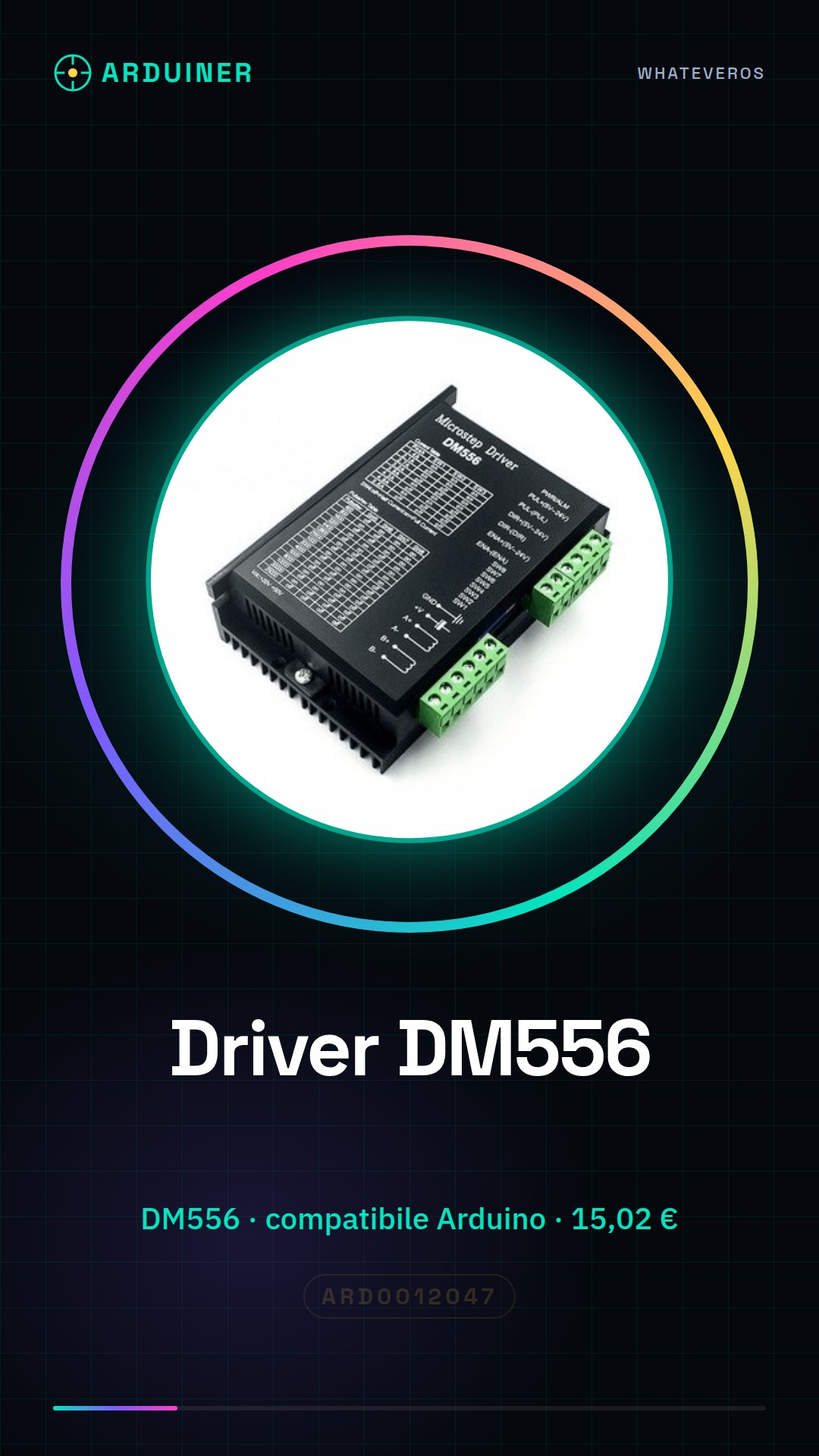
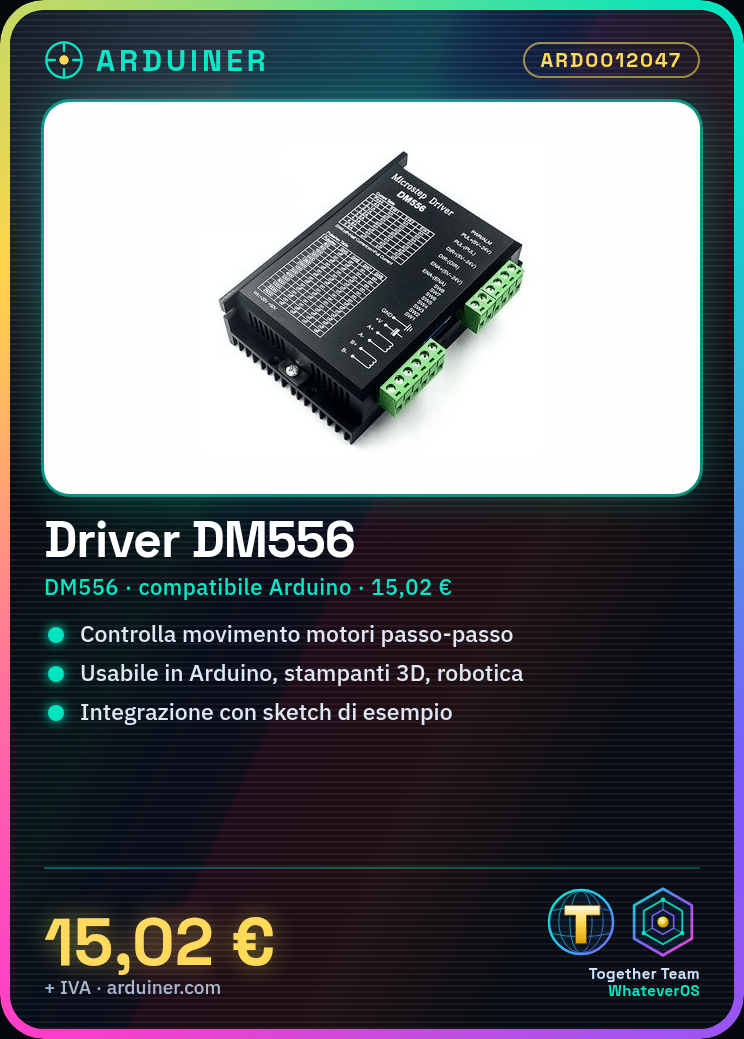
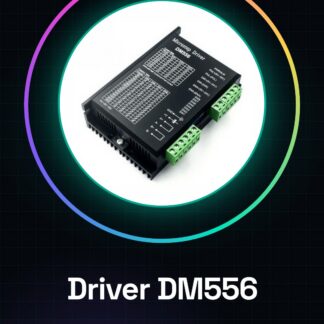
The DM556 stepper motor driver is an electronic circuit that allows the control of a stepper motor’s movement.
Features
- Name: DM556
- SKU: ARD0012047
- Price: 15.02 €
- Compatibility: check the datasheet
- Supply voltage: check the datasheet
- Output current: check the datasheet
What it is for
The DM556 driver is ideal for controlling stepper motors in Arduino projects. It is suitable for applications such as 3d printers, robotics, and precise motion systems. You can use it to create a precise motion system for a 3d printer or a robot. You can also use a provided sketch as a base and add sensors to get feedback on the motor’s positioning.
Tutorial: How to use the DM556 Stepper Motor Driver
The DM556 stepper motor driver is ideal for controlling stepper motors with Arduino or other microcontrollers. It is suitable for projects such as 3D printers, robotics, and precise motion systems.
What you need
- Arduino Uno
- Stepper motor compatible
- USB cable to connect the Arduino to the computer
- External power supply (check the datasheet)
- Jumpers
Steps
- Connect the power pins of the DM556 driver to the external power supply as specified in the datasheet.
- Connect the stepper motor to the connectors of the DM556 driver.
- Use a USB cable to connect the Arduino to the computer.
- Download and install the Adafruit Motor Shield V2 library (even though it is not exactly this shield, it can serve as a reference).
- Write the Arduino sketch with the example code provided by the library or the DM556 driver datasheet.
- Save and upload the sketch to the Arduino.
- Check that the stepper motor moves correctly following the instructions in the sketch.
- Adjust the parameters in the sketch to achieve the desired speed and direction.
Example code
// Includi la libreria necessaria
#include <AFMotor.h>

AF_Stepper motor(100, 2); // Motore di 100 passi con driver n.2

void setup() {
  motor.setSpeed(60); // Imposta la velocità a 60 RPM
}

void loop() {
  motor.step(100, FORWARD, DOUBLE); // Avanza di 100 passi in senso orario con il metodo DOUBLE
}
Mini project
Create a precise motion system for a 3D printer or a robot. Use the provided sketch as a base and add sensors to get feedback on the motor positioning.
Common mistakes
- Do not check the compatibility between the DM556 driver and the power supply.
- Use a power supply voltage higher than the one recommended in the datasheet.
- Omit installing the necessary libraries to control the stepper motor.
- Do not properly configure the pins of the DM556 driver in Arduino.
Recommended accessories
- External power supply 12V
- NEMA 17 stepper motor
- Position sensors for feedback
- Various jumpers
Frequently asked questions
The motor does not move.
Check the connection between the Arduino and the DM556 driver. Make sure the pins are correctly configured in the sketch.
How can I control multiple motors?
Use a multiplexer or add additional compatible drivers in series with Arduino.
Reviews
There are no reviews yet.