 EN
EN IT Italiano
 ES Español
 FR Français
 DE Deutsch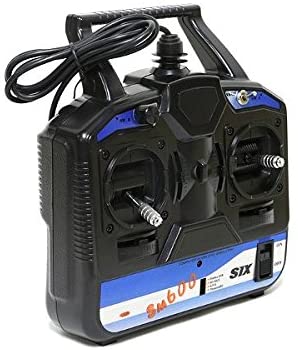
Description
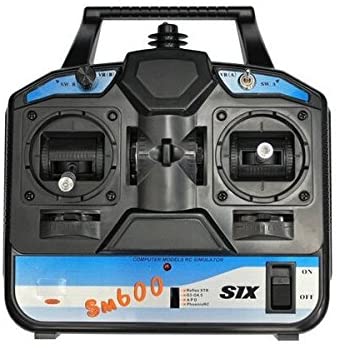
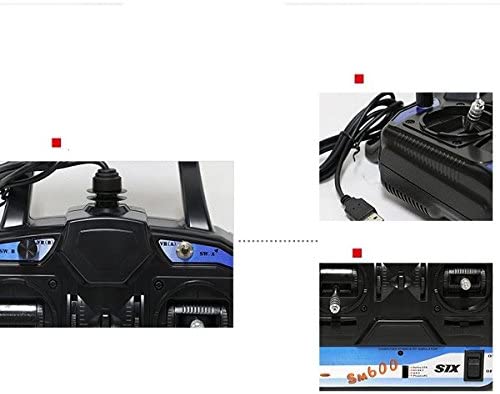
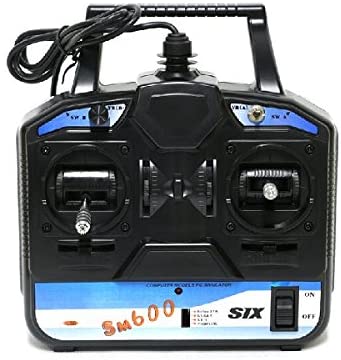
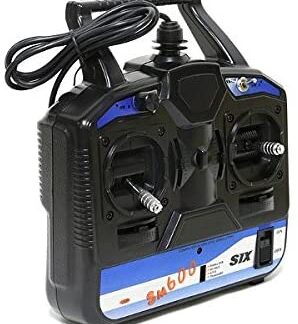
The FS-SM600 6CH USB RC Flight Simulator is a flight simulator for model airplanes, helicopters, and gliders. This device allows beginner and enthusiast pilots to practice maneuvers in a safe environment before flying a real model. Features 6CH USB system for precise control of model airplanes, helicopters, and gliders Allows simulation of takeoff and landing maneuvers Use it to create safe simulation sessions for small aeromodels, improving pilot skills. Compatible with USB systems. Tutorial: How to Use FS-SM600 RC Flight Simulator Connect the FS-SM600 to your computer via the USB cable. Install the necessary drivers from the manufacturer’s website. Start the flight simulator configuration on your computer. Configure the FS-SM600 in the software following the provided instructions. Verify that all commands work correctly. Load an airplane model and try to control it with the FS-SM600. Mini-project Create a simulation session for a small aeromodel by replicating takeoff and landing maneuvers. Common errors USB drivers were not installed correctly. The configuration software was not started correctly. The simulator commands do not respond to FS-SM600 movements. The virtual aeromodel does not respond correctly to instructions from the FS-SM600. Recommended accessories USB A to micro B cable Simulation software for aeromodeling Owner’s guide and manual Frequently Asked Questions How do I install the drivers? Download the driver installation software from the manufacturer’s website. Which airplane models can I simulate? The FS-SM600 supports a wide range of aeromodels, check the datasheet for specific details.
Reviews
There are no reviews yet.