 EN
 IT Italiano
 ES Español
 FR Français
 DE Deutsch
Description
What it is
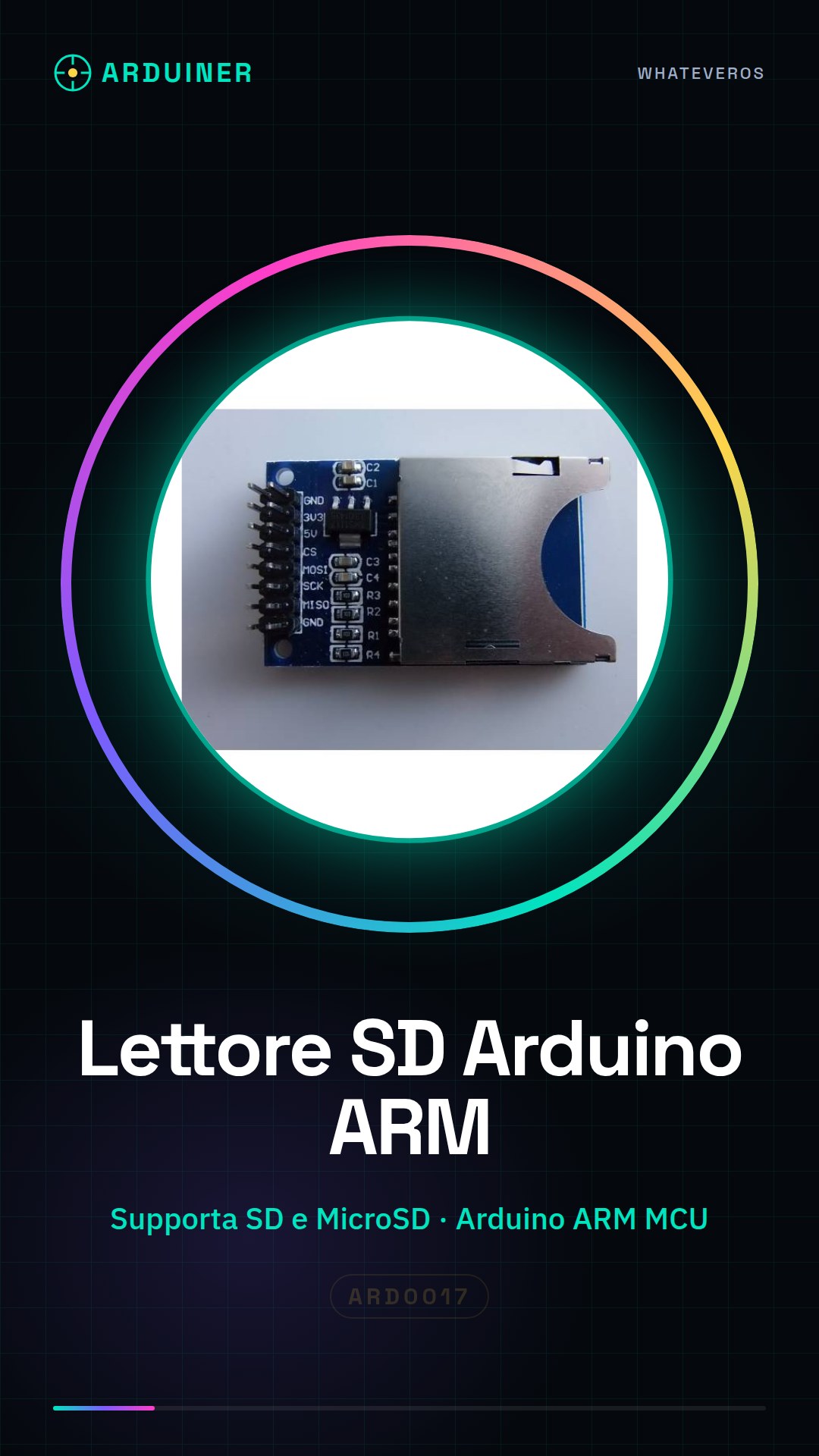
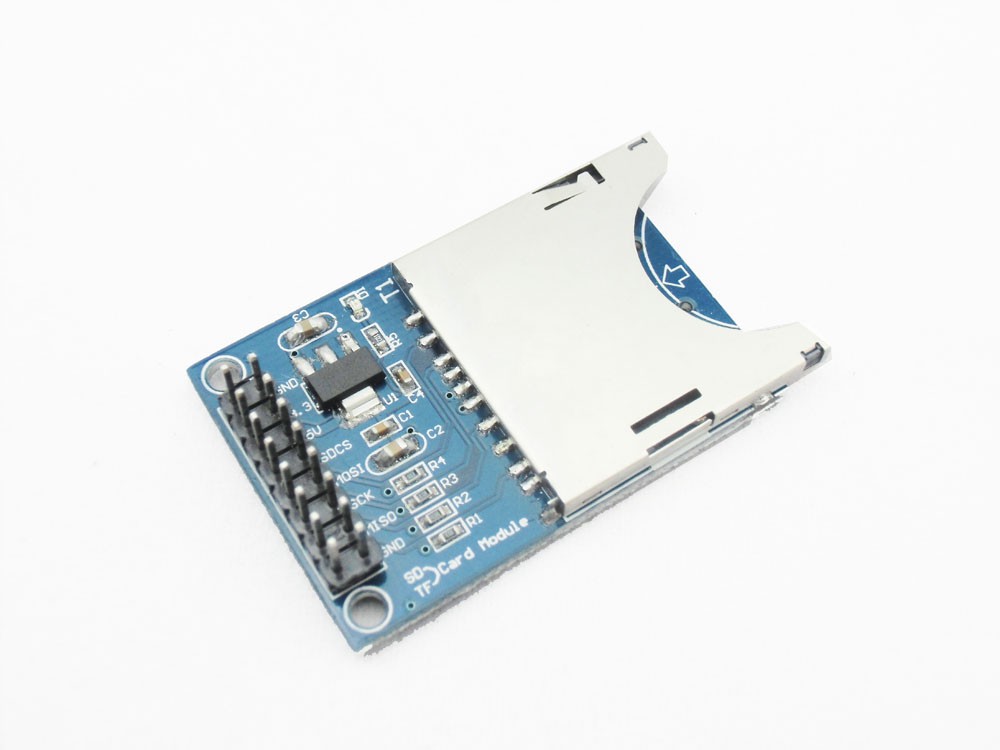
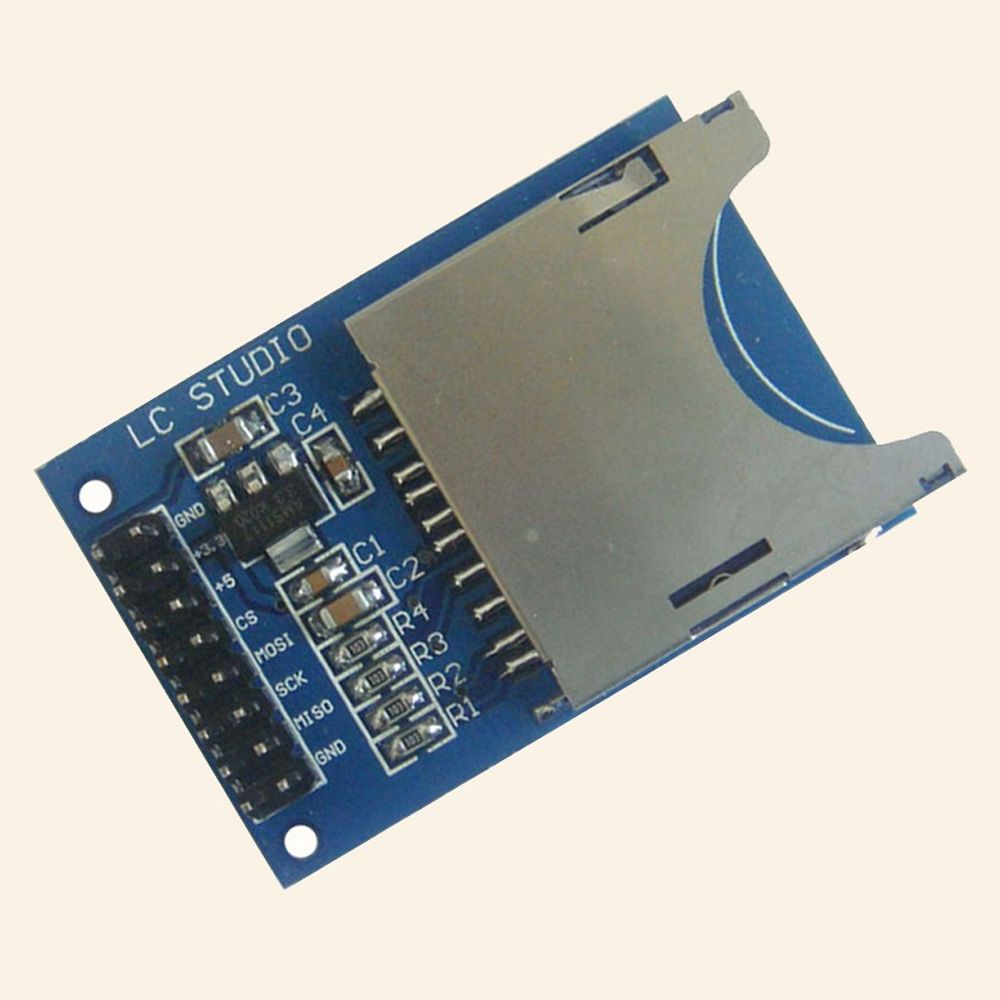
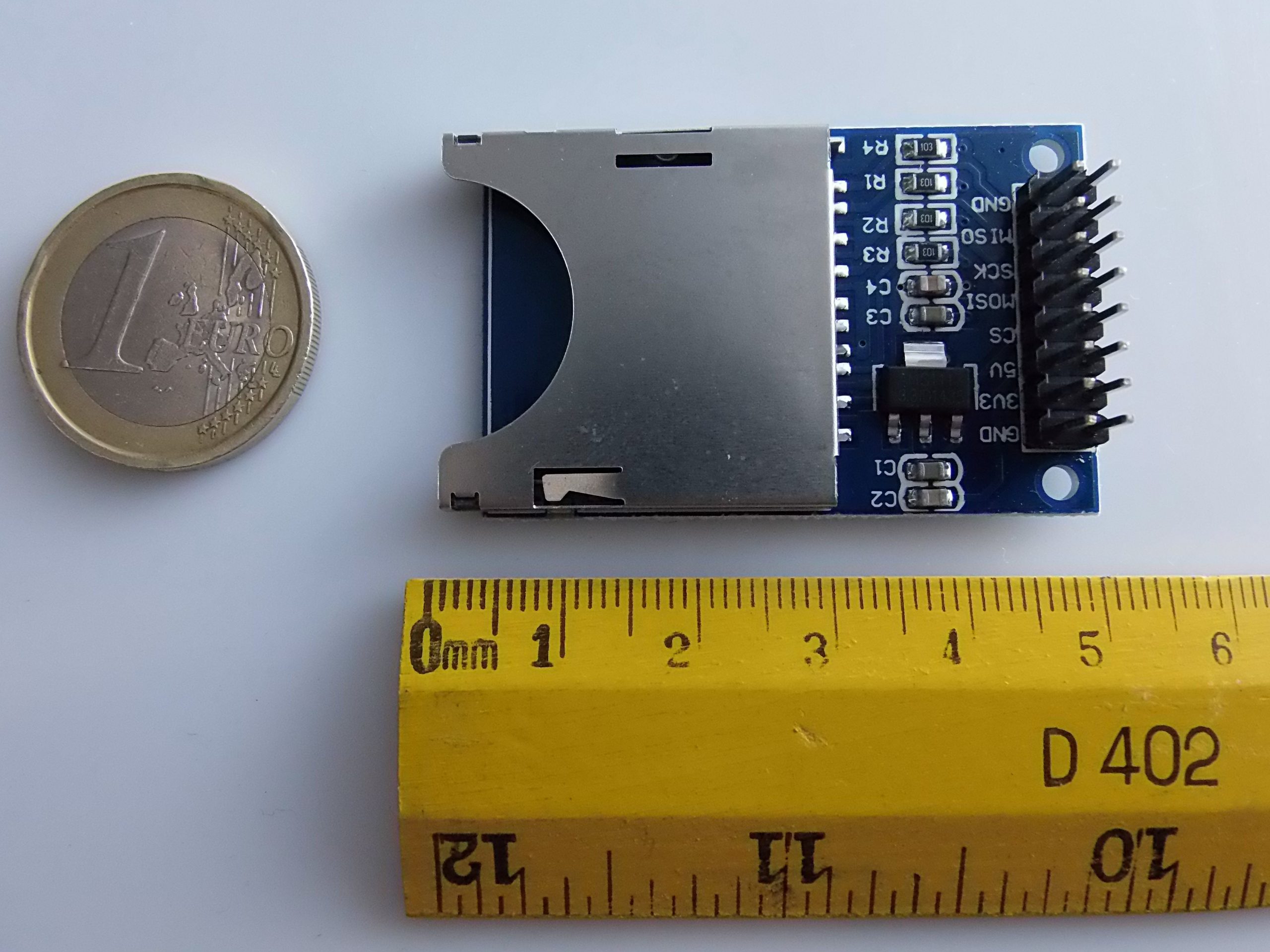
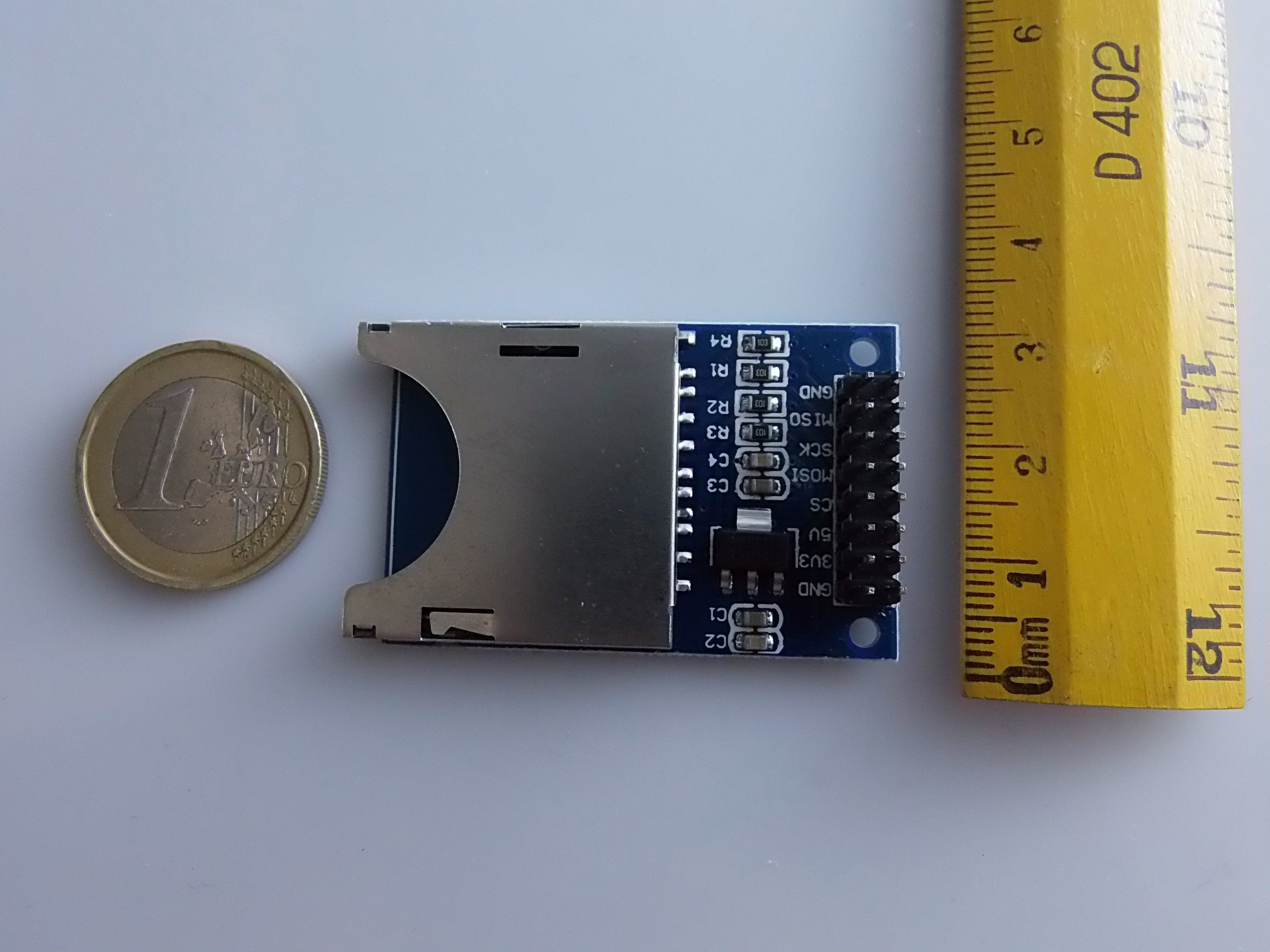
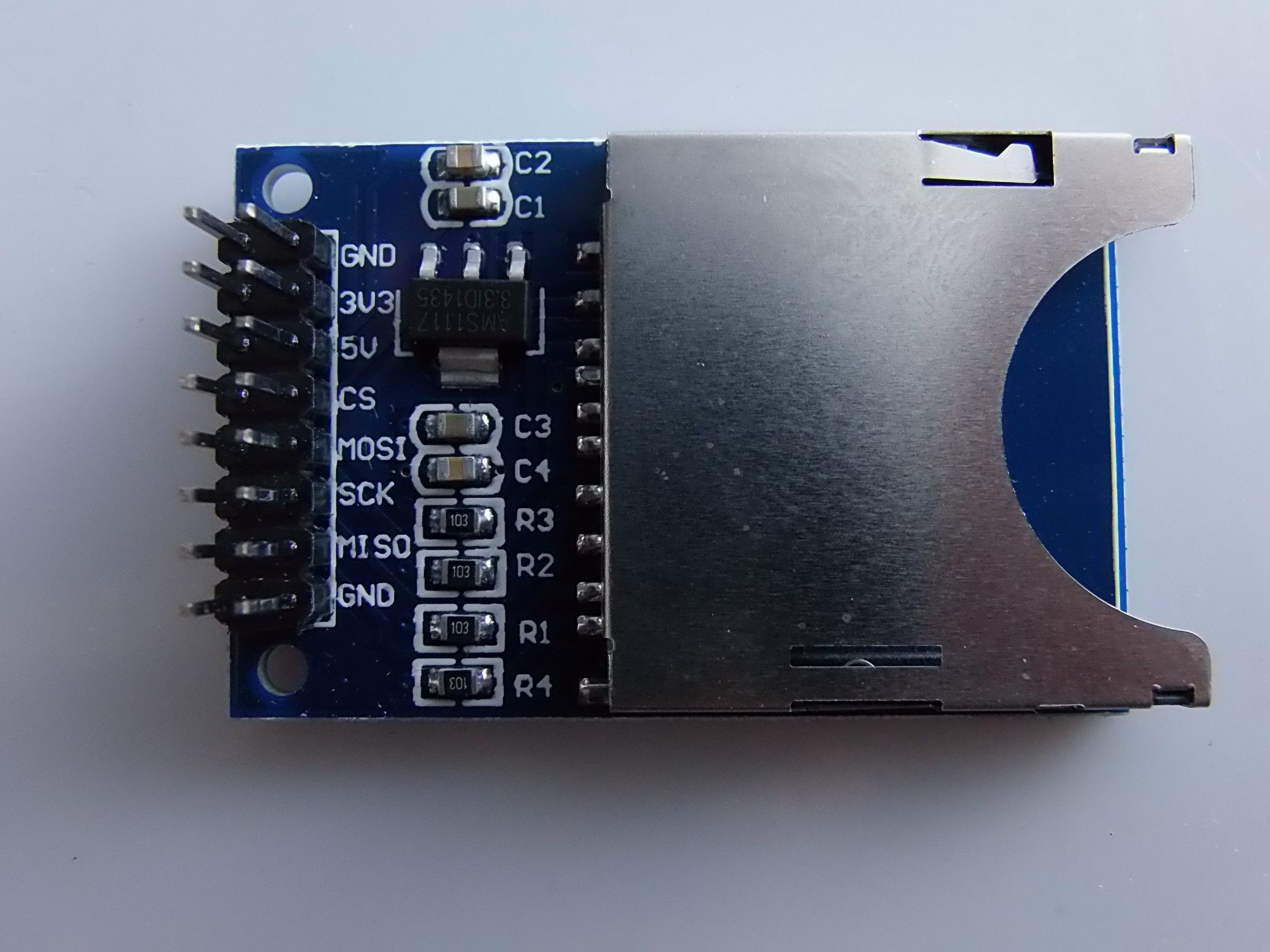
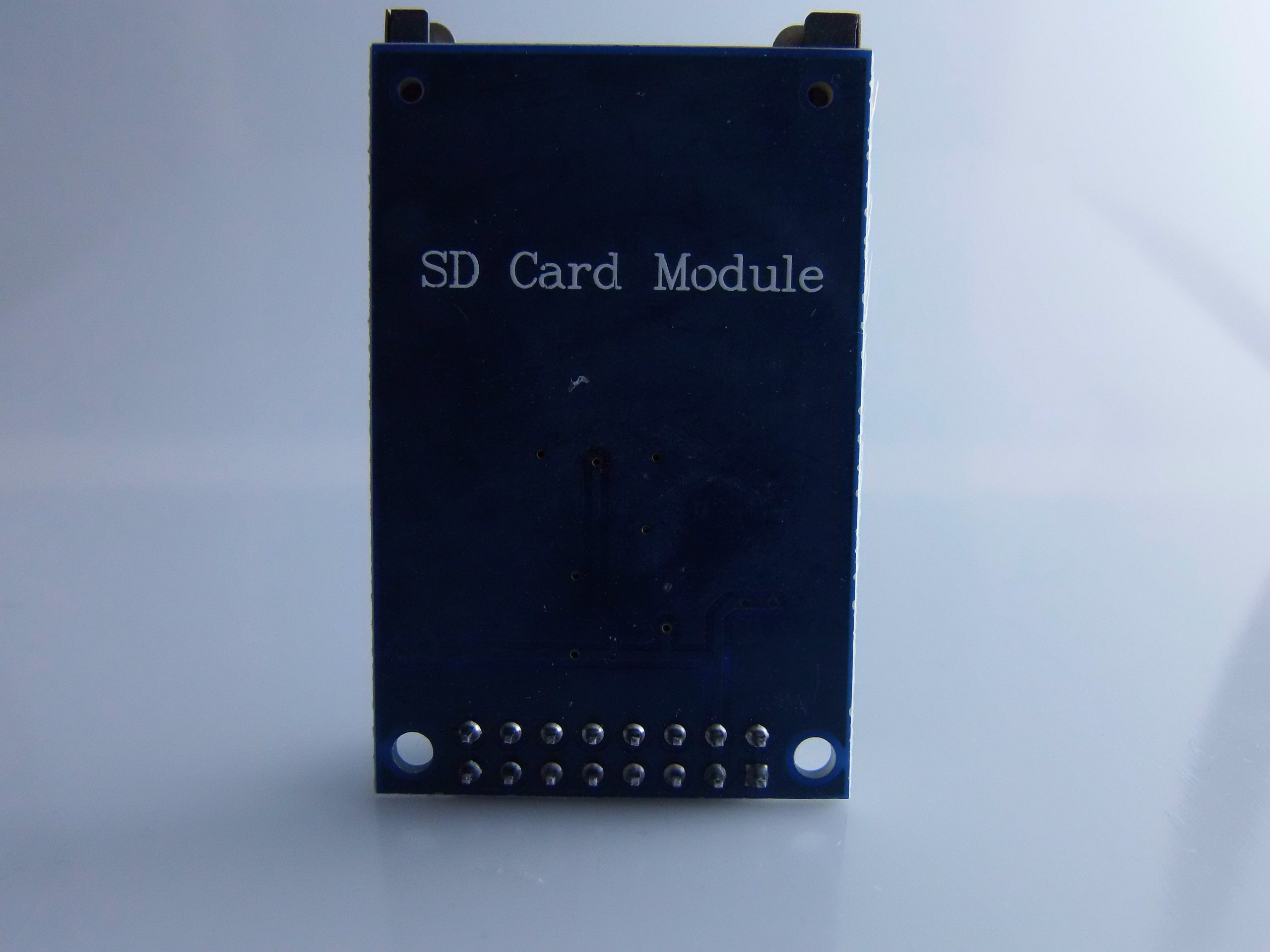
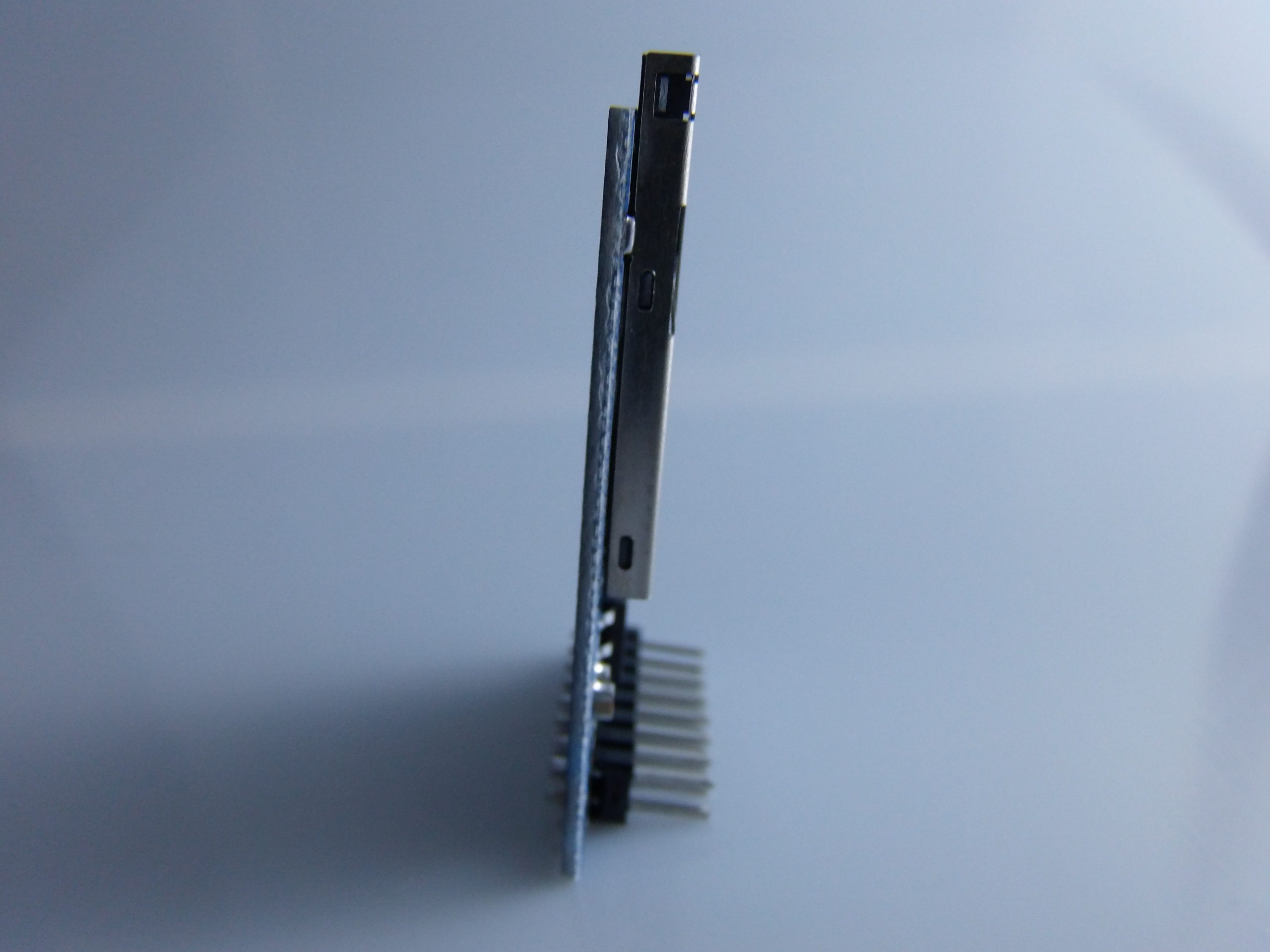
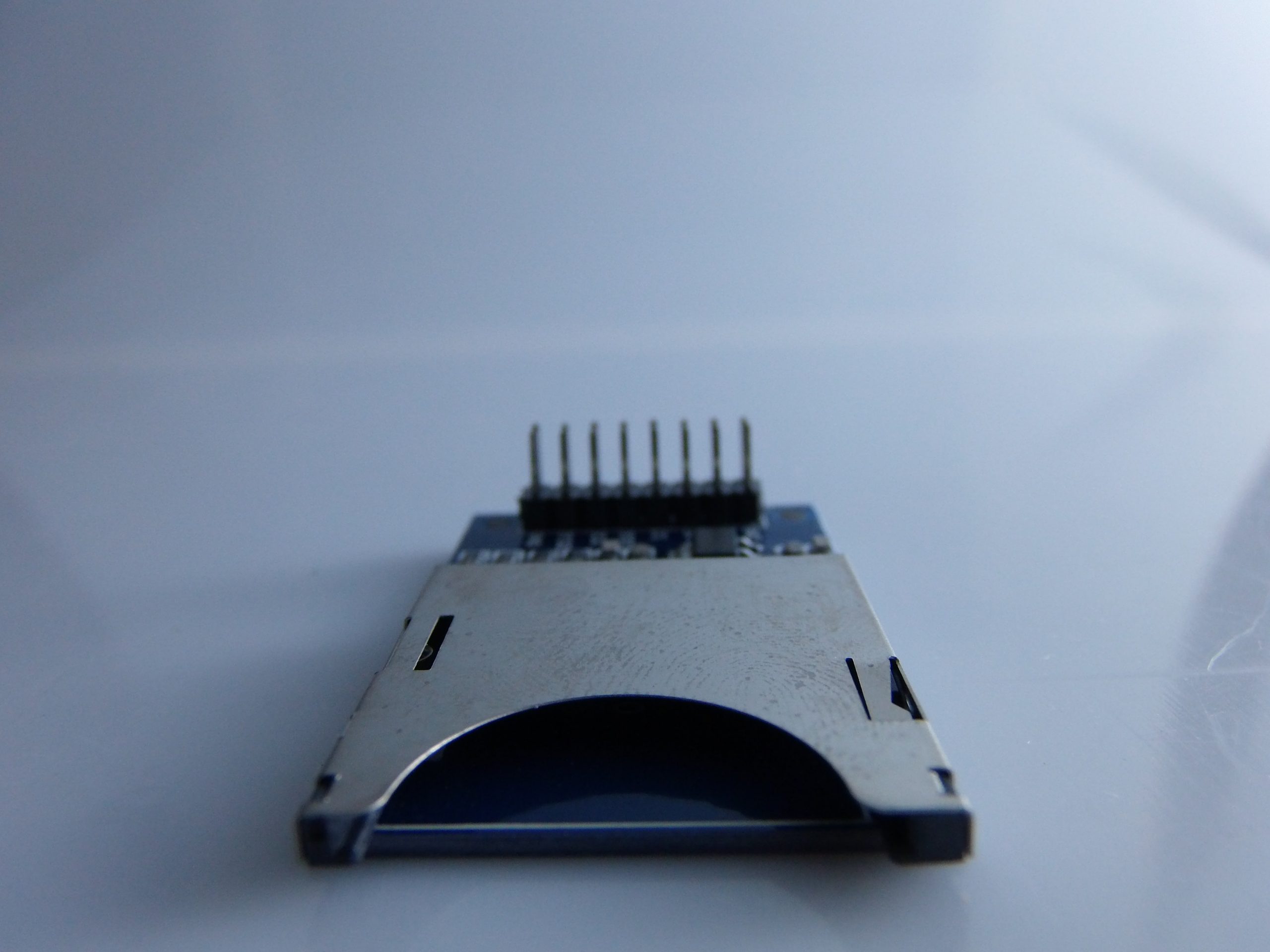
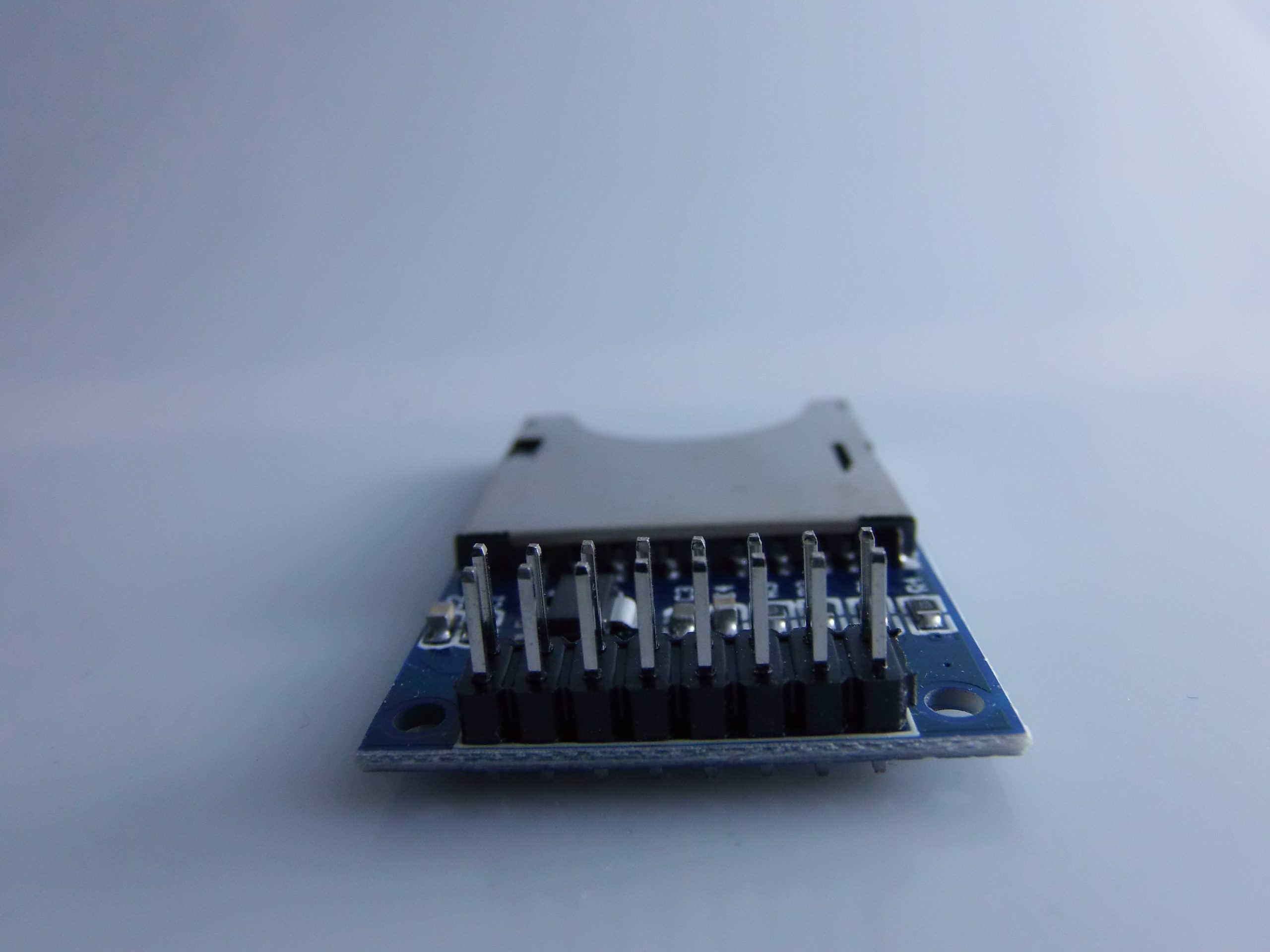
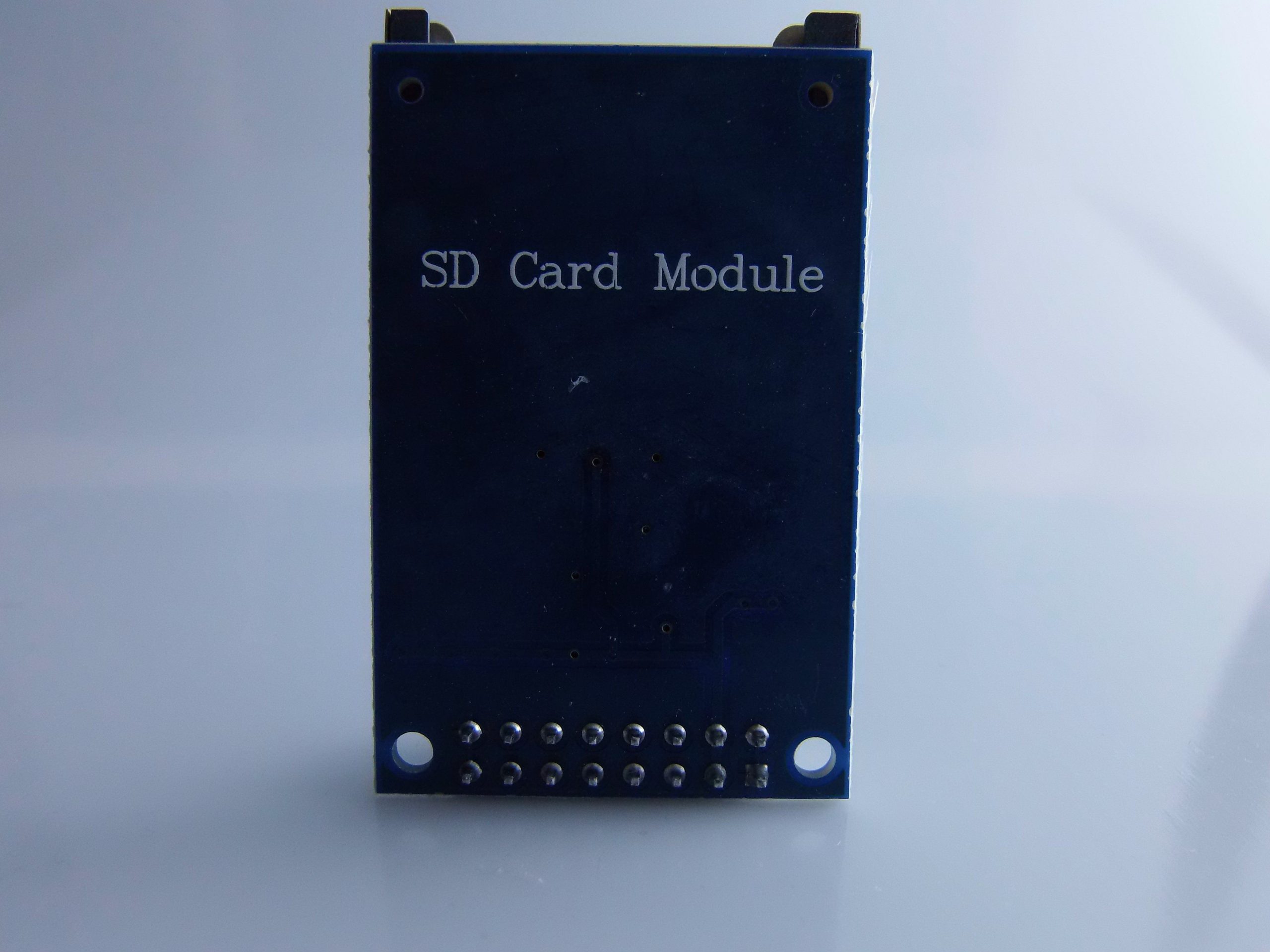
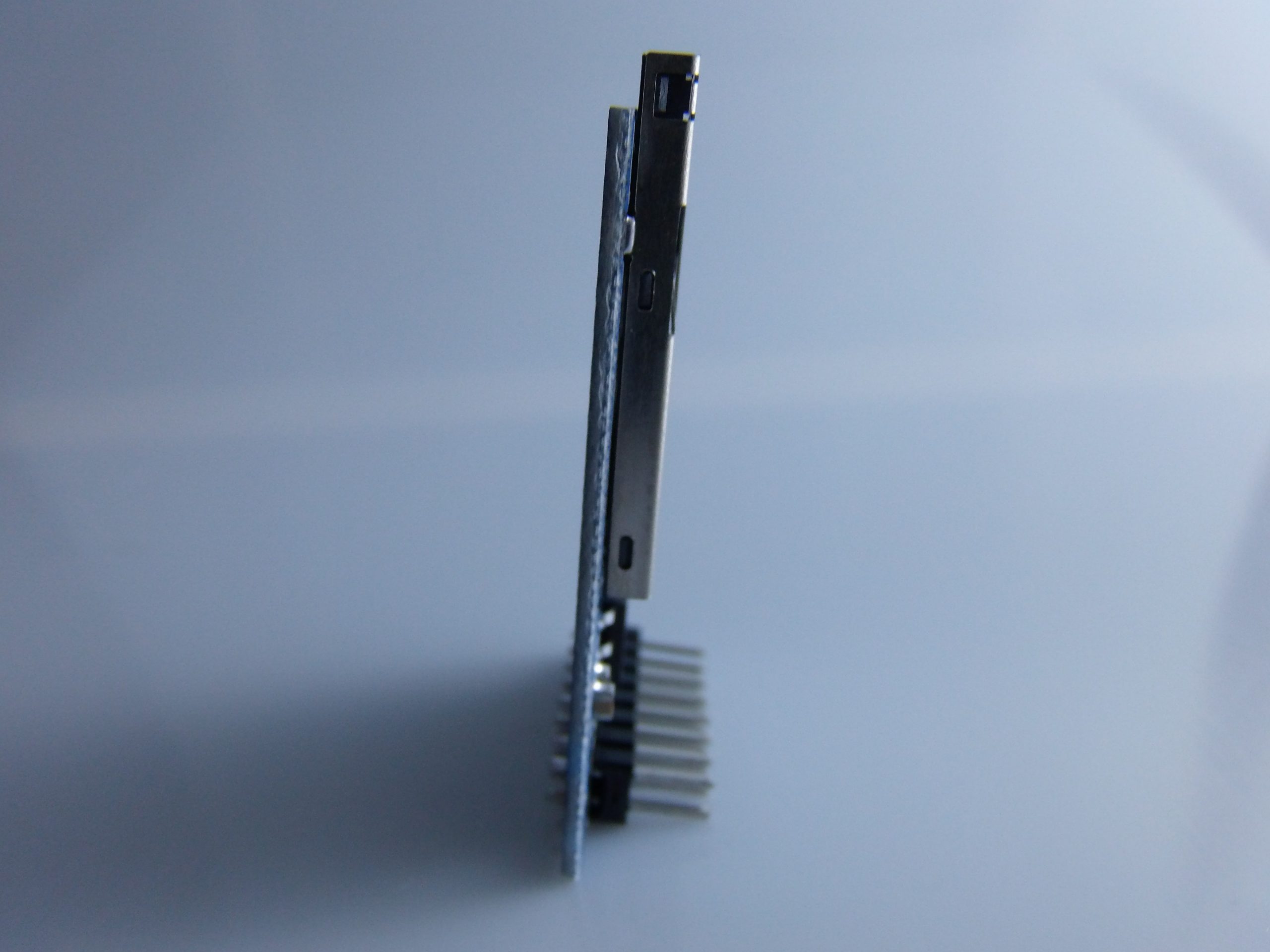
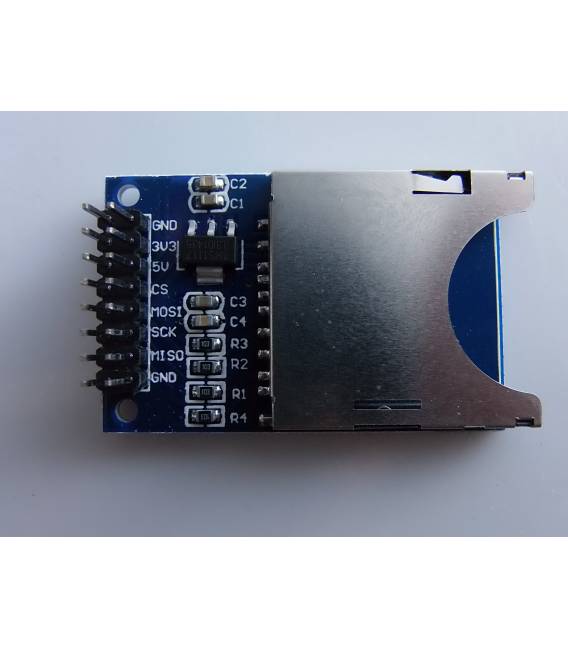
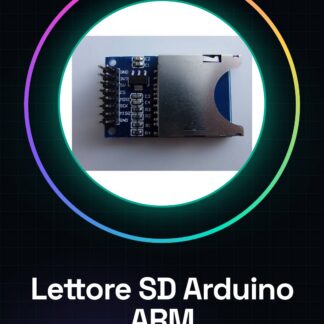
The SD card reader module for Arduino and ARM MCU is a component that allows data storage on SD or MicroSD cards. This device facilitates the integration of external memory into Arduino-based projects, making it possible to save and retrieve information without complications.
Features
- Supports SD and MicroSD cards
- Compatible platform: Arduino ARM MCU
What it is for
SD card reader modules are useful for projects that require data storage, such as environmental monitoring systems or data storage devices. They are ideal for both beginners and experts in the field of electronics and programming.
Tutorial: How to use SD Card Reader Module for Arduino
The SD card reader module is an essential component for anyone who wants to use SD card mass storage with Arduino. Ideal for both beginners and more experienced makers, it allows for simple and efficient saving and retrieving of data. This module supports both SD and MicroSD cards, making data storage a transparent and reliable process.
What you need
- Arduino or compatible MCU
- SD card/MicroSD card
- USB cable for Arduino
Steps
- Connect the SD card reader module to the expansion interface of your Arduino or compatible MCU.
- Check the connections and ensure that the necessary pins (CS, MOSI, MISO, SCK) are correctly connected.
- Insert an SD card into the module. Check the datasheet for the exact position of the slot.
- Install the SD library in Arduino IDE through the library manager.
- Write and upload a simple sketch that reads from or writes to a text file in the root directory of the SD card.
- Check the results: open the root folder of the SD device to verify if the file has been created correctly.
Example code
/*
 * Es. di codice minimale
 */
#include <SD.h>

const int chipSelect = 4; // Verifica sul datasheet per la posizione esatta del pin CS.

void setup() {
  Serial.begin(9600);
  if (!SD.begin(chipSelect)) {
    Serial.println("Errore durante l'inizializzazione della SD!");
    return;
  }
  Serial.println("Cartella root aperta.");
}

void loop() {}
Mini project
Create a simple environmental monitoring system that records temperature and humidity data on an SD card every hour. Use a DHT11 sensor or similar to collect the data.
Common mistakes
- It is not possible to read the root folder of the SD card.
- The module is not recognized by Arduino.
- Error during SD library initialization.
- Problems with reading/writing to corrupted or missing files.
Recommended accessories
- DHT11 sensor
- 3D printer to create a protective case for the module
- Wi-Fi antenna to transmit the data collected from the SD card to a cloud platform
- LiPo battery for autonomous power
Frequently asked questions
How can I access files on an SD card?
Using the SD library and navigating through directories using functions like ‘SD.open()’.
What is the importance of checking the CS pin in the datasheet?
The CS (Chip Select) pin can vary between different modules, so it is essential to verify it to avoid communication errors.

Reviews
There are no reviews yet.