 EN
 IT Italiano
 ES Español
 FR Français
 DE Deutsch
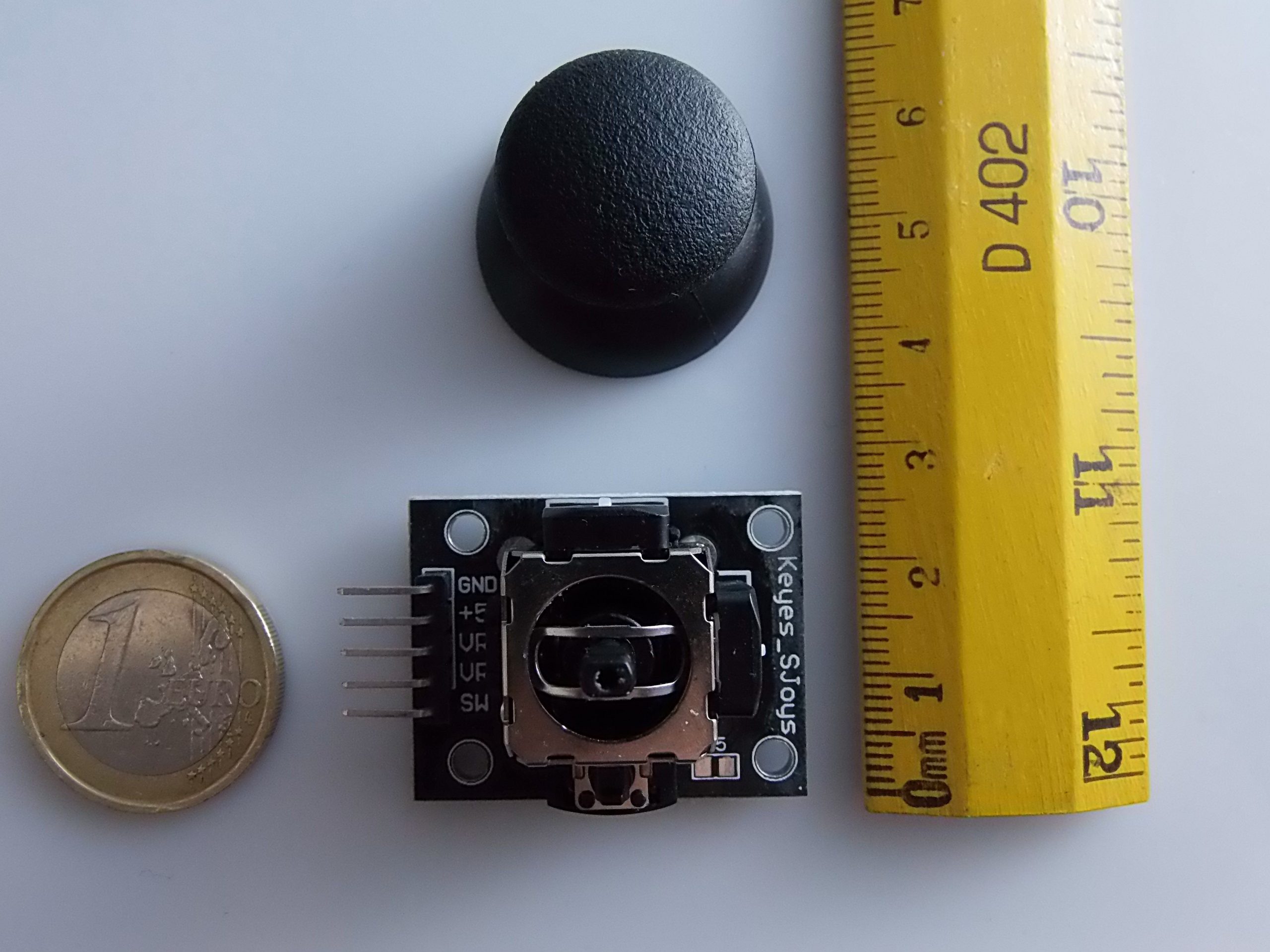
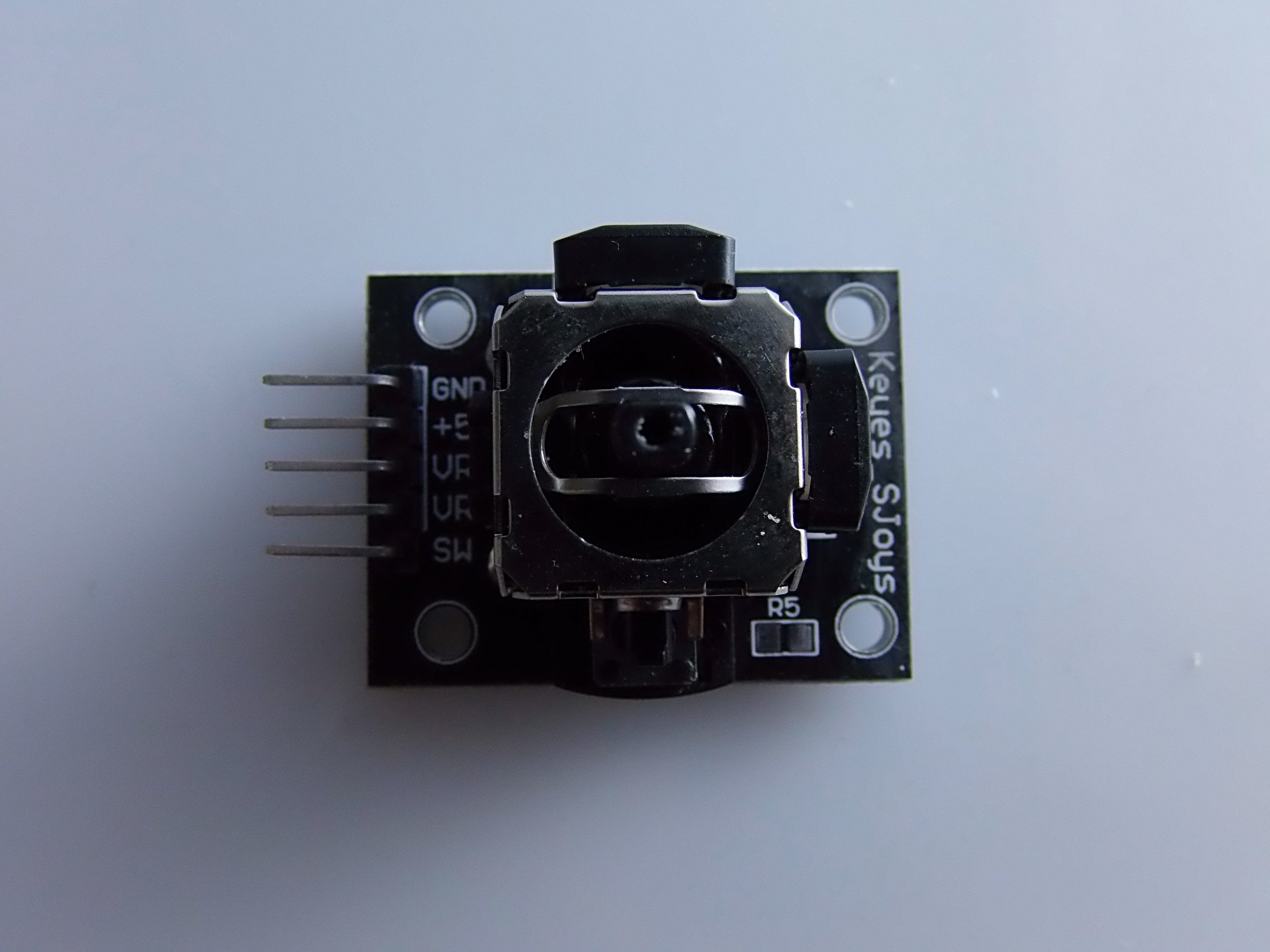
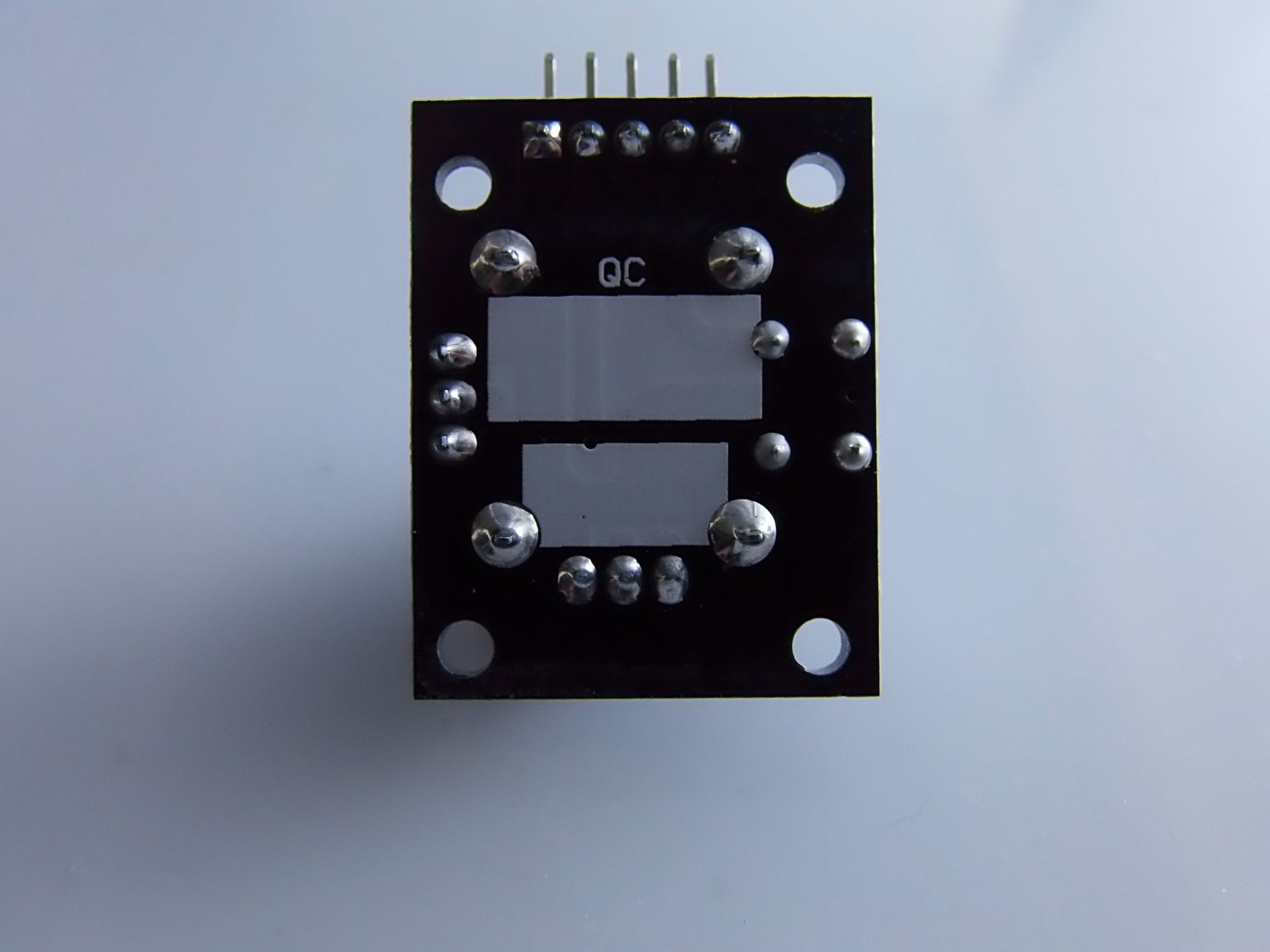
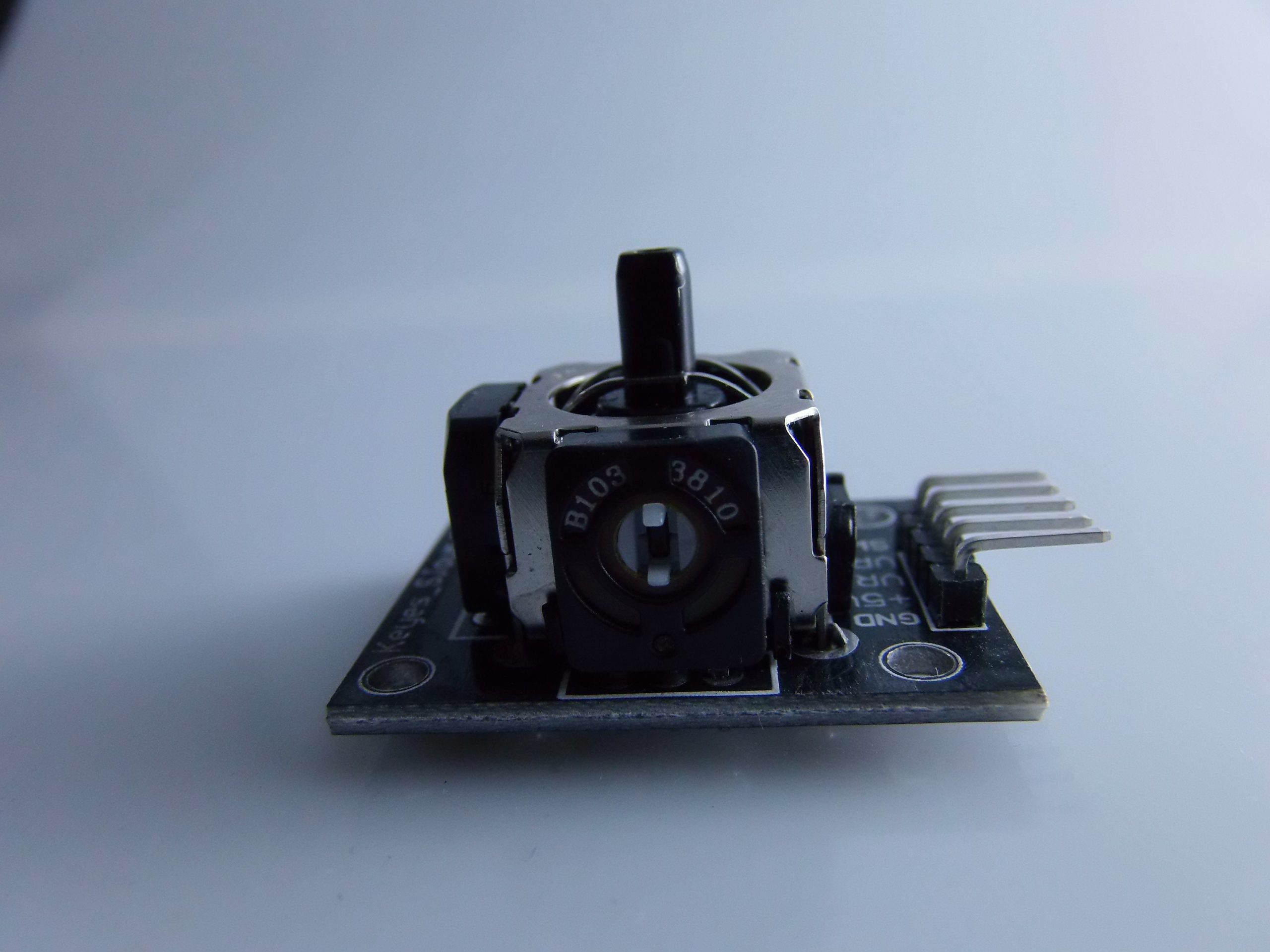
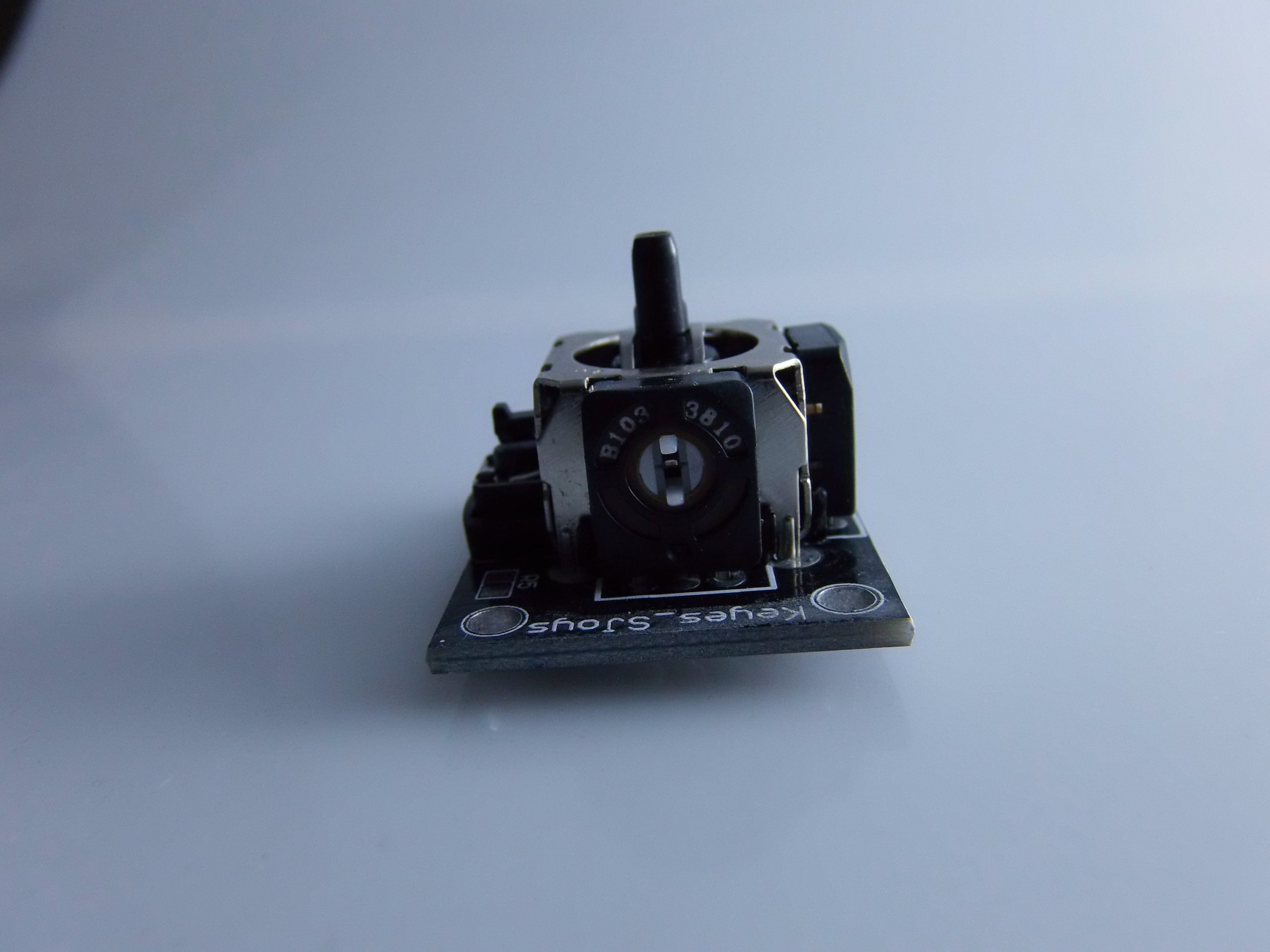
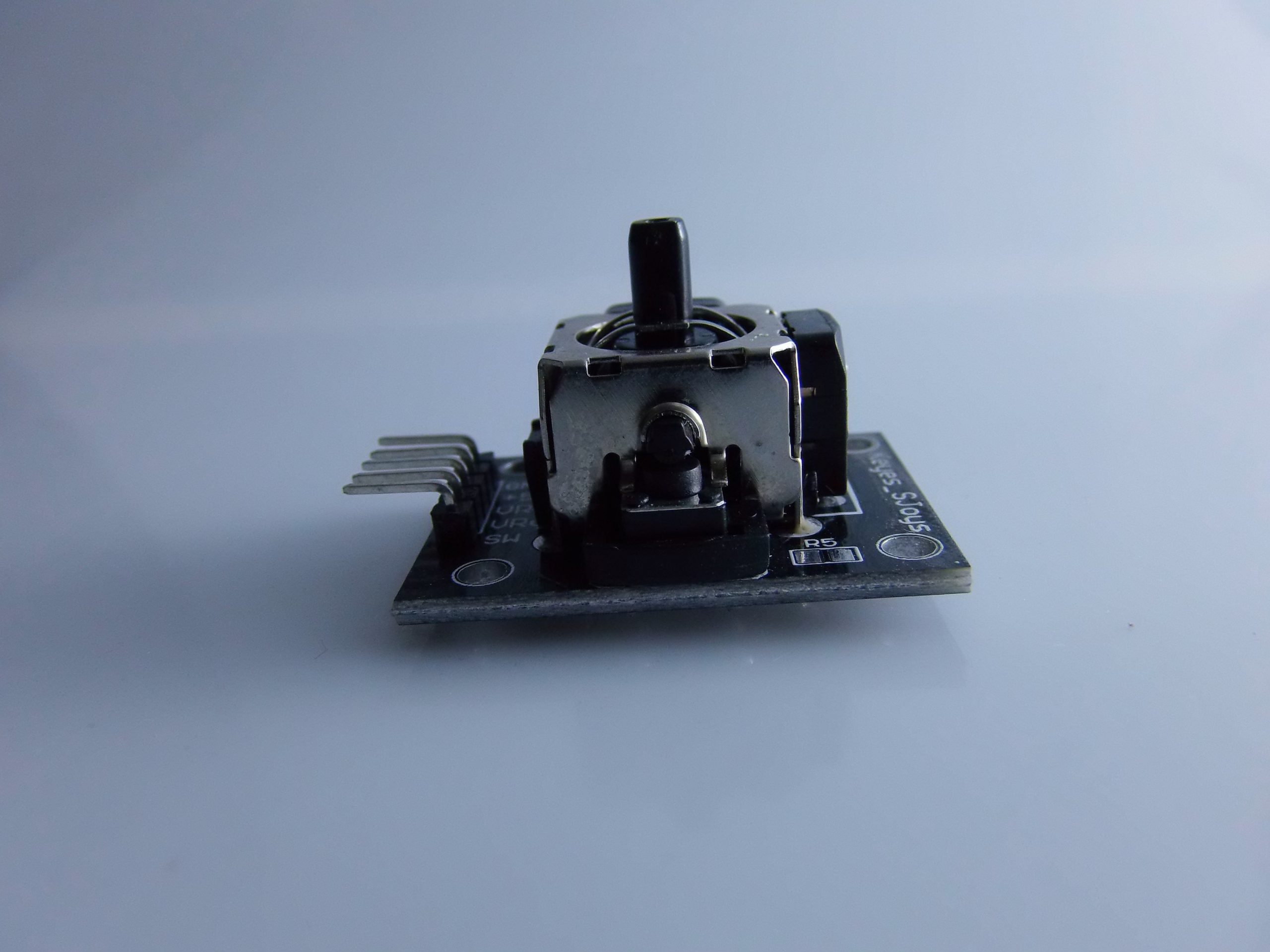
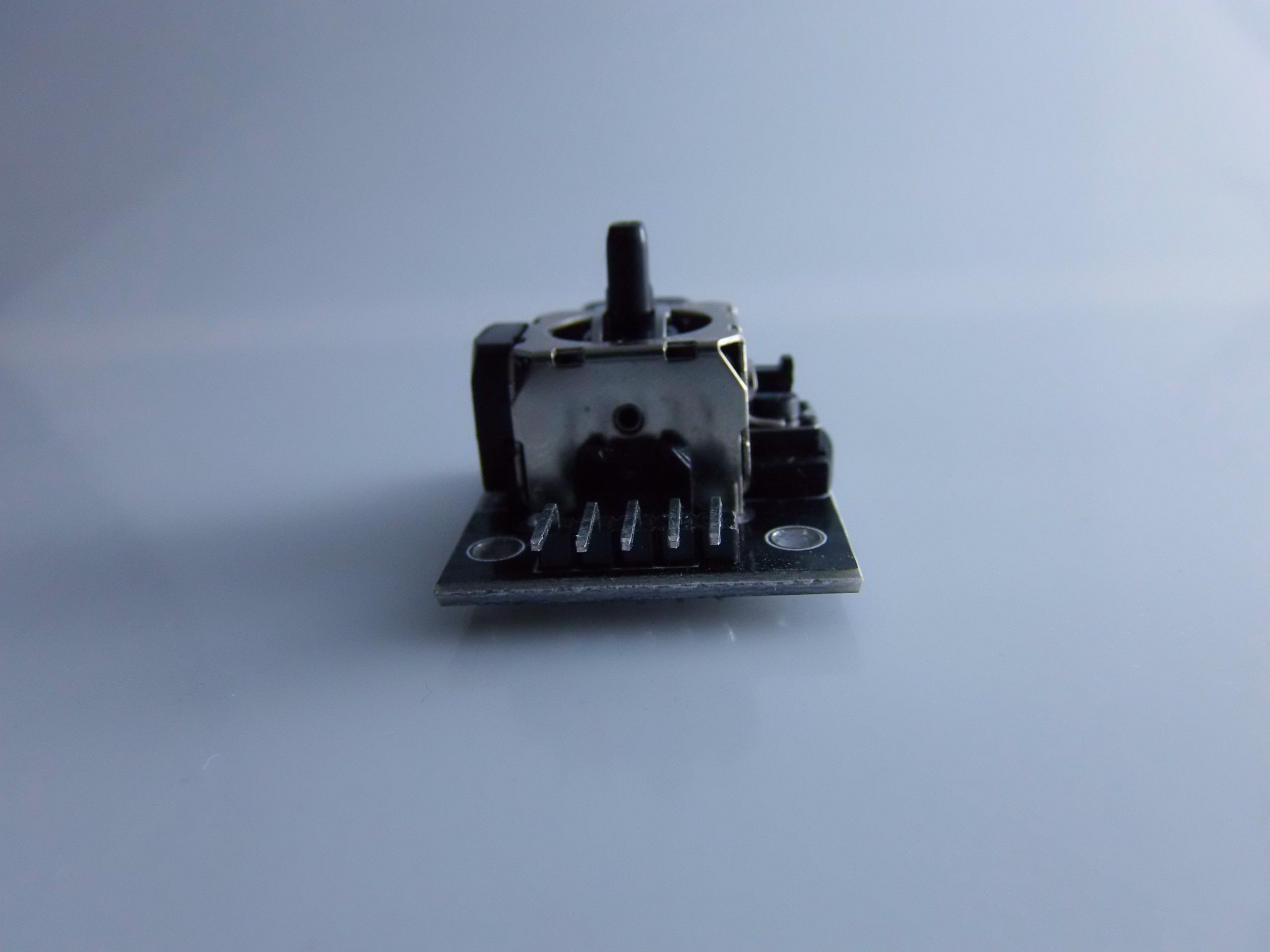
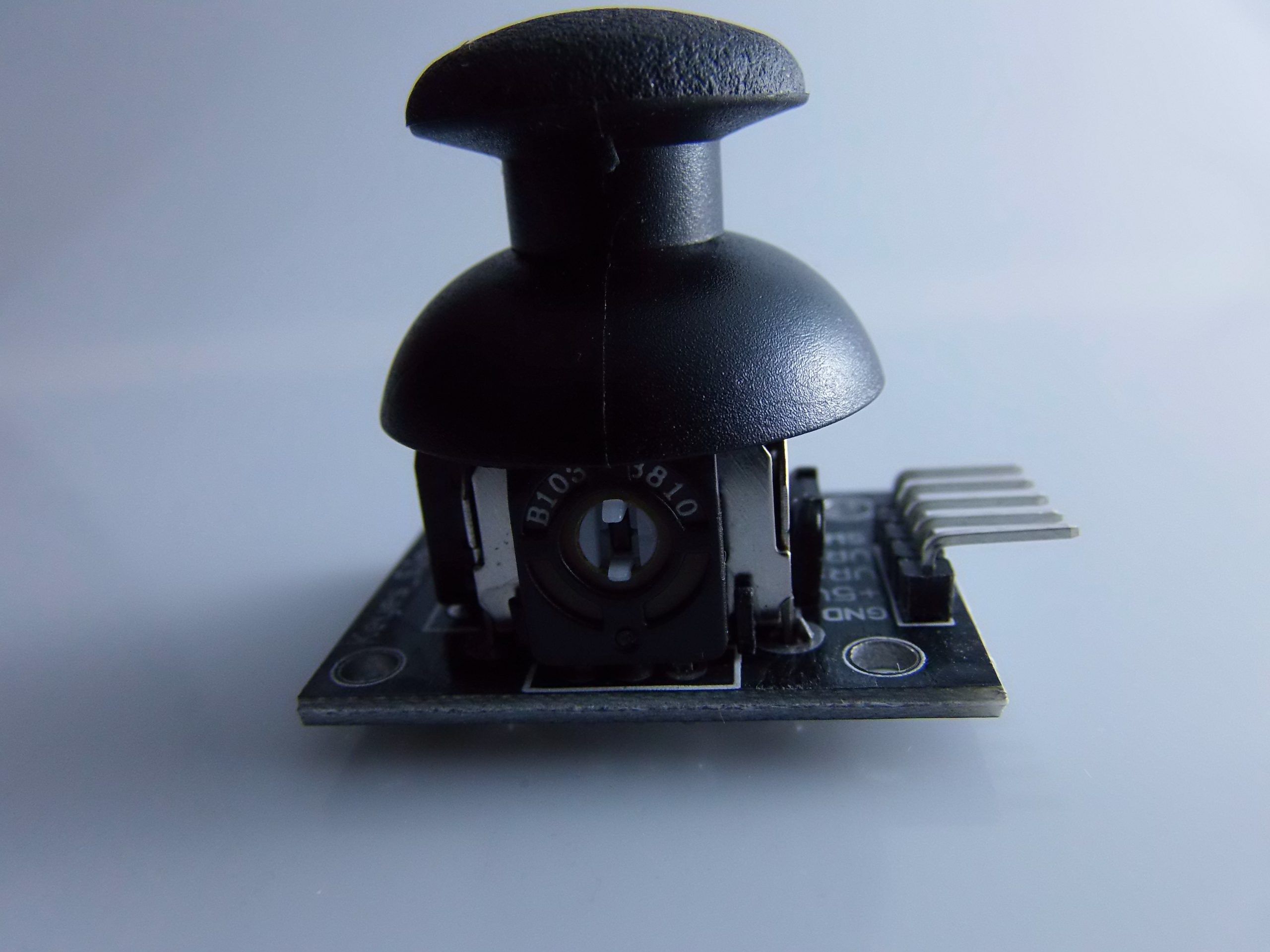
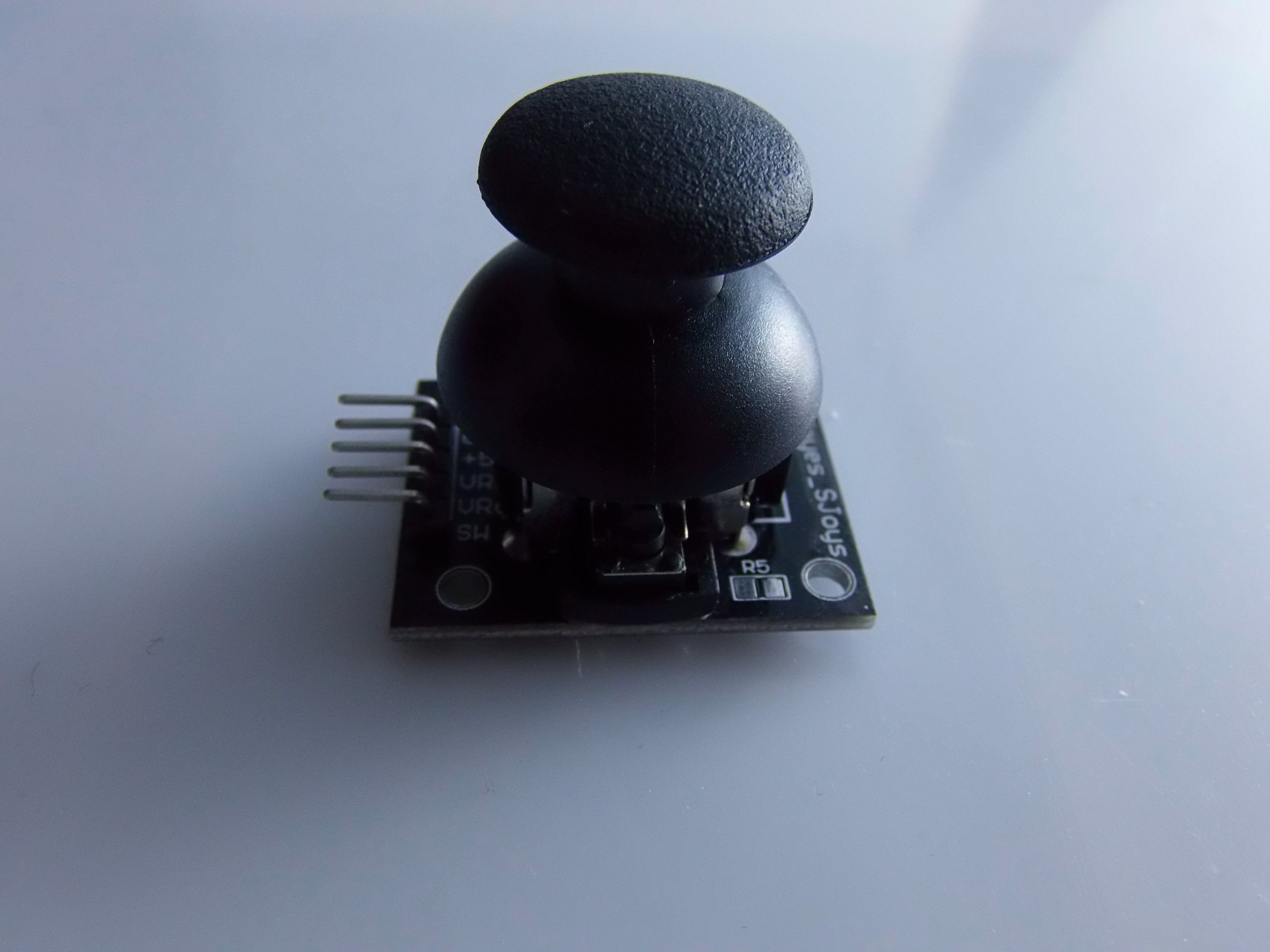
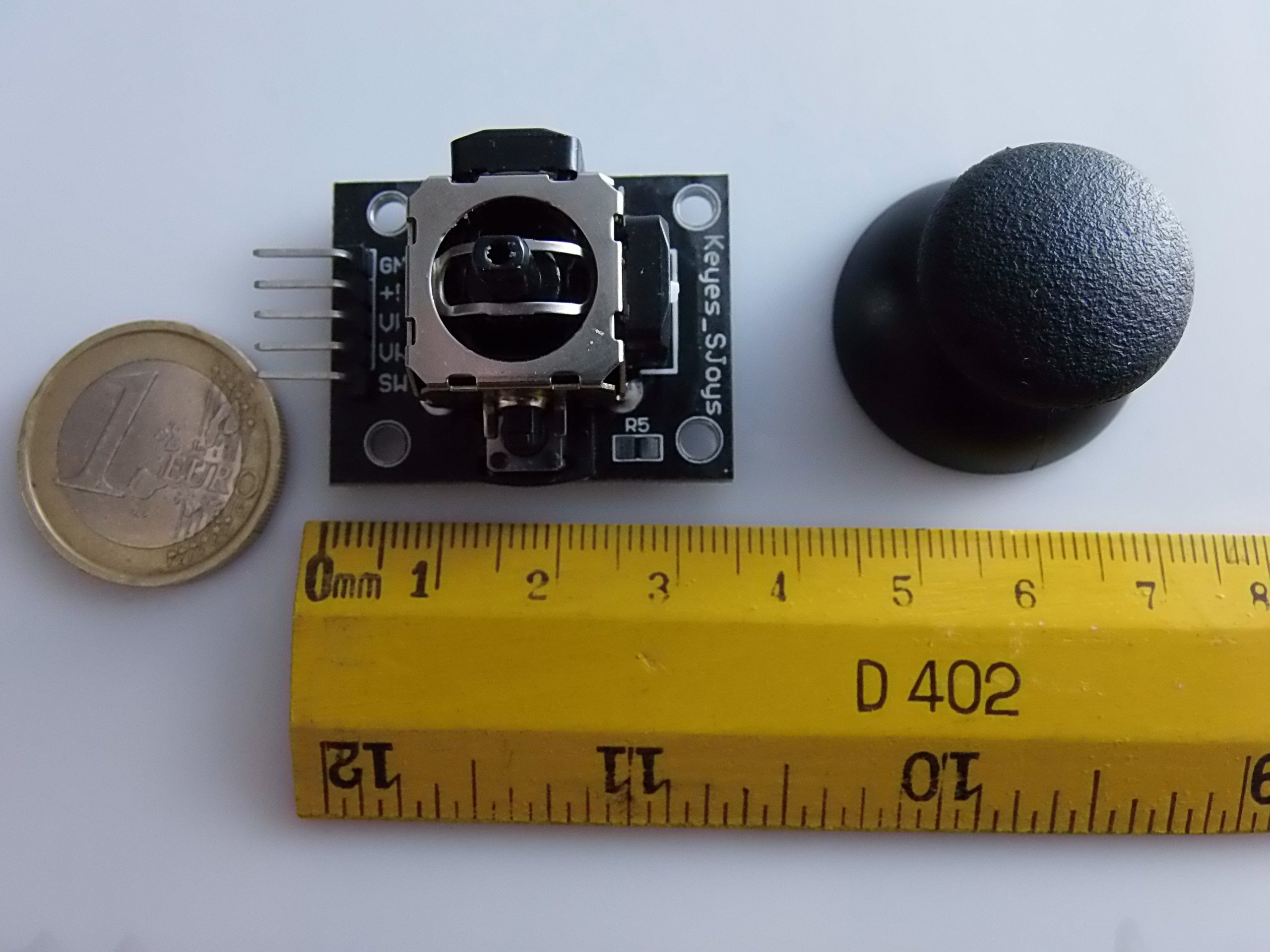
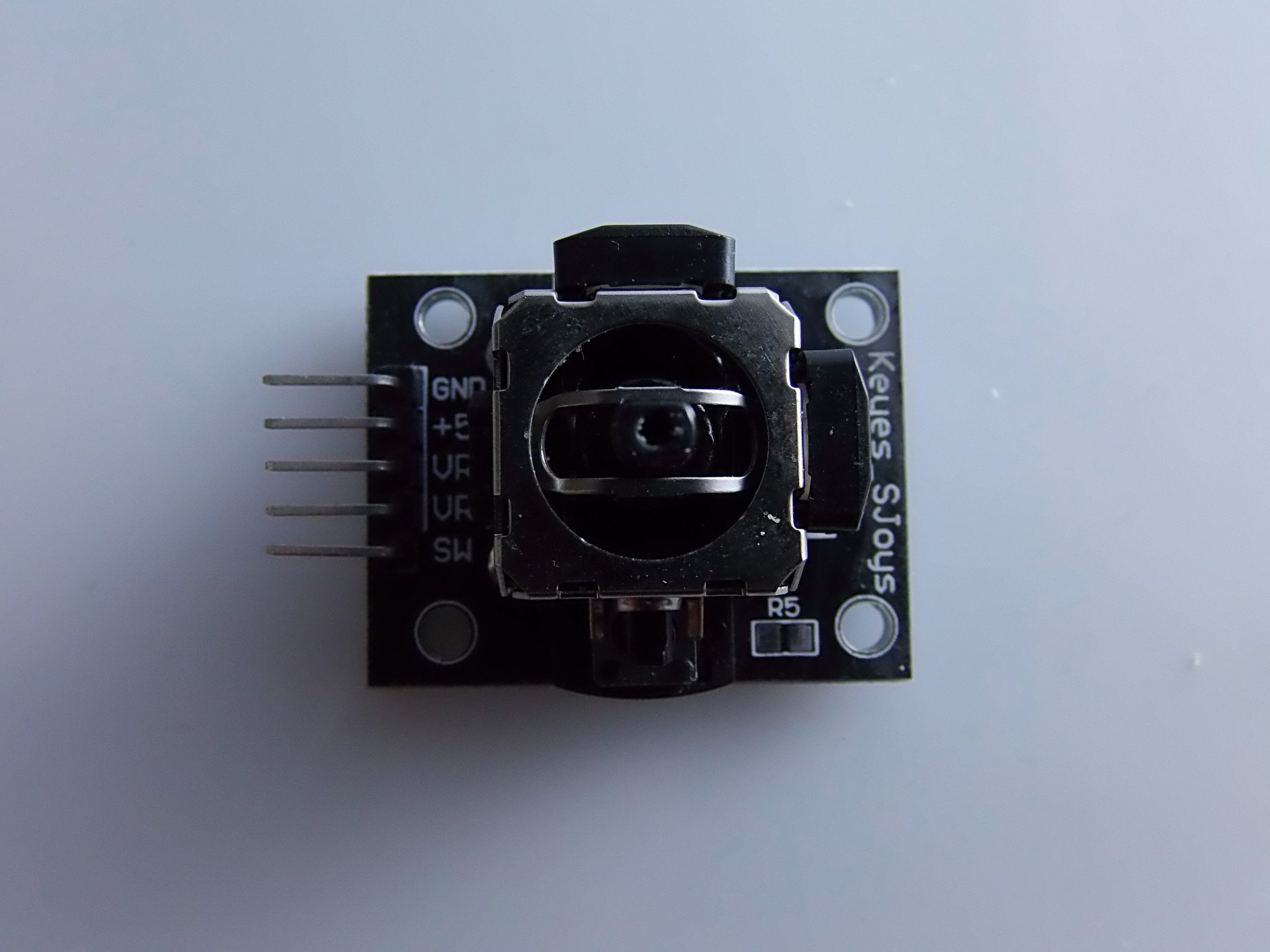
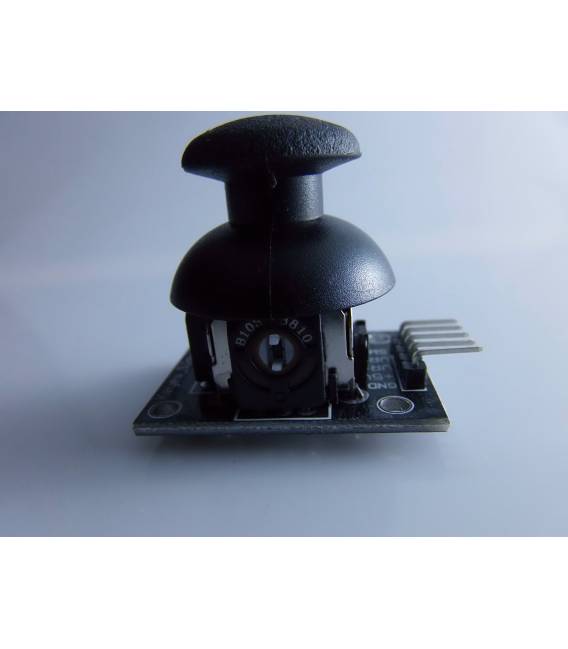
Description
What it is
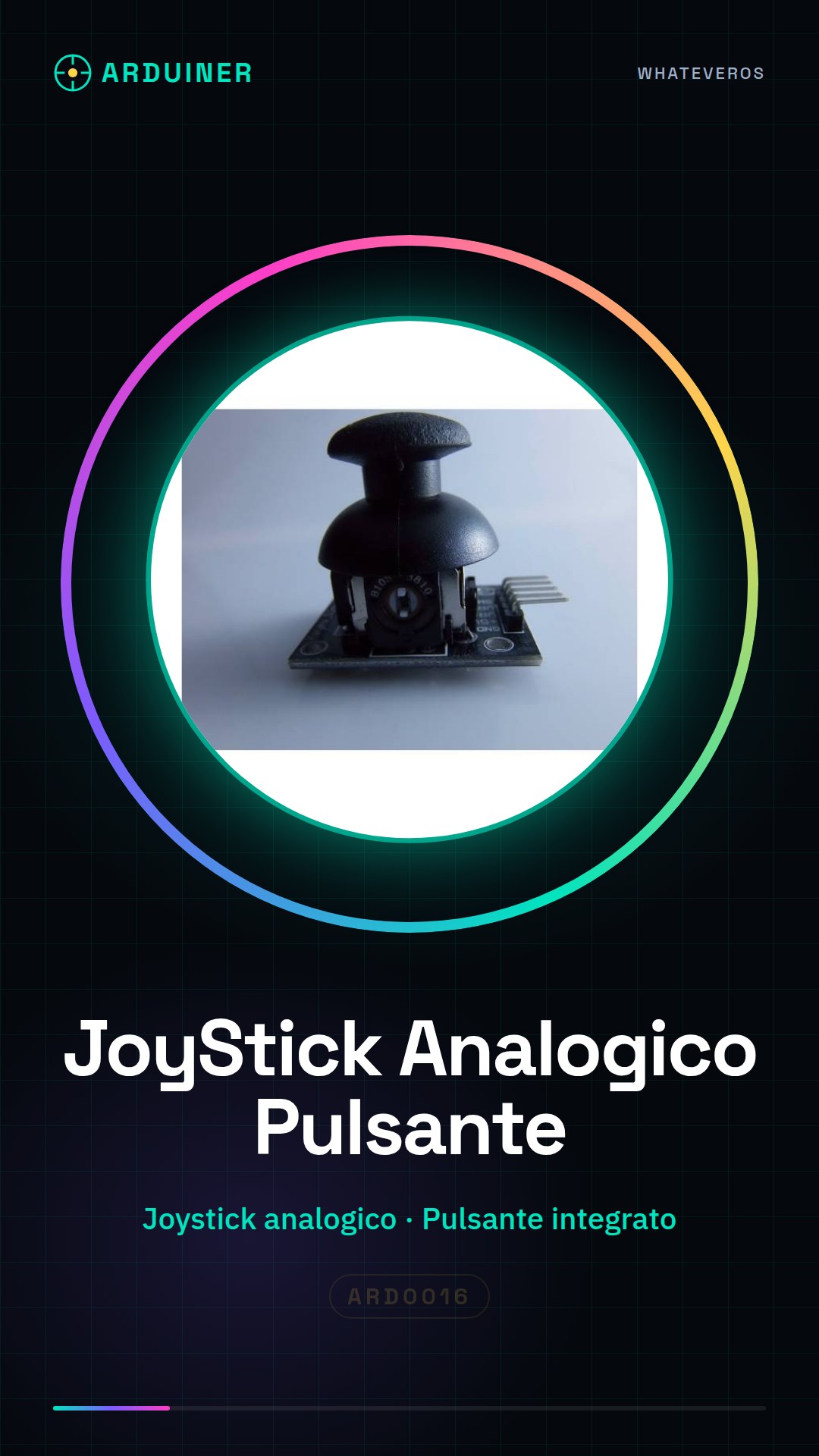
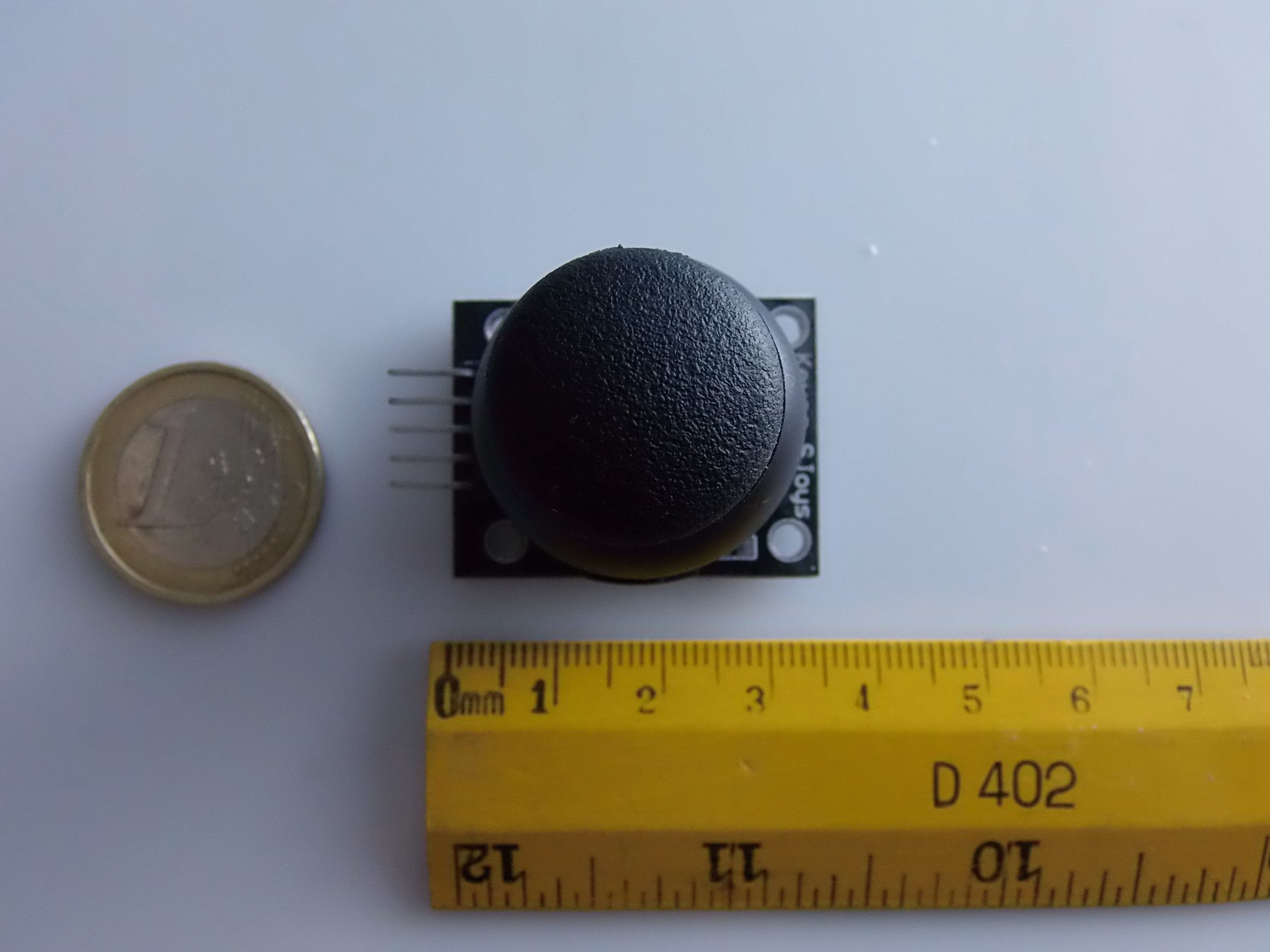
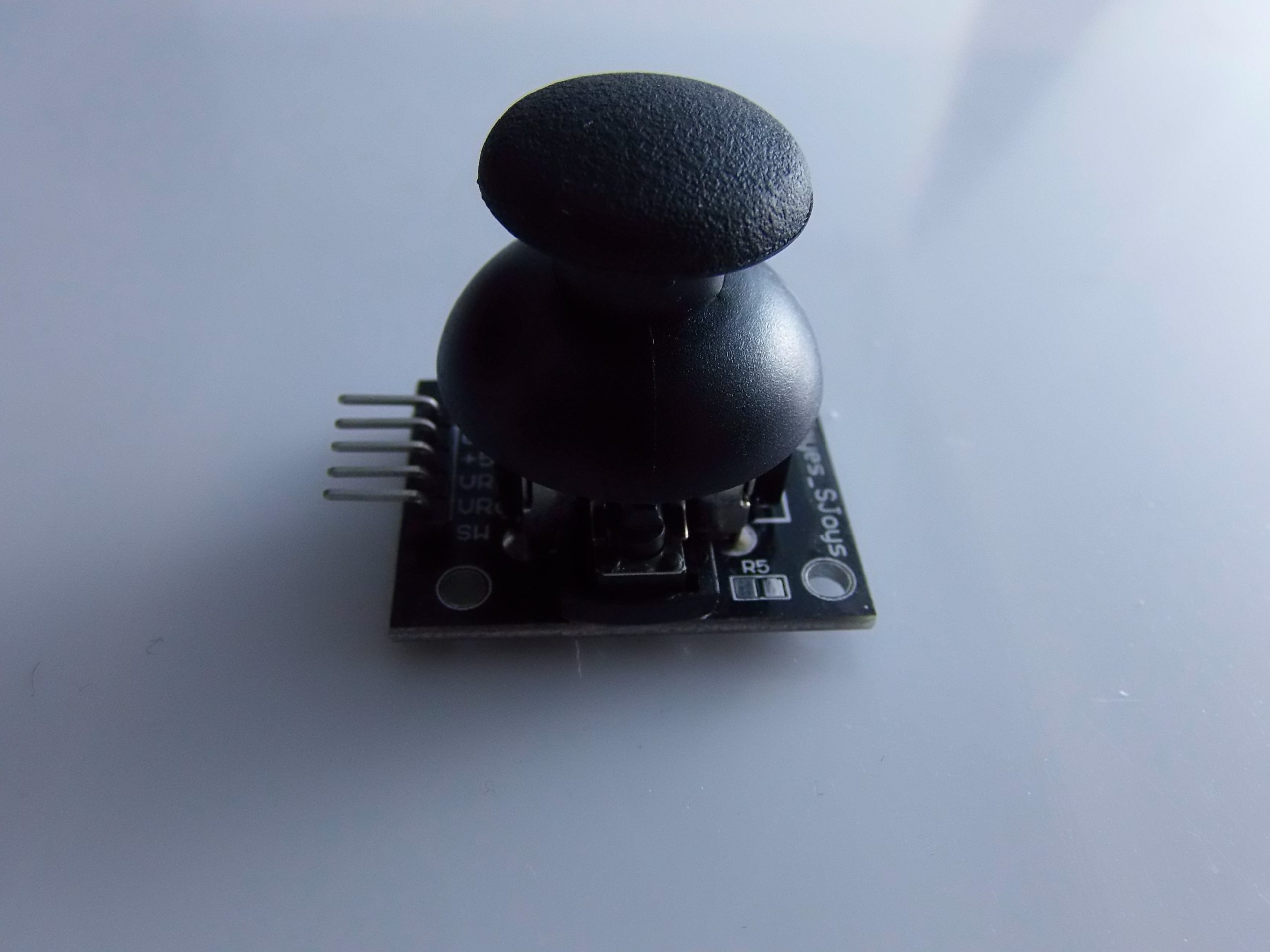
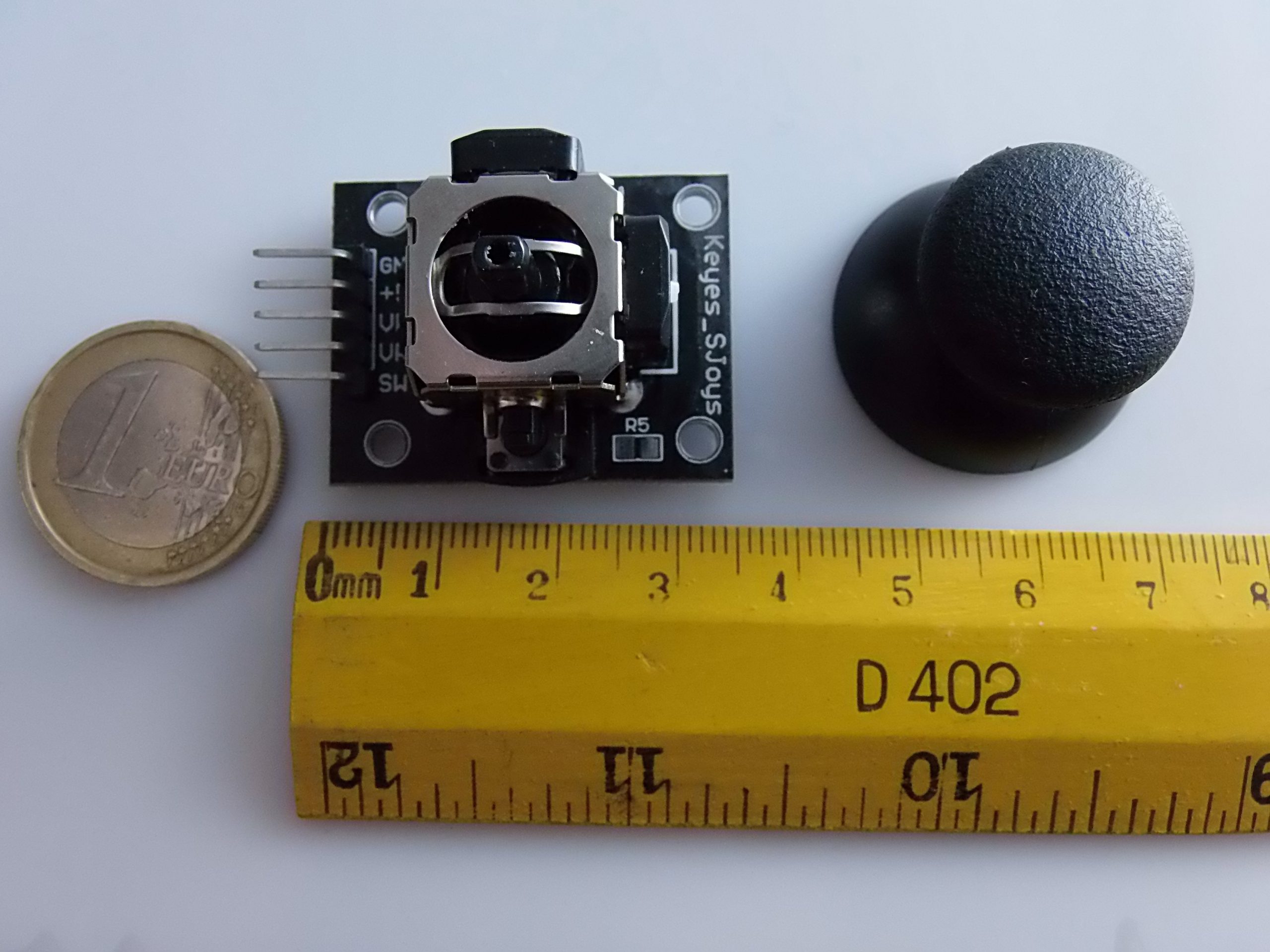
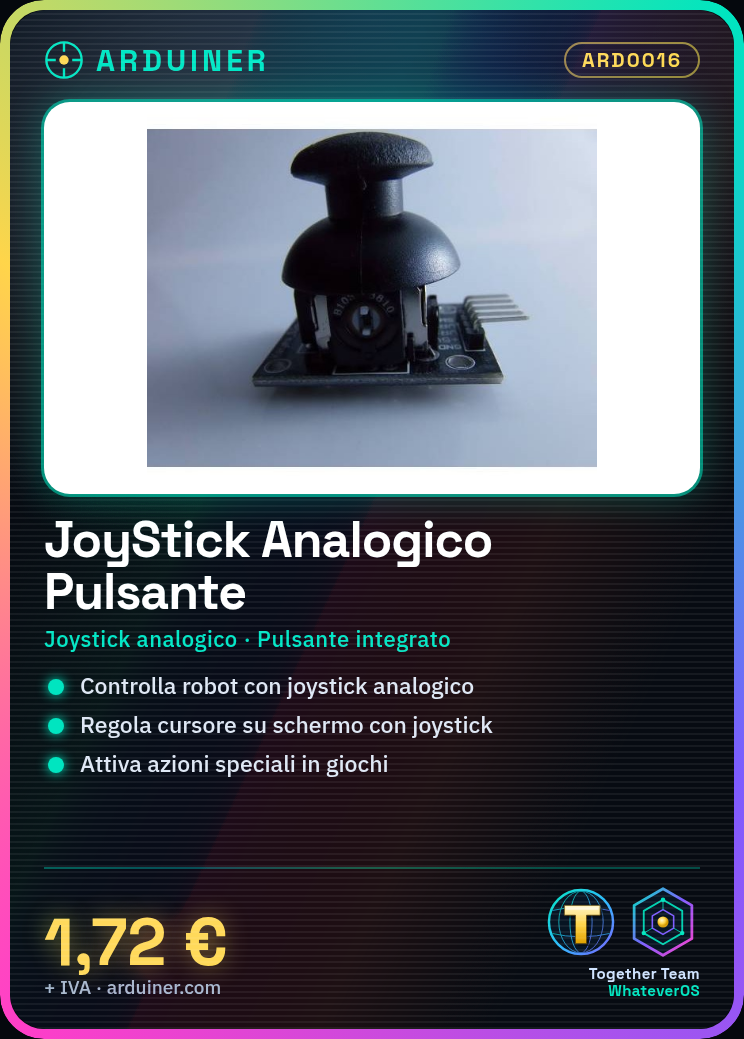
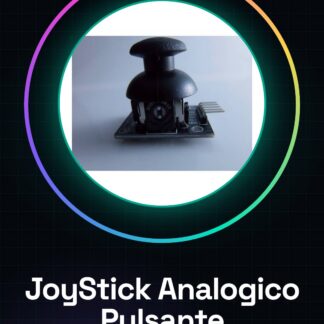
The Analog Joystick with Button Module Sensor Shield Arduino Compatible is an electronic module that allows you to add an analog joystick with button to an Arduino-based project.
Features
- Compatible with Arduino
- Analog Joystick Sensor
- Integrated Button
- Module Shield
What it is for
This module is ideal for creating interactive control interfaces in electronic projects. It can be used to control the direction of movement of a robot, the cursor on a screen, or to activate special actions in a game. The compatibility with Arduino makes it easy to integrate into a wide range of projects.
Tutorial: How to use Analog Joystick with Button Module Arduino
The analog joystick with button is a versatile component for interactively controlling electronic devices. Ideal for beginners who want to create games or control applications.
What you need
- Arduino Uno
- USB A-MicroB Cable
- Analog Joystick with Button
Steps
- Connect the Joystick to pin A0 of the Arduino for X position, to A1 for Y and to pin D2 for the button.
- Open Arduino IDE and install the Adafruit_HID library if necessary (check the datasheet).
- Load the example sketch provided with the library or create a new one following the steps below.
- Monitor the Joystick outputs through Serial Monitor to verify functionality.
- If necessary, modify the scripts to adapt them to your specific project.
Example code
const int xPin = A0;
const int yPin = A1;
const int buttonPin = 2;

void setup() {
pinMode(buttonPin, INPUT);
Serial.begin(9600);}

void loop() {
int xValue = analogRead(xPin);
int yValue = analogRead(yPin);
int buttonState = digitalRead(buttonPin);
Serial.print("X: "); Serial.println(xValue);
Serial.print("Y: "); Serial.println(yValue);
Serial.print("Button: "); Serial.println(buttonState);}
Mini project
Create a small navigation game where the Joystick controls the movement direction and the button activates a special action.
Common mistakes
- Incorrect pin connection
- Sketch not loaded correctly
- Ignore datasheet specifications
Recommended accessories
- LCD Display
- Buzzer
- RGB LED
Frequently asked questions
The Joystick is not working.
Check connections and reload the sketch.
How can I customize the button?
Modify the buttonPin variable for another pin if necessary.
Reviews
There are no reviews yet.