 EN
 IT Italiano
 ES Español
 FR Français
 DE Deutsch
Description
What it is
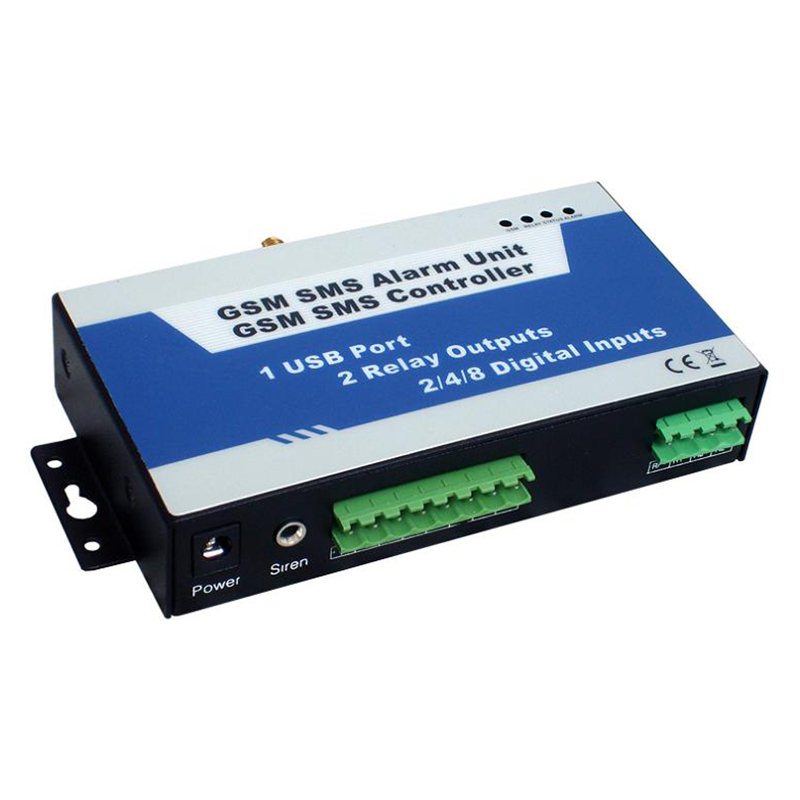
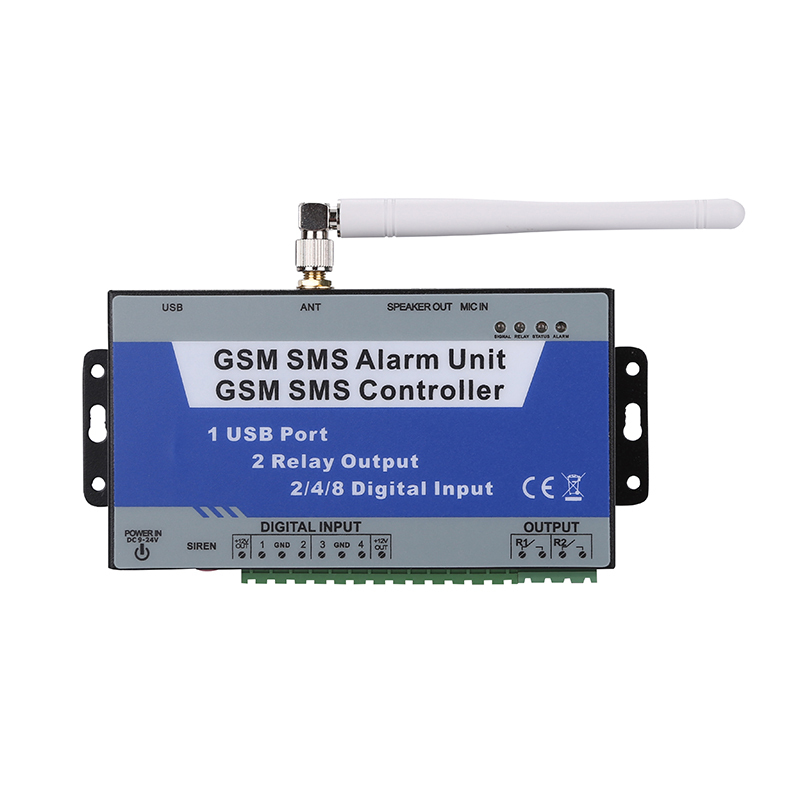
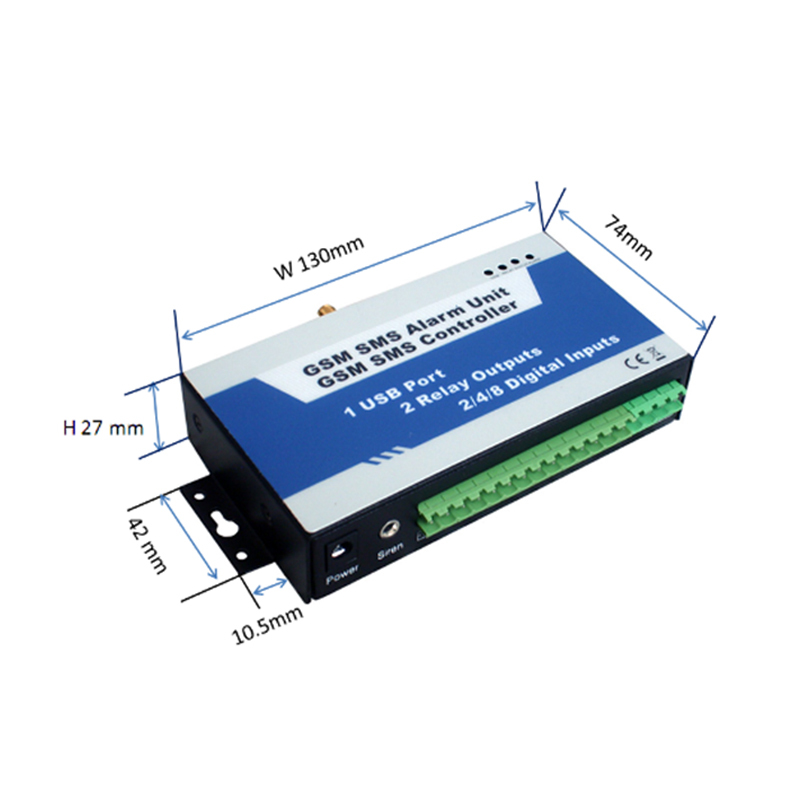
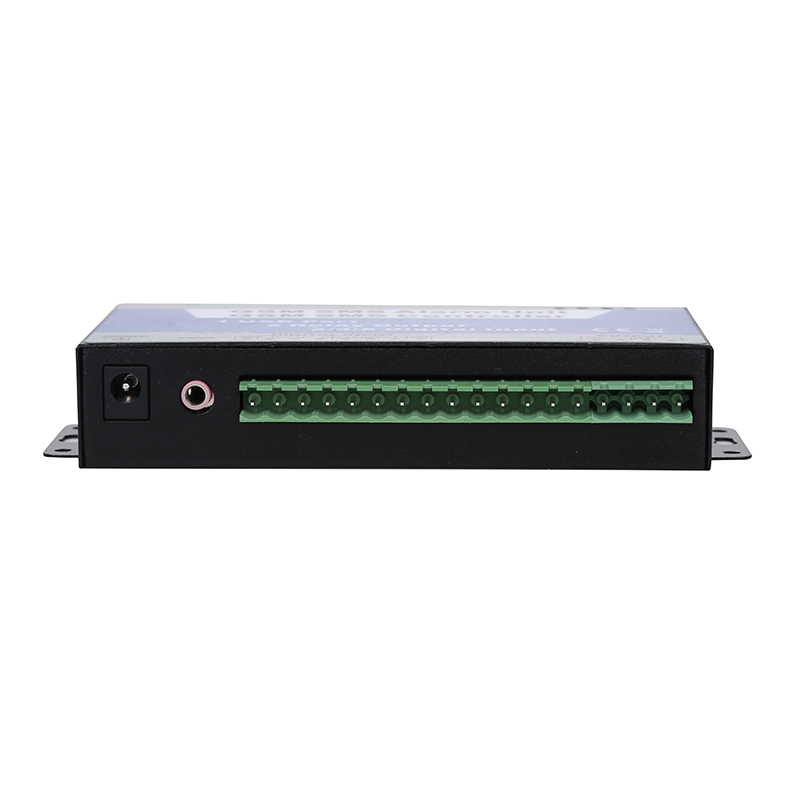
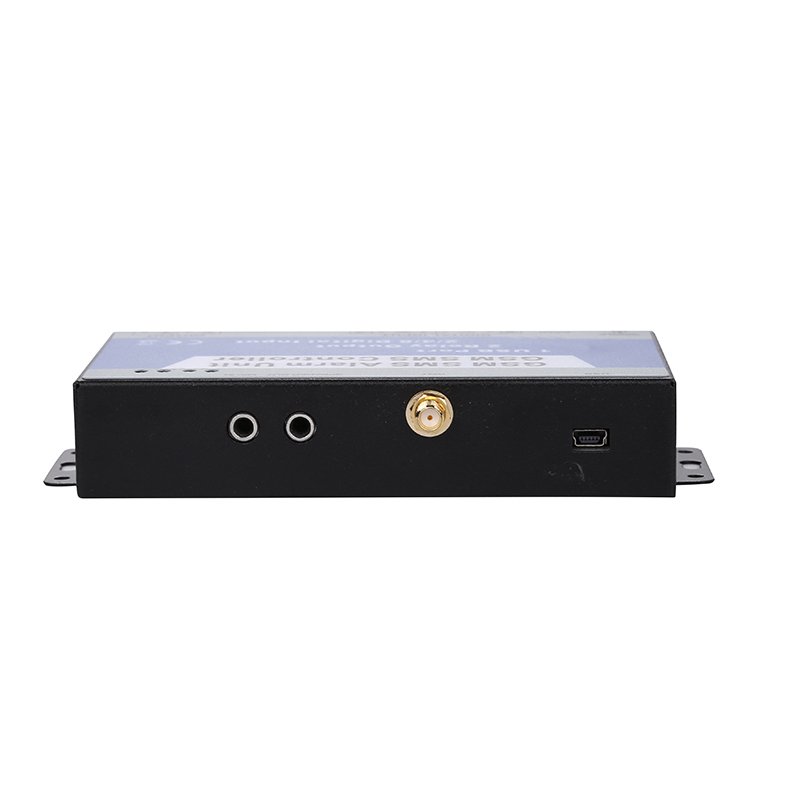
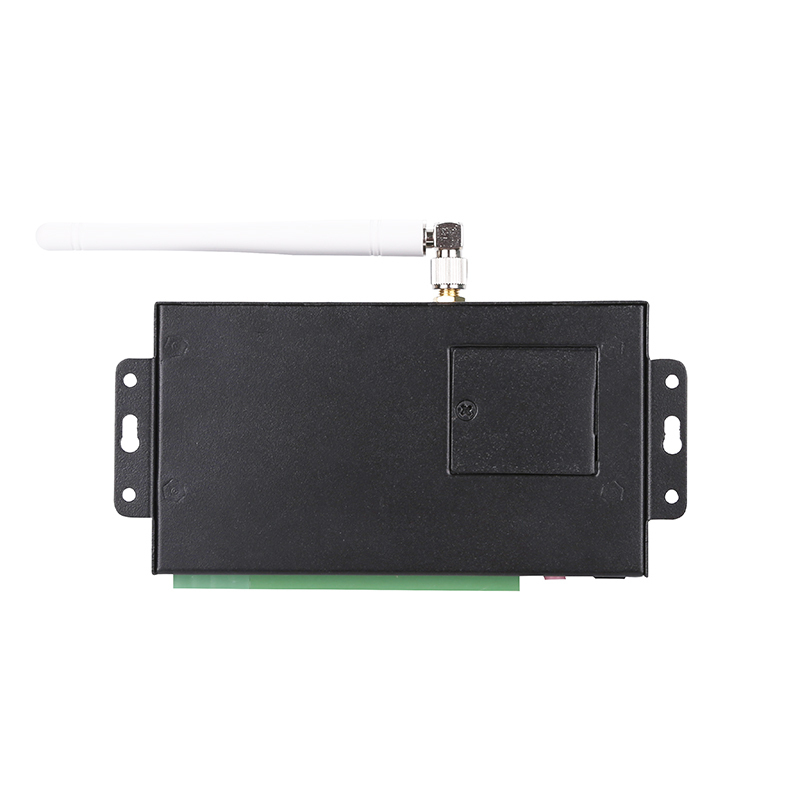
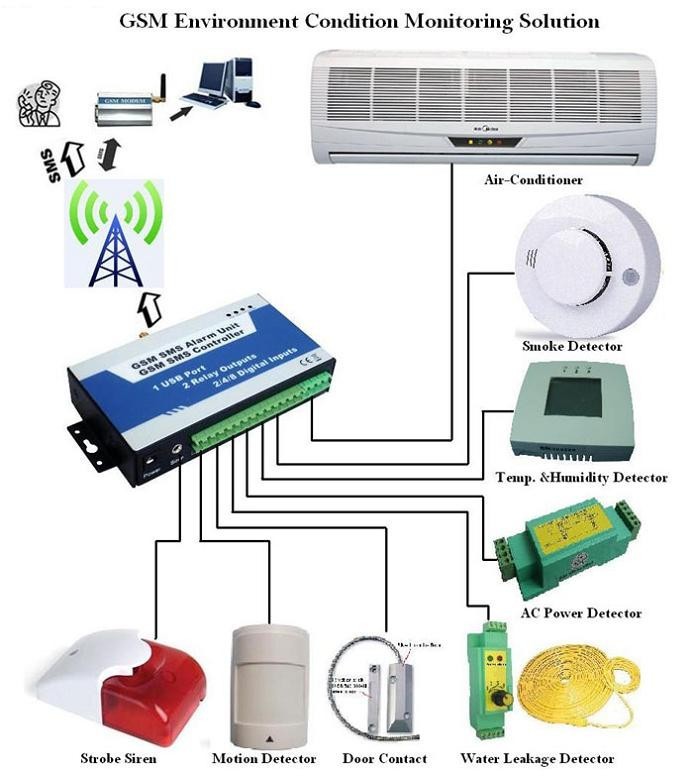
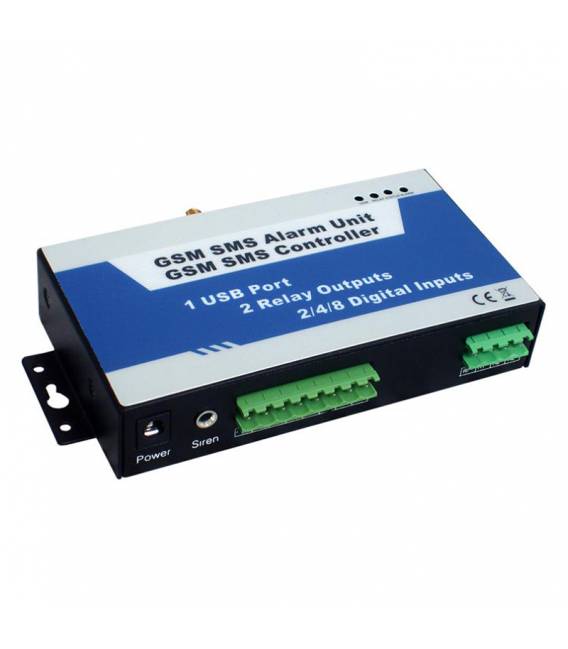
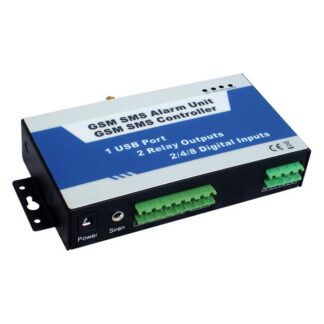
The GSM Remote Pulsante SMS Controller 2-channel is a module for Arduino that allows remote control of devices via SMS messages. This device enables the activation or deactivation of two independent channels in response to commands sent via SMS.
Features
- Remote control via SMS on 2 separate channels
- Ideally suited for home and industrial automation projects
What it is for
This module is ideal for creating alarm systems, remotely controlling lights or doors. It is compatible with Arduino and ESP.
Tutorial: How to use GSM Remote Pulsante SMS Controller 2-channel
This SMS button allows remote control of devices via SMS. Ideal for home and industrial automation projects.
What you need
- Arduino
- Power supply cable
- Connection cables
- Phone or tablet with Internet access
Steps
- 1. Installation: Download the provided Arduino code.
- 2. Connection: Connect the SMS button to your Arduino using the cables.
- 3. Configuration: Enter your serial port and phone number.
- 4. Test: Send an SMS with the command ‘ON’ or ‘OFF’ to control the device.
- 5. Add functionality: Add a second channel to control another device.
- 6. Configure parameters: Check the datasheet to set the wait times.
- 7. Save the code.
- 8. Test: Verify the functionality with different SMS commands.
Example code
```void loop() { if (Serial.available()) { String comando = Serial.readString(); if (comando == "ON") { // Codice per accendere } else if (comando == "OFF") { // Codice per spegnere } } } ```Mini project
Create a home alarm system with two SMS buttons to control lights and doors.
Common mistakes
- Forget to configure the serial port.
- Enter an incorrect SMS command.
- Fail to connect the pins correctly.
- Forget to update the code.
Recommended accessories
- Arduino Uno
- USB Cable
- LCD Display
- Relay
Frequently asked questions
Can I use another version of Arduino?
Yes, but it may be necessary to modify the code.
How long does it take to set up?
Less than 30 minutes.
Can I control multiple devices?
Yes, add a second channel.
What SMS commands can I use?
Use ‘ON’ to turn on and ‘OFF’ to turn off.
Reviews
There are no reviews yet.