 EN
 IT Italiano
 ES Español
 FR Français
 DE Deutsch
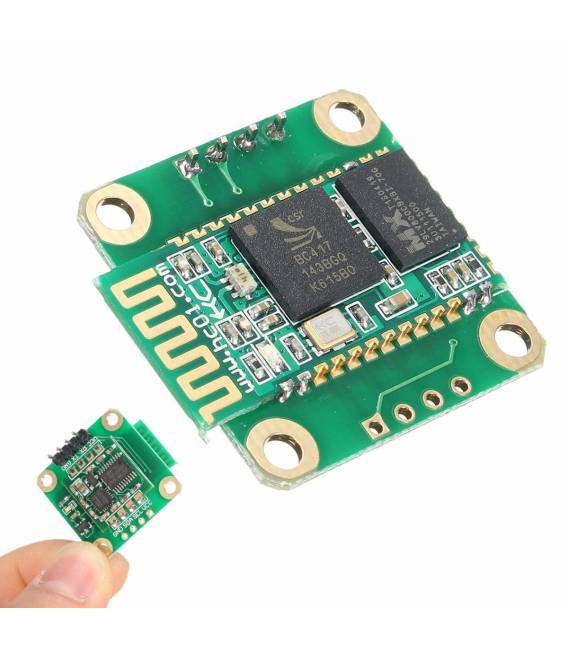
Description
What it is
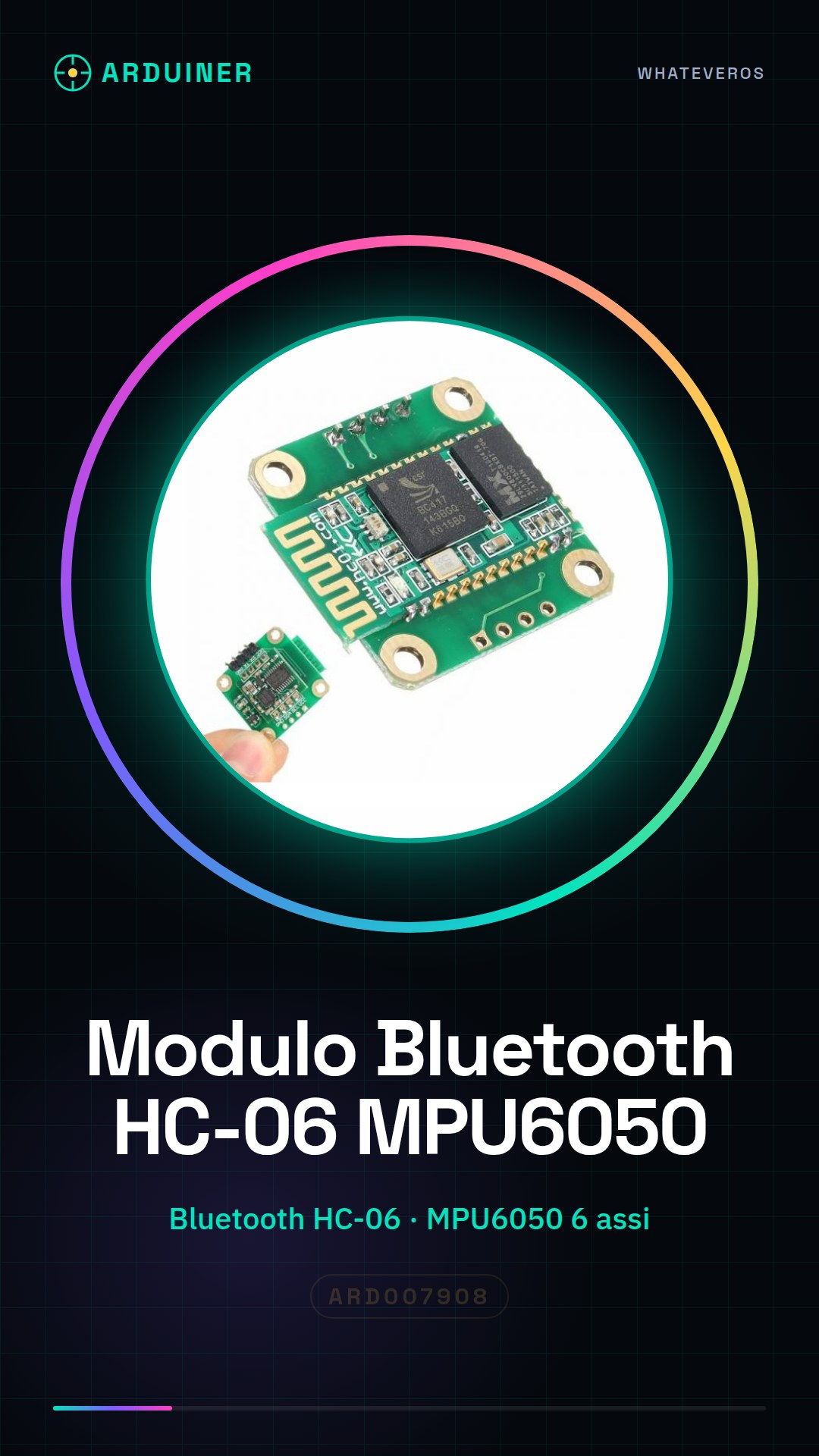
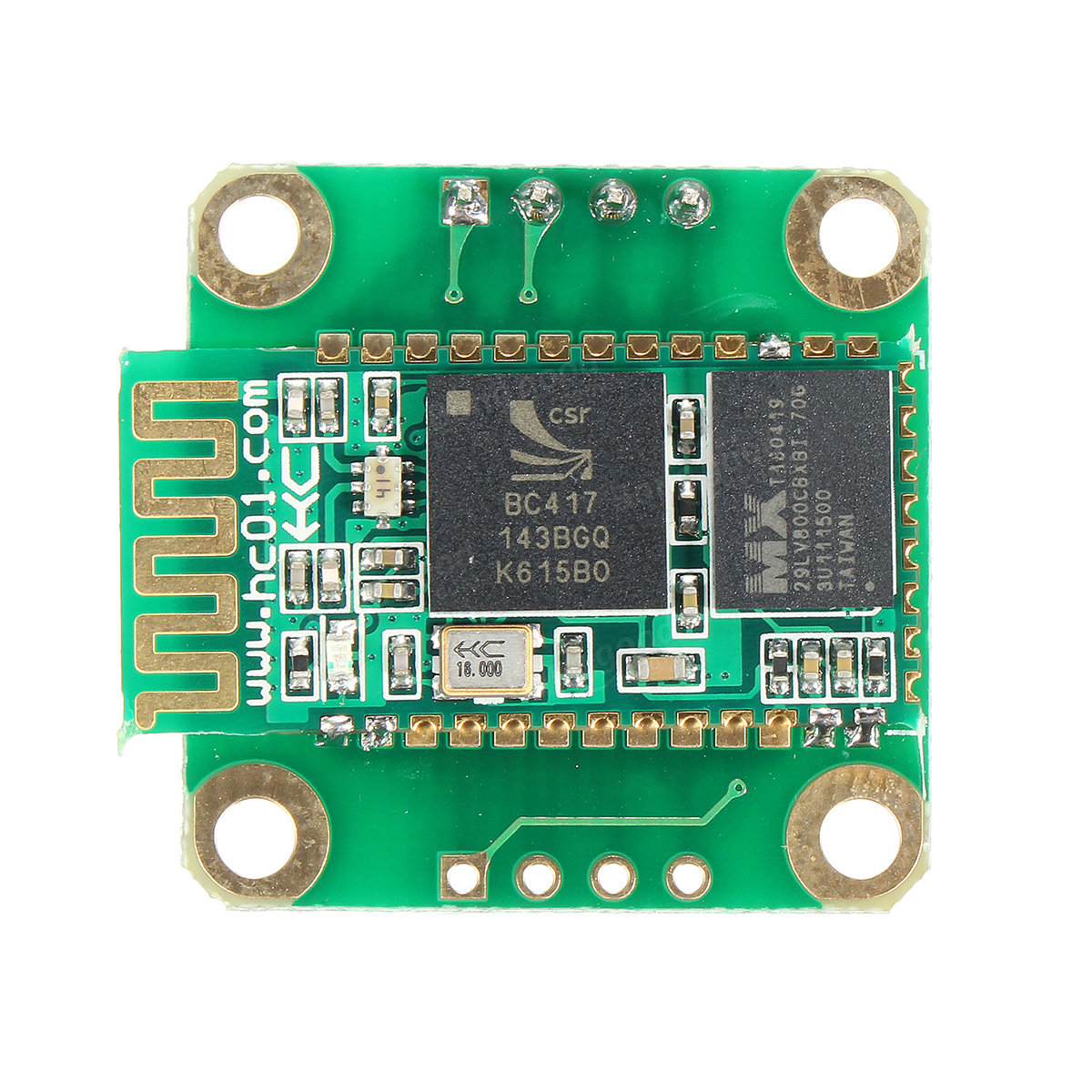
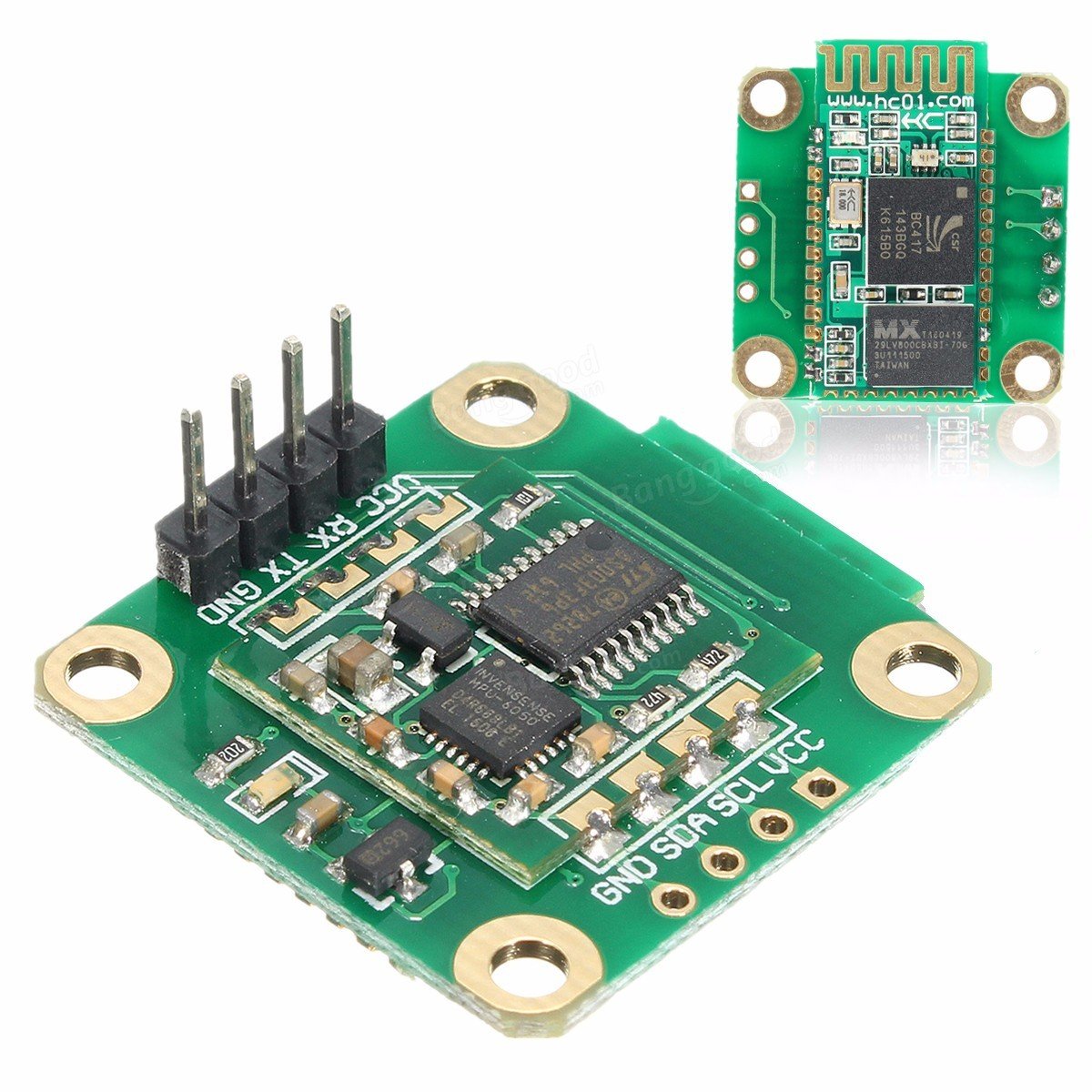
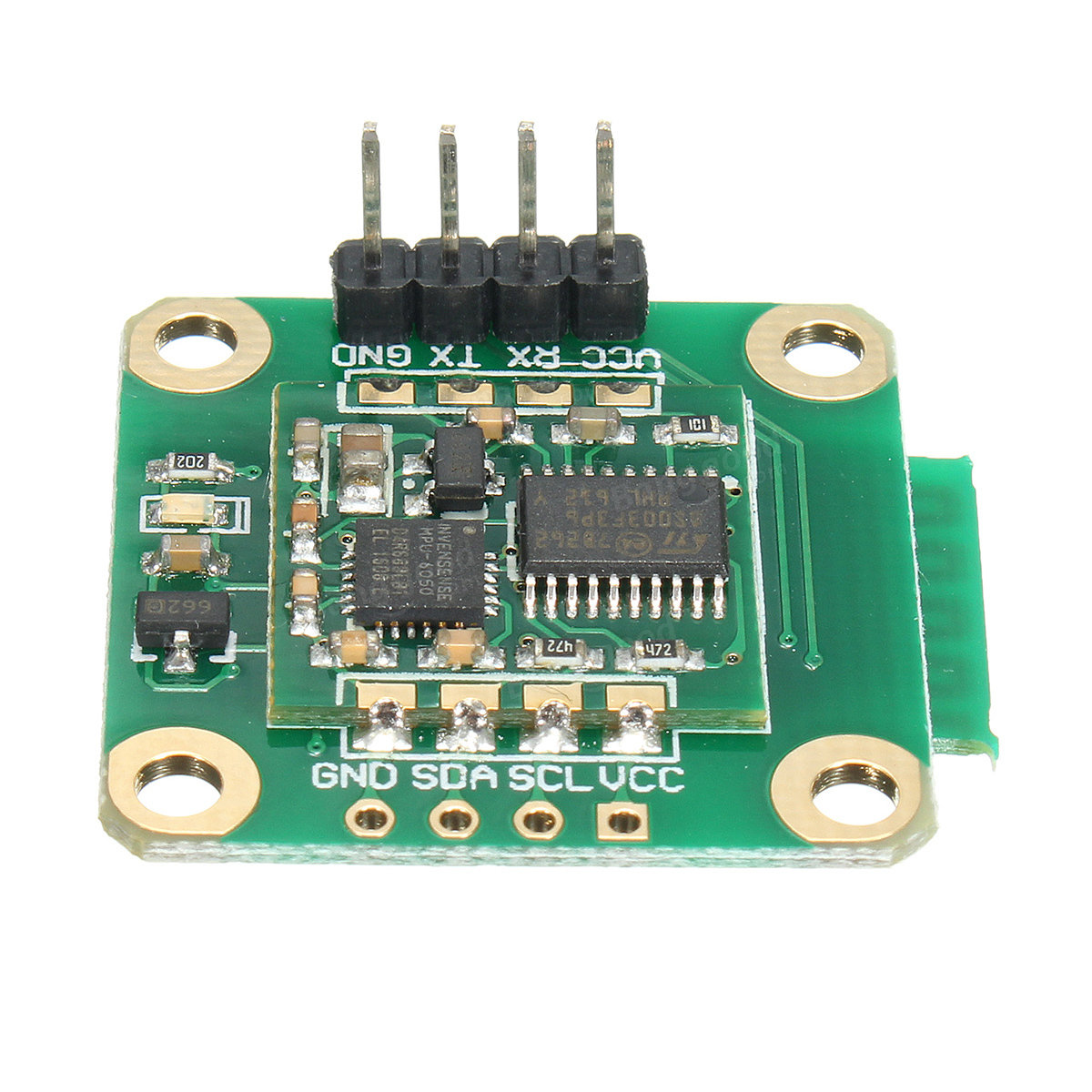
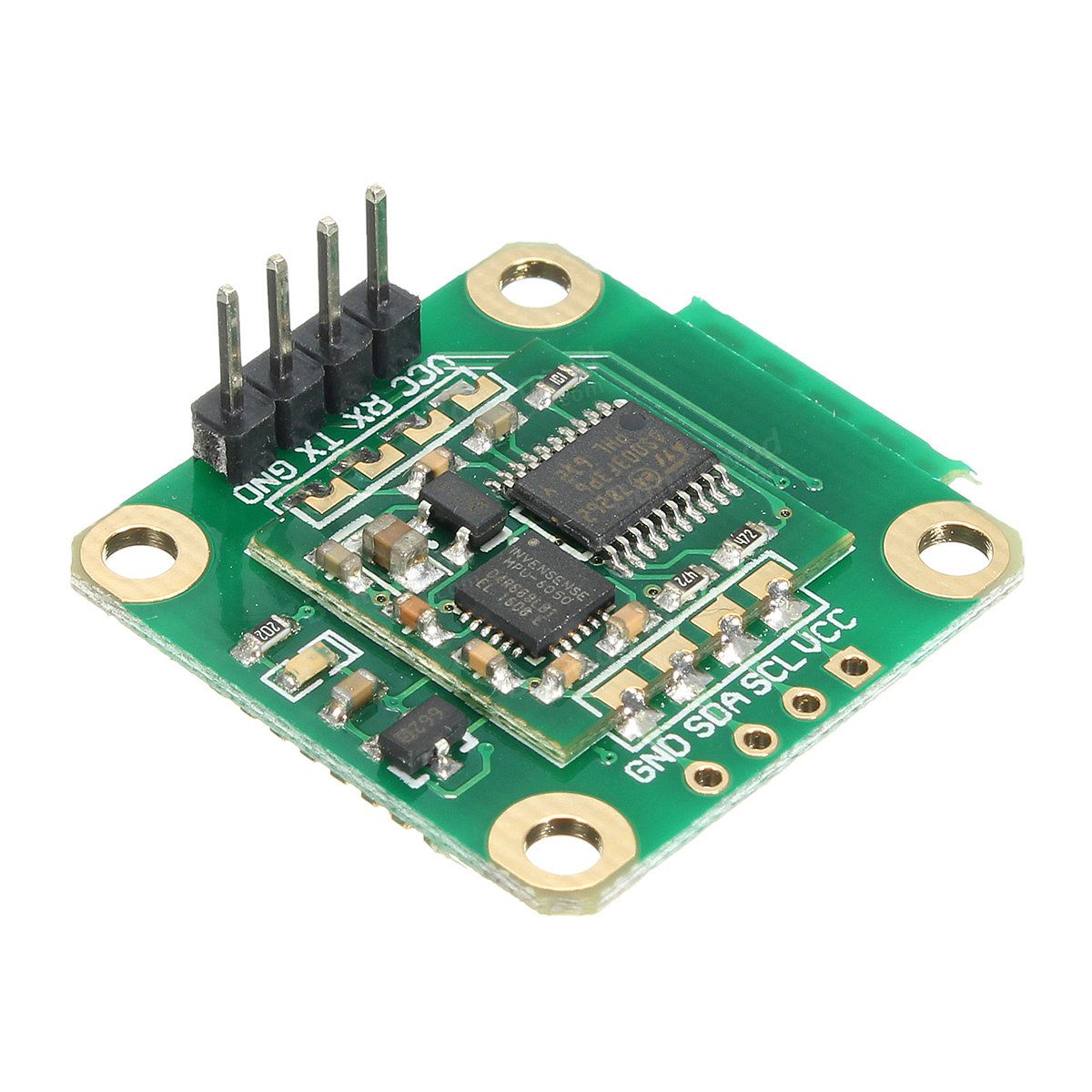
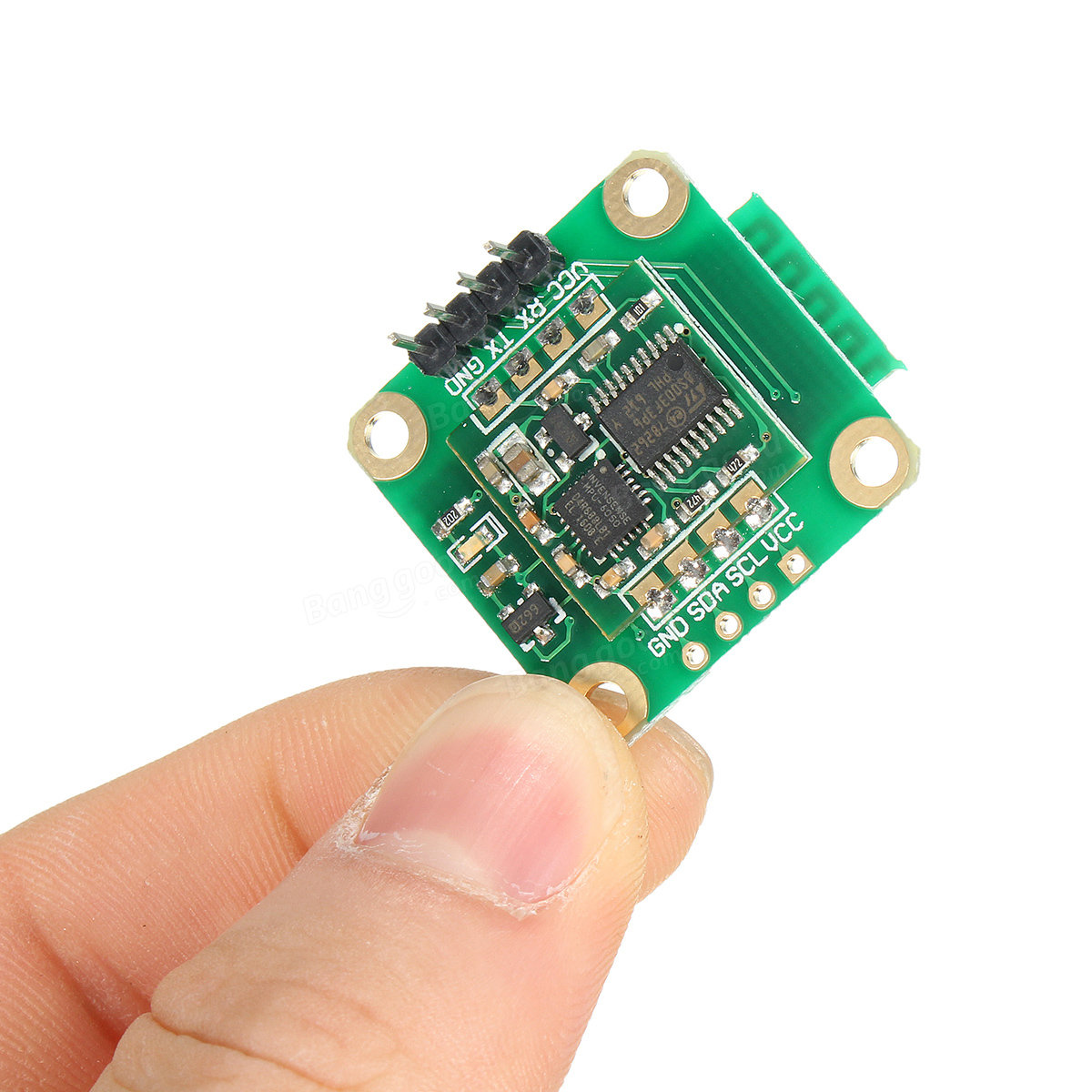
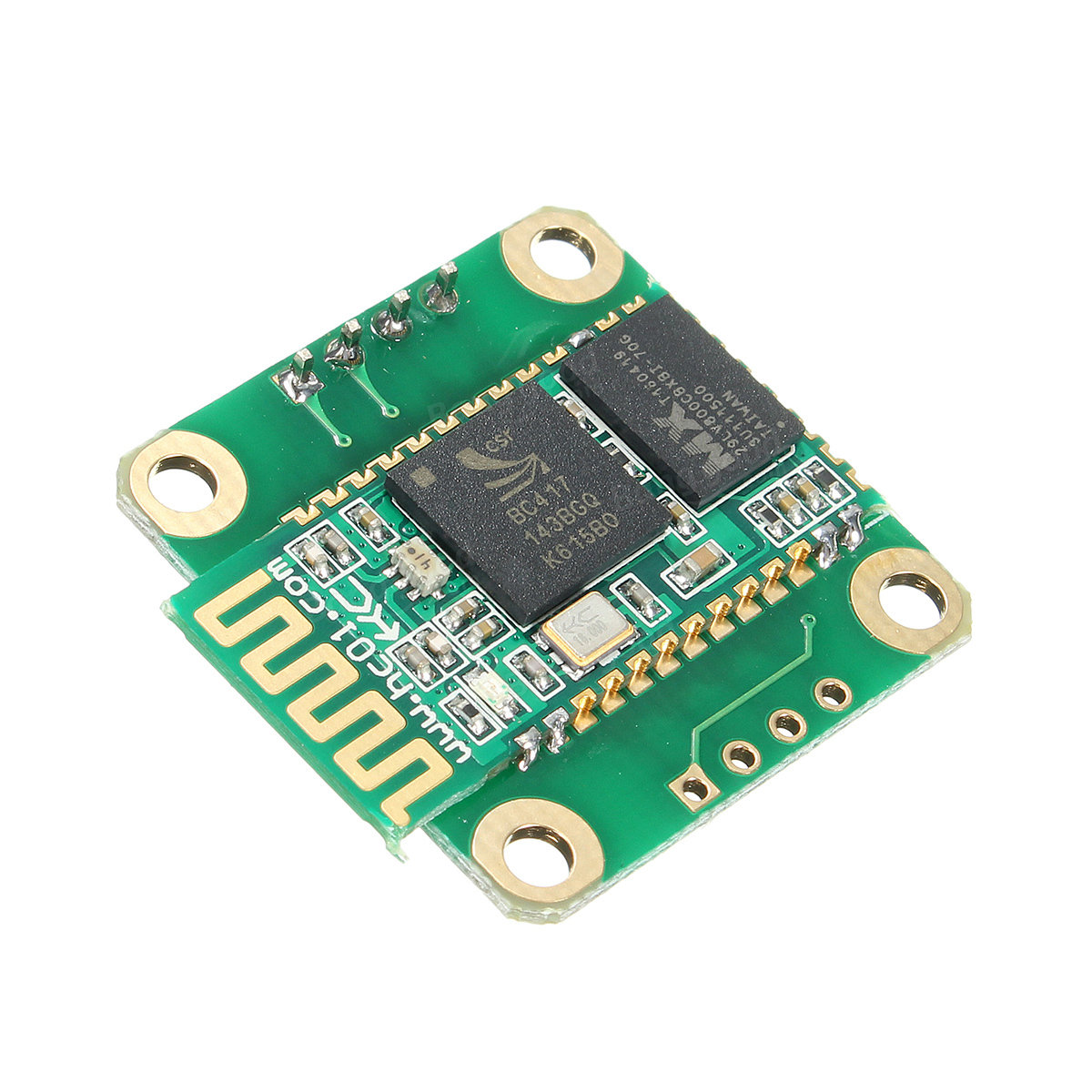
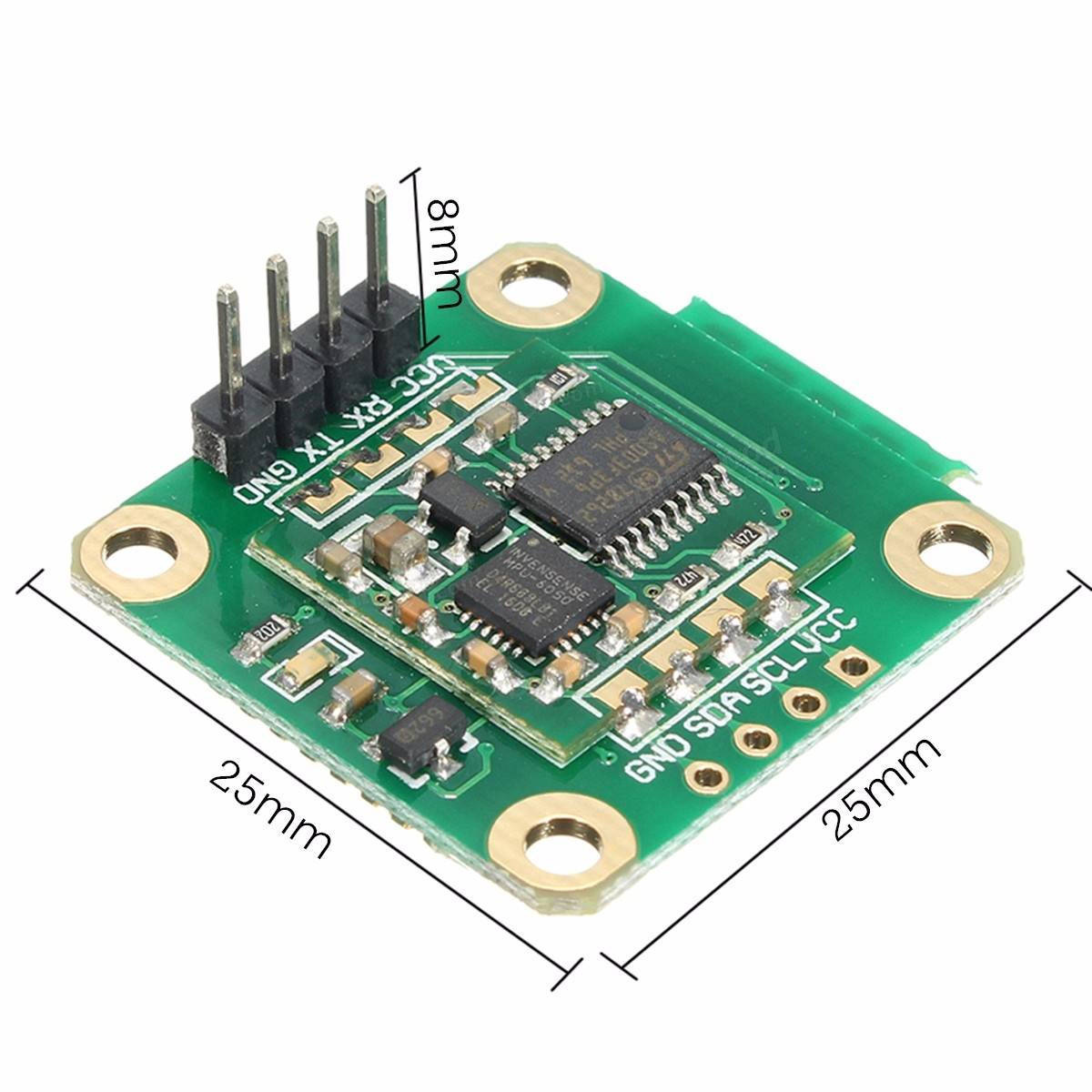
The HC-06 MPU6050 Bluetooth module is a device that integrates wireless communication and sensing functionalities. It includes both the HC-06 Bluetooth module for Bluetooth data transmission and the 6-axis MPU6050 sensor that measures accelerometer and gyroscope.
Features
- HC-06 Bluetooth Module
- 6-Axis MPU6050 Sensor
- Ideally suited for Arduino, drones, and robot projects
What it is for
This module is used to create wireless devices that measure rotations and movement in real-time. It is compatible with Arduino and similar microcontrollers.
Tutorial: How to Use HC-06 Bluetooth Module with MPU6050
The HC-06 Bluetooth module and the 6-axis MPU6050 sensor are fundamental tools for Arduino projects that require Bluetooth data transmission and motion acquisition. This tutorial will guide you through the basics of their configuration and use.
What you need
- Arduino Uno or compatible
- Bluetooth HC-06 module
- Six-axis MPU6050 sensor
- USB cable to connect Arduino to PC
Steps
- Connect the Bluetooth HC-06 module to Arduino’s TX and RX pins, ensuring correct polarity.
- Configure the Arduino IDE with the SoftwareSerial library (if necessary).
- Install the I2Cdevlib and MPU6050 libraries to manage communications with the sensor.
- Program an Arduino sketch that establishes a Bluetooth connection with HC-06.
- Read data from the MPU6050 sensor using the installed library, check the datasheet for specific configuration parameters.
- Send the acquired values to the Bluetooth module for wireless transmission.
- Verify the arrival of data on your app or Bluetooth device.
- Test the entire system with various positions and movements of the sensor.
Example code
// Inserire qui uno sketch Arduino di esempio che mostra come leggere i valori dal MPU6050 e inviarli via BluetoothMini project
Creating a wireless device for measuring rotations, verifying the accuracy of real-time data.
Common mistakes
- Setting the wrong baud rate for Bluetooth communication.
- Not installing the necessary libraries to read values from the MPU6050 sensor.
- Incorrect connection between Arduino and sensor modules.
- Ignoring the sensor MPU6050 configuration, checking specific configuration parameters in the datasheet.
Recommended accessories
- Batteries to power the Arduino and sensors autonomously
- External antenna to improve Bluetooth signal
- OLED display to show sensor data
- Protective case for Arduino
Frequently asked questions
How can I configure the Bluetooth HC-06 module?
Follow the official documentation or look for specific online tutorials on how to configure it with Arduino.
What is the measurement interval of the MPU6050 sensor?
Check the datasheet to obtain precise details of the measurement range and data resolution.

Reviews
There are no reviews yet.