 EN
 IT Italiano
 ES Español
 FR Français
 DE Deutsch
Description
What it is
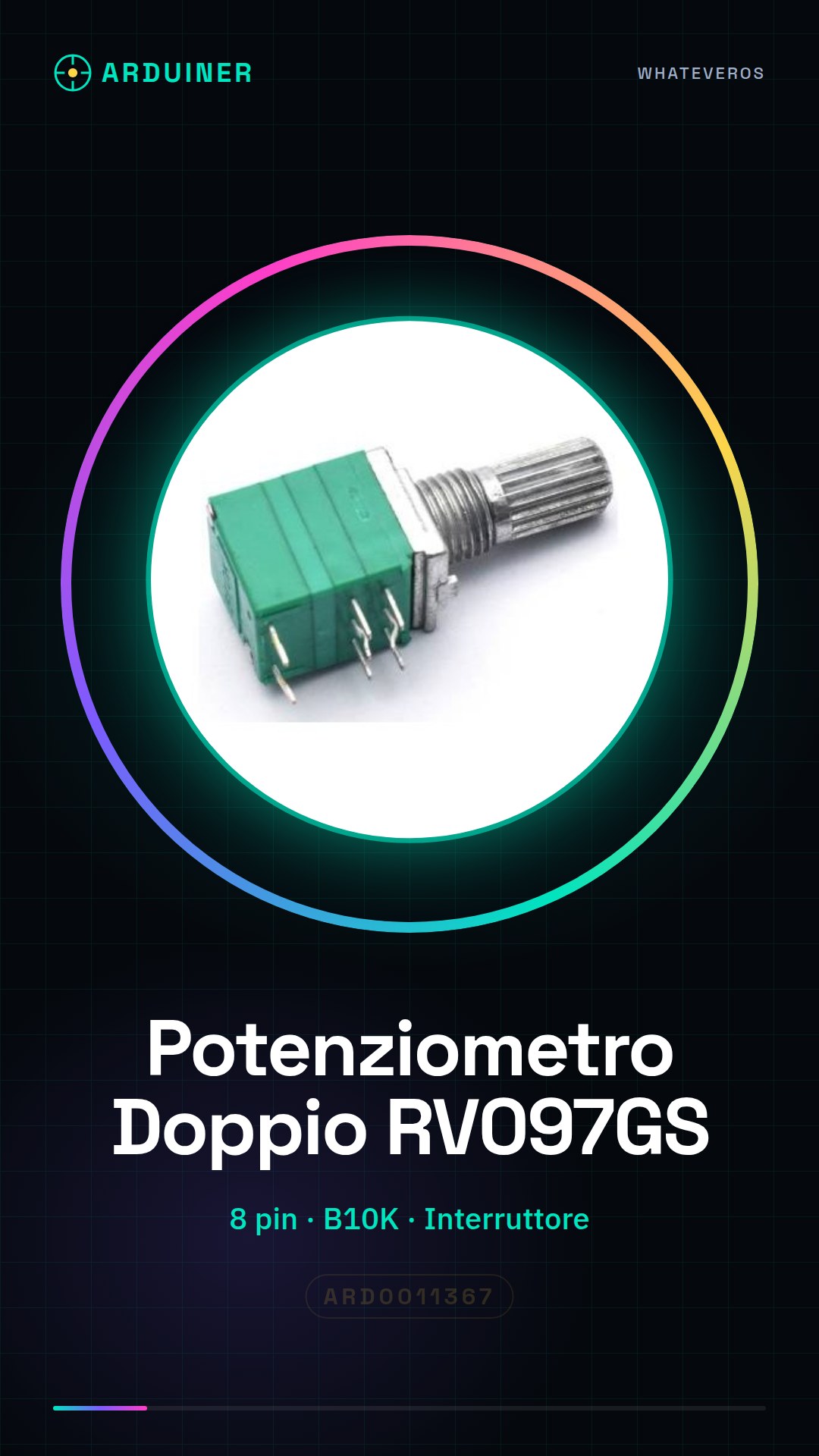
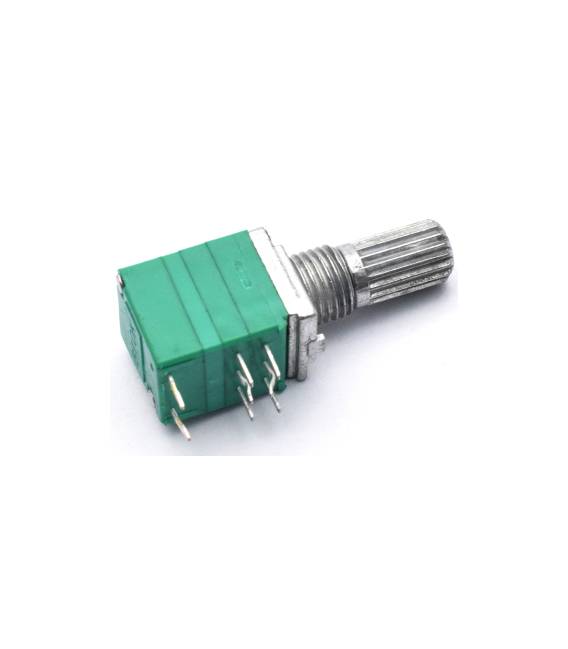
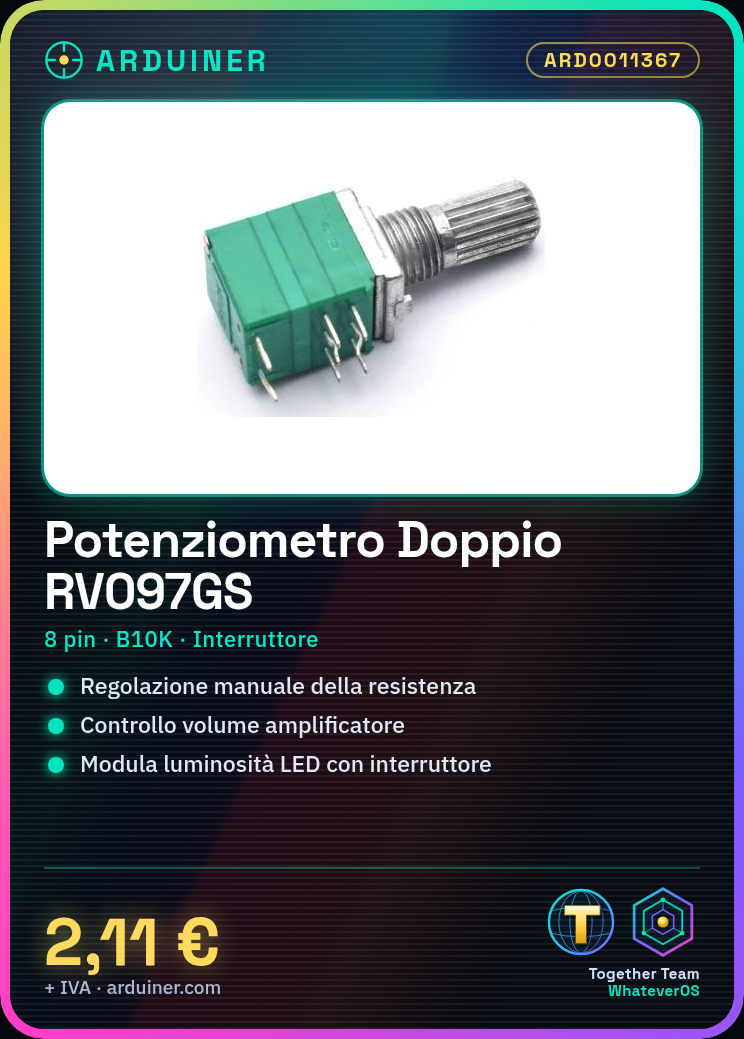
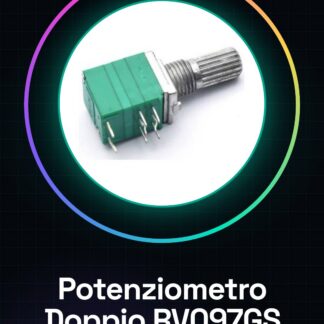
The RV097GS is a double potentiometer with 8 pins and built-in switch. It is an electronic component that allows the resistance value in a circuit to be adjusted.
Features
- Type: Double Potentiometer
- Pins: 8
- Resistance Value: B10K (check the datasheet)
- Integrated Switch
What it is for
The RV097GS is useful for adding manual control features to electronic projects. Examples of use include volume control on an amplifier, brightness modulation of an LED, or selection of different settings in a circuit.
Tutorial: How to use RV097GS Double Potentiometer B10K with Switch
The RV097GS potentiometer is a useful component for adjusting the resistance value in electronic circuits. It is ideal for makers who want to add manual control features to their projects, such as volume or brightness modulation.
What you need
- Arduino Uno
- USB Connection
- Jumper Cable M/F
Steps
- Connect the potentiometer RV097GS to the Arduino circuit using jumper wires, verifying the pin positions as follows: Pin 1 to GND, Pin 2 to VCC and Pin 3 (wiper) to the analog pin A0.
- Check the potentiometer connection to the Arduino circuit using a multimeter to verify the resistance values between the various pin positions.
- Insert the following code into your Arduino IDE and save it as ‘RV097GS’
- Compile and run the sketch in Arduino. Monitor the serial console to see the changes in resistance value as you rotate the potentiometer.
- If you have a switch on the opposite side, connect it to the 5V and GND pins of Arduino to test its function as an interrupt.
- Verify that the potentiometer behaves correctly when the switch is pressed.
- Modify the sketch if necessary to adapt it to your specific project requirements.
- Further test the combination of potentiometer and switch in a more complex project.
Example code
void setup() {
Serial.begin(9600);
pinMode(2, INPUT_PULLUP); // Imposta il pin dell'interruttore come input con pull-up
}

void loop() {
int val = analogRead(A0); // Leggi la resistenza del potenziometro
Serial.println(val);
delay(100);
}
Mini project
Create an RGB light projector controlled by an RV097GS, where the potentiometer voltage regulates the brightness and the switch changes the colors.
Common mistakes
- Do not verify connections before running the sketch
- Set the wrong pin for the switch
- Ignore the maximum resistance of the potentiometer in the code
- Use an unsupported voltage value
Recommended accessories
- Arduino Uno R3
- M/F Jumper Cable
- RGB LED
- 220 Ohm Resistor
Frequently asked questions
How can I control the switch?
Connect the switch pin to an input pin with pull-up in Arduino to detect the state of the switch.
What is the maximum resistance of the potentiometer?
Check the datasheet of the RV097GS.



Reviews
There are no reviews yet.