 EN
 IT Italiano
 ES Español
 FR Français
 DE Deutsch
Description
What it is
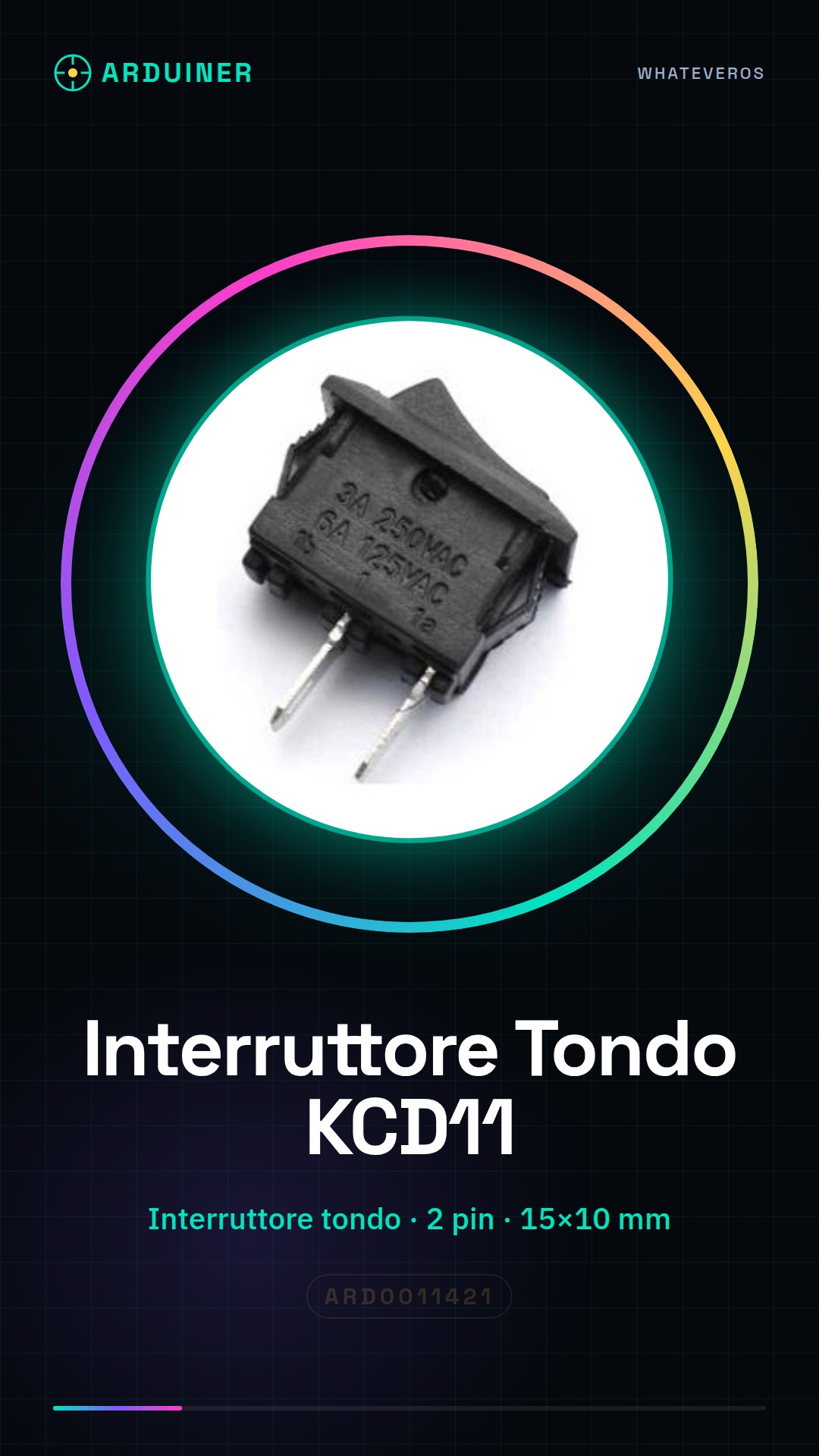
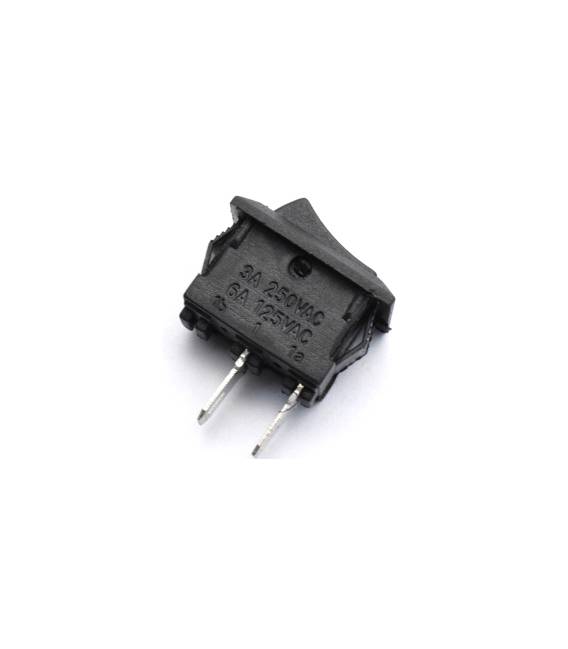
The KCD11 is a round switch with 2 pins, ideal for various types of electronic projects. Its circular shape and compact dimensions make it suitable for applications in tight spaces.
Features
- Type: Round Switch
- Connection: 2 pin
- Dimensions: 15 x 10 mm
- SKU: ARD0011421
- Price: 1.97 €
What it is for
The KCD11 switch can be used to control electronic circuits in basic and advanced projects. It can be employed to turn on and off lights, motors, or other electronic devices. Its compatibility with Arduino and other microcontrollers expands its usage possibilities.
Tutorial: How to Use the Round Switch KCD11
The Round Switch KCD11 is ideal for controlling electronic circuits in basic and advanced projects. Useful for anyone who wants to add switching functionality to a project.
What you need
- Arduino or compatible
- Connection filament
- Pull-up resistor (10kΩ)
Steps
- 1. Add the KCD11 round switch to your circuit.
- 2. Connect the GND and VCC pins to the Arduino.
- 3. Connect the output pin of the switch to a digital pin on the Arduino (e.g., D2).
- 4. Connect the pull-up resistor between the output pin of the switch and VCC.
- 5. Load the provided Sketch code.
- 6. Check the datasheet for power supply specifications.
- 7. Test the functionality of the switch.
- 8. Add advanced features if necessary.
Example code
```cpp
int interruptPin = 2;
int state = 0;

void setup() {
  pinMode(interruptPin, INPUT);
}

void loop() {
  int reading = digitalRead(interruptPin);
  if (reading != state) {
    state = reading;
    if (state == HIGH) {
      Serial.println("Interruttore acceso");
    } else {
      Serial.println("Interruttore spento");
    }
  }
}
```
Mini project
Create a simple lighting circuit that turns on and off with the round switch.
Common mistakes
- Connect GND and VCC backwards.
- Omit the pull-up resistor.
- Do not verify power supply specifications.
- Forget to update the state of the switch in the code.
Recommended accessories
- Arduino Uno
- 10kΩ resistor
- Led
- Current limiting resistor for the led
Frequently asked questions
Which Arduino pins can I use for the switch?
You can use any digital pin.
What happens if I don’t connect the pull-up resistor?
The switch might not work correctly.
Can I use a different power supply than the one indicated in the datasheet?
Check the datasheet for power supply specifications.
What are the frequency limits of the switch?
Check the datasheet for frequency specifications.




Reviews
There are no reviews yet.