 EN
 IT Italiano
 ES Español
 FR Français
 DE Deutsch
Description
What it is
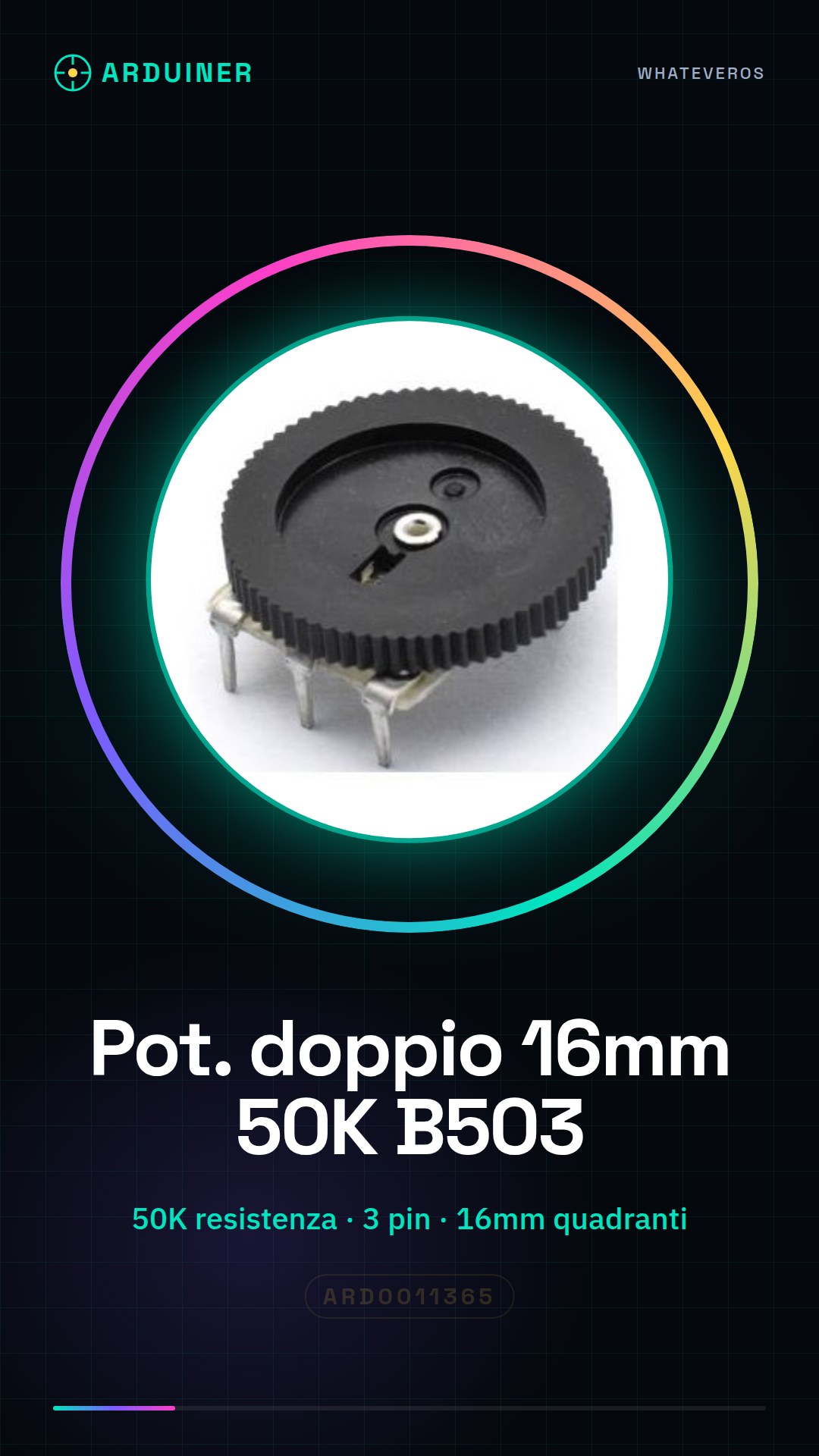
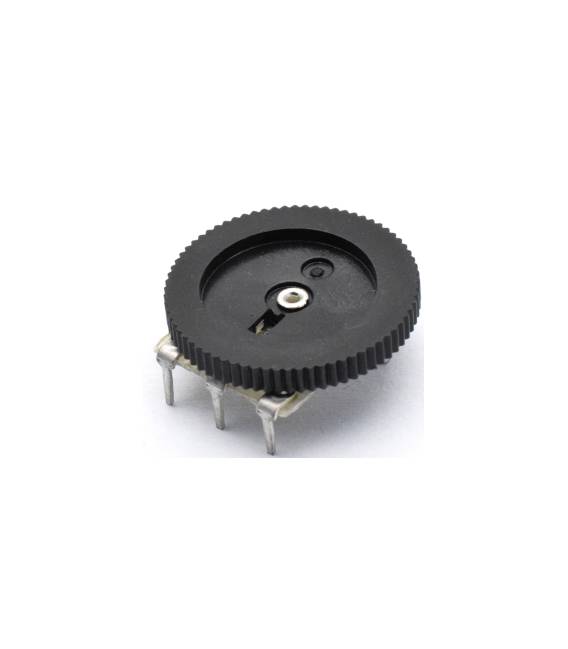
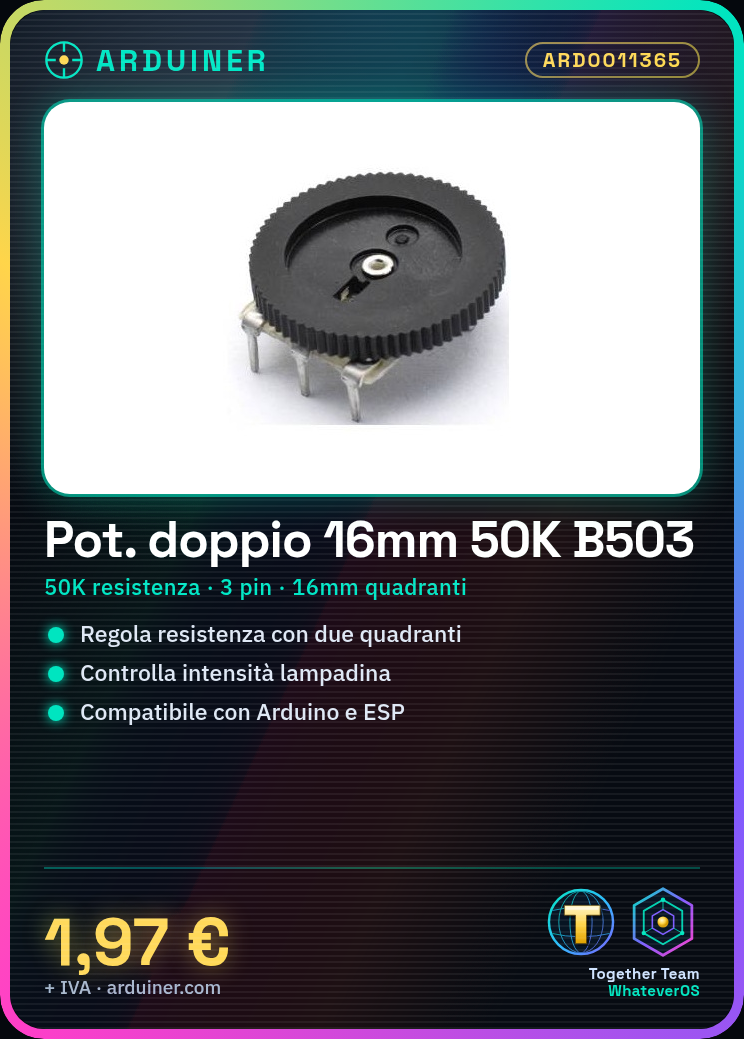
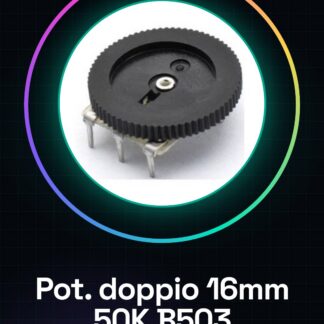
Double quadrant B503 potentiometers are electronic components used to adjust the resistance value in a circuit. This specific type of potentiometer, with two quadrants, allows for the simultaneous management of multiple parameters.
Features
- Type: Double Quadrant Potentiometer
- Resistance: 50K
- Pins: 3
- Quadrant Diameter: 16mm x 2
- Quantity: 6 pieces
What it is for
Double quadrant potentiometers are ideal for precise adjustments in electronic projects, such as controlling the brightness of a light bulb. They are compatible with various microcontrollers, including Arduino and ESP.
Tutorial: How to Use Double Quadrant B503 Potentiometer
The double quadrant potentiometer is an extremely useful electronic component for adjusting the resistance value in a circuit. This type of potentiometer, with two quadrants, allows for the simultaneous management of multiple parameters.
What you need
- Arduino
- jumper wire
- multimeter (optional)
- 3d printer for the mechanical support fabrication
Steps
- Connect pin A0 of the Arduino to the central pin of the B503 potentiometer.
- Use jumper wires to connect the two ends of the potentiometer quadrants to the GND and 5V pins of the Arduino respectively.
- Check the correct connection with a multimeter (if available).
- Write an Arduino sketch that reads the value of the potentiometer and displays it on the serial monitor.
- Modify the sketch to control additional parameters, such as LEDs or servos.
- Try to create a 3d printed support for your project.
Example code
void setup() {
Serial.begin(9600);
}

void loop() {
int val = analogRead(A0);
Serial.println(val);
}
Mini project
Create a light control that changes the intensity of a light bulb based on the position of the potentiometer quadrant.
Common mistakes
- Connect the central pin to GND or 5V instead of pin A0.
- Do not check the connection before writing the sketch.
- Use a resistor in series with the potentiometer without reason.
- Ignore the datasheet instructions to calibrate the dial correctly.
Recommended accessories
- Arduino Uno R3
- USB A-Micro B cable
- 3D printer Creality Ender-3
Frequently asked questions
How can I check if the potentiometer is working?
Use a multimeter to measure the resistance between the two extremes while turning the dial.
Can I connect more than one of these potentiometers to the same analog pin on the Arduino?
No, each potentiometer must be placed on a different analog pin.
What is the maximum resistance I can adjust with this potentiometer?
Check the component datasheet.



Reviews
There are no reviews yet.