 EN
 IT Italiano
 ES Español
 FR Français
 DE Deutsch
Description
What it is
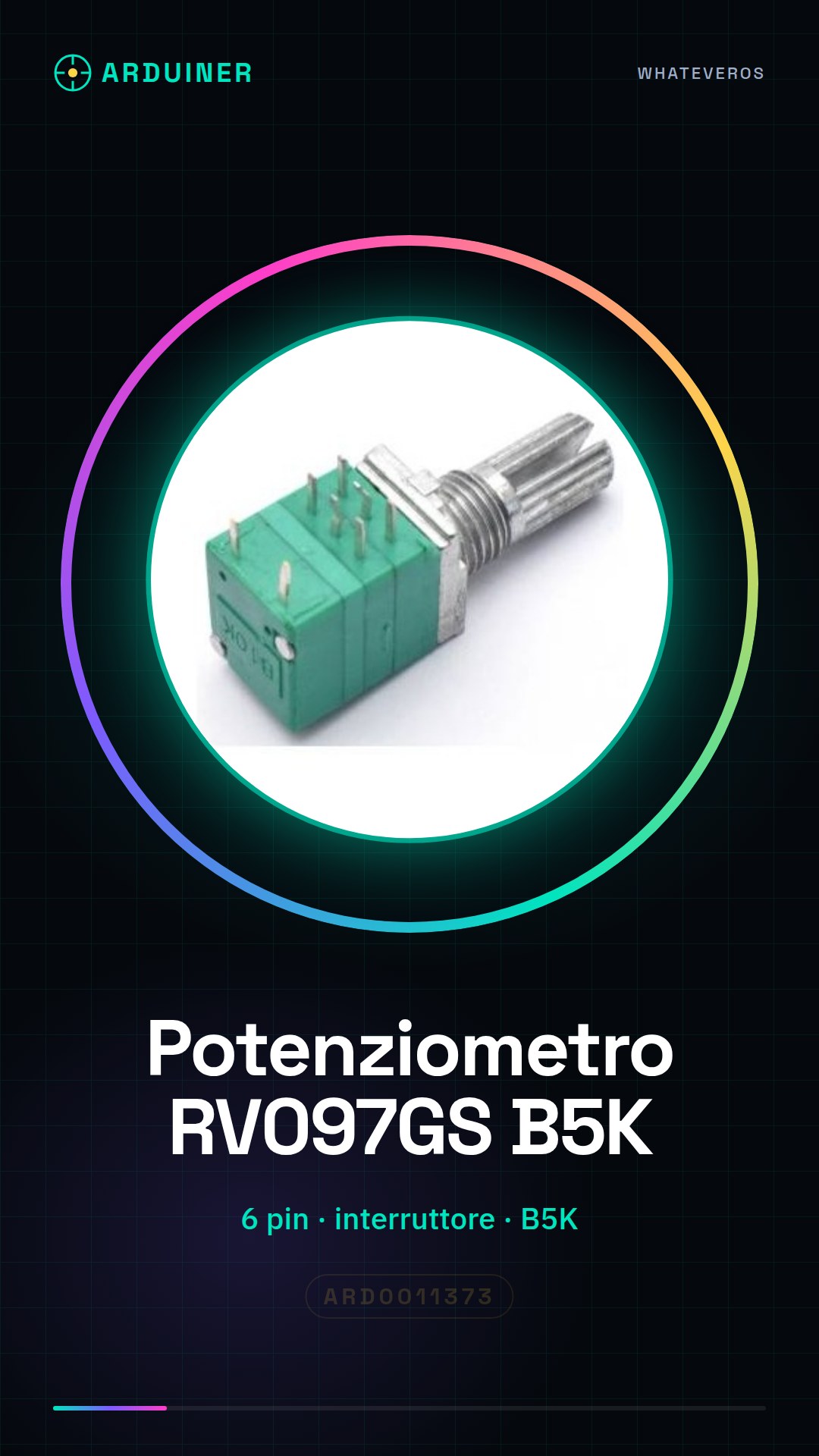
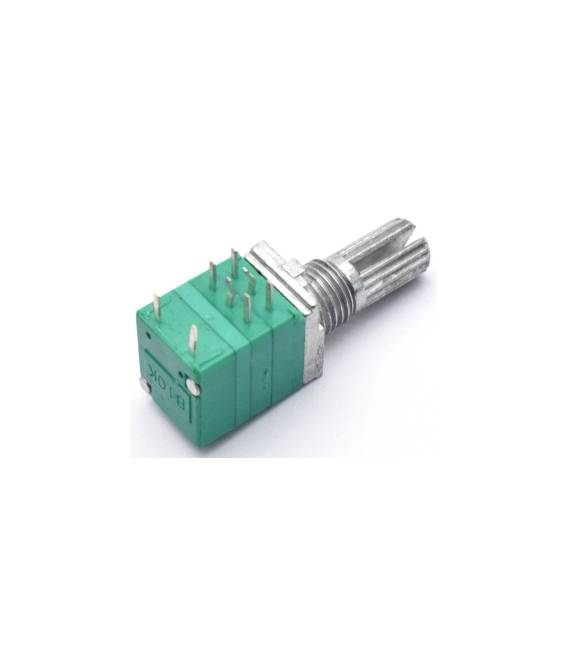
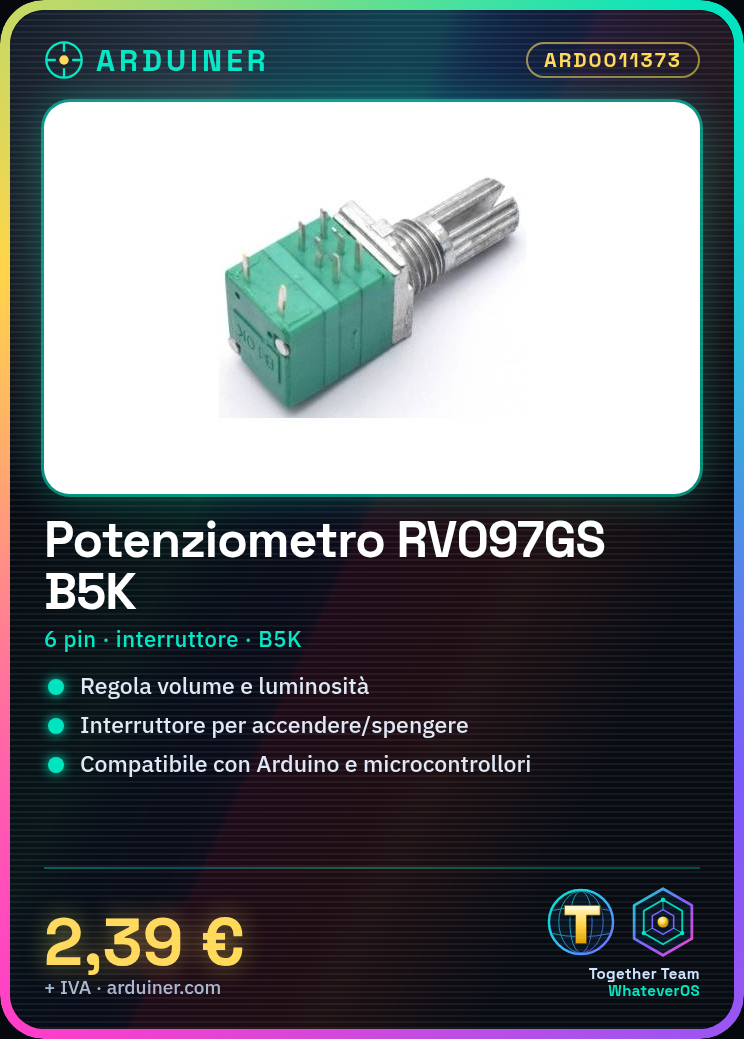
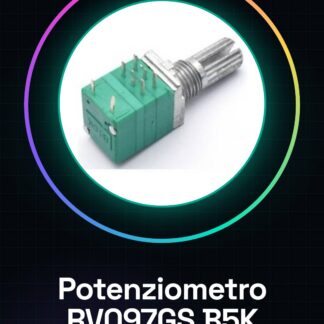
The RV097GS is a dual 6-pin potentiometer with switch. It is an electronic component that allows for the electrical adjustment of a value, such as volume or brightness, through a knob.
Features
- 2 pieces RV097GS
- 6 pins
- Dual potentiometer
- Value: B5K (check the datasheet)
- Integrated switch
What it is for
RV097GS potentiometers with integrated switch are ideal for controls on robots and appliances. They can be used to electronically adjust variables such as volume or brightness. The integrated switch can be used to activate or deactivate a circuit. They are compatible with Arduino and other microcontrollers.
Tutorial: How to use Dual Potentiometer with Switch RV097GS
The dual potentiometer RV097GS is a useful component for electronically adjusting variables such as volume or brightness. This tutorial will guide you through the installation and use of this device.
What you need
- Arduino Uno
- USB cable
- 5V power supply
Steps
- Connect the A0, A1, VCC, and GND pins of the potentiometer to the corresponding pins on the Arduino.
- Check the connection of the switch pins to digital pins D2 and D3 for input.
- Load the Arduino sketch provided in the tutorial.
- Check the value read from the potentiometers through the Serial Monitor.
- Test the switch by pressing the buttons and observing the Arduino’s response.
Example code
int pinPot1 = A0;
int pinPot2 = A1;
int pinSwitch1 = D2;
int pinSwitch2 = D3;

void setup() {
  Serial.begin(9600);
}

void loop() {
  int valPot1 = analogRead(pinPot1);
  int valPot2 = analogRead(pinPot2);
  int switchState1 = digitalRead(pinSwitch1);
  int switchState2 = digitalRead(pinSwitch2);
  Serial.print(valPot1);Serial.print(",");Serial.println(switchState1);
  Serial.print(valPot2);Serial.print(",");Serial.println(switchState2);
}
Mini project
Create a lighting control system with two potentiometers to adjust the day and night light. Use the switch as a quick way to turn the lights on or off.
Common mistakes
- Do not connect the switch pin correctly.
- Use voltage higher than 5V.
- Ignore the polarity of the potentiometers.
Recommended accessories
- Arduino Uno
- LED of various colors
- Resistors of 220 ohms
Frequently asked questions
What is the resistive value of the potentiometer?
Check the datasheet.
Can I use this potentiometer with a Raspberry Pi?
Yes, but make sure to adapt the pins and voltage.



Reviews
There are no reviews yet.