 EN
 IT Italiano
 ES Español
 FR Français
 DE Deutsch
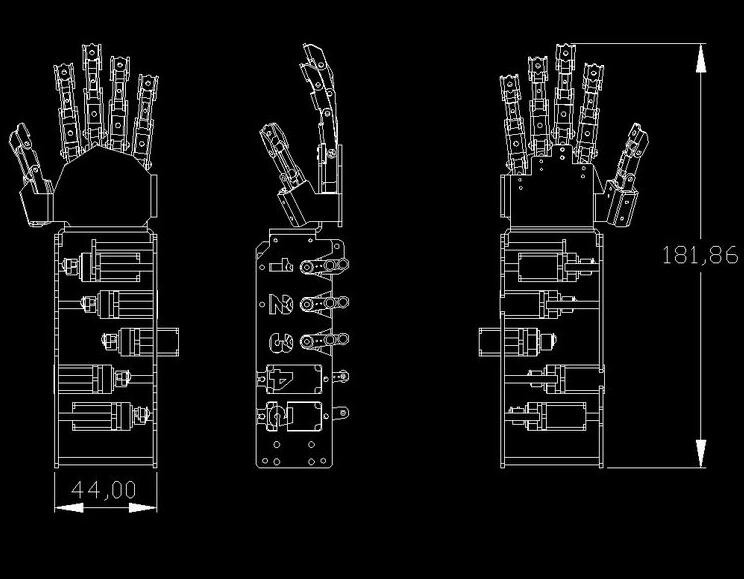
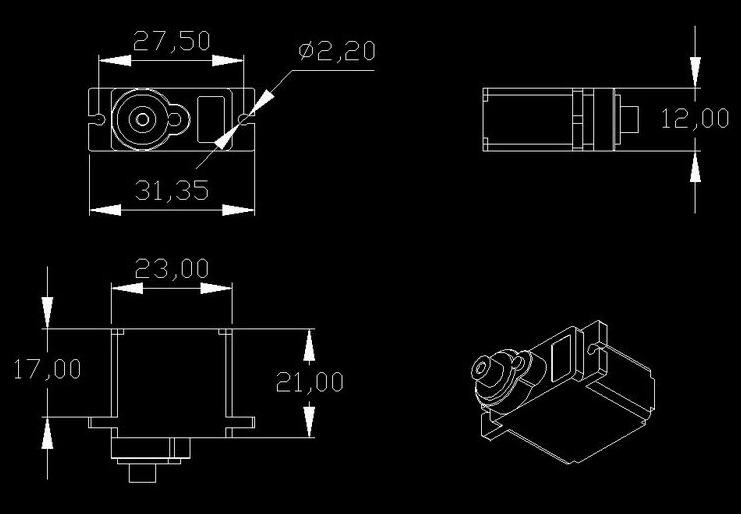
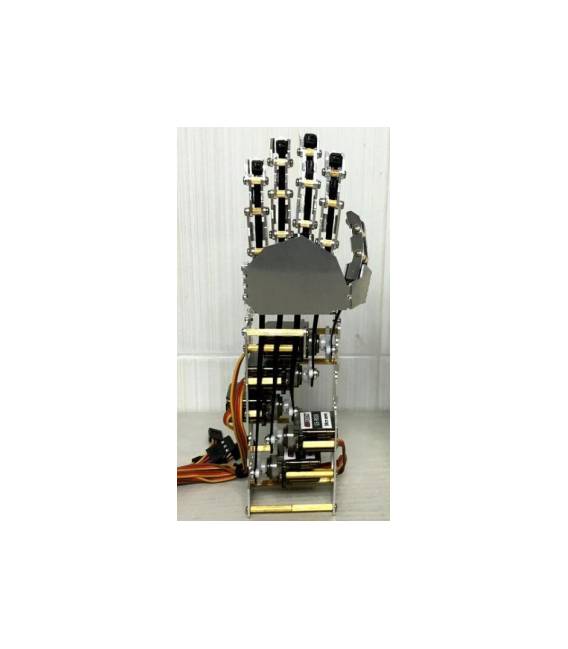
Description
What it is
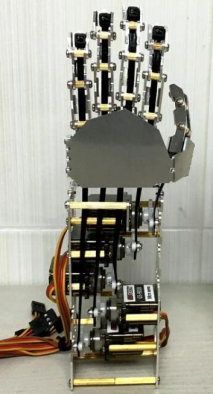
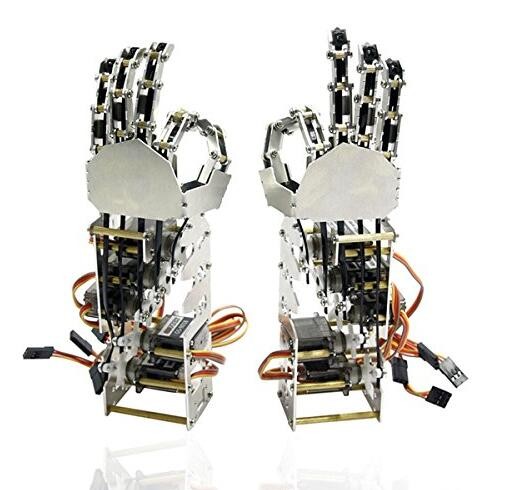
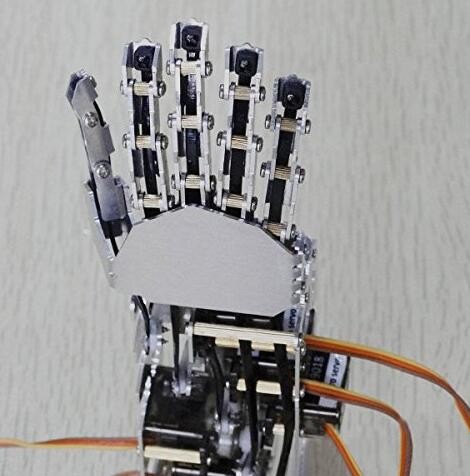
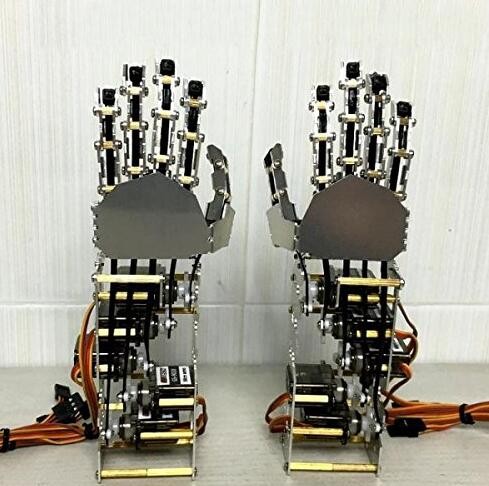
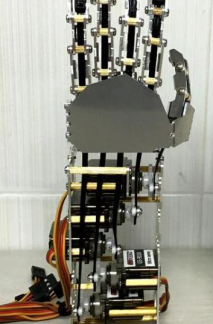
The 5-DOF Left Hand Finger of the robot hand is an unassembled component, designed for use in robotics and electronics projects. Assembly is required by the user.
Features
- 5 degrees of freedom (DOF)
- Left Hand
- SKU: ARD0010502
- Price: 98,98 €
What it is for
The robotic finger is ideal for projects requiring articulated movement, such as robotic hands or interactive projections. It can be used to create simple greeting gestures or to implement more complex movements. It is compatible with Arduino and similar platforms.
Tutorial: How to use 5-DOF Left Hand Finger of the robot
This component is ideal for projects requiring articulated movement, such as robotic hands or interactive projections. Suitable for beginner and intermediate makers.
What you need
- 5-DOF Left Hand Finger of the robot (SKU ARD0010502)
- Arduino UNO or compatible
- Cable leads
- Power aggregator
Steps
- 1. Check that the component is functioning and that all the fingers are movable.
- 2. Connect the Arduino UNO to the computer for code upload.
- 3. Connect the power supply to the Arduino.
- 4. Connect the Arduino to the base motor of the hand.
- 5. Connect each finger to the corresponding motor using the cable leads.
- 6. Load the example code to control the finger movements.
- 7. Check the datasheet for motor specifications for any necessary adjustments.
- 8. Test the finger movements to ensure everything is working correctly.
Mini project
Create a simple greeting gesture using finger movements. Estimated time: 30 minutes.
Common mistakes
- Do not check the datasheet for motor specifications before connecting them.
- Connect the Arduino directly to the motors without a power supply.
- Omit the finger test after connection.
- Do not use wire leads to connect motors to fingers.
Recommended accessories
- Compatible power aggregator
- Wire leads
- Base hand motor
- Component datasheet
Frequently asked questions
How can I test the finger movements before connecting them?
Check the datasheet specifications for the motors and try to move the fingers manually.
What specifications should I check on the datasheet?
Check the power supply voltage and motor resistance.
Does the example code work with Arduino Nano?
Check if the code supports Arduino Nano or if modifications are needed.
Can I use this component for 3D printing projects?
This component is designed for robotics and not for 3D printing.

Reviews
There are no reviews yet.