 EN
 IT Italiano
 ES Español
 FR Français
 DE Deutsch
Description
What it is
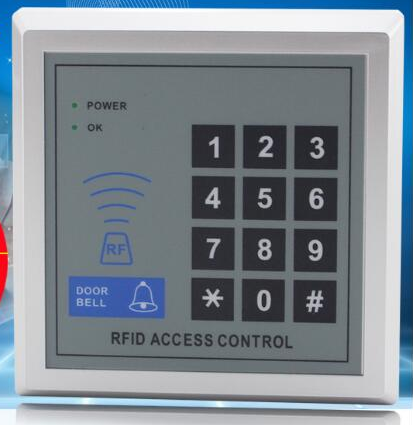
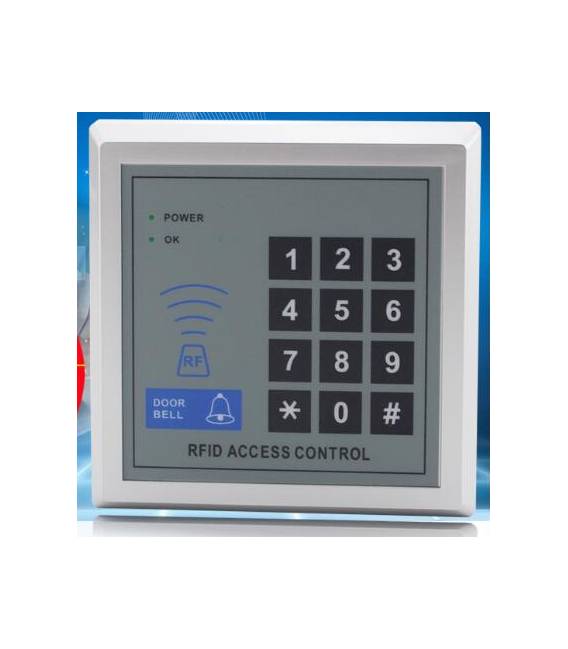
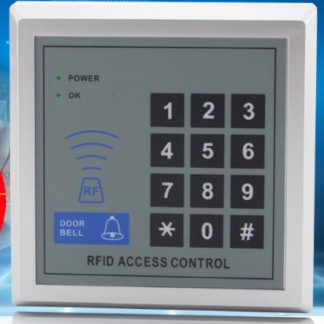
The Card ID Password is an RFID block for Arduino that allows managing access controls.
Features
- RFID Block for Arduino
- Enables access control management
- SKU: ARD0010439
- Price: 12.29 €
What it is for
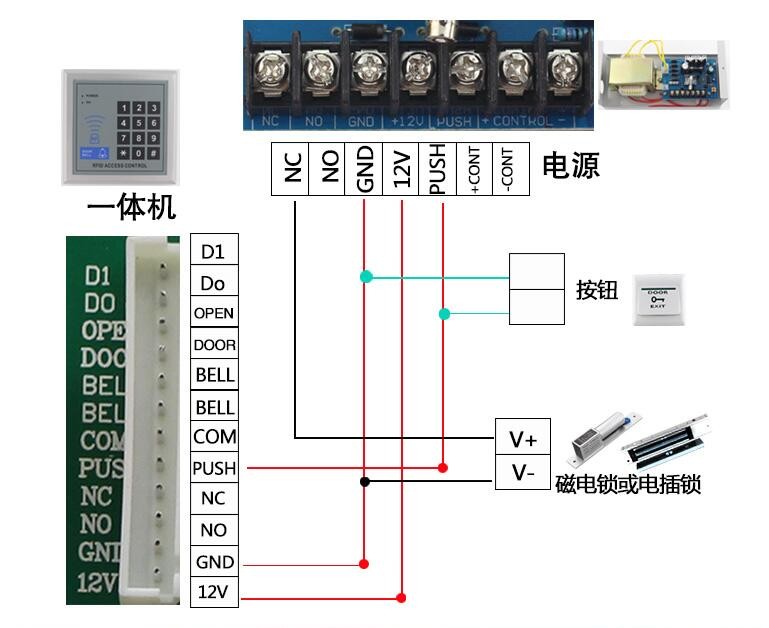
Ideal for electronic projects and security systems, such as creating an access system with a gate and an RFID keypad. By entering the card ID password, the gate can be controlled to open.
Tutorial: How to use Card ID Password
This electronic component allows controlling access using an RFID card. Ideal for home or office security projects.
What you need
- Card ID Password
- Arduino UNO
- RFID Keypad
- 5V power cable
Steps
- 1. Connect the RFID Keypad to pin D10 of Arduino UNO.
- 2. Connect the Vcc of the RFID Keypad to the Vcc of Arduino UNO (5V).
- 3. Connect GND of the RFID Keypad to GND of Arduino UNO.
- 4. Configure the ID card on the RFID Keypad following the datasheet.
- 5. Download and install the Arduino RFID library.
- 6. Load the provided Sketch code onto your Arduino UNO.
- 7. Enter the ID card password in the code.
- 8. Test the system by inserting a valid RFID card.
Example code
```int reader = 10; // Pin del Tastierino RFID
String id = "123456"; // Password della scheda ID
void setup() {
  Serial.begin(9600);
  while (!Serial) {
    ;
  }
}
void loop() {
  if (Serial.available()) {
    String received = Serial.readString();
    if (received == id) {
      Serial.println("Accesso consentito");
    } else {
      Serial.println("Accesso negato");
    }
  }
}```
Mini project
Create an access system with an electric door and an RFID Keypad. Enter the ID card password and check if the door opens.
Common mistakes
- Check the datasheet to see if the RFID Keypad supports the ID card password.
- Make sure the RFID Keypad pins are connected correctly.
- Check the entered password in the code.
- Verify that the RFID Keypad is powered correctly.
Recommended accessories
- Electric door
- Pressure sensors
- 3.7V battery
- 5V power cable
Frequently asked questions
Which passwords are allowed for the ID card?
Check the datasheet for specific requirements.
Does the RFID Keypad support multiple ID cards?
Check the datasheet for compatibility with multiple ID cards.
How can I test the system?
Use a valid RFID card to test access.
Reviews
There are no reviews yet.