 EN
 IT Italiano
 ES Español
 FR Français
 DE Deutsch
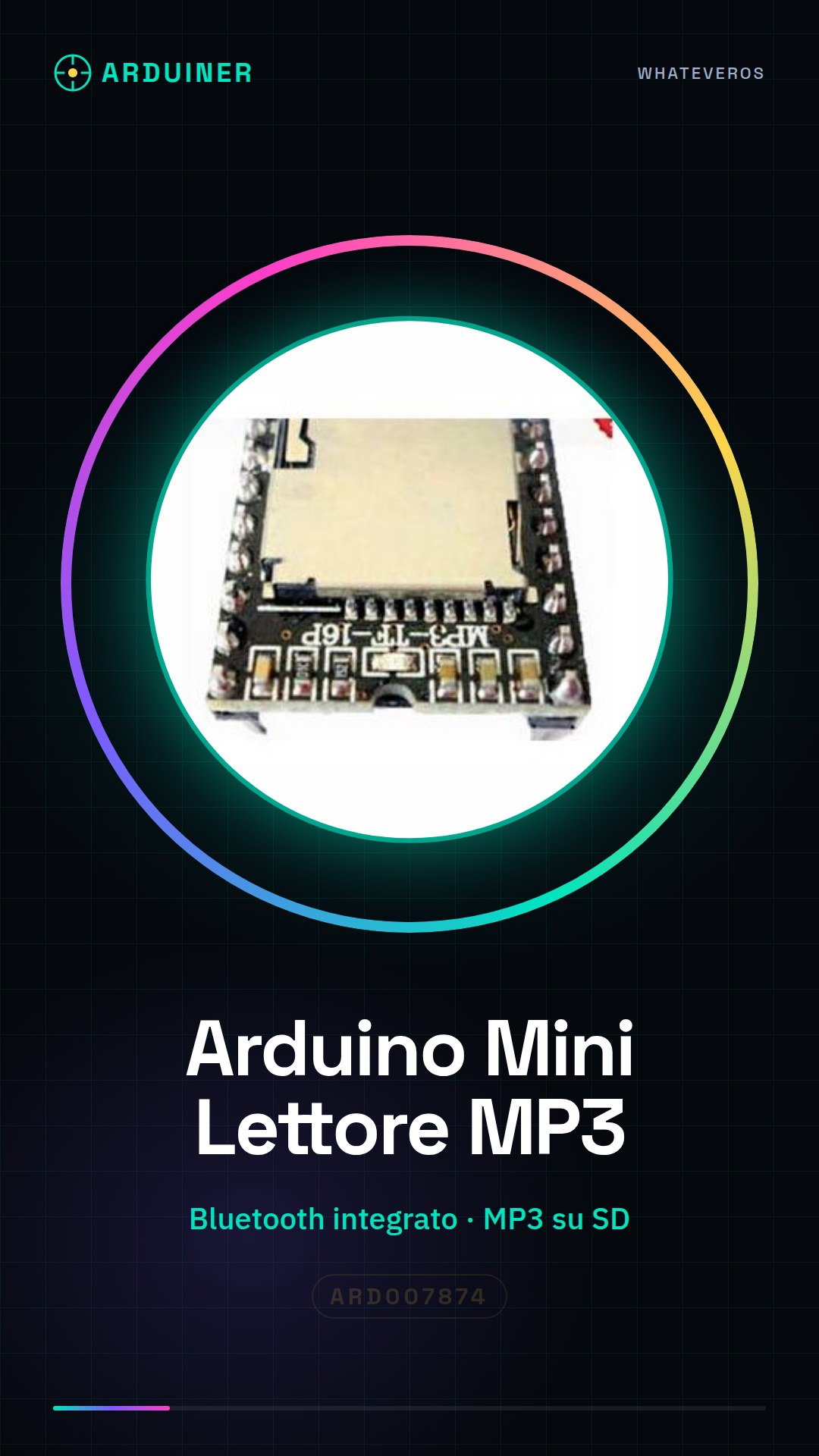
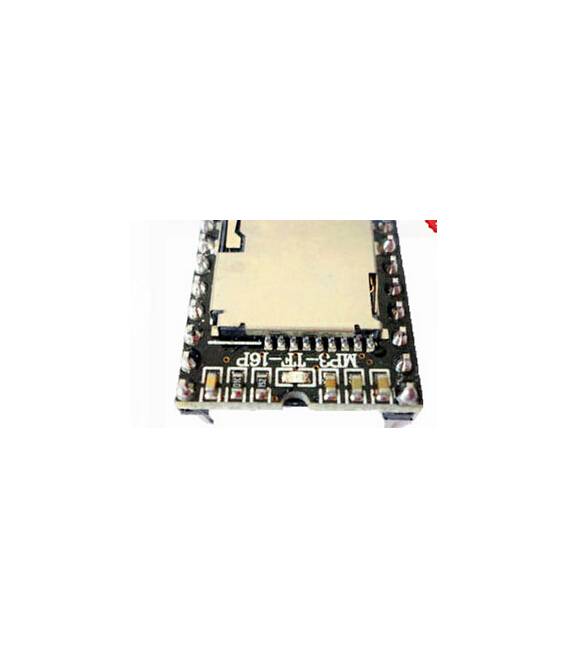
Description
What it is
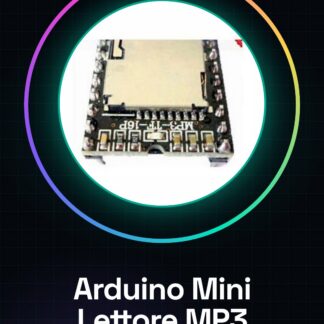
The Arduino Mini MP3 Player is a module that allows adding MP3 audio playback to electronic projects. This device integrates a Bluetooth feature for remote music control, making it ideal for both beginners and intermediate makers.
Features
- Arduino Mini MP3 Player Module with Bluetooth Support
- Ideally suited for DIY projects and electronic prototypes
What it is for
The Arduino Mini MP3 Player can be used to integrate MP3 audio file playback into various devices, such as robots or music-controlled 3D printers. It is compatible with Arduino and similar microcontrollers.
Tutorial: How to Use Arduino Mini MP3 Player
The Arduino Mini MP3 Player module allows you to add audio functionality to electronic projects such as robots, music-controlled 3D printers, or any other device that requires MP3 file playback. Ideal for beginners and intermediate makers.
What you need
- Arduino Uno
- USB Connection
- Arduino IDE Software
Steps
- Install the module on a breadboard by connecting the VCC, GND, SD, and DREQ pins to the corresponding power and data pins of the Arduino.
- Check the clock settings of the MP3 player in the datasheet to ensure compatibility with the Arduino.
- Download the necessary driver from the official website or the documentation provided by the manufacturer.
- Open Arduino IDE and install the specific library for the MP3 Player module (if available).
- Load an example sketch that controls audio playback from an MP3 file on a SD card.
- Check if it is necessary to configure the Arduino digital pins for interaction with the MP3 player.
- Test the basic functions of the module such as start, pause, and track change.
- Explore additional features such as external power supply or Bluetooth connection (if available).
Example code
// Includi la libreria MP3 per il lettore
#include <MP3.h>
// Definisci i pin di controllo del modulo
#define SD_CS 4
#define DREQ 2
MP3 mp3(SD_CS, DREQ);
void setup() {
mp3.begin();
}
void loop() {
mp3.playTrack(1); // Riproduci la traccia 1
}
Mini project
Create a small robot that follows the path of a black line and plays MP3 music when it reaches a certain position. Use line sensors and control the movement conditions with the Arduino.
Common mistakes
- Connect the wrong pins of the Arduino to the MP3 player.
- Do not install the necessary library for the module.
- Use an improperly formatted SD card or one without MP3 files.
- Omit checking the clock specifications in the module’s datasheet.
Recommended accessories
- SD Card
- USB Connection
- 3D Printed Case for Custom Projects
- Line Sensors
Frequently asked questions
How can I add MP3 files to the player?
Format an SD card, copy your MP3 files and insert the SD card into the module slot.
What is the power consumption of the module?
Check the datasheet to obtain precise information about the operating current.
Reviews
There are no reviews yet.