 EN
 IT Italiano
 ES Español
 FR Français
 DE Deutsch
Description
What it is
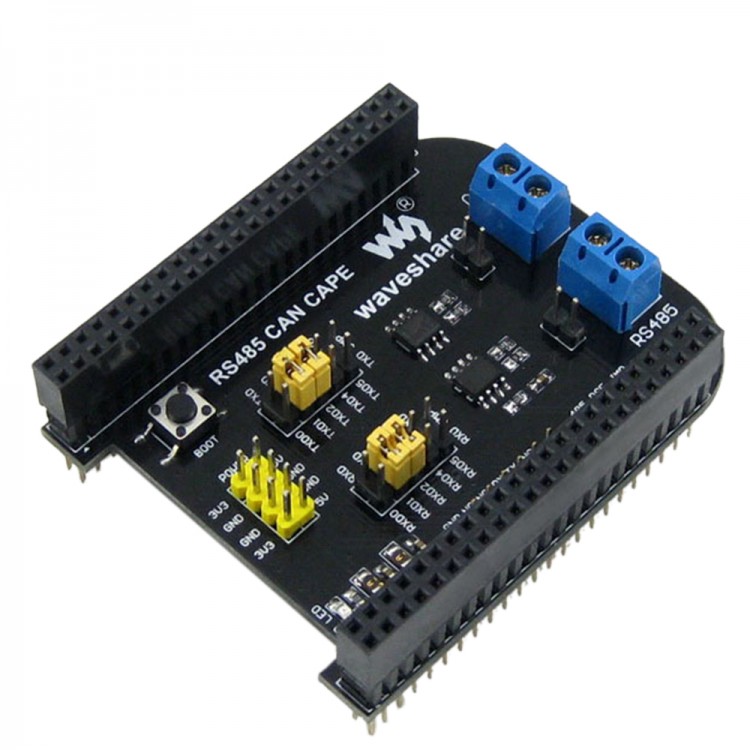
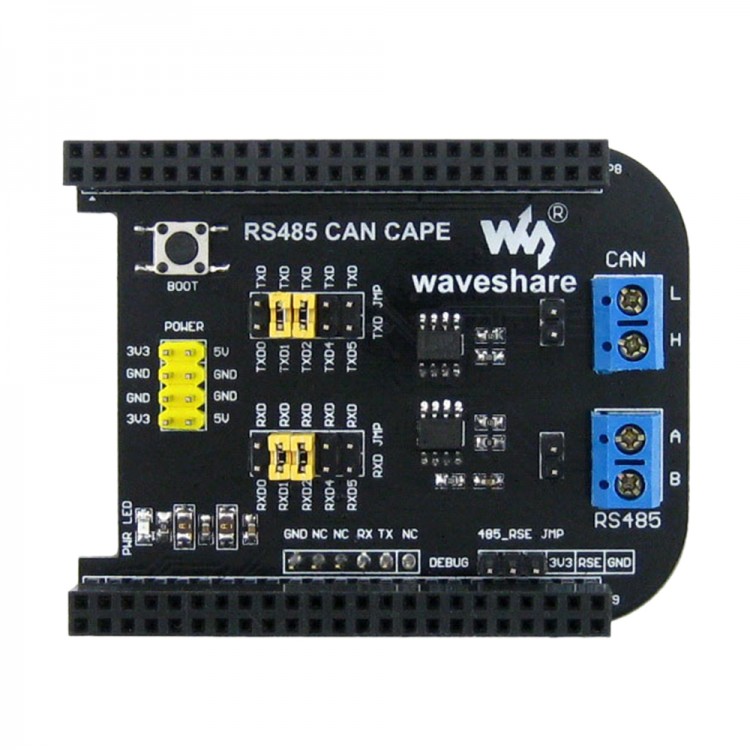
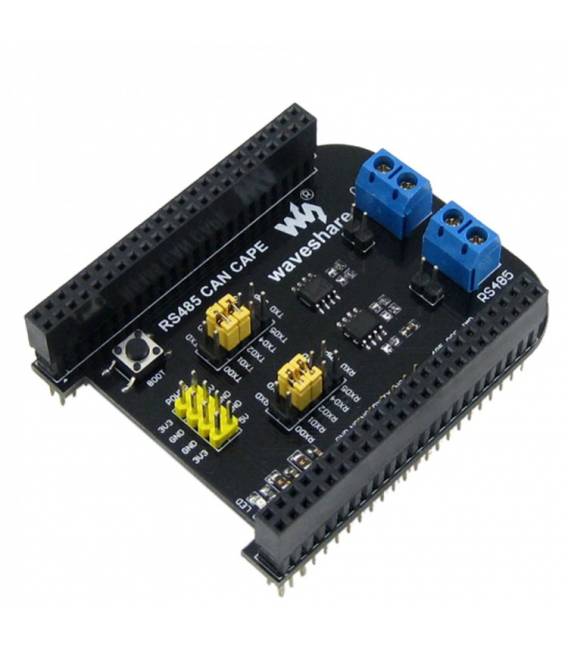
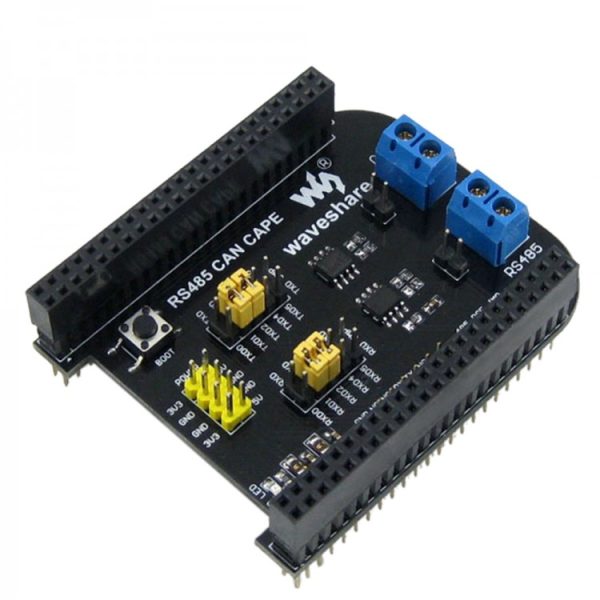
The BeagleBone BB NERO GPIO RS485 CAN Expansion Shield is an additional module designed to expand the functionality of a BeagleBone Black. It allows for connecting devices and managing RS485 and CAN signals, making it ideal for automation and IoT projects.
Features
- Compatible with BeagleBone Black
- Support for RS485 and CAN interfaces
- Expandable GPIO
What it is for
The board is suitable for projects requiring advanced communication interfaces, such as industrial control systems or IoT applications. It can be used to manage RS485 and CAN signals, controlling remote devices or exchanging data between different units.
Tutorial: How to use BeagleBone BB NERO GPIO RS485 CAN Shield
The BeagleBone BB NERO GPIO RS485 CAN Shield is ideal for projects requiring advanced communication interfaces, such as industrial control systems or Internet of Things (IoT) applications. Suitable for beginner and intermediate makers.
What you need
- BeagleBone BB NERO GPIO RS485 CAN Shield
- Arduino or BeagleBone
- Electronic cables
- Product datasheet
Steps
- 1. Check that your Arduino or BeagleBone is compatible with the BeagleBone BB NERO Shield.
- 2. Connect the Shield to your Arduino or BeagleBone using the GPIO pins.
- 3. Connect the Shield to the board via the RS485 and CAN connectors.
- 4. Check the datasheet for GPIO pin specifications.
- 5. Configure the RS485 and CAN pins according to your system specifications.
- 6. Check the datasheet for RS485/CAN protocol specifications.
- 7. Test RS485/CAN communication using a debugging software.
- 8. Verify system stability and resolve any errors.
Mini project
Create a simple remote control system using the BeagleBone BB NERO Shield to manage a DC motor via RS485/CAN.
Common mistakes
- Do not check the specifications on the datasheet before starting.
- Connect the GPIO pins in reverse.
- Ignore the protocol RS485/CAN configuration.
- Omit system stability tests.
Recommended accessories
- DC Motors
- PWM Control
- RS485 Cable
- CAN Cable
Frequently asked questions
How can I verify the compatibility of my Arduino with the BeagleBone BB NERO Shield?
Check compatibility on the product datasheet or on the Arduiner website.
Can I use this Shield with a BeagleBone?
Yes, but make sure the BeagleBone is compatible with the BeagleBone BB NERO Shield.
Which GPIO pins are available for RS485/CAN communication?
Check the datasheet to determine the available GPIO pins.
How can I test the system stability?
Run test cycles and verify RS485/CAN communication using a debug software.
Reviews
There are no reviews yet.