 EN
 IT Italiano
 ES Español
 FR Français
 DE Deutsch
Description
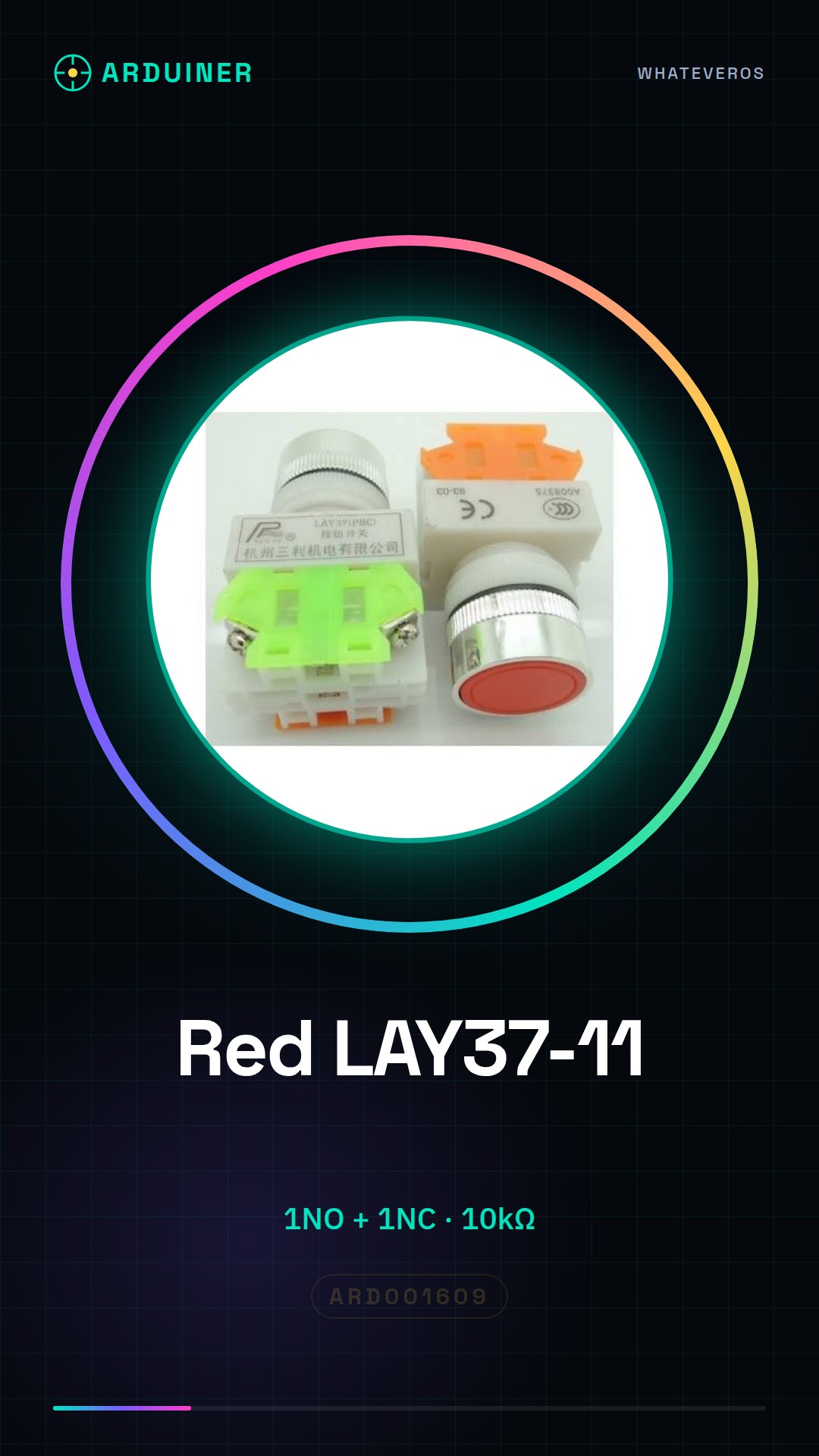
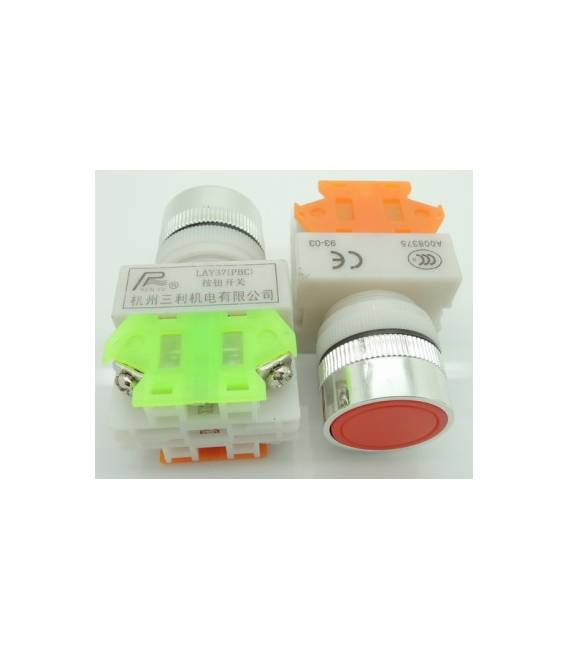
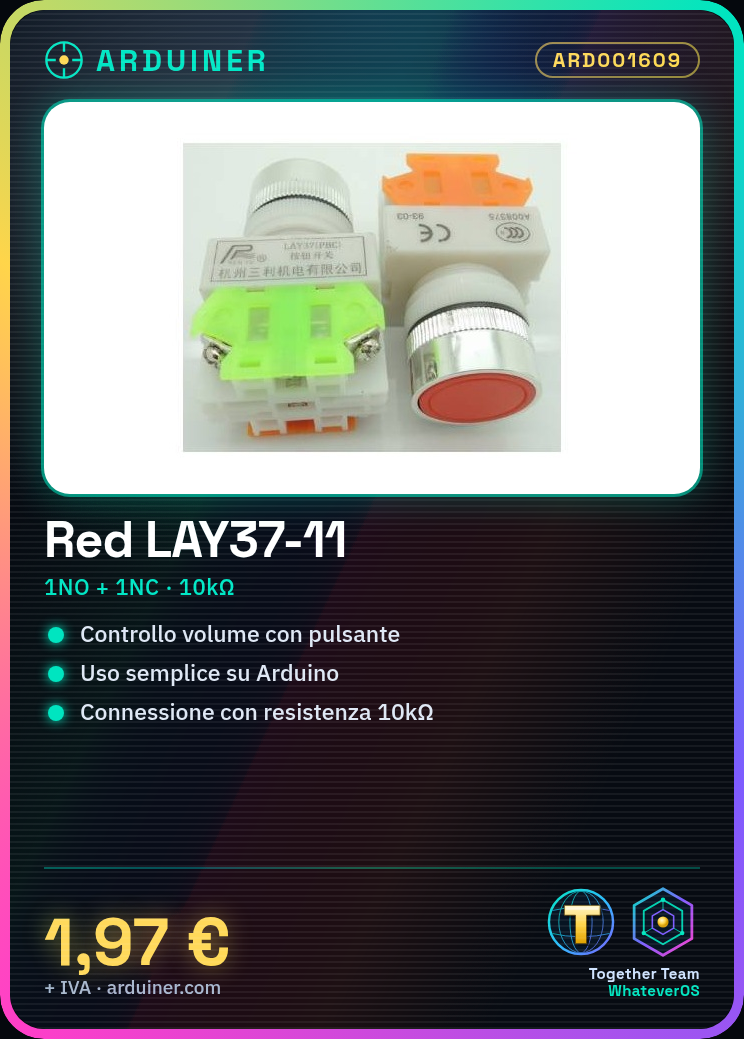
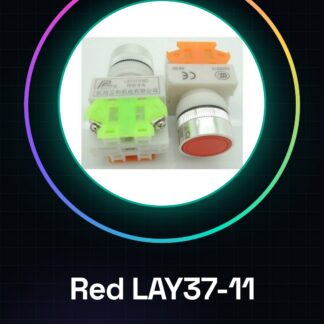
Red LAY37-11 bn (Y090-11 bn) flat button switch 1NO + 1NC CONTACT. Datasheets for all components are available; if not present, contact us via the contact form and we will publish it as soon as possible. Tutorial: How to use Red LAY37-11 bn (Y090-11 bn) flat button. This 1NO + 1NC button is ideal for user interaction projects, such as volume control or option selection. What you need: 1NO + 1NC Button, Arduino, Power cable, 10kΩ Resistor. Steps: 1. Install the button on the circuit, assign pins 1NO and 1NC. 2. Connect pin 1NO to a free digital pin on the Arduino. 3. Connect pin 1NC to a free digital pin on the Arduino. 4. Connect a 10kΩ resistor between pin 1NC and GND. 5. Upload the example code. 6. Run the code and check if the button is working correctly. 7. Test the 1NO and 1NC output logic. 8. Refer to the datasheet for further details. Example code: “`cpp int buttonPin = 2; int buttonNC = 3; int buttonState = 0; void setup() { pinMode(buttonPin, INPUT); pinMode(buttonNC, INPUT); } void loop() { buttonState = digitalRead(buttonPin); if (buttonState == HIGH) { // Handle 1NO button } buttonState = digitalRead(buttonNC); if (buttonState == HIGH) { // Handle 1NC button } } “` Mini-project: Create a simple volume switch for an audio shield. Connect the 1NO pin to a digital pin, 1NC to GND, and use the example code to control the volume. Common errors: Directly connecting pin 1NC to VCC can cause damage. Omitting the 10kΩ resistor for pin 1NC can lead to power issues. Not testing the button before uploading the code. Not following the datasheet instructions. Recommended accessories: Arduino UNO, Audio shield, Speaker. Frequently asked questions: The 1NC button not working? Check the connection and 10kΩ resistor value. How can I use the button as a switch? Connect the 1NO pin to a digital pin and use the example code to check the button state. Can I use another type of Arduino? Yes, the code is compatible with all types of Arduino.
Reviews
There are no reviews yet.