 EN
 IT Italiano
 ES Español
 FR Français
 DE Deutsch
Description
What it is
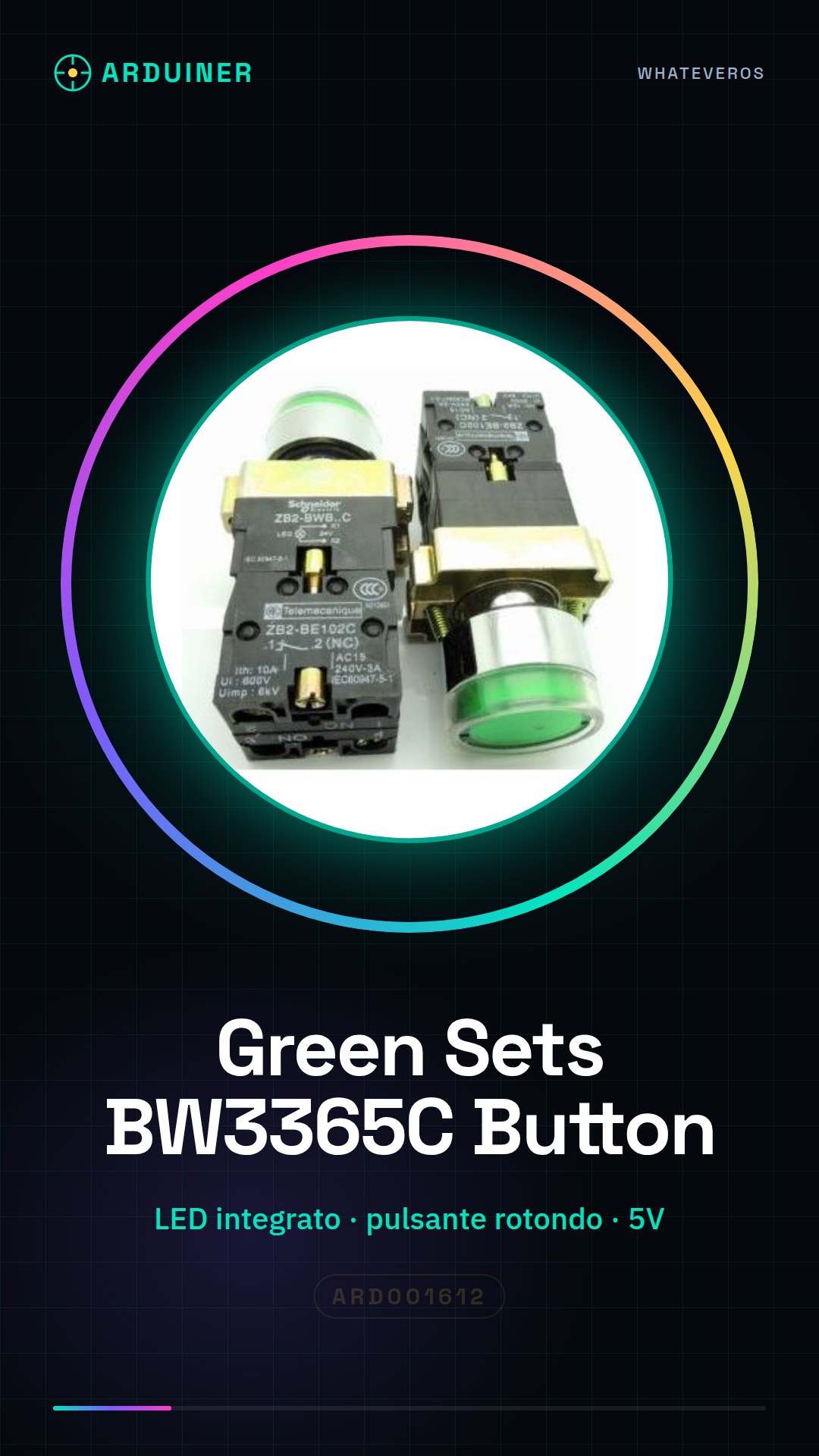
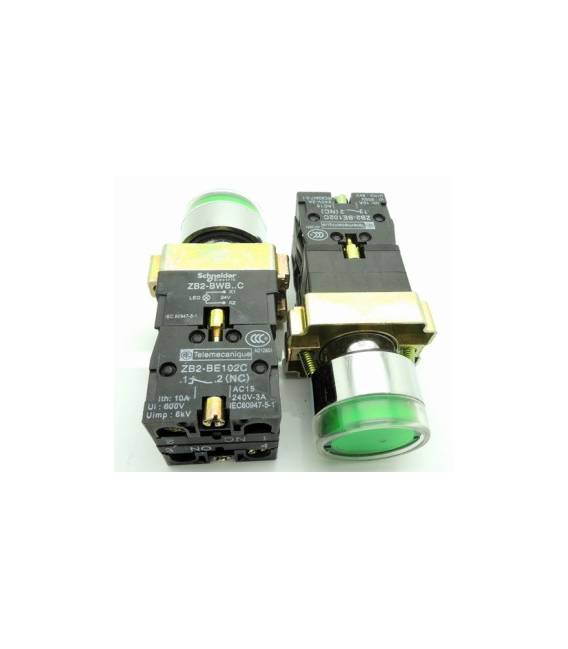
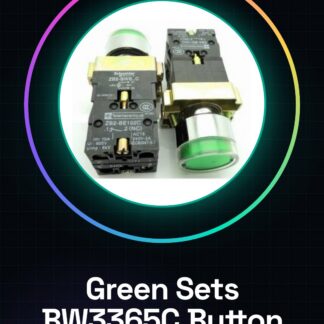
The Green Sets – BW3365C are circular buttons with an integrated LED, ideal for user interfaces in electronic projects.
Features
- Round button
- Integrated with an LED
What it is for
These buttons are perfect for beginners who want to interact with the circuit through user input. Typical uses include creating simple alarm systems or status indicators.
Tutorial: How to Use Round Button with LED
The round button with LED is a simple but fundamental component for Arduino and electronic projects. It is ideal for beginners who want to interact with the circuit through user input.
What you need
- Arduino Uno
- USB connection between PC and Arduino
- Jumper wire kit
Steps
- Connect the VCC of the button to the 5V of the Arduino.
- Connect the GND of the button to one of the GND pins of the Arduino.
- Connect the signal of the button (S) to a digital pin of the Arduino (for example, PIN 2).
- Check the connection with a multimeter to ensure that the electricity flows correctly.
- Open Arduino IDE and load a test sketch.
- Write the code to read the state of the button (check the datasheet).
- Compile and run the code.
- Verify the button function by pressing it and monitoring the output in Serial Monitor.
Example code
const int buttonPin = 2;
int buttonState = 0;
void setup() {
pinMode(buttonPin, INPUT);
Serial.begin(9600);}
void loop() {
buttonState = digitalRead(buttonPin);
Serial.println(buttonState);
delay(1000);}
Mini project
Create a simple alarm system that turns on an LED lamp when the button is pressed.
Common mistakes
- Do not connect VCC and GND correctly.
- Use the digitalWrite() function instead of digitalRead().
- Ignore the use of pull-up or pull-down resistor if necessary (check the datasheet).
Recommended accessories
- RGB LED
- 220 ohm resistor
- RTC DS3231 module
- PIR motion sensors
Frequently asked questions
How can I control the state of the integrated LED?
The LED turns on when the button is pressed. Check the datasheet for the correct configuration.
What is the operating voltage range of the button?
Check the datasheet to obtain the exact power supply specifications.
Reviews
There are no reviews yet.