 EN
 IT Italiano
 ES Español
 FR Français
 DE Deutsch
Description
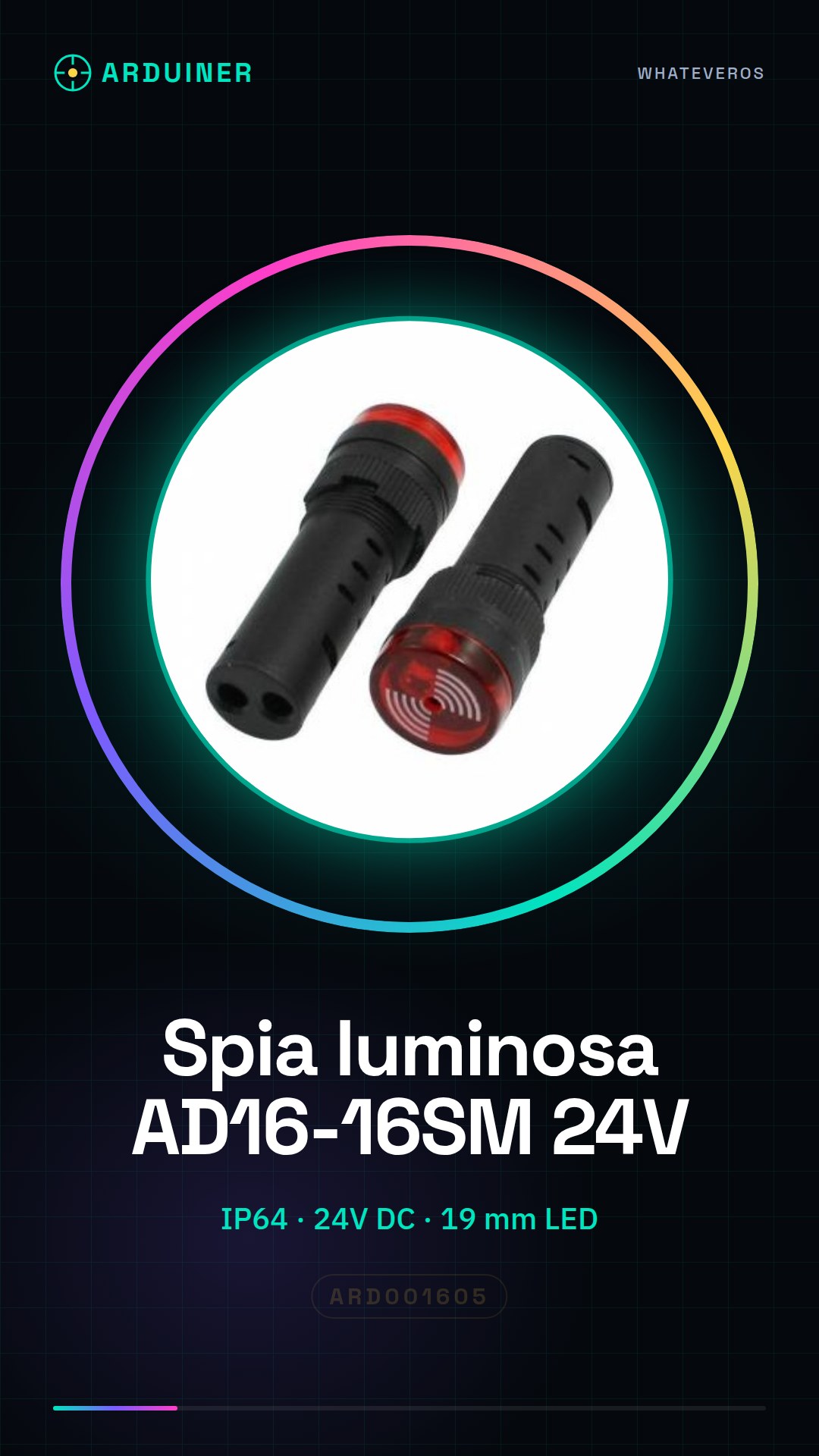
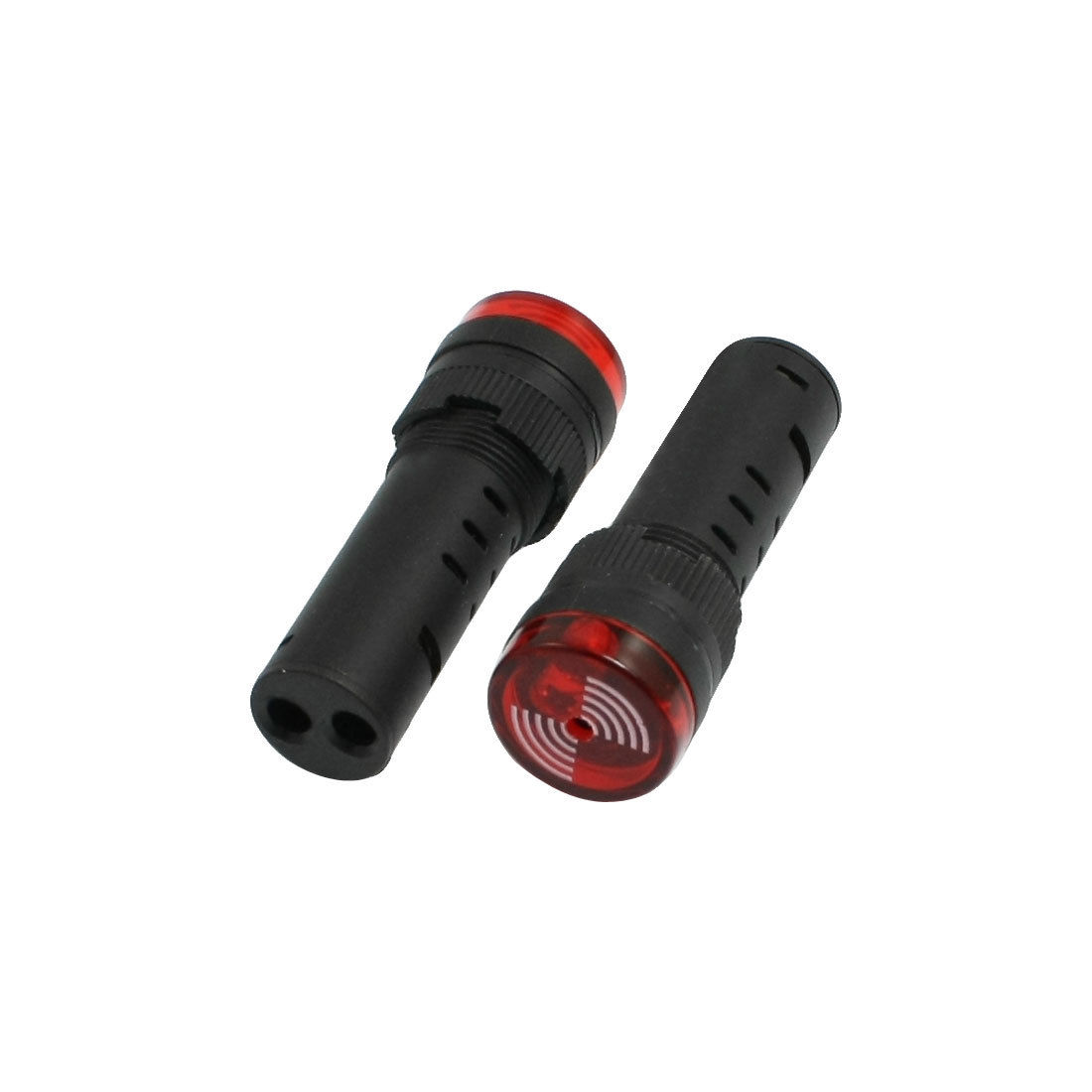
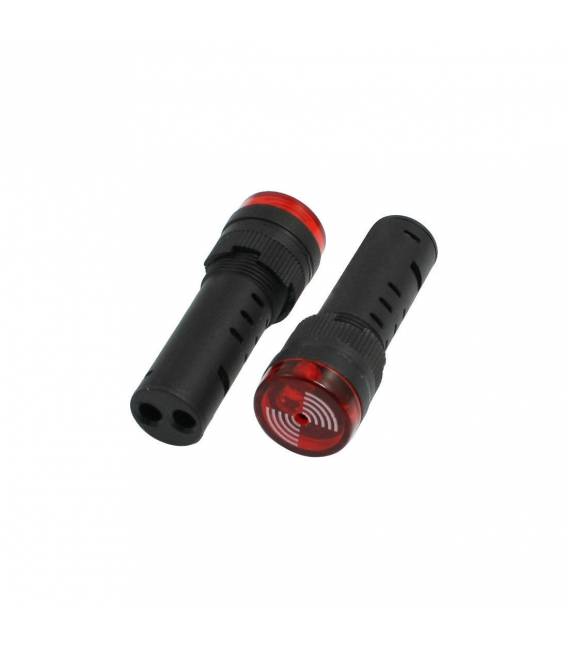
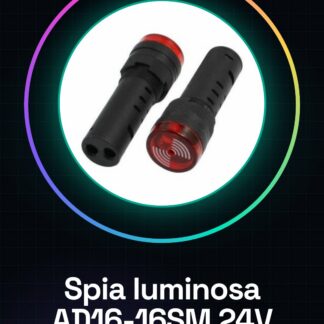
Industrial red flashing LED indicator with built-in buzzer for panel mounting. Features a super bright LED and increases the lifespan of LEDs to up to 100,000 hours of continuous operation. Specifications: Housing: flame retardant Diameter of LED light: 19 mm Protection: IP64 TUV, CE, CCC Power Supply: 24V DC Mounting hole diameter: 16.5 mm Tutorial: How to use AD16-16SM 24V LED Indicator with Buzzer The AD16-16SM 24V LED indicator with buzzer is a useful component for displaying the status of electronic variables, ideal for monitoring projects, home alarms or general indicators. What you need Arduino Uno USB microUSB cable Jumper wires (various colours) Steps Connect the LED indicator to pin 2 on the Arduino using jumper wires. Write and upload the provided sketch to turn on the light and activate the buzzer. Ensure everything is correct by connecting a 24V power supply (check the datasheet). Test the device by pressing the physical button on the Arduino or sending a command via serial monitor. Example code void setup() { pinMode(2, OUTPUT); } void loop() { digitalWrite(2, HIGH); // Turn on light and activate buzzer delay(1000); digitalWrite(2, LOW); // Turn off after one second } Mini-project Build a simple home alarm system that turns on the light and emits sound when motion is detected. Common mistakes Connecting the device to voltage higher than specified. Not verifying connection pins correctly. Using an unsuitable logic signal to activate the indicator. Recommended accessories Arduino Uno PIR Motion Sensors 3D Printer for building protective housing Frequently Asked Questions Q: Why isn’t my buzzer making a sound? Check that it is connected properly and powered with 24V. Q: Can I use this component with voltage lower than 24V? Check the datasheet for minimum power supply compatibility.

Reviews
There are no reviews yet.