 EN
 IT Italiano
 ES Español
 FR Français
 DE Deutsch
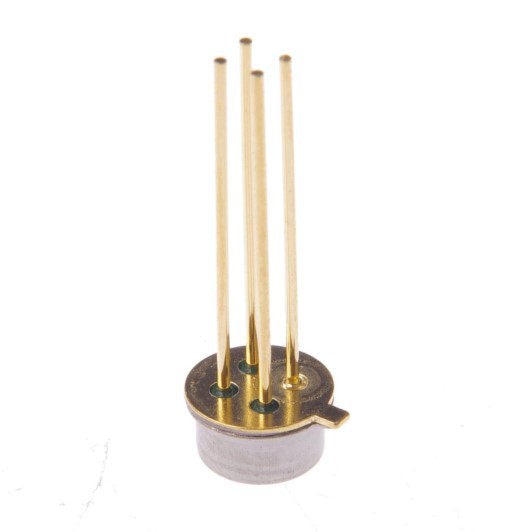
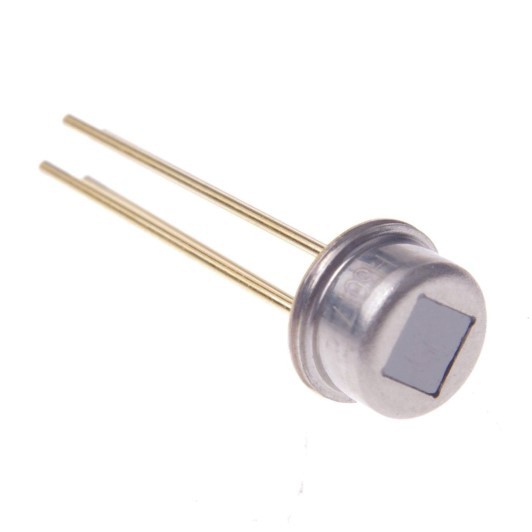
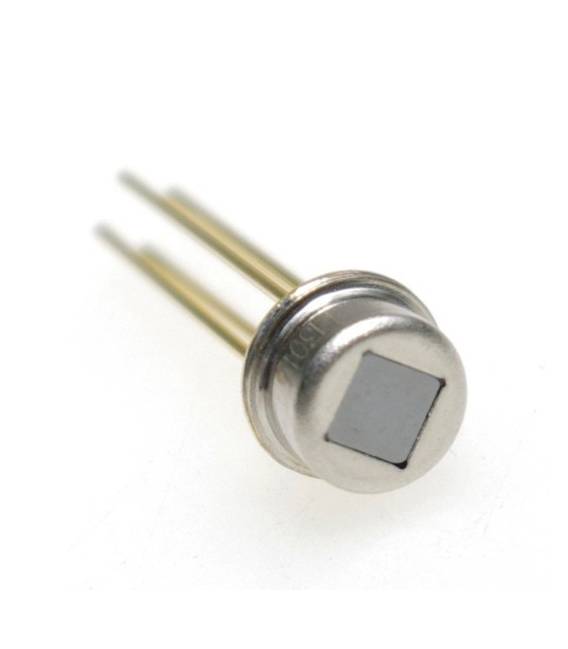
Description
What it is
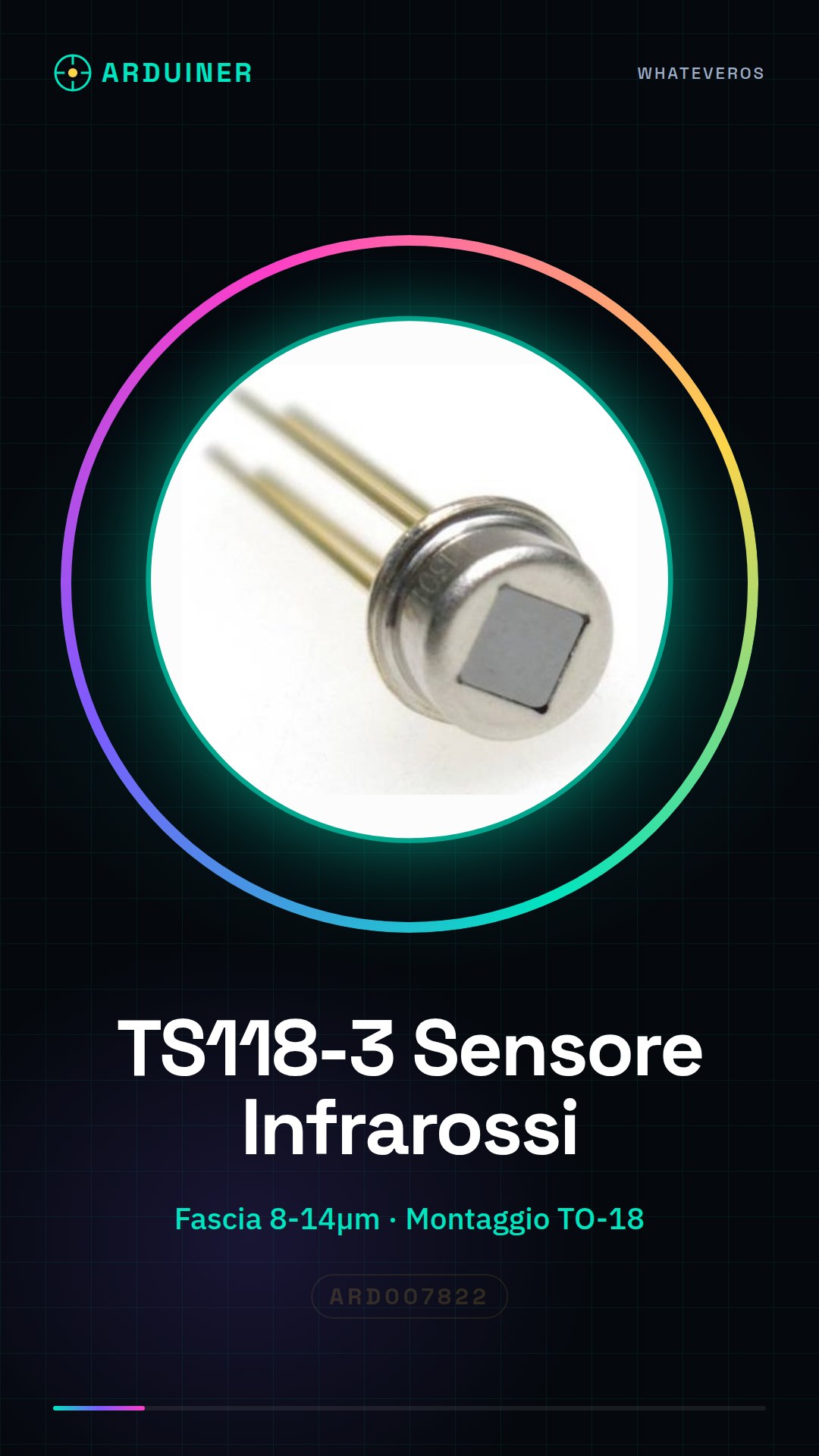
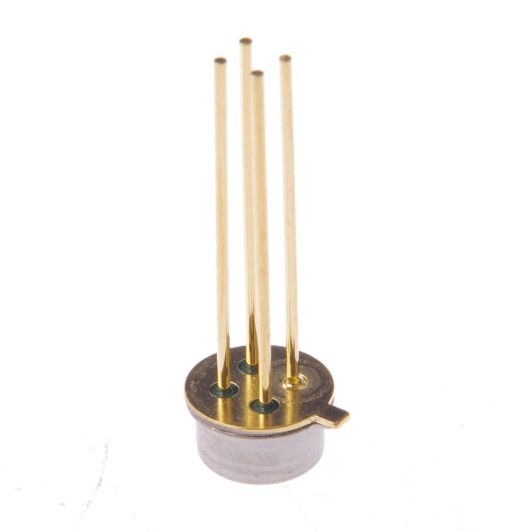
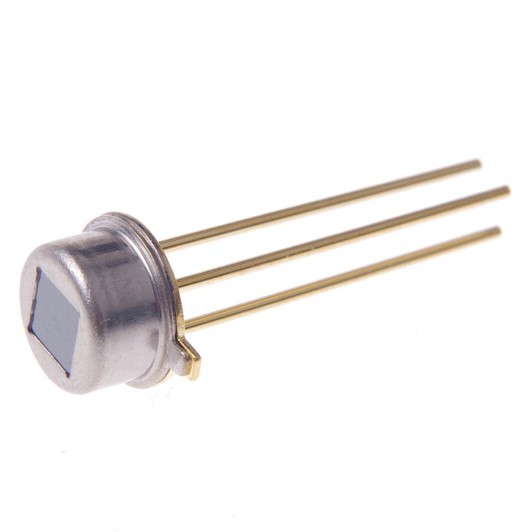
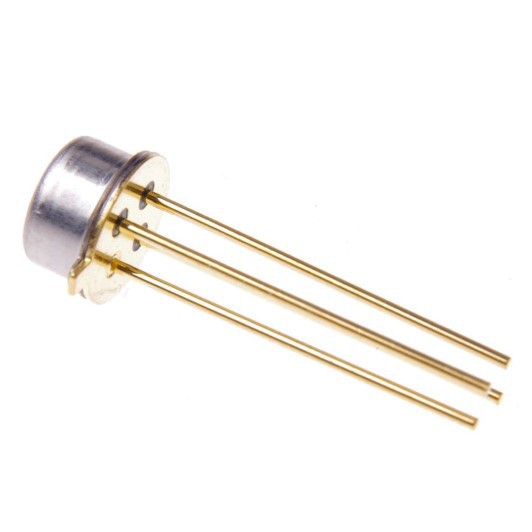
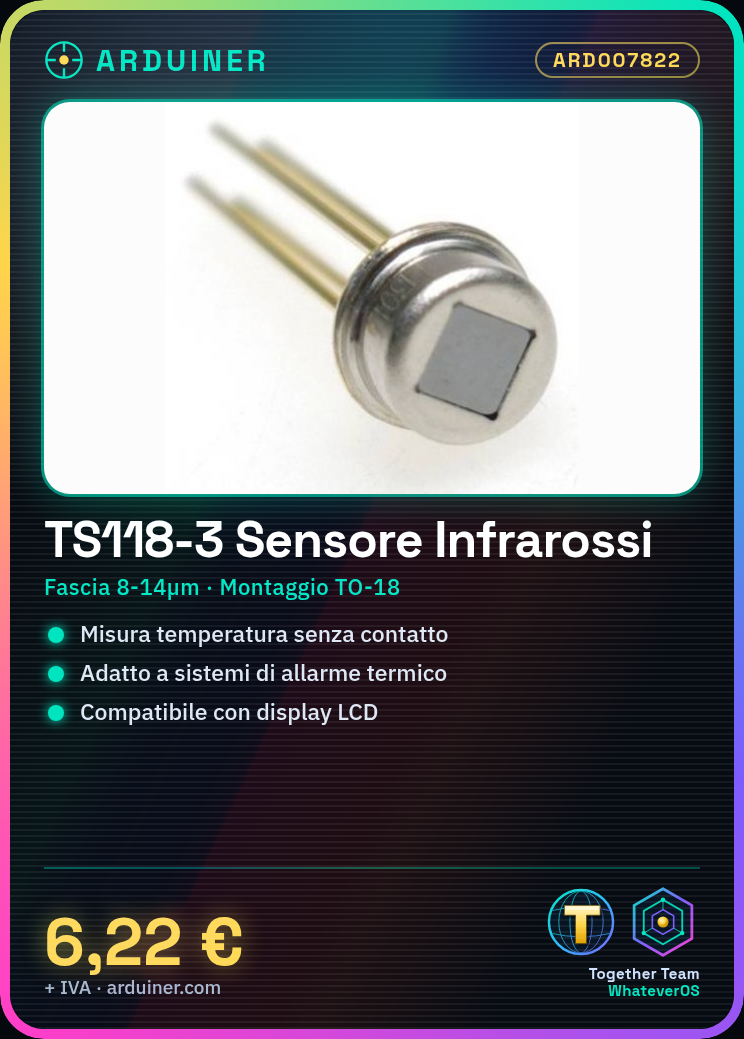
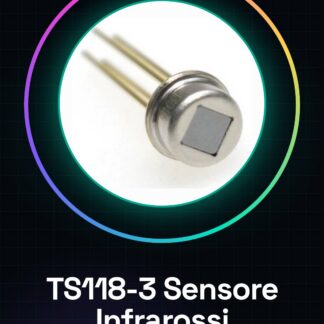
The TS118-3 is an infrared sensor with a wavelength range of 8-14um designed to measure the temperature of remote surfaces without physical contact. It can be used in a variety of applications, both domestic and industrial, where non-invasive temperature monitoring is required.
Features
- Measurement Range: 8-14 µm
- Mounting Type: TO-18
- Price: 6.22 € (SKU: ARD007822)
What it is for
The TS118-3 is ideal for Arduino and IoT projects that require temperature measurement. Some examples of usage include:
- Thermal alarm systems to signal high temperatures
- Climate monitoring in domestic or industrial environments
- Quality control of industrial products or processes
To display the measured temperature values, an LCD display can be used. Compatibility with Arduino and ESP should be verified in the datasheet.
Tutorial: How to Use Infrared Sensor TS118-3
The TS118-3 infrared sensor is ideal for measuring the temperature of remote surfaces without contact. It is suitable for both home and industrial projects, such as climate monitoring or quality control.
What you need
- Arduino Uno
- USB A-Micro B cable
- Breadboard
Steps
- Connect the TS118-3 sensor to the breadboard.
- Connect the VCC and GND pins of the sensor to the corresponding pins of the Arduino.
- Connect the data output (OUT) of the sensor to a digital input pin of the Arduino, for example pin 2.
- Download and install the Adafruit_AMG88xx library if necessary. Check the datasheet for compatible specifications.
- Open the Arduino IDE and create a new sketch.
- Include the ‘Adafruit_AMG88xx’ library in the list of libraries.
- Write or copy the example sketch provided by the library into the Arduino editor.
- Upload the code to the microcontroller.
Example code
// Includi la libreria
#include <Wire.h>
#include <Adafruit_AMG88xx.h>
// Inizializza l'oggetto sensore
Adafruit_AMG88xx amg = Adafruit_AMG88xx();
void setup() {
  Serial.begin(9600);
}
void loop() {
  if(!amg.read()) {
    Serial.println("Errore durante la lettura del sensore");
    return;
  }

  for (uint8_t y=0; y<8; y++) {
    for (uint8_t x=0; x<8; x++) {
      float t = amg.getTemp(x, y);
      Serial.print(t); Serial.print(" ");
    }
    Serial.println();
  }
}
Mini project
Create a thermal alarm system that alerts when the temperature exceeds a certain threshold. You can use an LCD display to show the values.
Common mistakes
- Connect the sensor to the wrong pin of the Arduino.
- Do not install the necessary library before uploading the sketch.
- Ignore the proper power supply for the sensor.
- Use an inadequate filter for short-wave infrared.
Recommended accessories
- LCD Display
- Buzzer
- Relay Module
Frequently asked questions
What is the detection range of the sensor?
Check the product datasheet.
How can I integrate it into a wireless system?
Use a RF transmitter and receiver to send data to the control center.
Is it compatible with Raspberry Pi?
It may be necessary to adapt the code, check the datasheet for compatibility.
Reviews
There are no reviews yet.