 EN
 IT Italiano
 ES Español
 FR Français
 DE Deutsch
Description
What it is
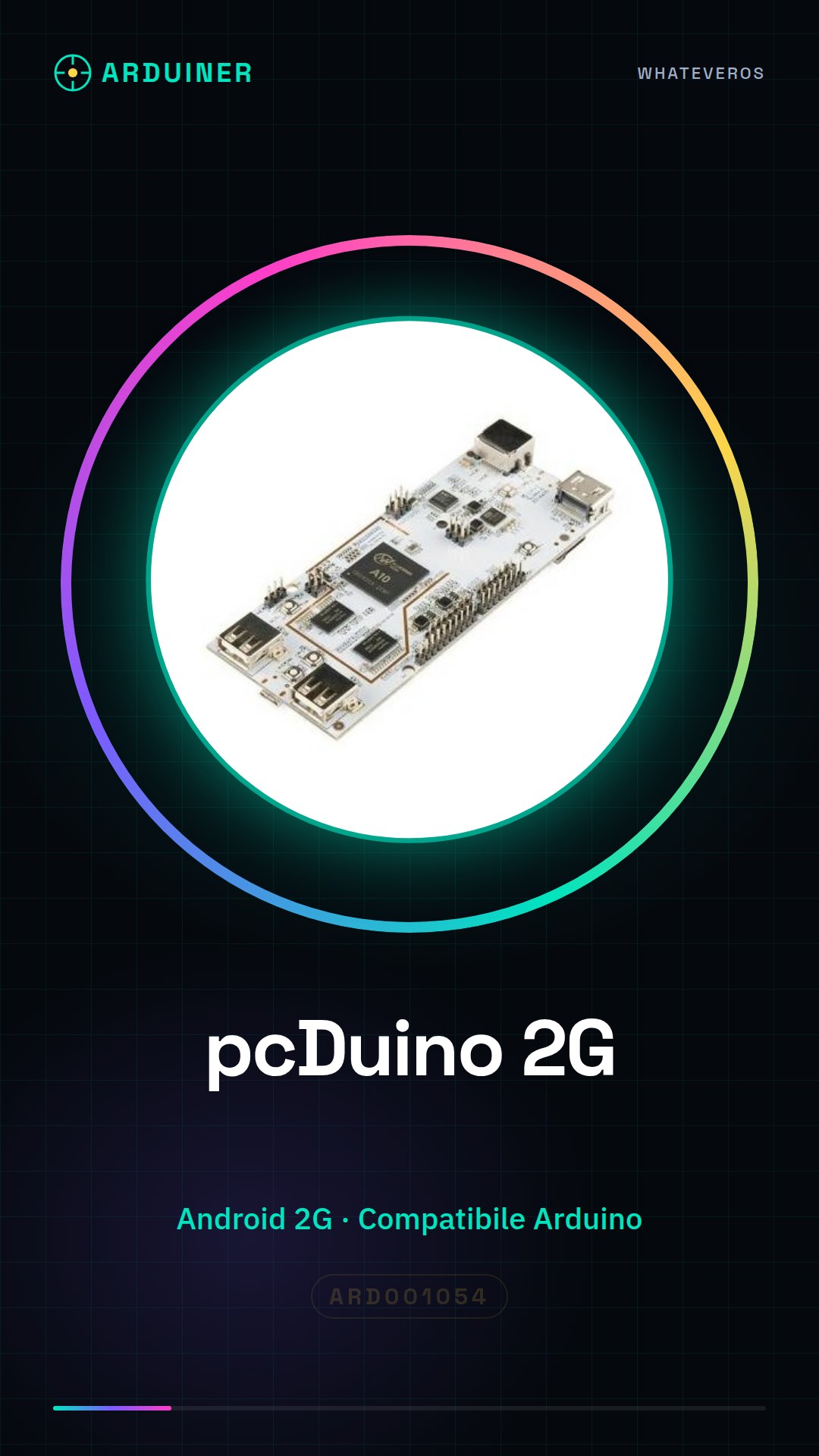
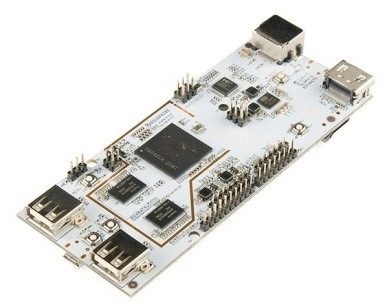
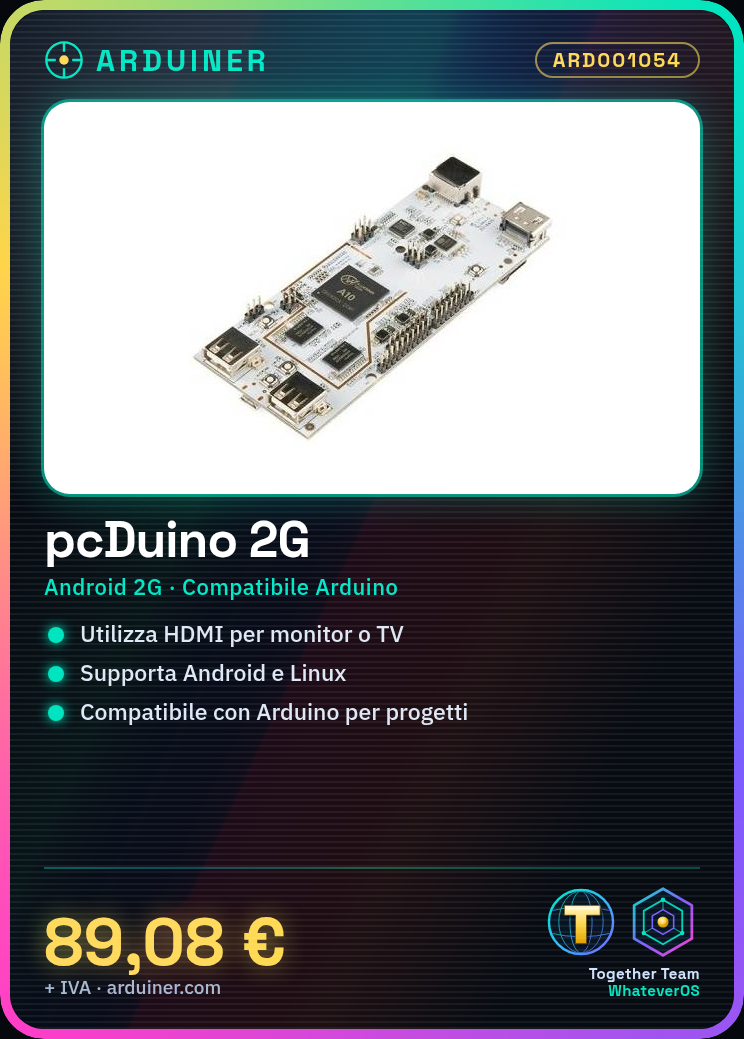
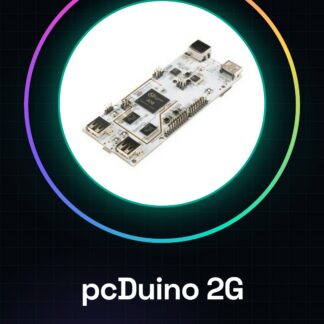
The pcDuino 2G is a development board that can be used as a learning computer. It is a versatile device suitable for both beginners and intermediate users for electronic projects and software development.
Features
- Development Board
- Learning Computer
- Android Operating System
- 2G
What it is for
The pcDuino 2G can be used to create control interfaces for DC motors, for electronic projects, and for developing Android applications. The board is compatible with Arduino.
Tutorial: How to Use pcDuino
The pcDuino is a versatile learning computer, ideal for electronic projects and software development. Suitable for beginners and intermediates.
What you need
- pcDuino
- Micro USB for power supply
- Monitor or TV with HDMI connector
- HDMI cable
- Input system (keyboard and mouse)
Steps
- 1. Connect the pcDuino to your monitor or TV via the HDMI cable.
- 2. Power the pcDuino via the micro USB.
- 3. Turn on the pcDuino.
- 4. Install an operating system (e.g., Android, Linux) on the pcDuino.
- 5. Connect the keyboard and mouse to the pcDuino.
- 6. Start the operating system.
- 7. Install the necessary drivers for your keyboard and mouse.
- 8. Try to browse online or run an application.
Mini project
Create a simple control interface for a DC motor using the pcDuino and a keyboard.
Common mistakes
- Forget to connect the HDMI cable.
- Power the pcDuino with an incompatible USB charger.
- Install an unsupported operating system.
- Connect an incompatible keyboard and mouse.
Recommended accessories
- DC Motors
- Control Board
- Keyboard
- Mouse
Frequently asked questions
Which operating systems does the pcDuino support?
It supports Android, Linux, and other ARM-based systems.
Can I use the pcDuino as a desktop computer?
Yes, it is designed to be used as a desktop computer.
Which keyboard and mouse work with the pcDuino?
Those compatible with standard USB.
Does the pcDuino support wireless connections?
Check the datasheet, as it depends on the specific model.
Reviews
There are no reviews yet.