 EN
 IT Italiano
 ES Español
 FR Français
 DE Deutsch
Description
What it is
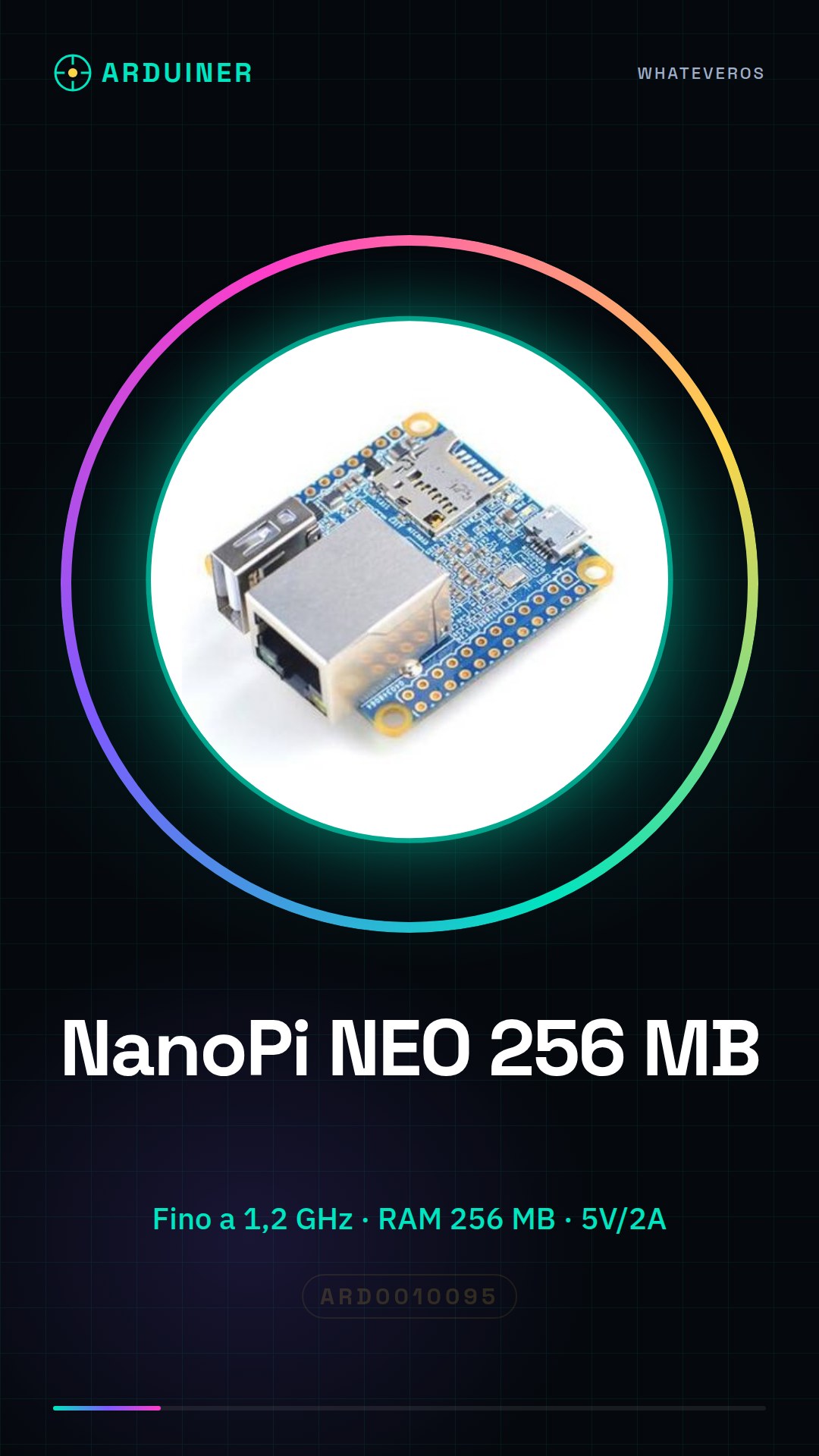
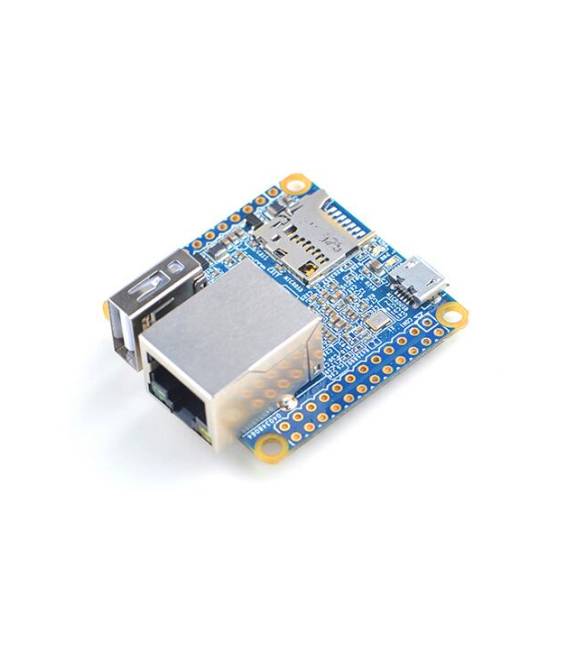
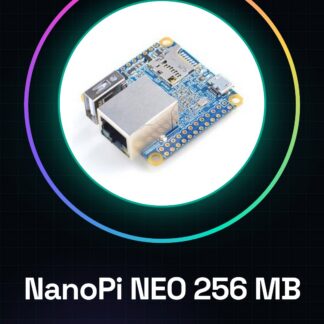
The NanoPi NEO 256 MB is a small SBC (Single Board Computer) designed for developers and makers looking to create innovative prototypes and projects. With a quad-core Allwinner H3 processor, it offers powerful performance at a low cost.
Features
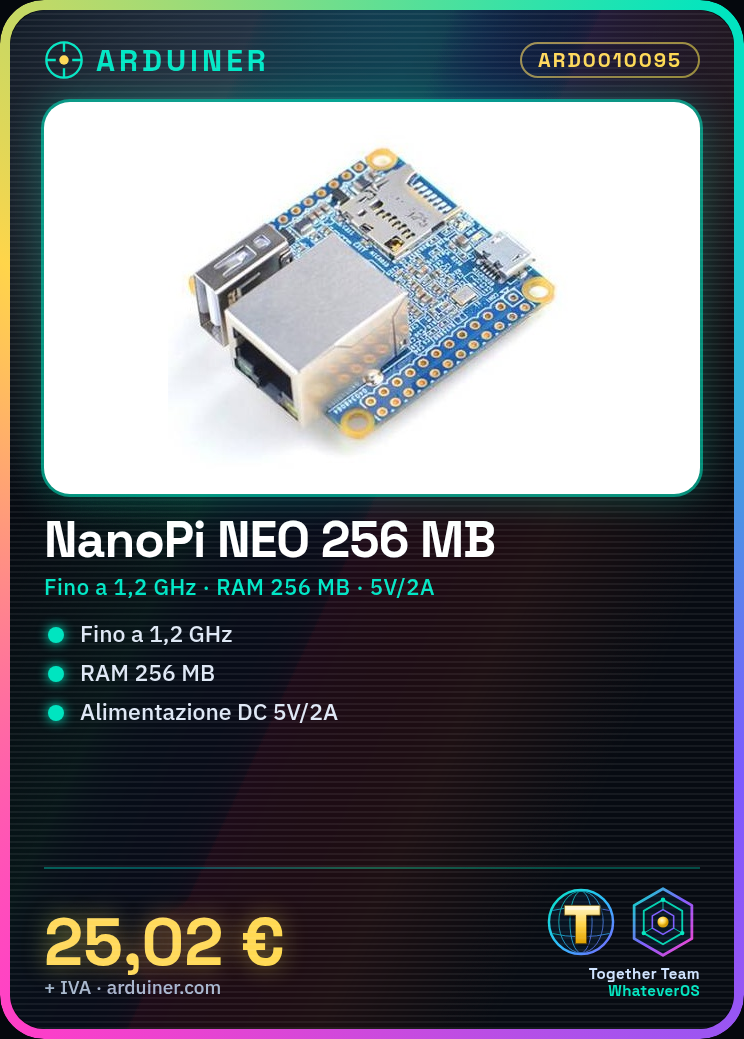
- Processor: Quad-core Allwinner H3 up to 1.2 GHz
- RAM: 256 MB
- Power Supply: DC 5 V / 2 A
What it is for
Ideal for 3D printing, robotics, and IoT systems. It can be used to develop an environmental monitoring system with temperature, humidity, and light sensors connected to the NanoPi NEO.
Tutorial: How to use NanoPi NEO
The NanoPi NEO is a small SBC (Single Board Computer) ideal for 3D printing, robotics, and IoT systems. With a fast and powerful quad-core Allwinner H3 processor, it is perfect for both beginners and experts.
What you need
- NanoPi NEO
- micro USB connector
- DC 5V / 2A power supply
- SD Card
- computer with USB connectivity
Steps
- Check that an operational image is loaded on the SD card (check the datasheet for the specific OS version).
- Connect the NanoPi NEO to the computer via micro-USB.
- Insert the SD Card into the NanoPi NEO slot.
- Power the NanoPi NEO with a 5V / 2A DC power supply.
- Configure Wi-Fi and Ethernet connections if necessary (check the datasheet for specific configuration steps).
- Install any required libraries or drivers for the project (check the datasheet for the complete list of dependencies).
- Write and test the project code.
- Configure remote access if you want to control the NanoPi NEO from a distance.
Mini project
Create an environmental monitoring system with temperature, humidity, and light sensors connected to the NanoPi NEO. Insert the data into an online database.
Common mistakes
- Do not check the operational image on the SD card
- Insufficient or incorrect power supply
- Wi-Fi connection not configured correctly
- Ignore the official product documentation
Recommended accessories
- SD Card 8GB Class 10
- Protective case for NanoPi NEO
- Temperature and humidity sensors DHT22
- Wi-Fi USB module
Frequently asked questions
What is the difference between the NanoPi NEO and other SBC boards?
The NanoPi NEO offers a competitive performance-to-price ratio, with a small form factor ideal for 3D printing and robotics projects.
Can I use any SD Card?
Yes, but it is recommended to use an SD Card Class 10 or higher for optimal loading times and performance.
Reviews
There are no reviews yet.