 EN
 IT Italiano
 ES Español
 FR Français
 DE Deutsch
Description
What it is
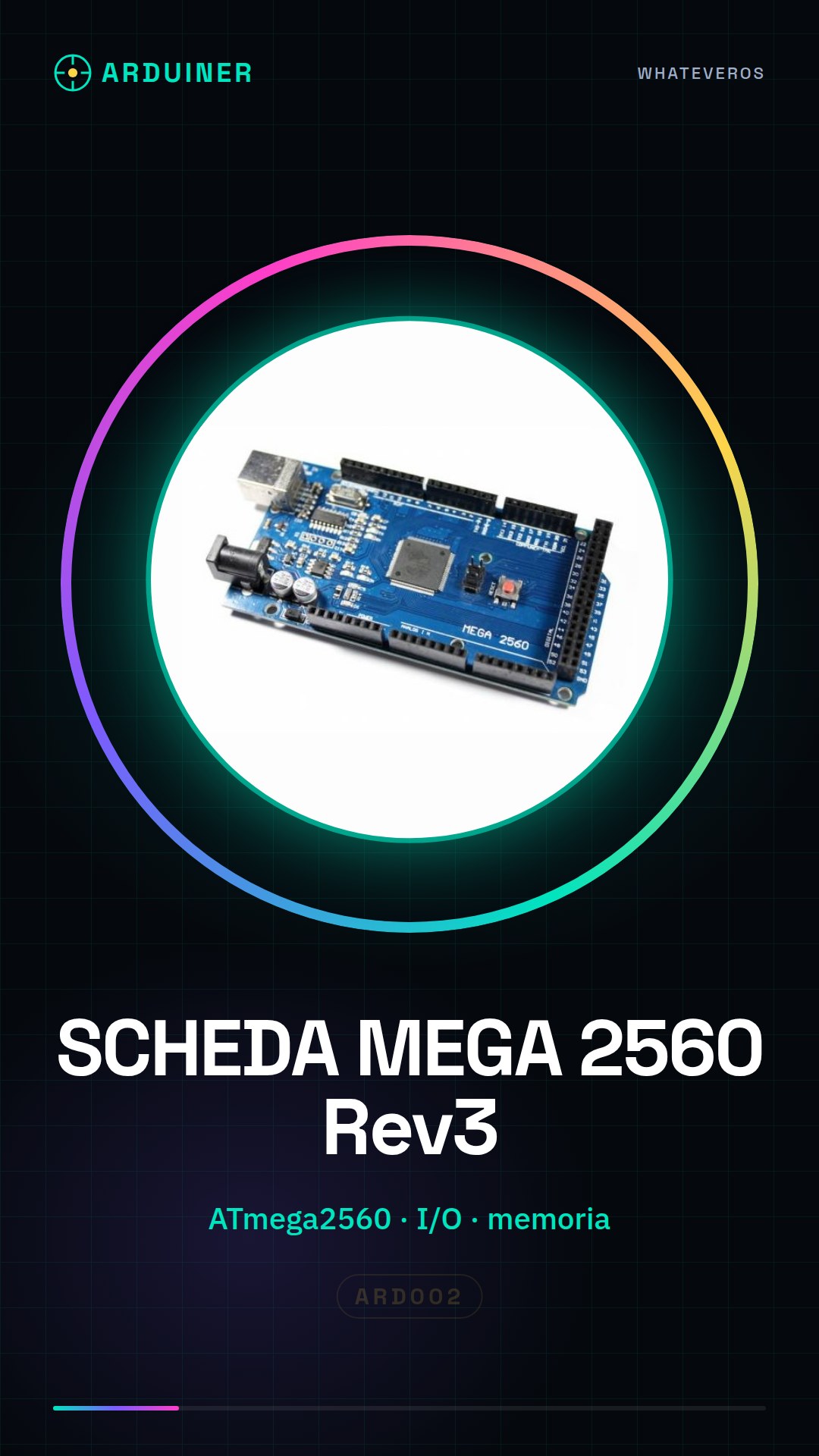
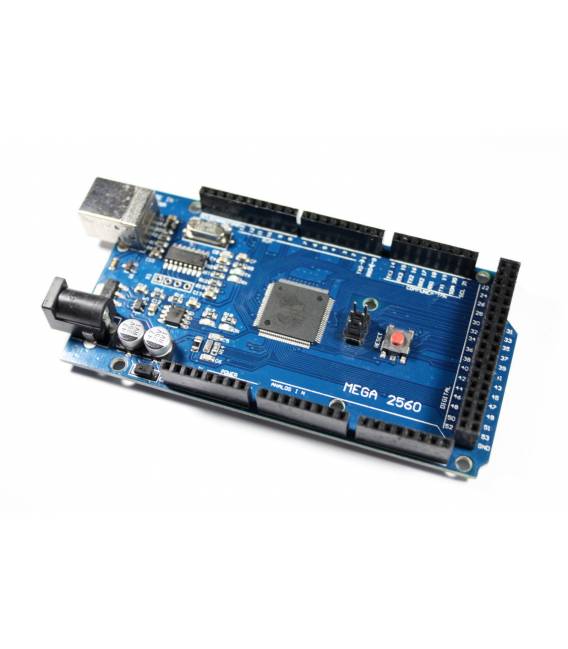
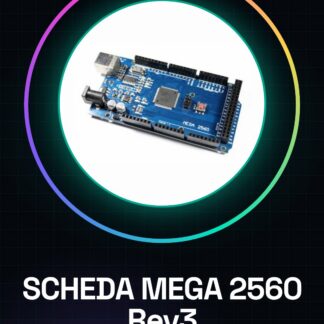
The Mega 2560 Rev3 board is an Arduino-compatible board designed to support complex electronic projects that require many input and output (I/O) ports and large memory.
Features
- Compatible with Arduino Mega 2560
- Uses ATmega2560 microcontroller
What it is for
The Arduino Mega 2560 Rev3 is ideal for projects that require a high number of I/O ports and large memory. It is useful for both beginners and professionals in electronics and programming.
Tutorial: How to Use the MEGA 2560 REV3 Board
The MEGA 2560 REV3 board is ideal for complex projects requiring many I/O ports and large memory. Useful for beginners and professionals.
What you need
- Arduino IDE
- USB cable
- 10kΩ resistor
- JTAG cable (optional)
Steps
- 1. Download and install the Arduino IDE.
- 2. Connect the MEGA 2560 to the computer with the USB cable.
- 3. Check the datasheet for the firmware version.
- 4. Create a new project in Arduino IDE.
- 5. Load the example code “Blink”.
- 6. Check the electrical current with a multimeter.
- 7. Connect a 10kΩ resistor between VCC and GND.
- 8. Verify the proper function of JTAG (if present).
Example code
void setup() { pinMode(13, OUTPUT);}void loop() {}Mini project
Create a simple LED signal that turns on and off.
Common mistakes
- Do not verify the firmware.
- Connect the USB cable correctly.
- Forget to connect the 10kΩ resistor.
- Do not use JTAG correctly (if present).
Recommended accessories
- Analog sensors
- LCD display
- Stepper motor
- Prototype board
Frequently asked questions
How can I verify the firmware?
Check the datasheet or contact support.
What are the minimum requirements for installation?
Arduino IDE and USB cable.
Can I use a different USB cable?
Yes, but make sure it is compatible.
Is JTAG mandatory?
No, it is optional.
Reviews
There are no reviews yet.