 EN
 IT Italiano
 ES Español
 FR Français
 DE Deutsch
Description
What it is
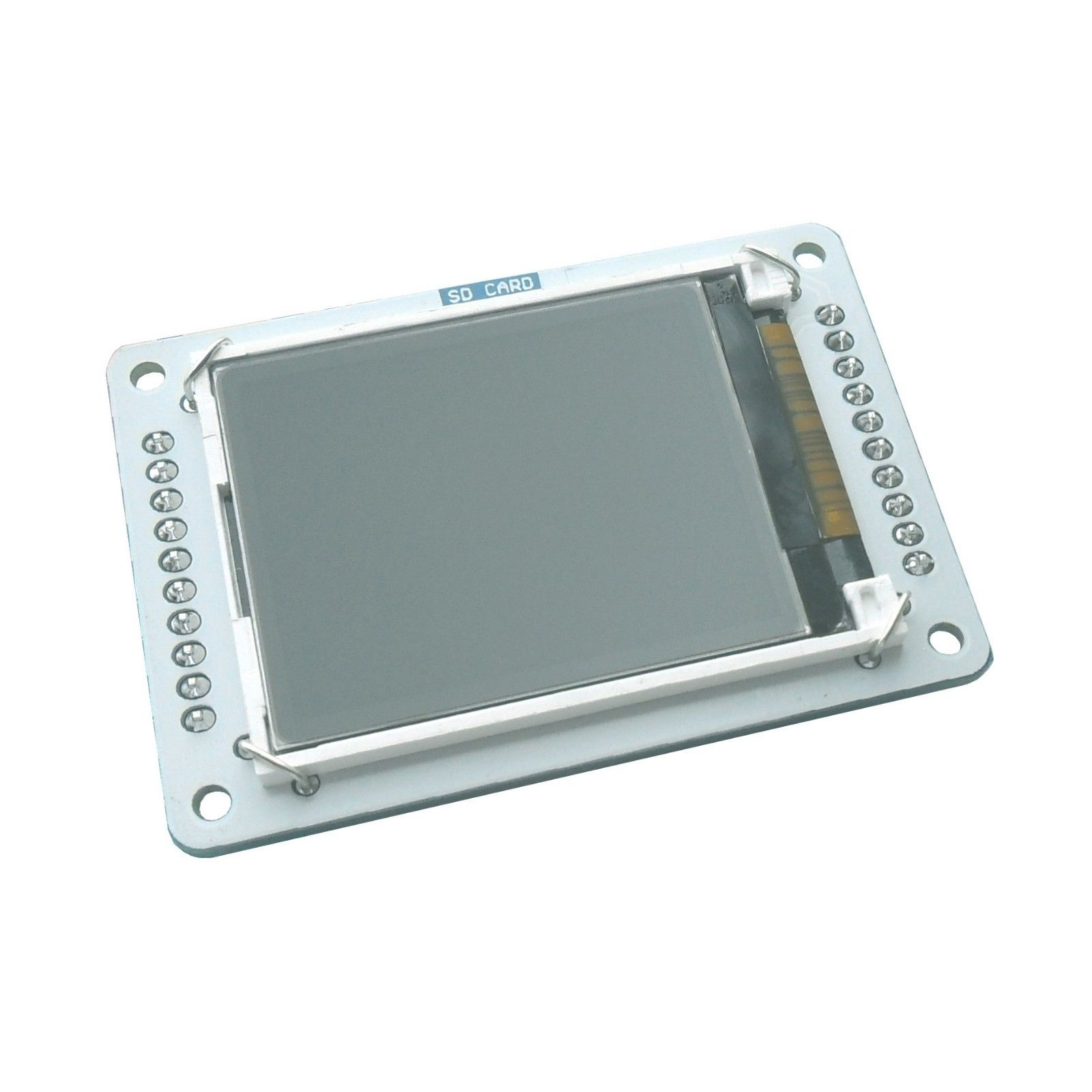
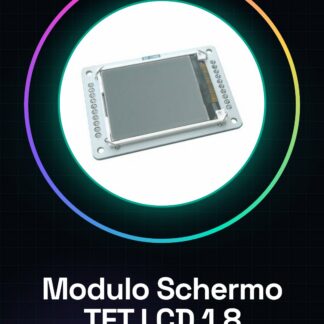
The TFT LCD 1.8 inch Shield Display Module for Arduino Esplora is an electronic component designed to add graphical display to your Arduino Esplora-based projects.
Features
- TFT LCD 1.8 inch Display
- Compatible with Arduino Esplora
What it is for
This module is ideal for creating custom graphical interfaces in your projects, such as a digital clock that shows the time and date. It can be used by both beginners and intermediate makers.
Tutorial: How to Use TFT LCD 1.8 inch Display Module for Arduino Esplora
This 1.8 inch TFT LCD module is perfect for displaying graphical information on your Arduino Esplora-based projects. It is suitable for both beginners and intermediate makers.
What you need
- Arduino Esplora
- USB A-MicroB Cable
- Arduino IDE Software
Steps
- Install the TFT LCD 1.8 inch module SDK from the official website.
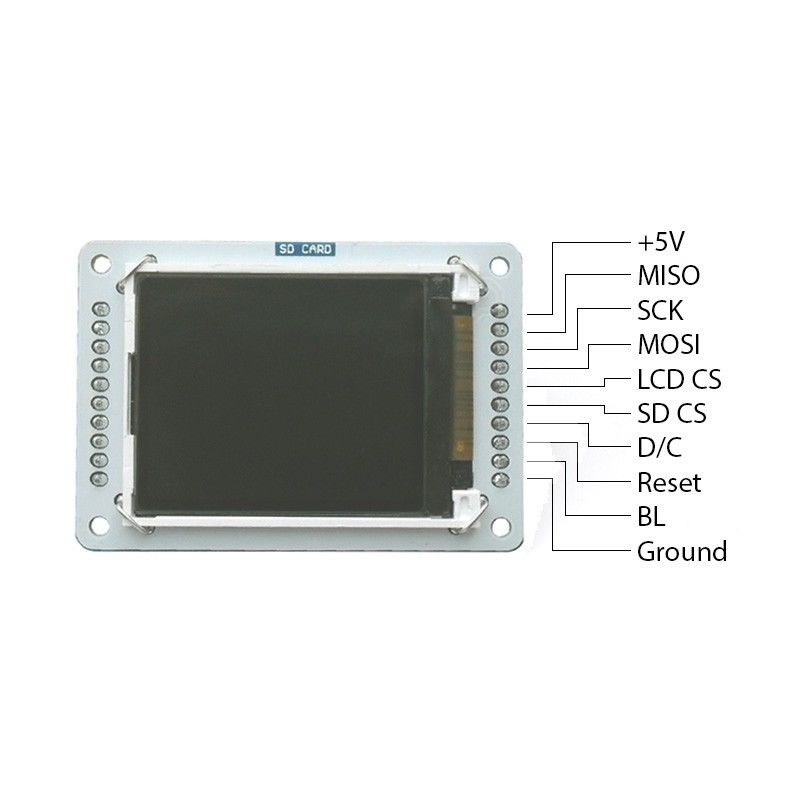
- Connect the module to the shield connector of the Arduino Esplora.
- Open a new sketch in Arduino IDE and include the necessary library.
- Insert the configuration instructions for the display in the code.
- Compile and upload the sketch to the Arduino Esplora.
- Check that the display turns on correctly and shows text or images.
- If necessary, adjust the configuration parameters according to the datasheet specifications.
- Test the graphical interface with elements such as buttons and progress bars.
Example code
/* Includere la libreria */
#include <Adafruit_GFX.h>
#include <Adafruit_ILI9341.h>

// Configurazione del display
#define TFT_CS 10
#define TFT_DC 9
#define TFT_RST 8

Adafruit_ILI9341 tft = Adafruit_ILI9341(TFT_CS, TFT_DC, TFT_RST);

void setup() {
tft.begin();
tft.fillScreen(ST77XX_BLACK);
tft.setCursor(0,0);
tft.setTextColor(ST77XX_WHITE);
tft.setTextSize(2);
tft.println(F("Benvenuto!"));
}

void loop() {}
Mini project
Create a simple digital clock that shows the time and date on the 1.8 inch TFT LCD display.
Common mistakes
- The software SDK has not been installed correctly.
- The module is not receiving sufficient power.
- The pins of the shield connector are incorrectly connected.
- The library used does not support all the features of the display.
Recommended accessories
- Power supply cable for Arduino Esplora
- Protoboard
- Variable resistors
Frequently asked questions
How can I get the datasheet?
The datasheet is available on the manufacturer’s official website or in the GitHub repository of the used library.
Can it be used with other Arduino models?
Check the shield connector specifications and library compatibility.
Reviews
There are no reviews yet.