 EN
 IT Italiano
 ES Español
 FR Français
 DE Deutsch
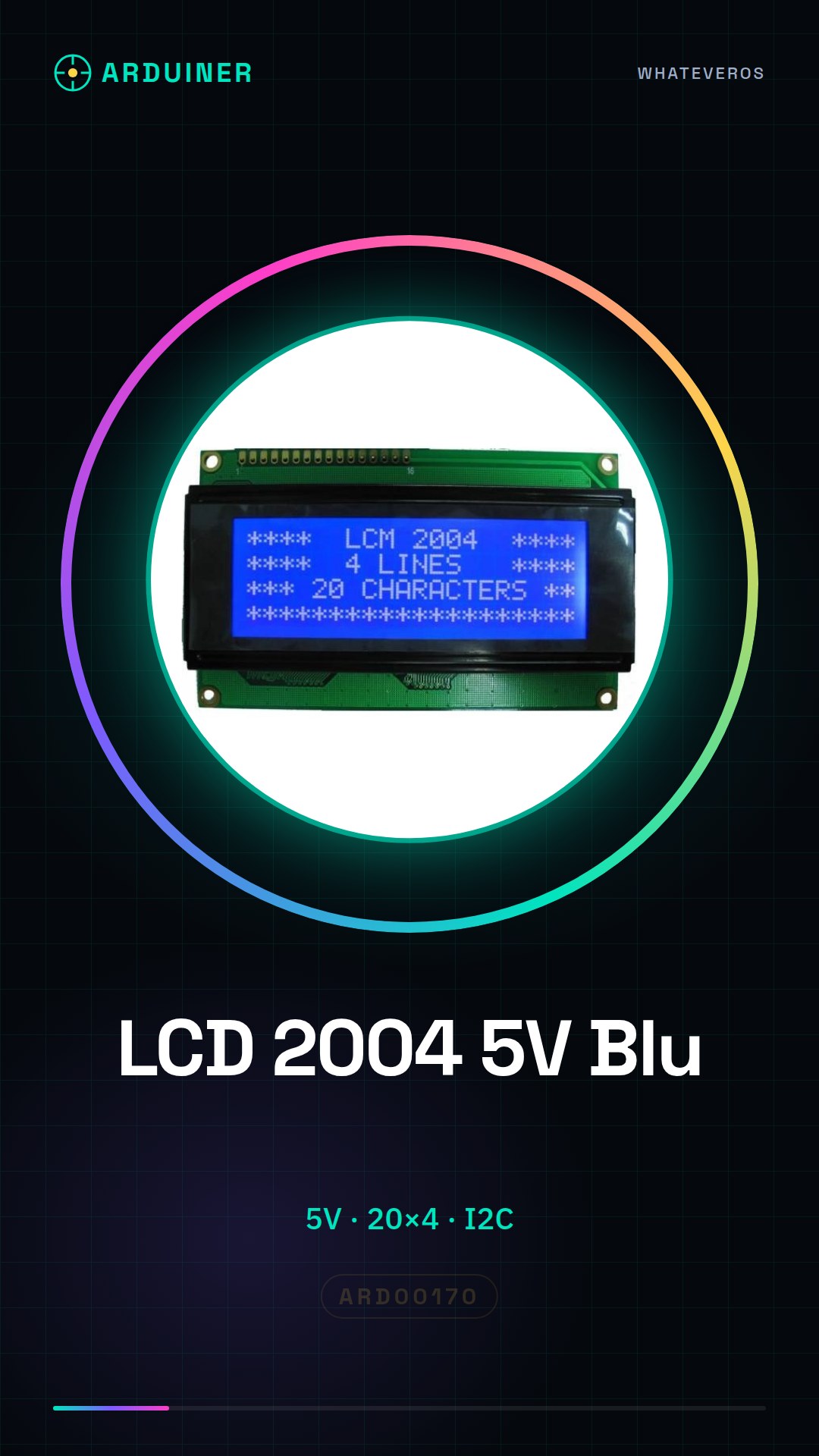
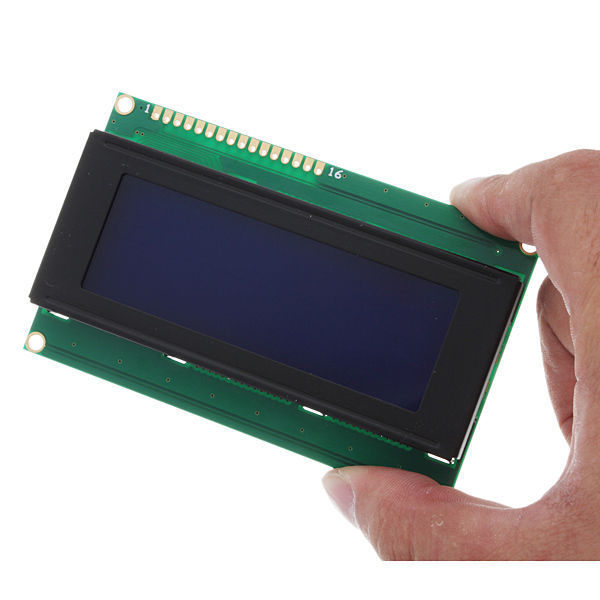
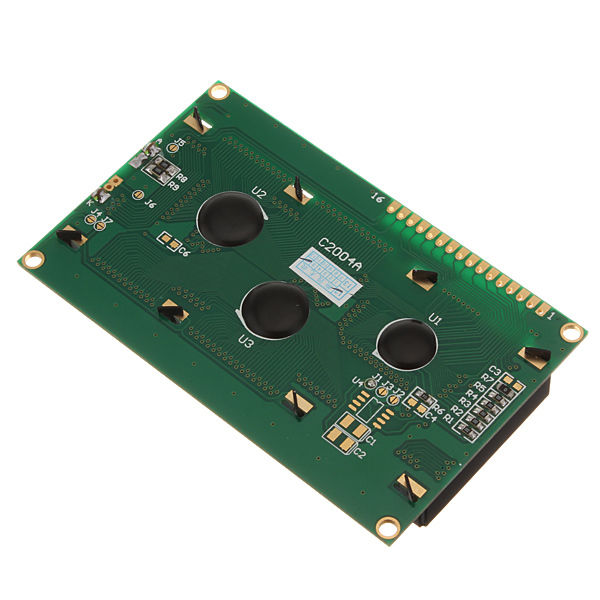
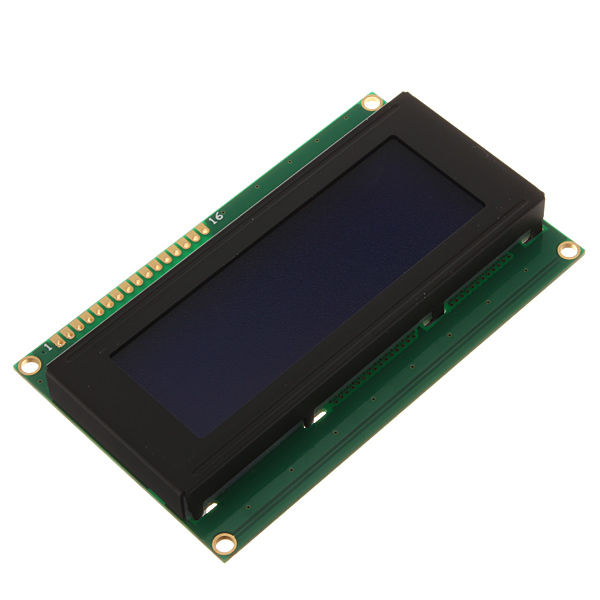
Description
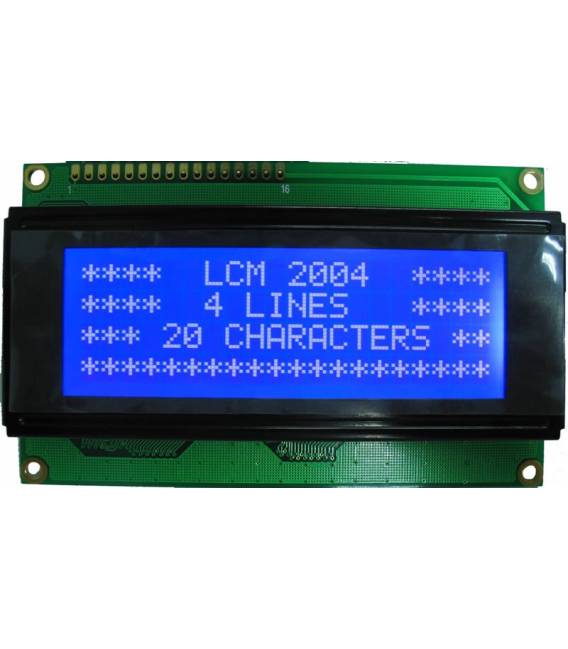
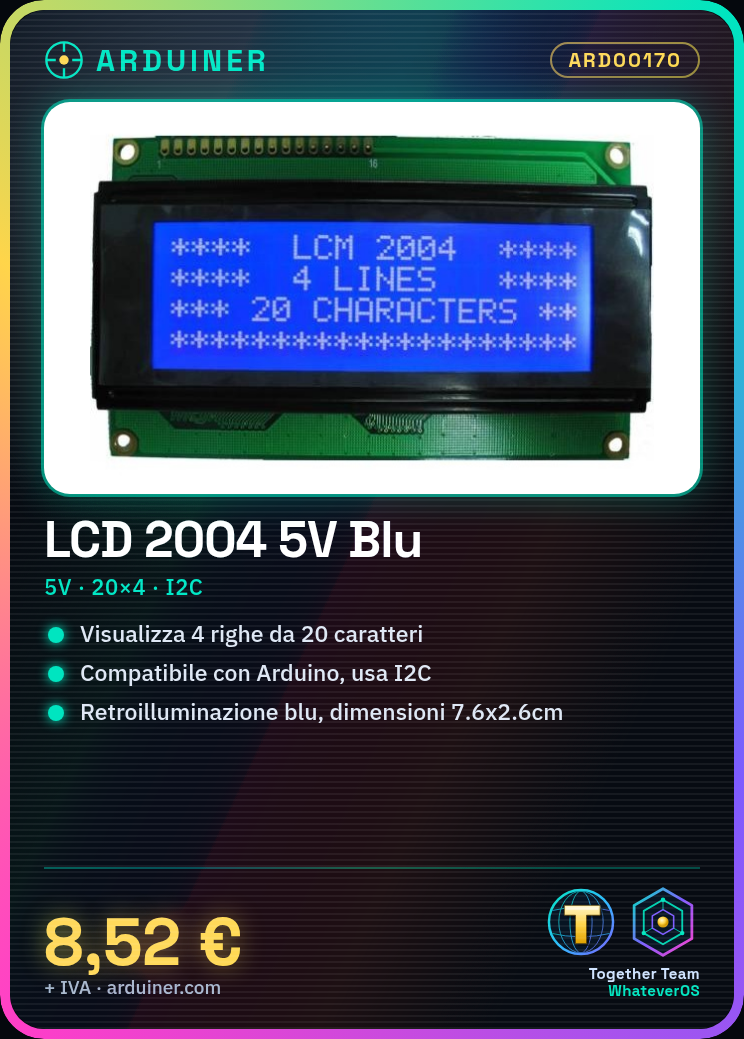
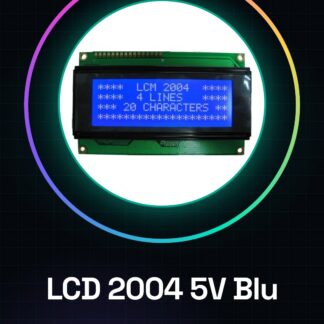
2004 5V Blue 20×4 Character LCD Display Module Compatible with Arduino
The display allows the visualization of 4 lines of 20 characters each. Fully compatible with Arduino.
Technical specifications:
Voltage: 5 V
Chip: HD44780
Interface: IIC I2C
Lines: 4
Characters per line: 20
Backlight: Blue
LCD type: STN (Blue)
Driving voltage: 5V DC
Driving method: 1/16, 1/5
Screen size: 7.6 * 2.6cm
Operating temperature: -20 to 60C
Package weight: 73g
Product size: 9.8 * 6.0 * 1.2cm
Package list:
1 * LCD module
We have datasheets available for all components, if not present in the product download card, send us a message through the contact us form and we will publish it as soon as possible on our website.
Tutorial: How to use LCD Module 2004 (Arduino)
Learn to display text and data on an LCD display compatible with Arduino.
What you need
- LCD Module 2004
- Arduino Uno
- USB Cable
- Test Leads
Steps
- Connect the module LCD pins to the corresponding Arduino pins.
- Check the connection between VCC and GND.
- Install the LiquidCrystal_I2C library in Arduino IDE.
- Set the I2C bus in the code (check the datasheet).
- Write the text to be displayed on the LCD console.
Example code
LiquidCrystal_I2C lcd(0x27, 2, 1, 0xF8, 0xF9, 0xFA, 0xFB, 0xFC);

lcd.begin(20,4);
lcd.print("Benvenuto!");
Mini project
Create a temperature display with DS18B20 temperature sensor and LCD.
Common mistakes
- Incorrect I2C bus setting.
- Unstable connection between Arduino and LCD module.
Recommended accessories
- DS18B20 Temperature Sensor
- 4.7kΩ Pull-up Resistor
- 3D Print to Protect the Circuit
Frequently asked questions
How can I change the display brightness?
Modify the pin values related to brightness in the code.
The LCD module does not turn on.
Check all electrical connections.
Reviews
There are no reviews yet.