 EN
 IT Italiano
 ES Español
 FR Français
 DE Deutsch
Description
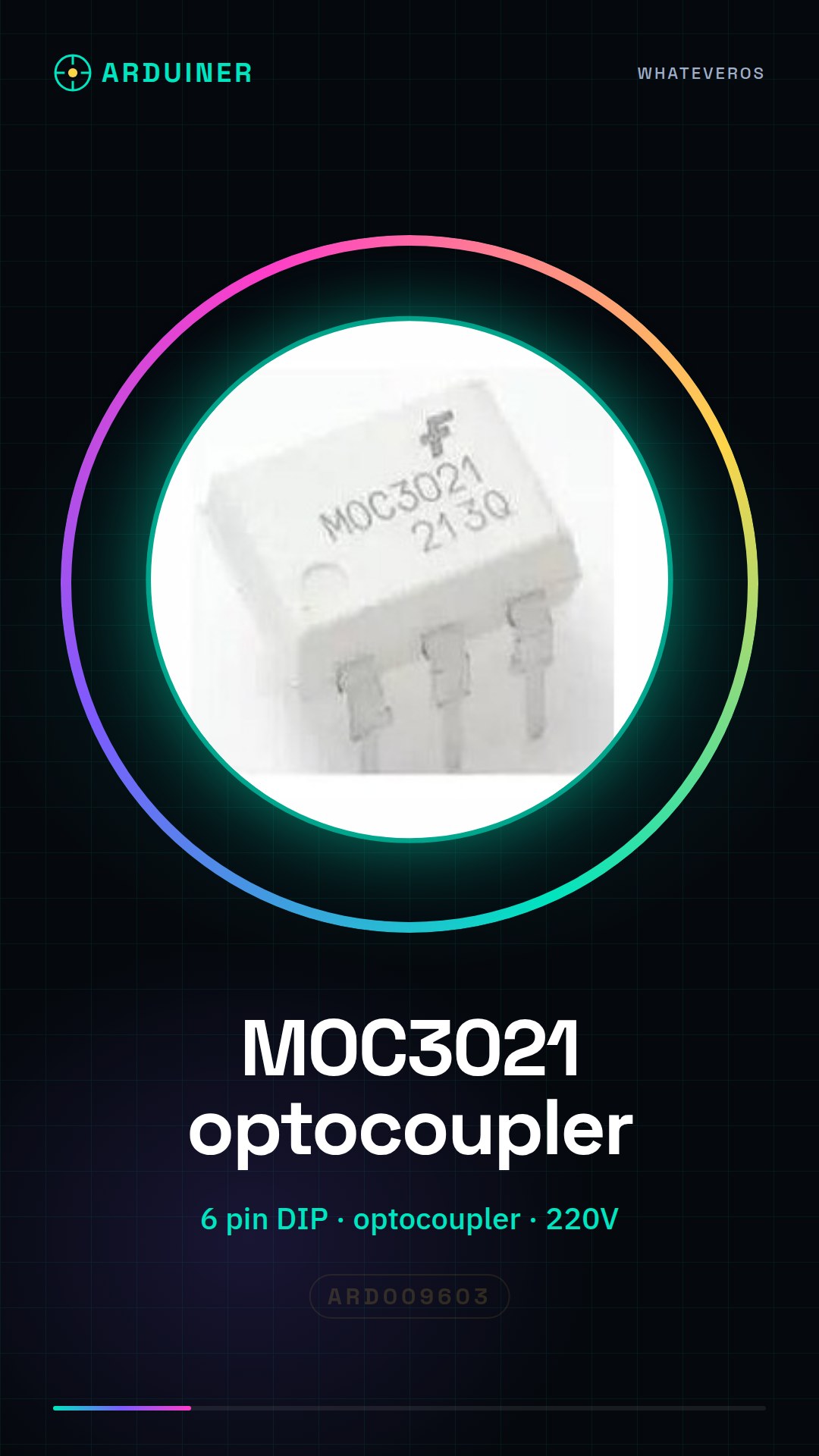
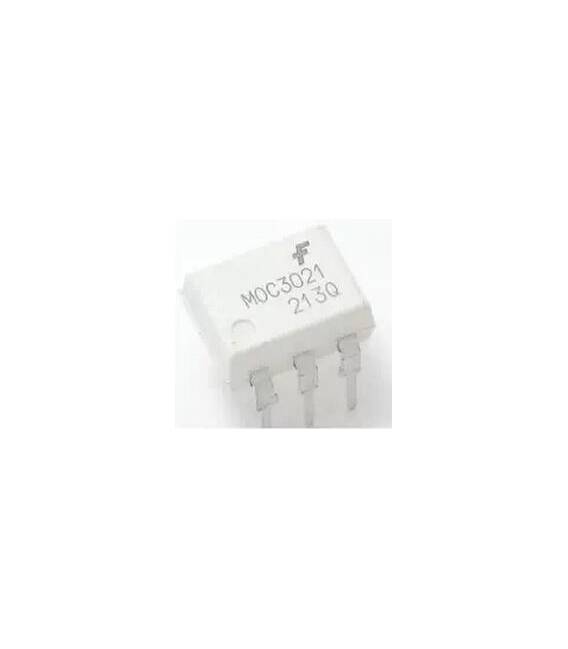
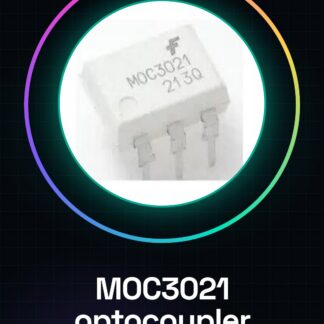
MOC3021 DIP-6 FSC
Tutorial: How to Use MOC3021 DIP-6
The MOC3021 is an optocoupler current sensor with phase tracking. It is ideal for makers who want to control electrical devices from a low-level, such as lamps or motors.
What you need
- Arduino Uno
- USB Cable
- 220V Lamp
Steps
- Connect the MOC3021 to the output circuit of the Arduino.
- Check the input current on the MOC3021 datasheet.
- Connect a resistor between the Arduino output and the anode of the optocoupler sensor to limit the current.
- Connect the relay or device to be controlled to the output circuit of the MOC3021.
- Write an Arduino sketch that sends PWM pulses to the input of the MOC3021.
- Check the power supply and safety of the connections before turning on the device.
Example code
void setup() {
  pinMode(9, OUTPUT);
}

void loop() {
  digitalWrite(9, HIGH); // Accendi il dispositivo collegato al MOC3021
  delay(500);
  digitalWrite(9, LOW); // Spegni il dispositivo collegato al MOC3021
  delay(500);
}
Mini project
Create an intelligent lighting system that turns a lamp on and off based on sunlight.
Common mistakes
- Do not check the input current on the MOC3021 datasheet.
- Omit the resistor between the Arduino and the optocoupler detector.
- Connect the device to be controlled directly to the Arduino output without going through the MOC3021.
Recommended accessories
- 1kΩ resistor
- 5V SPDT relay
- Light sensors
Frequently asked questions
Can the MOC3021 control low voltage devices such as LEDs?
No, the MOC3021 is designed for high voltage electrical devices.
Can I use more than one device with a single MOC3021?
No, each MOC3021 must be connected to a single device.
Reviews
There are no reviews yet.