 EN
 IT Italiano
 ES Español
 FR Français
 DE Deutsch
Description
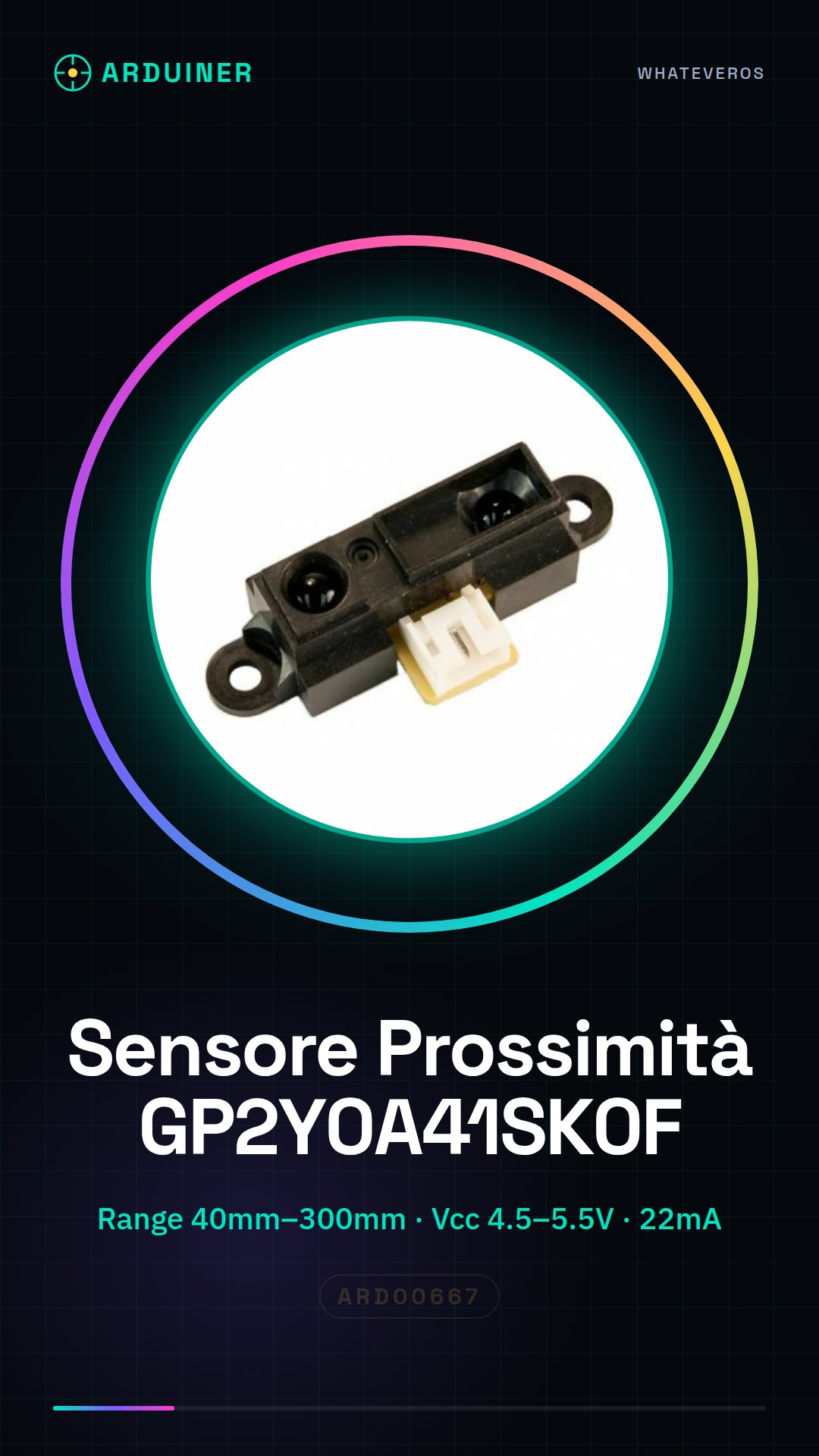
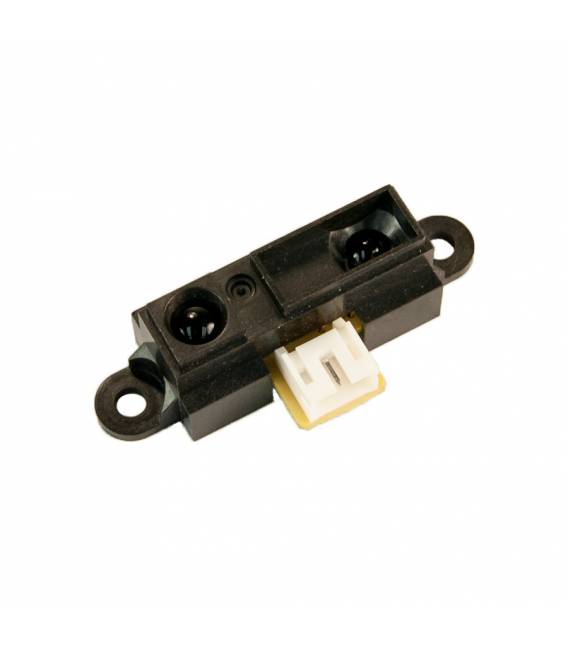
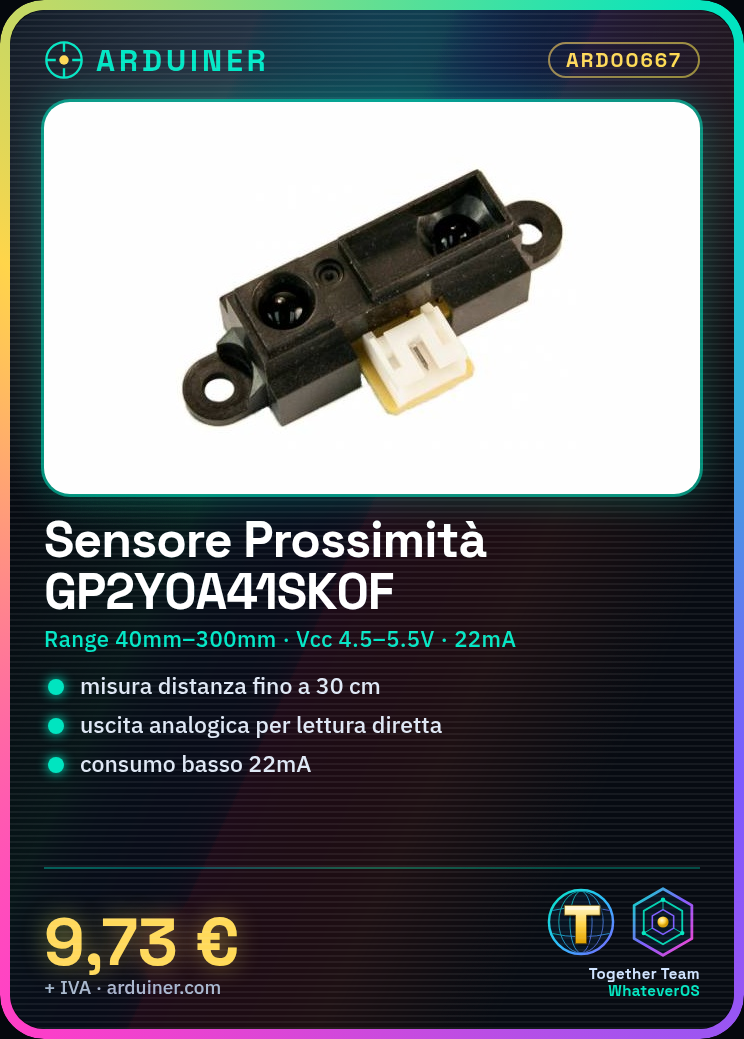
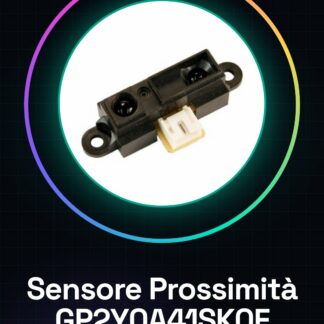
Analog Infrared Proximity Sensor GP2Y0A41SK0F
- DISTANCE MEASURING SENSOR
- Detection Range: 40mm to 300mm
- Sensor Output: Analog
- DC Power Supply Voltage Range: 4.5 V to 5.5 V
- Detection Distance: 4 cm to 30 cm
- External Depth: 18.9mm
- External Length / Height: 13.5mm
- External Width: 44.5mm
- DC Operating Current: 22mA
- Operating Temperature Range: From -10 C to +60 C
- Maximum Supply Voltage: 5.5V dc
- Minimum Supply Voltage: 4.5V dc
We have datasheets available for all components. If you do not find the datasheet in the product download sheet, send a message through the contact us module and we will publish it as soon as possible on our website.
Tutorial: How to Use Infrared Proximity Sensor GP2Y0A41SK0F
This infrared proximity sensor is ideal for projects requiring distance detection from objects up to 80 cm. It is particularly useful for robots, interactive devices, and security systems.
What you need
- Arduino Uno
- Jumper Connections (various colors)
- Breadboard
Steps
- Connect the sensor to the breadboard using jumper connectors. Check the datasheet specifications to understand which pins to connect.
- Connect VCC and GND to the Arduino voltage reference.
- Connect the analog output AO to a digital or analog pin on the Arduino, for example A0.
- Download the code below to your Arduino to start reading the values from the sensor.
- Open the Serial Monitor section in Arduino IDE and view the data received from the sensor.
- Modify the code to adapt it to the specific needs of your project.
Example code
const int sensorPin = A0; // Pin in cui è collegato AO
void setup() {
 Serial.begin(9600);
}

void loop() {
 int val = analogRead(sensorPin); // Leggi il valore del sensore
 Serial.println(val); // Invia il valore al Serial Monitor
 delay(100); // Attendi prima di rilevare nuovamente
}
Mini project
Create a home security system that sends a notification when someone approaches within a certain distance. Use the sensor to monitor the entrance and connect it to a cloud service like IFTTT or Blynk.
Common mistakes
- Do not properly connect the sensor pins to the Arduino.
- Ignore the sensor’s measurement scale, which can vary depending on the distance of the object.
- Omit the interference filter, such as sunlight or reflections.
- Do not adequately test the project before implementing it.
Recommended accessories
- Arduino Uno
- Jumper Connections
- Breadboard
- Variable resistors
Frequently asked questions
What is the maximum distance detectable by the sensor?
The maximum detection distance for the GP2Y0A41SK0F is 80 cm. Check the datasheet.
How can I improve the accuracy of the sensor?
Use a software or physical filter to reduce environmental interference and ensure the sensor is securely mounted without vibrations.
Reviews
There are no reviews yet.