 EN
 IT Italiano
 ES Español
 FR Français
 DE Deutsch
Description
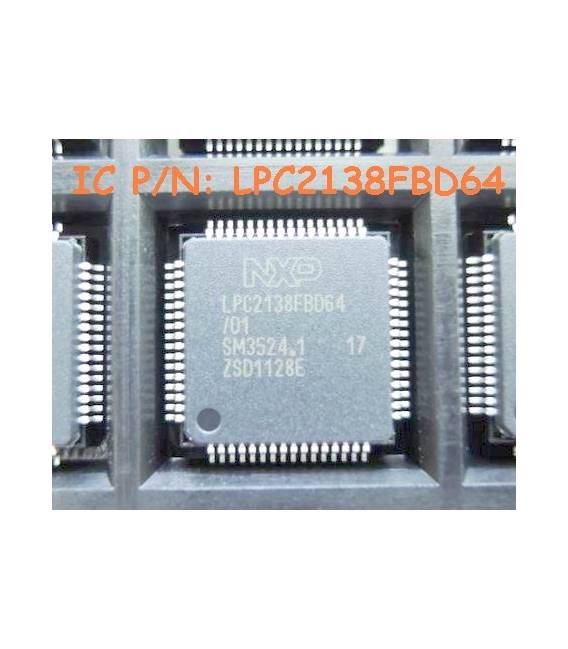
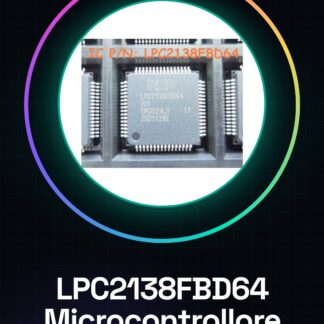
LPC2138FBD64 Microcontroller 16/32Bit
Tutorial: How to Use LPC2138FBD64 Microcontroller (Practical for Makers)
The LPC2138 microcontroller is ideal for advanced electronics projects. It efficiently controls complex circuits.
What you need
- LPC2138FBD64
- Arduino IDE
- USB cable
- 3D Printing (for custom cases)
- Power Supply / Adapter
Steps
- Install the Arduino IDE.
- Download the LPCXpresso library.
- Connect the microcontroller via USB.
- Configure the board in the Tools menu.
- Upload the example sketch.
- Check the connected LEDs for testing.
- Modify the sketch as needed.
- Further test the project.
Example code
void setup() { Serial.begin(9600); }

void loop() {
  Serial.println("Benvenuto nel tuo primo progetto con LPC2138");
}
Mini project
Create an LCD display controlled by LPC2138 that shows ambient temperature.
Common mistakes
- Microcontroller configuration error.
- USB connection problems.
- Sketch compilation failed.
- Insufficient power supply.
Recommended accessories
- LCD 1602
- Temperature sensors
- 5V power supply
- 3D printing for custom cases
Frequently asked questions
How can I measure voltage?
Use an integrated or external ADC sensor.
What is the maximum clock frequency?
Check the datasheet of LPC2138FBD64.
Reviews
There are no reviews yet.