 EN
 IT Italiano
 ES Español
 FR Français
 DE Deutsch
Description
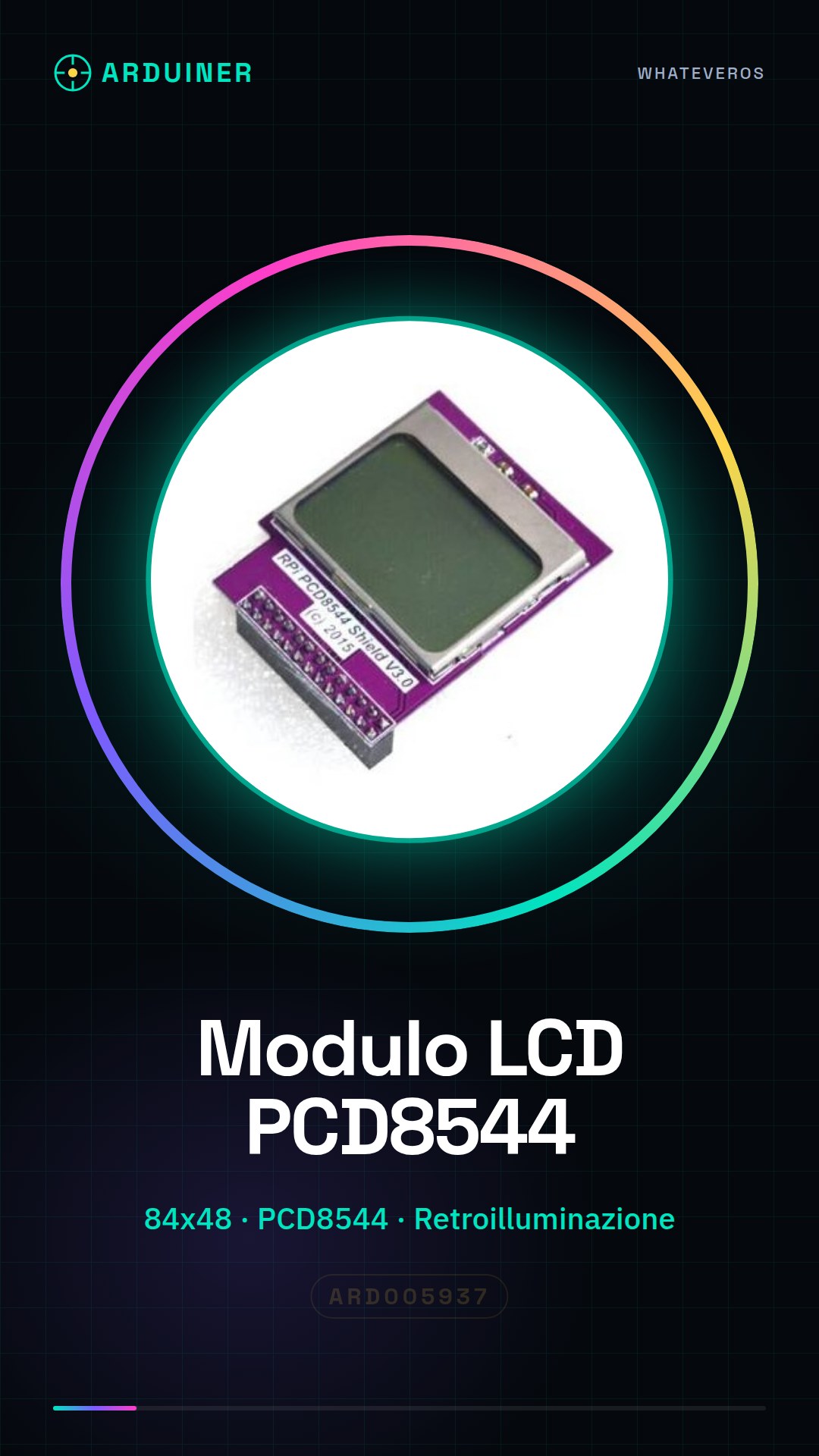
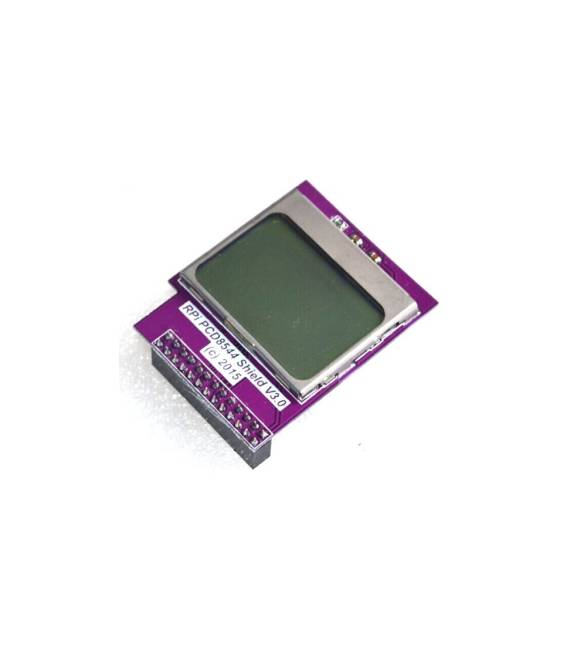
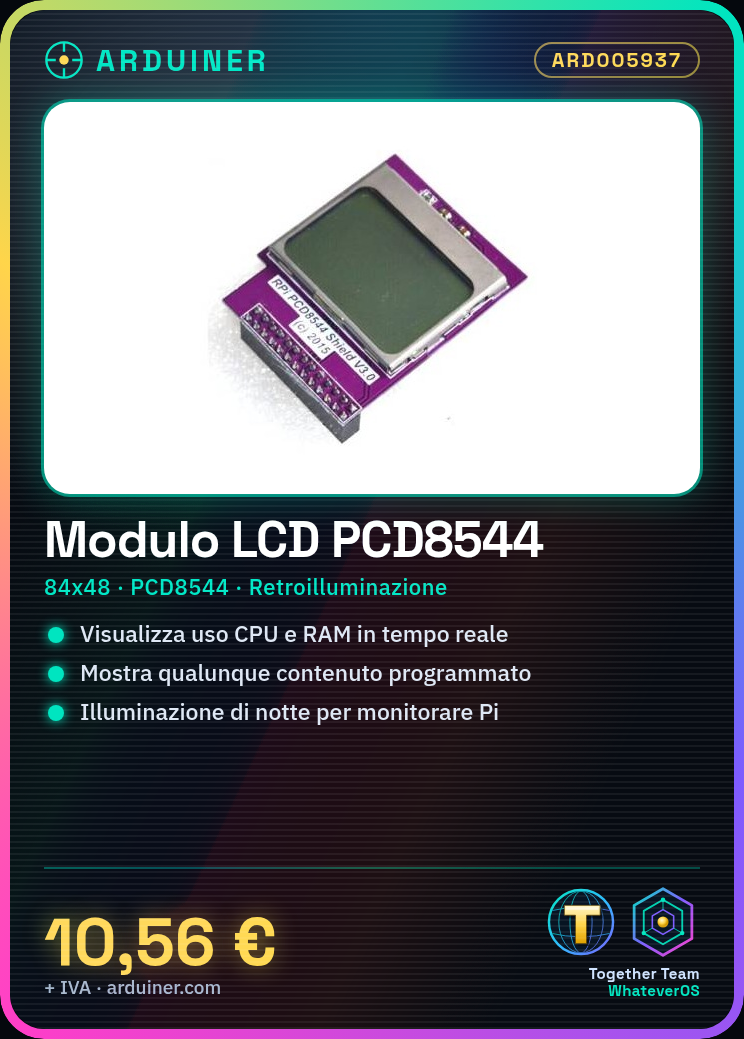
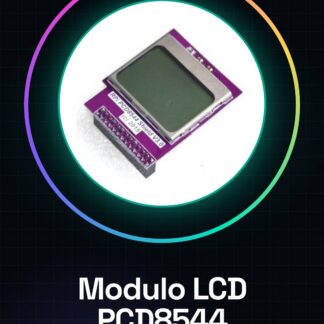
CPU Memory Mini Screen Module 84 x 48 PCD8544 Matrix LCD Shield w/ Backlight for Raspberry Pi
1. This paragraph Mini LCD screen with a resolution of 84 x 48. Raspberry sent by internal Python programming, the CPU utilization and memory usage running on Pi is displayed on the LCD screen at a glance.
2. Of course, players can also be programmed geeks themselves display any content.
3. The product with backlight, when Pi as a server application, the night also can see the health of Pi.
We have datasheets available for all components, if not present in the product download card, send us a message from the contact us module and we will publish it as soon as possible on the website.
Tutorial: How to use CPU Memory Mini Screen Module LCD PCD8544
The PCD8544 LCD module is perfect for clearly displaying information on your Raspberry Pi with backlighting. This tutorial will guide you through the installation and configuration of the module.
What you need
- Raspberry Pi
- USB or Ethernet connection (to update the system)
- MicroUSB cable to power the Raspberry Pi
- PC with SSH or HDMI connectivity
Steps
- Install the necessary drivers from the official product website
- Connect the LCD module to the Raspberry Pi using the GPIO pins (check the datasheet)
- Configure the backlighting according to the provided instructions
- Run a sample script to test the display
Example code
# Esempio di codice Python
import lcddriver
lcd = lcddriver.lcd()
lcd.lcd_display_string("Benvenuto!",1)
Mini project
Create a custom display that shows the real-time temperature and humidity of the environment.
Common mistakes
- GPIO pin connection error
- Issues with the driver not being installed or configured correctly
- Incorrect backlight configuration
Recommended accessories
- DHT11 Temperature and Humidity Module
- Raspberry Pi Cases
- Set of connection tools for Raspberry Pi
- Portable USB-C Battery
Frequently asked questions
How can I control the LCD module remotely?
Use SSH or VNC to access the Raspberry Pi and run the necessary commands.
The module does not light up, what to do?
Check the backlight configuration in the product datasheet.
Reviews
There are no reviews yet.