 EN
 IT Italiano
 ES Español
 FR Français
 DE Deutsch
Description
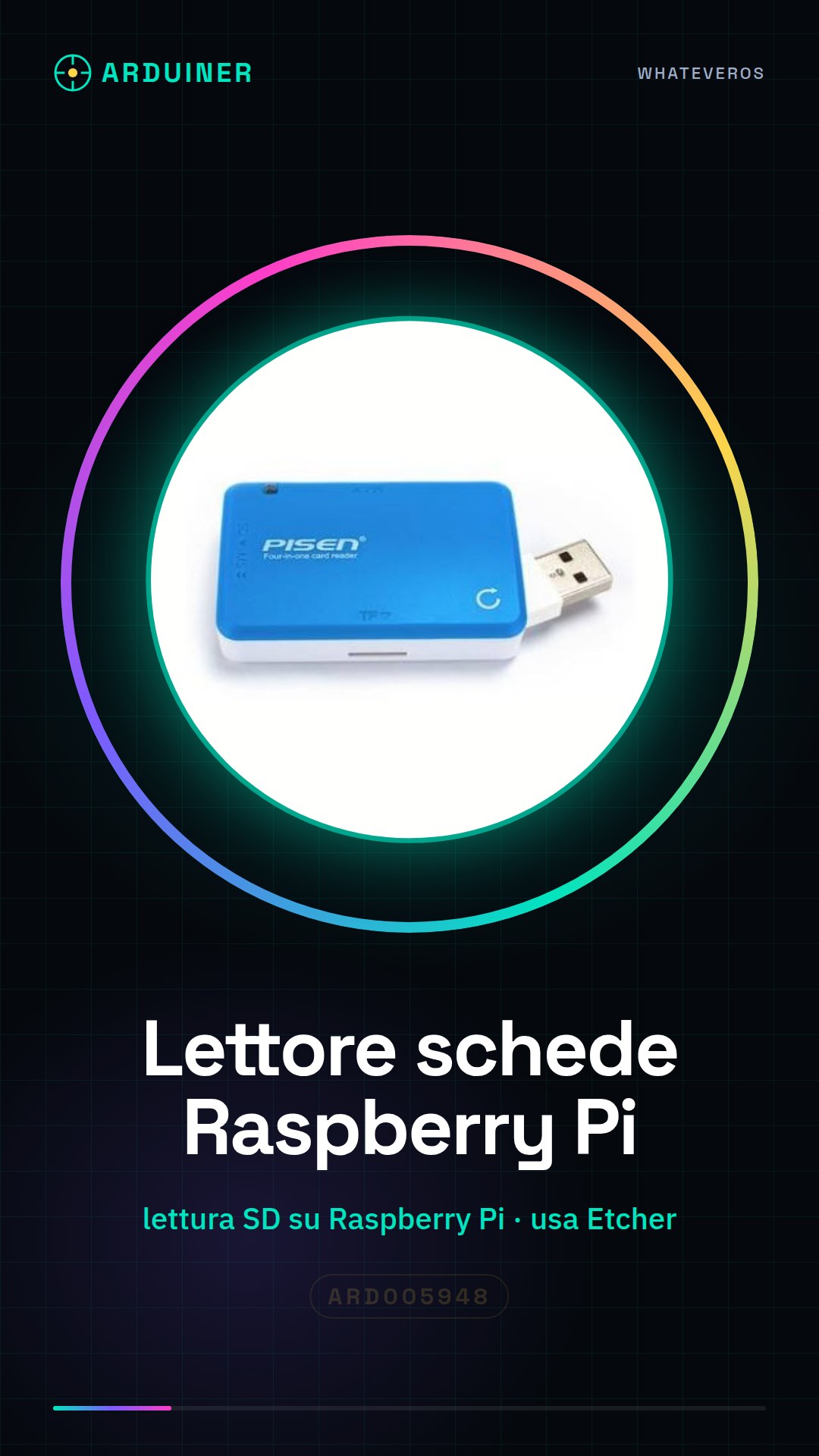
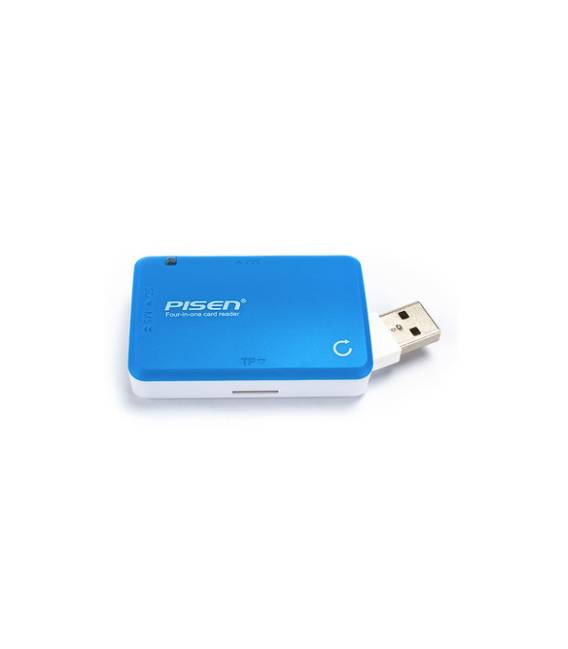
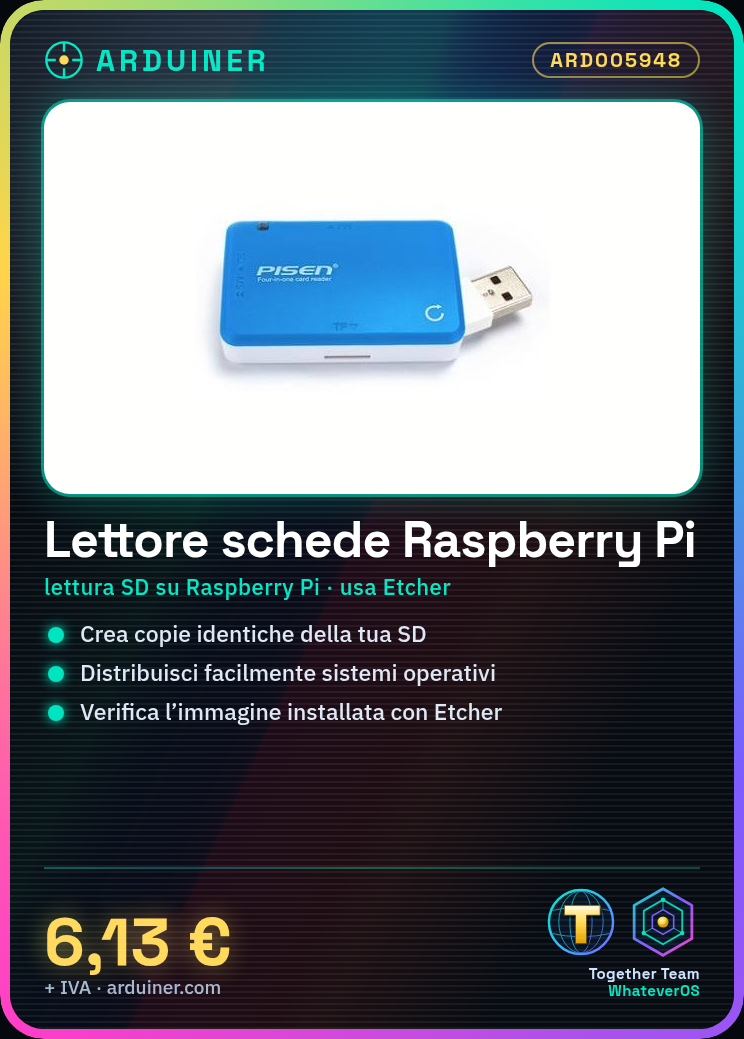
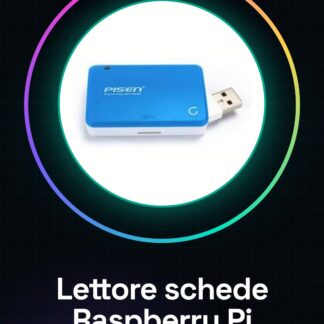
Raspberry Pi Card Reader For Burning System
This device allows you to read SD cards on the Raspberry Pi. It extends the functionality of your Raspberry Pi microcontroller. This can be used to install the Raspberry Pi OS on your new microcontroller.
We have datasheets available for all components, should they not be present in the product download card, send us a message from the contact us module and we will publish it as soon as possible on the site.
Tutorial: How to use Raspberry Pi Card Reader for Mastering
The Raspberry Pi card reader is an essential device for anyone who wants to create identical copies of their SD card with the operating system image installed. Ideal for both beginners and more experienced users, this tool allows you to easily distribute Raspberry Pi operating systems.
What you need
- Raspberry Pi Card Reader ARD005948
- Formatted SD card ready for operating system installation
- Computer with USB connector
Steps
- Connect the card reader to a USB port on the computer.
- Insert the SD card into one of the slots in the Raspberry Pi card reader.
- Use software like Etcher to create a copy of the operating system image on a new SD card.
- Verify that the new card file is correct and functioning before using it.
- Remove the SD card from the reader after verifying its correctness.
Mini project
Create an identical copy of the Raspberry Pi operating system on 5 new SD cards in less than 30 minutes.
Common mistakes
- Do not check that the image file has been installed correctly.
- Insert the SD card into the reader without formatting it first.
- Use unsupported software for installing the operating system image.
- Ignore any error messages during the installation of the image.
Recommended accessories
- 16GB SD cards
- Computer with USB Type-A or Type-C ports
- Etcher (free software for creating images)
- Raspberry Pi Starter Kit
Frequently asked questions
How can I verify that the image file has been installed correctly?
Check the operating system specifications and verify that all parts have been copied correctly.
What is the difference between mastering an SD card with this card reader compared to doing it manually?
The mastering process is faster, more uniform, and reduces human error.
Reviews
There are no reviews yet.