 EN
 IT Italiano
 ES Español
 FR Français
 DE Deutsch
Description
What it is
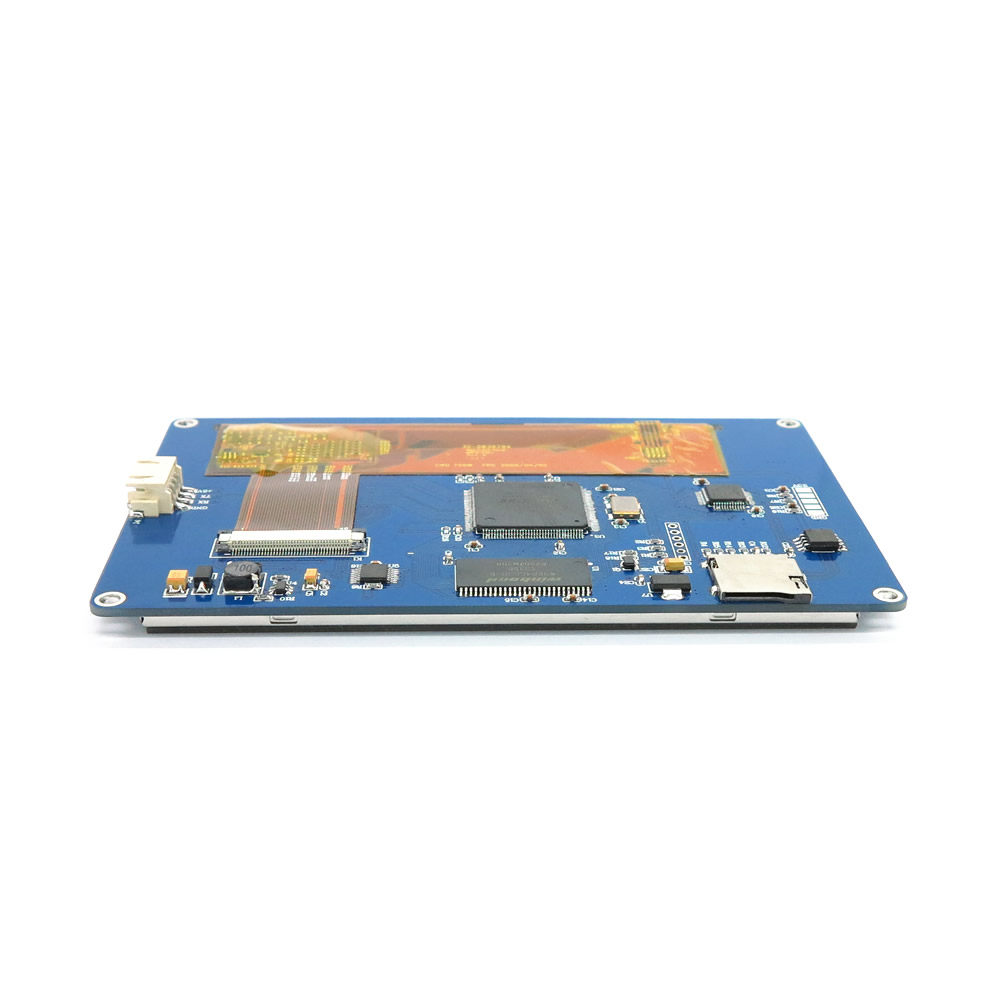
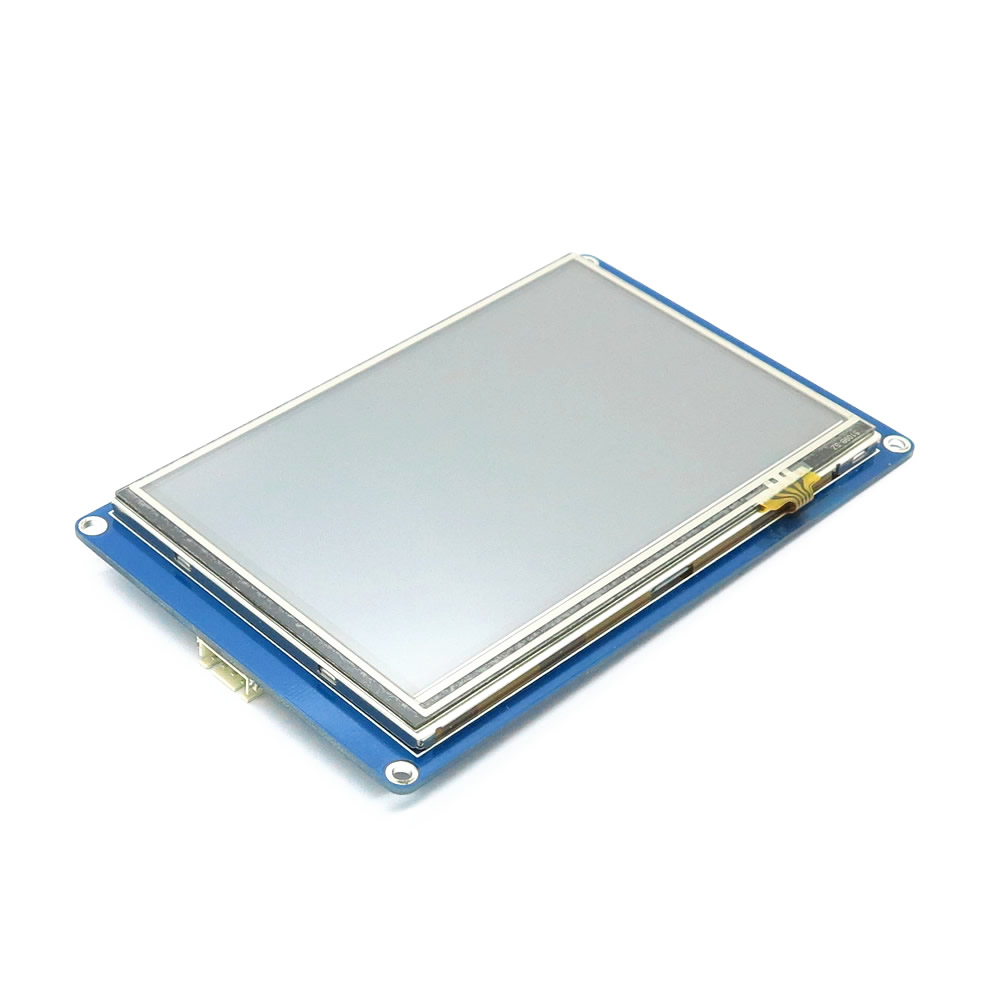
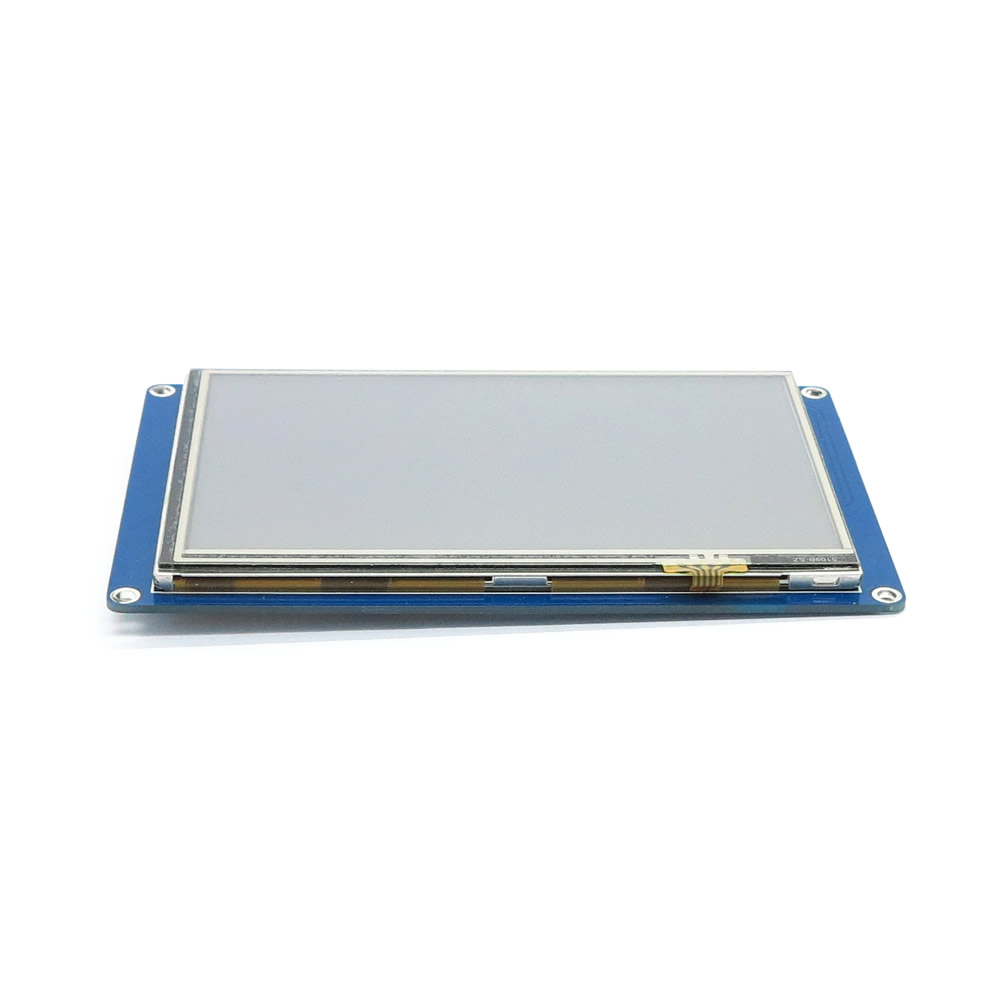
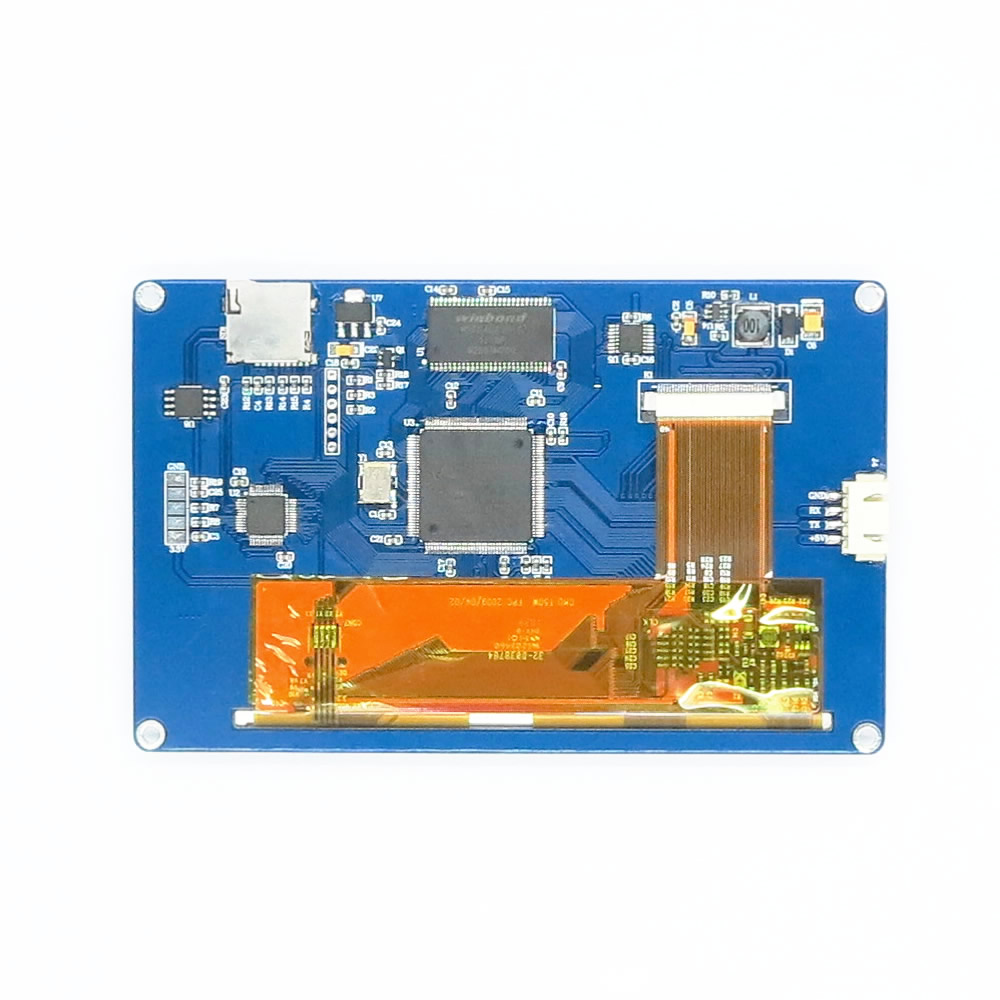
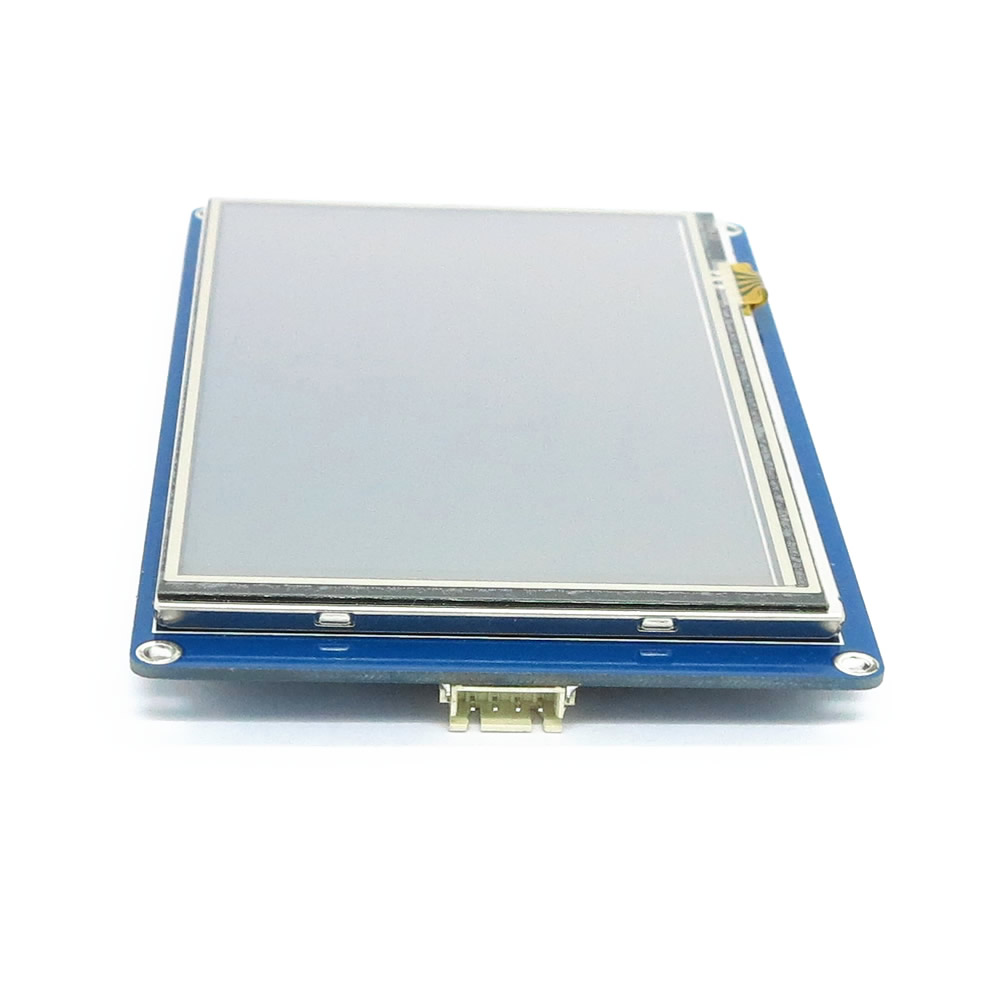
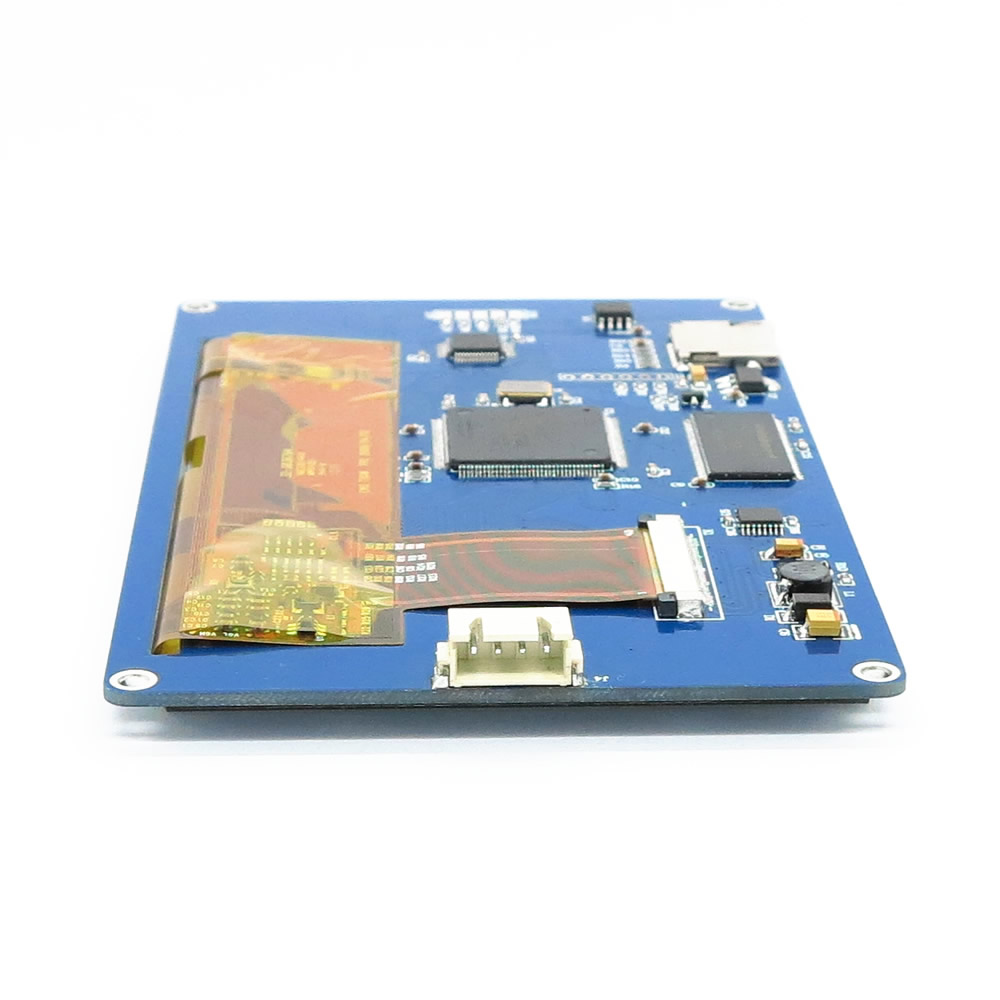
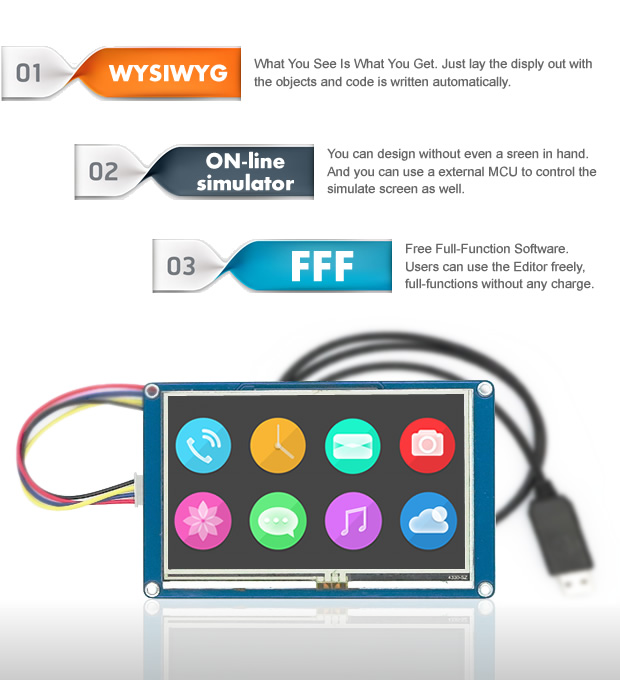
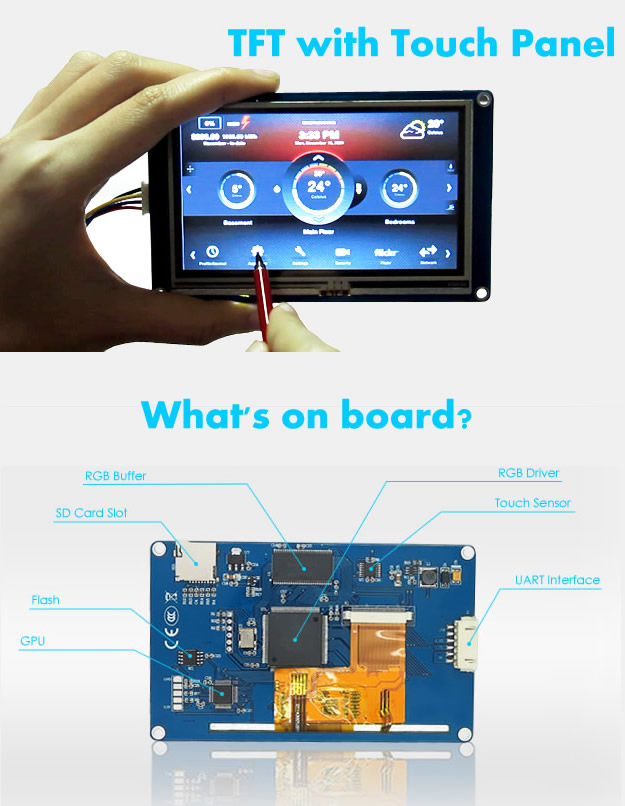
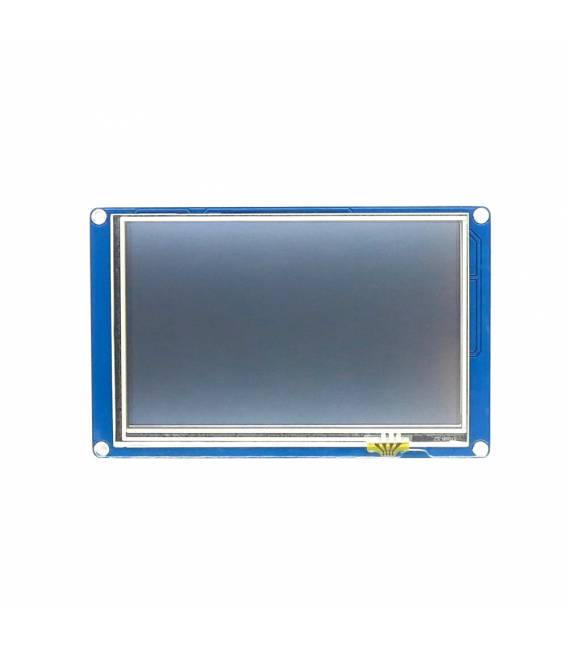
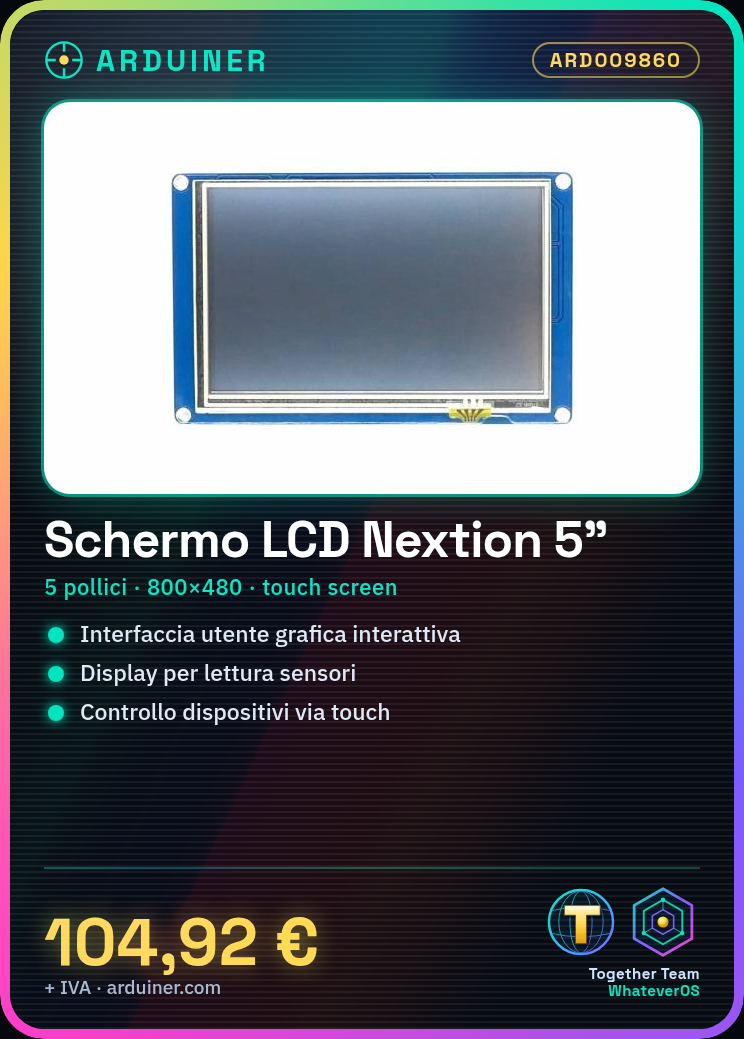
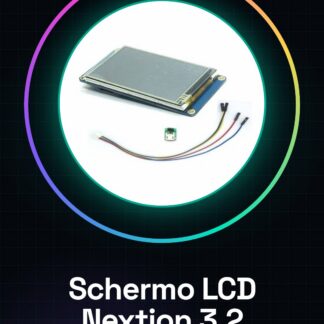
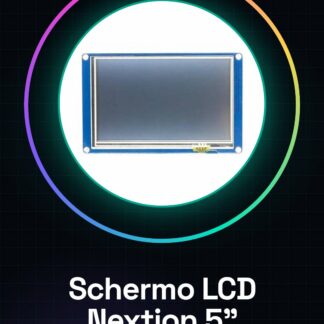
The Nextion NX8048T050 5-inch LCD screen is a touch display with a resolution of 800×480 pixels. It is designed to be used with platforms such as Raspberry Pi and Arduino, allowing the creation of custom user interfaces.
Features
- Screen size: 5 inches
- Resolution: 800×480 pixels
- Integrated touch screen
- Compatibility: Raspberry Pi, Arduino
What it is for
This touch screen LCD is ideal for projects that require an interactive graphical user interface. It can be used to create displays for sensor readings, device controls, custom dashboards, and much more. Its compatibility with Raspberry Pi and Arduino makes it a versatile solution for makers of all levels.
Tutorial: How to use Touch Screen LCD Nextion NX8048T050
This touch LCD screen allows you to create custom user interfaces for your Raspberry Pi projects. Useful for beginner and intermediate makers.
What you need
- Nextion NX8048T050 Touch LCD Screen
- Raspberry Pi
- Power cable
- Data cable (I2C or SPI)
Steps
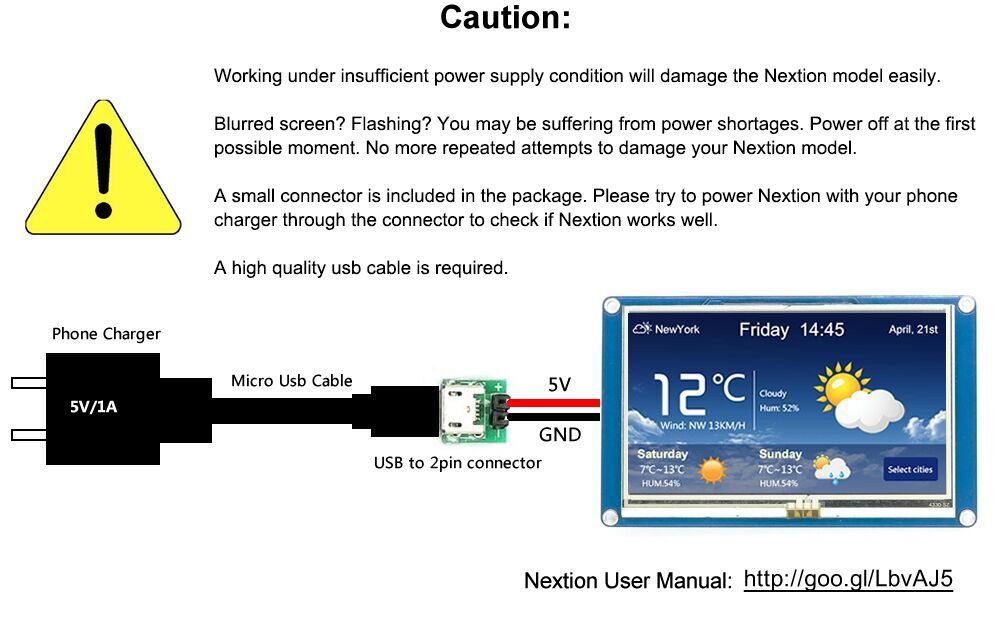
- Check the datasheet for the display’s power specifications.
- Connect the power cable to the display and the Raspberry Pi.
- Connect the data cable to the Raspberry Pi (I2C or SPI, check the datasheet).
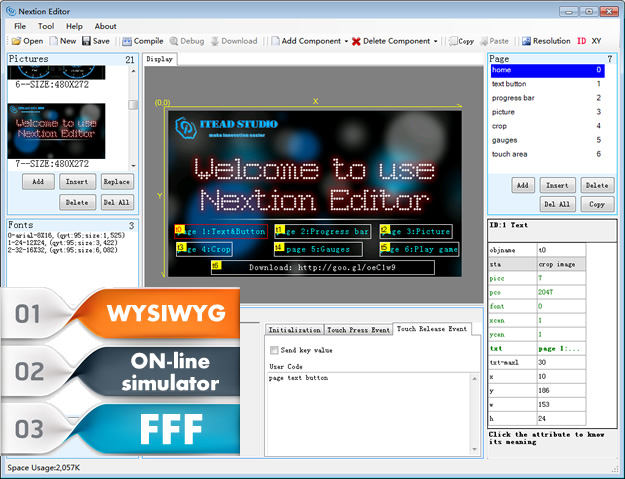
- Install the Nextion driver on the Raspberry Pi.
- Download the Arduino example code for Nextion.
- Load the code onto the Raspberry Pi.
- Start the Raspberry Pi and access the Nextion user interface.
- Configure the user interface in the Nextion software.
Example code
Stringa vuotaMini project
Create a simple temperature counter with display and action button.
Common mistakes
- Incorrect power supply: check the datasheet.
- Incorrect connection: check the datasheet.
- Driver not installed: install Nextion driver.
- Code not loaded: load code onto Raspberry Pi.
Recommended accessories
- Raspberry Pi 4
- Temperature sensors
- Buttons and relays
- 5V 3A power supply cable
Frequently asked questions
The display does not turn on.
Check power supply and connections.
The code does not work.
Check driver version and source code.
How to configure the user interface?
Use Nextion software to configure the user interface.
What are the specifications of the user interface?
Check the datasheet for user interface specifications.
Reviews
There are no reviews yet.