 EN
 IT Italiano
 ES Español
 FR Français
 DE Deutsch
Description
What it is
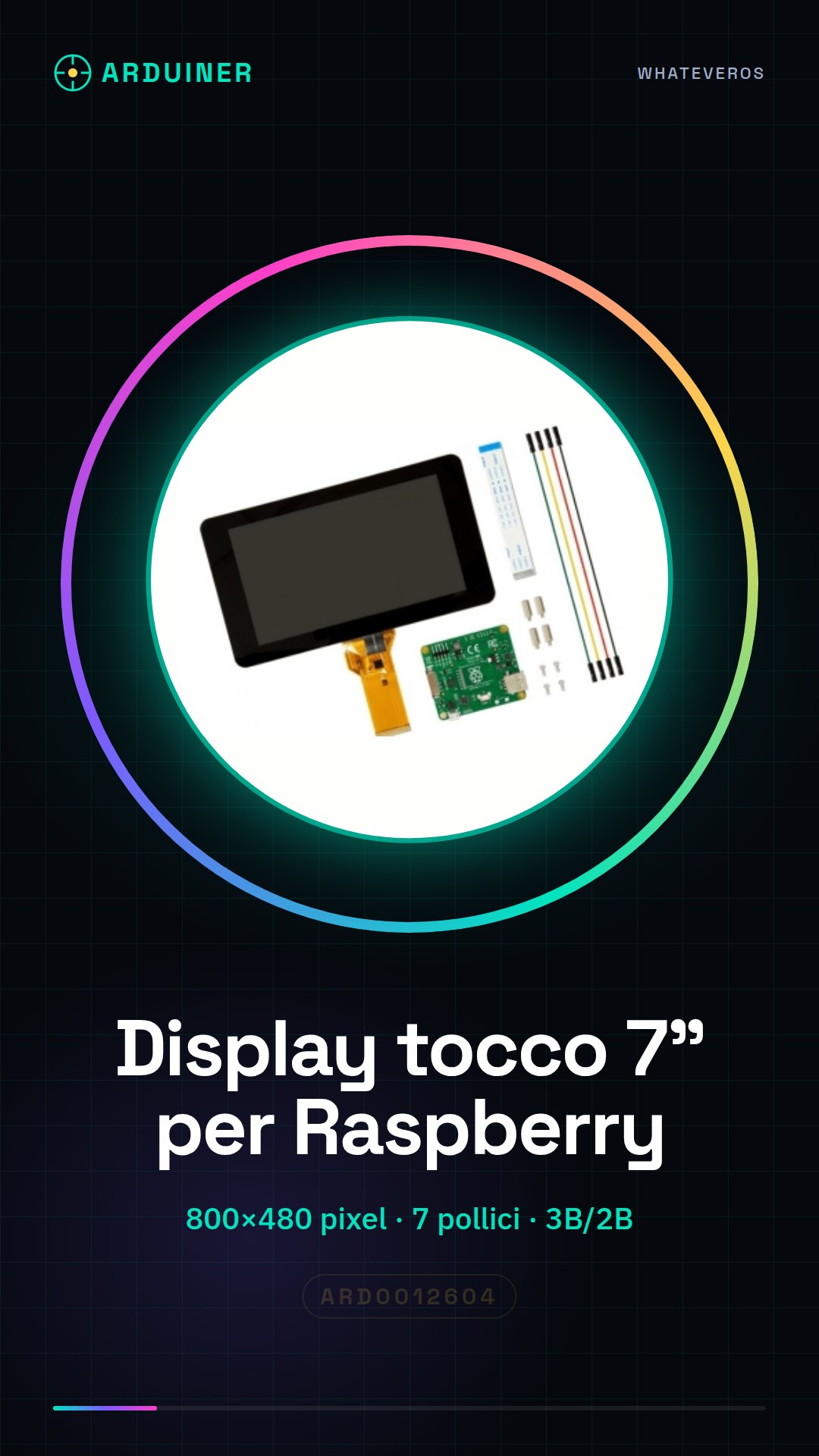
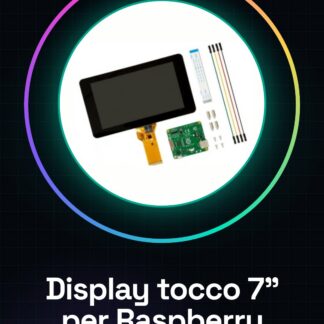
This 7-inch touch display is designed to be used with Raspberry Pi 3B and 2B models. With a resolution of 800×480 pixels, it offers a wide and clear viewing surface for advanced user interactions.
Features
- Screen size: 7 inches
- Resolution: 800×480 pixels
- Compatible with Raspberry Pi 3B and 2B
- Touch technology: check the datasheet
What it is for
This display is ideal for projects that require an interactive graphical user interface, such as for creating selection menus, control applications, and data visualization projects. It is suitable for both beginners and intermediate makers.
Tutorial: How to use the Touch Screen 7” for Raspberry 3B/2B
This 7-inch touch display is perfect for Raspberry Pi projects that require a graphical user interface. Ideal for beginner and intermediate makers.
What you need
- 7-inch touch display
- Raspberry Pi 3B/2B
- HDMI cable
- micro-USB cable
Steps
- 1. Ensure that the display is compatible with the Raspberry Pi 3B/2B.
- 2. Disconnect the Raspberry Pi from the keyboard and mouse.
- 3. Connect the HDMI cable of the display to the Raspberry Pi.
- 4. Connect the micro-USB cable of the display to the Raspberry Pi.
- 5. Start the Raspberry Pi.
- 6. Check the datasheet for the display specifications.
- 7. Configure the graphical interface if necessary.
- 8. Test the touch on the display.
Mini project
Create a simple TV channel selection menu with touch interface.
Common mistakes
- Do not connect the display to the Raspberry Pi before starting it.
- Check that the Raspberry Pi is up to date.
- Ensure that the HDMI cable is properly inserted.
- Check the datasheet to see if the display supports the Raspberry Pi 3B/2B.
Recommended accessories
- HDMI cable
- micro-USB cable
- MicroSD with Raspberry Pi operating system
- USB keyboard and mouse
Frequently asked questions
Does the display work with Raspberry Pi 3B+?
Check the datasheet to see if the display supports Raspberry Pi 3B+.
Which drivers do I need to install?
Check the datasheet for specific drivers.
Does the display work with Raspberry Pi 4?
Check the datasheet to see if the display supports Raspberry Pi 4.
Reviews
There are no reviews yet.