 EN
 IT Italiano
 ES Español
 FR Français
 DE Deutsch
Description
What it is
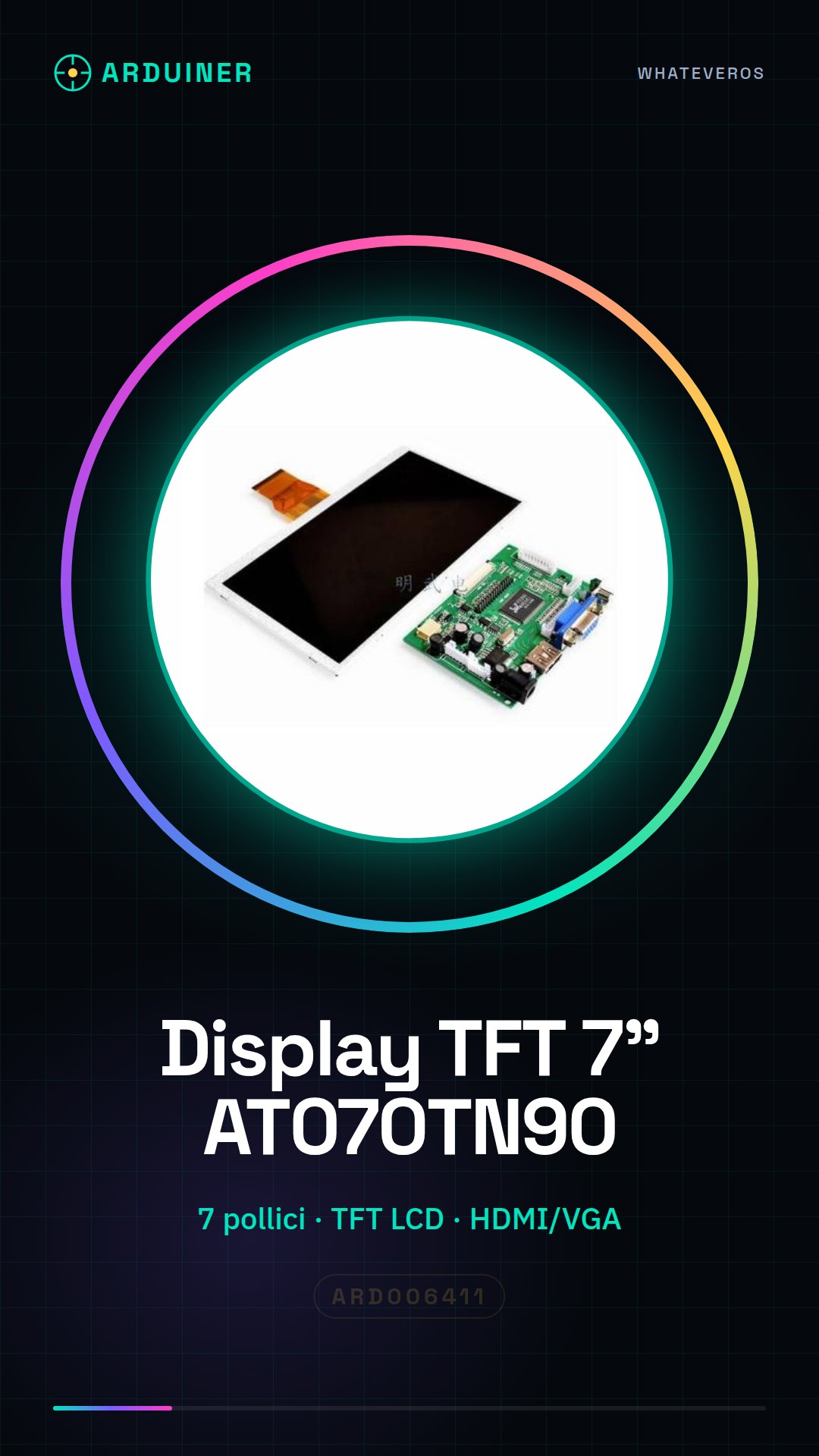
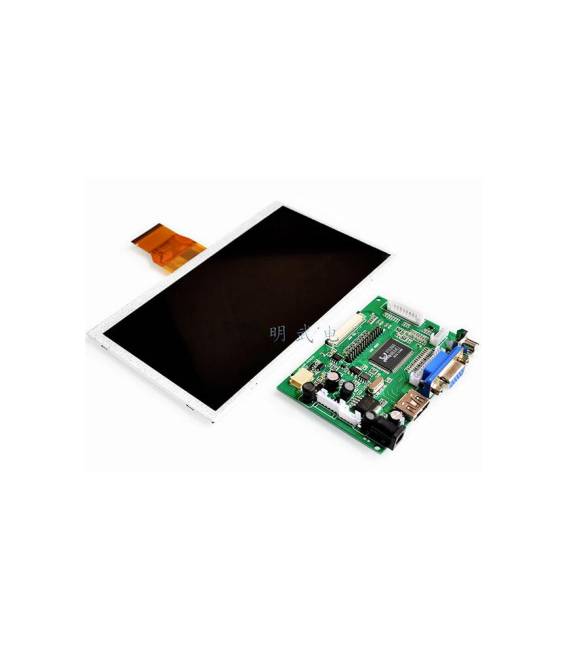
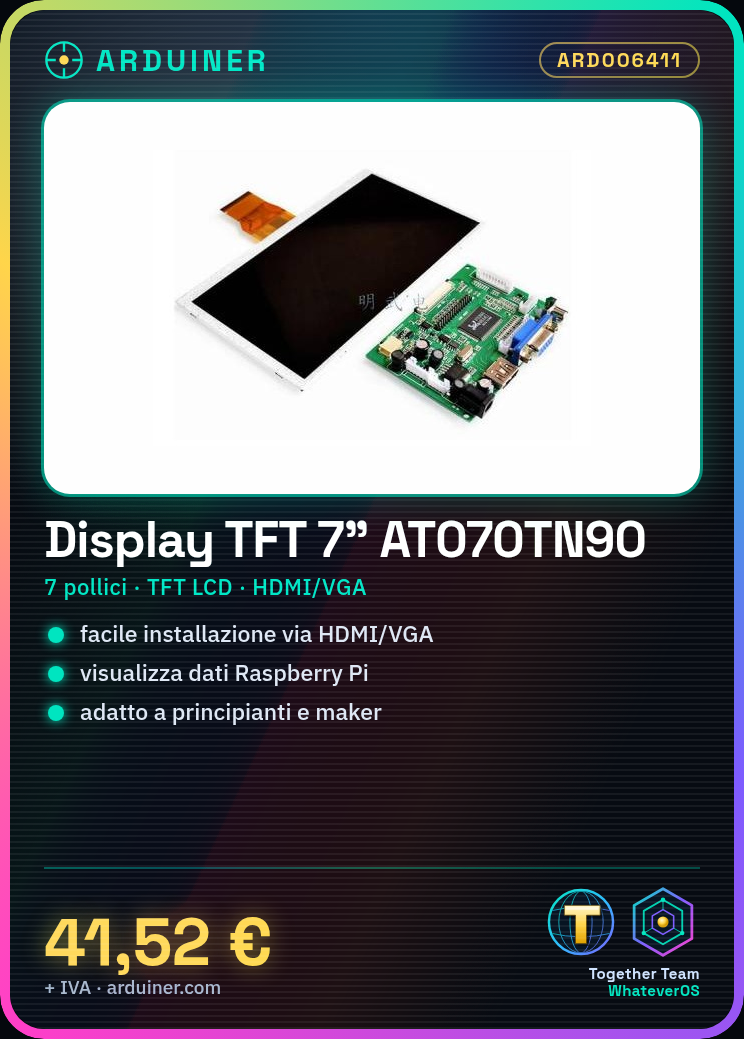
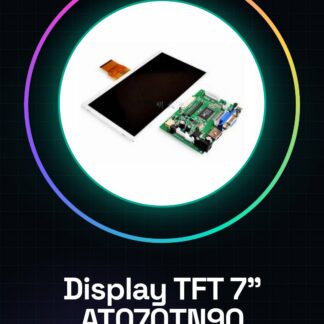
This 7-inch LCD TFT display is compatible with Raspberry Pi. It features an HDMI/VGA connector for easy installation.
Features
- Screen size: 7 inches
- Display type: TFT LCD
- Connector: HDMI/VGA
- Controller card driver: AT070TN90
What it is for
This 7-inch TFT display with HDMI connector is perfect for displaying detailed information from your Raspberry Pi-based projects. It is ideal for beginners and makers who want to enhance the visual interface of their devices without technical complications. Examples of use: create a dashboard to display ambient temperature and humidity using a DHT11 sensor.
Tutorial: How to use 7-inch LCD Screen for Raspberry Pi
This 7-inch TFT screen with an HDMI connector is perfect for displaying detailed information from your Raspberry Pi-based projects. It’s ideal for beginners and makers who want to enhance the visual interface of their devices without technical complications.
What you need
- Raspberry Pi (any model)
- HDMI cable
- USB power supply for Raspberry Pi
Steps
- Connect the HDMI cable from your Raspberry Pi to the display.
- Connect the Raspberry Pi power supply via a micro-USB or USB-C adapter.
- Power on the Raspberry Pi and verify that the display turns on correctly.
- Install any additional drivers for the display (check the datasheet).
- Configure the screen resolution through the Raspbian operating system configuration interface.
Mini project
Create a simple dashboard that displays ambient temperature and humidity using a DHT11 sensor.
Common mistakes
- Make sure the HDMI cable is properly connected on both ends.
- Check the driver compatibility with the current version of Raspbian.
- Don’t forget to configure the screen resolution to avoid display issues.
Recommended accessories
- HDMI cable
- DHT11 sensor
- Breadboard
Frequently asked questions
How can I reduce the power consumption of the display?
Use a Raspberry Pi Zero or other more energy-efficient models.
My display is not turning on, what should I do?
Check the connections and make sure the Raspberry Pi is properly powered.
Reviews
There are no reviews yet.