 EN
 IT Italiano
 ES Español
 FR Français
 DE Deutsch
Description
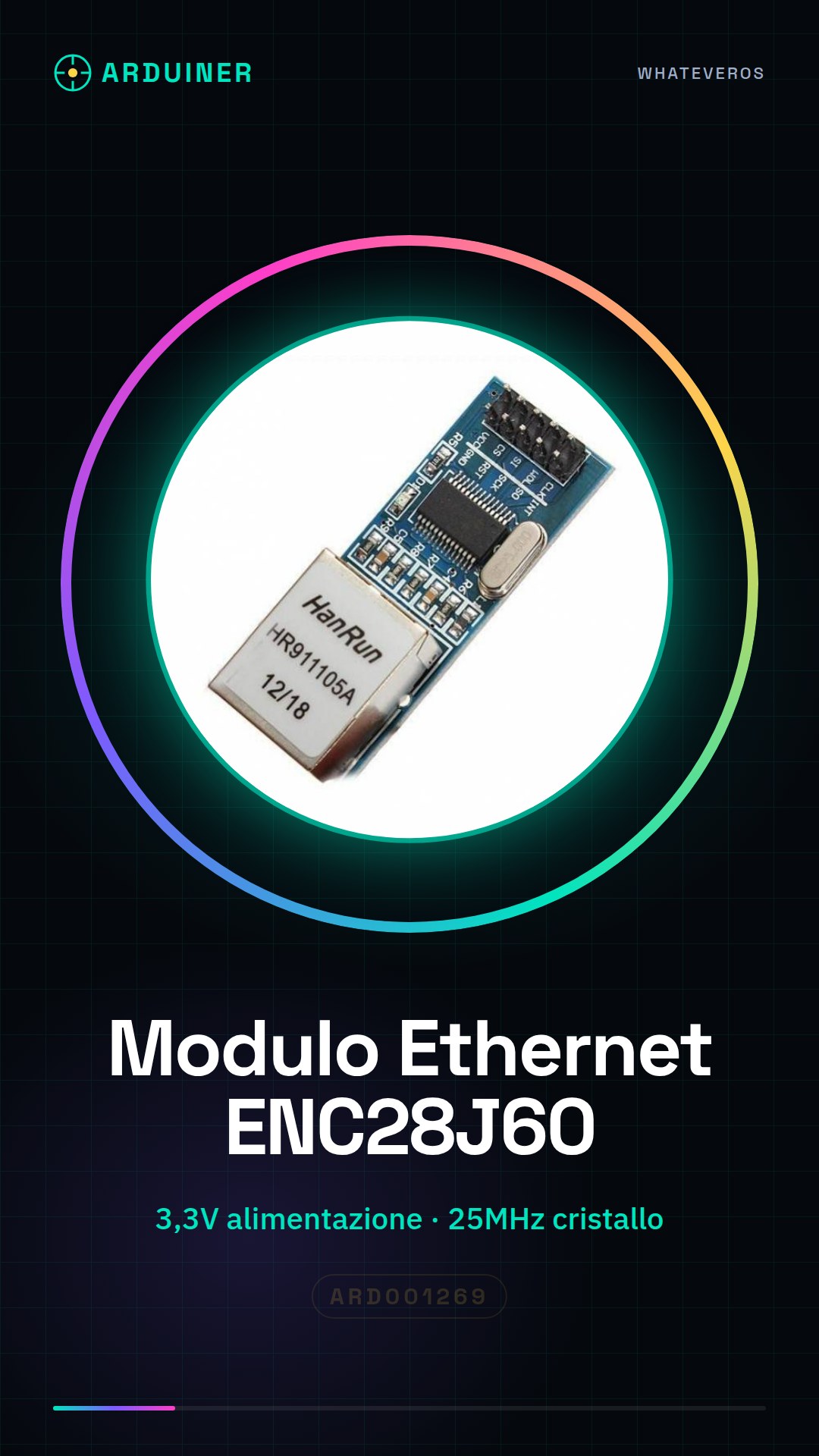
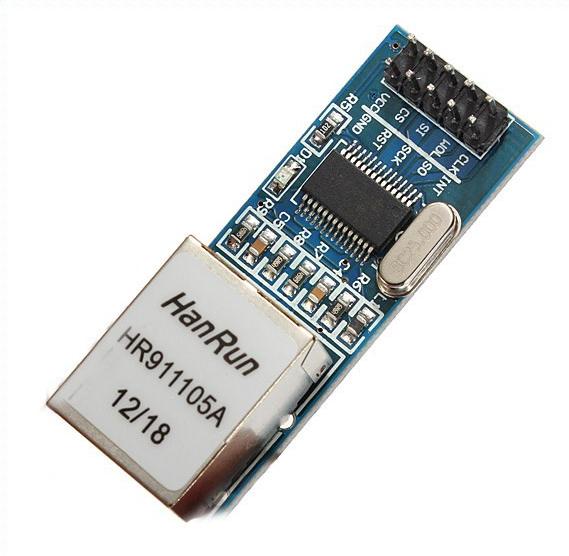
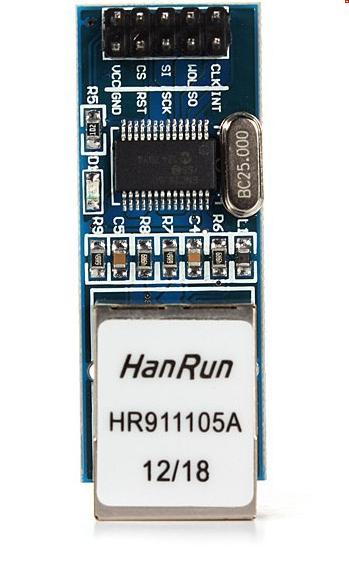
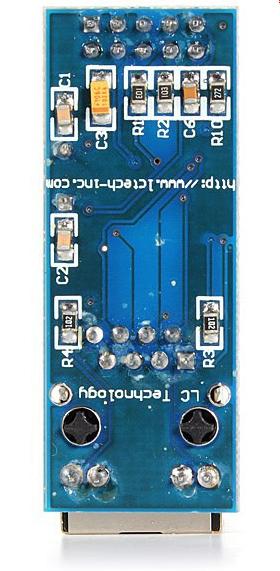
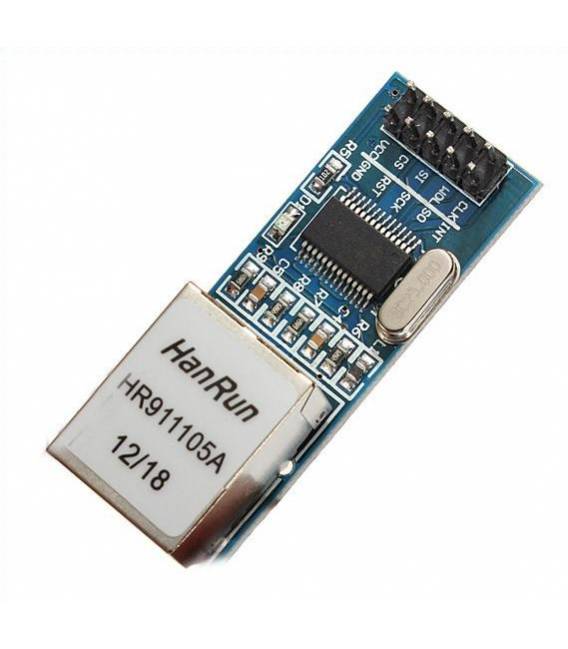
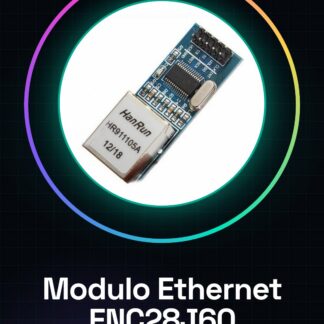
Mini Ethernet Module with ENC28J60 for Arduino and PIC 51 AVR SPI PIC STM32 LPC
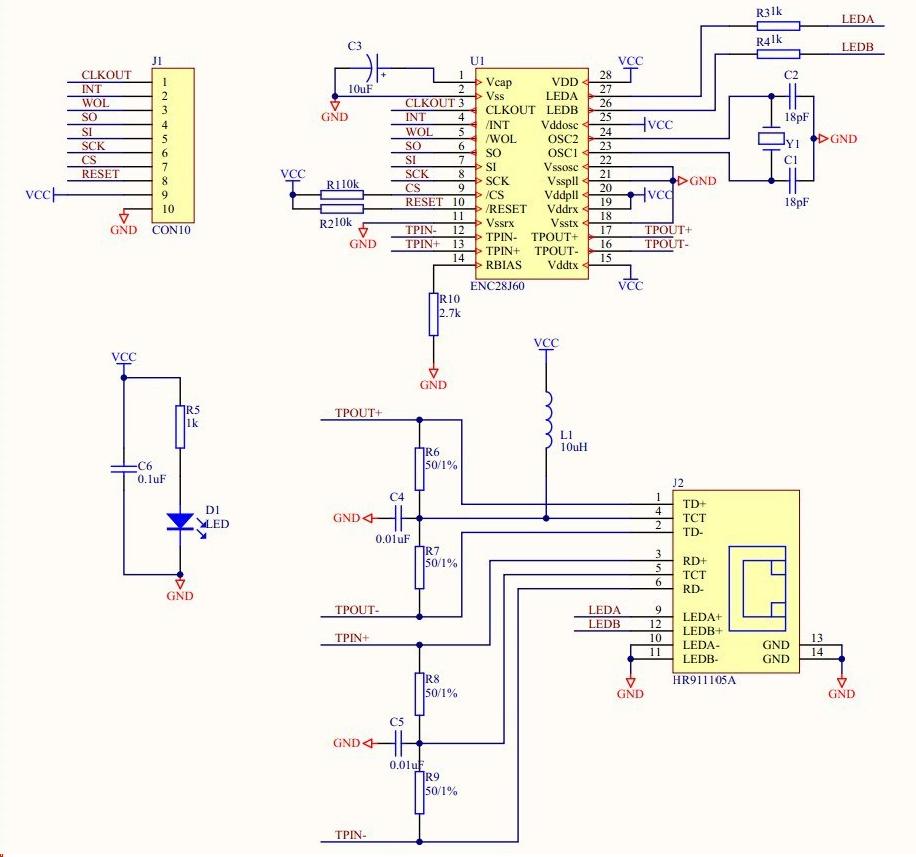
ENC28J60 chip / SS.
the 25MHZ board crystal.
the network interface card HR911105A.
3.3V power pin.
Dimensions: 5.cm x 2cm x 1.5cm / 1.92”x0.72”
Weight: 11 g
Tutorial: How to use Mini Ethernet Module ENC28J60
The ENC28J60 Ethernet module allows connecting Arduino and microcontroller devices to a LAN network. Ideal for beginners who want to start with web communication.
What you need
- Arduino or compatible microcontroller
- USB cable to power the Arduino
- Network connection
Steps
- Connect the ENC28J60 module to the Arduino SPI expander using the correct pins (check the datasheet).
- Power the module with 3.3V voltage.
- Load the example sketch provided by the Ethernet or EtherCard library onto the Arduino.
- Check the module’s IP settings in the local network.
- Monitor the Serial output to confirm that the module connects correctly to the LAN.
- Experiment with web communication, sending data to and from a web server.
- Configure the module to accept TCP/IP connections.
- Try creating a simple web page viewable in a browser.
Example code
// Includi la libreria Ethernet
#include <Ethernet.h>
// Definisci l'indirizzo MAC e IP del modulo
byte mac[] = {0x00, 0xAA, 0xBB, 0xCC, 0xDE, 0x02};
IPAddress ip(192, 168, 1, 177);
// Configura il modulo Ethernet
Mini project
Create a web application to remotely control an LED light bulb.
Common mistakes
- Incorrect IP settings
- Unstable SPI connection
- Insufficient power supply
- Outdated libraries
Recommended accessories
- USB A-B cable
- Test switch
- Pull-up resistors
- ESP8266 Wi-Fi module for comparison
Frequently asked questions
How can I control the module from a greater distance?
Use a Wi-Fi or GSM module as an alternative.
Which microcontrollers are compatible with this module?
Arduino, PIC, AVR and STM32 (check the datasheet).
How can I solve connection issues?
Check the IP configuration and verify the physical connection.
Reviews
There are no reviews yet.