 EN
 IT Italiano
 ES Español
 FR Français
 DE Deutsch
Description
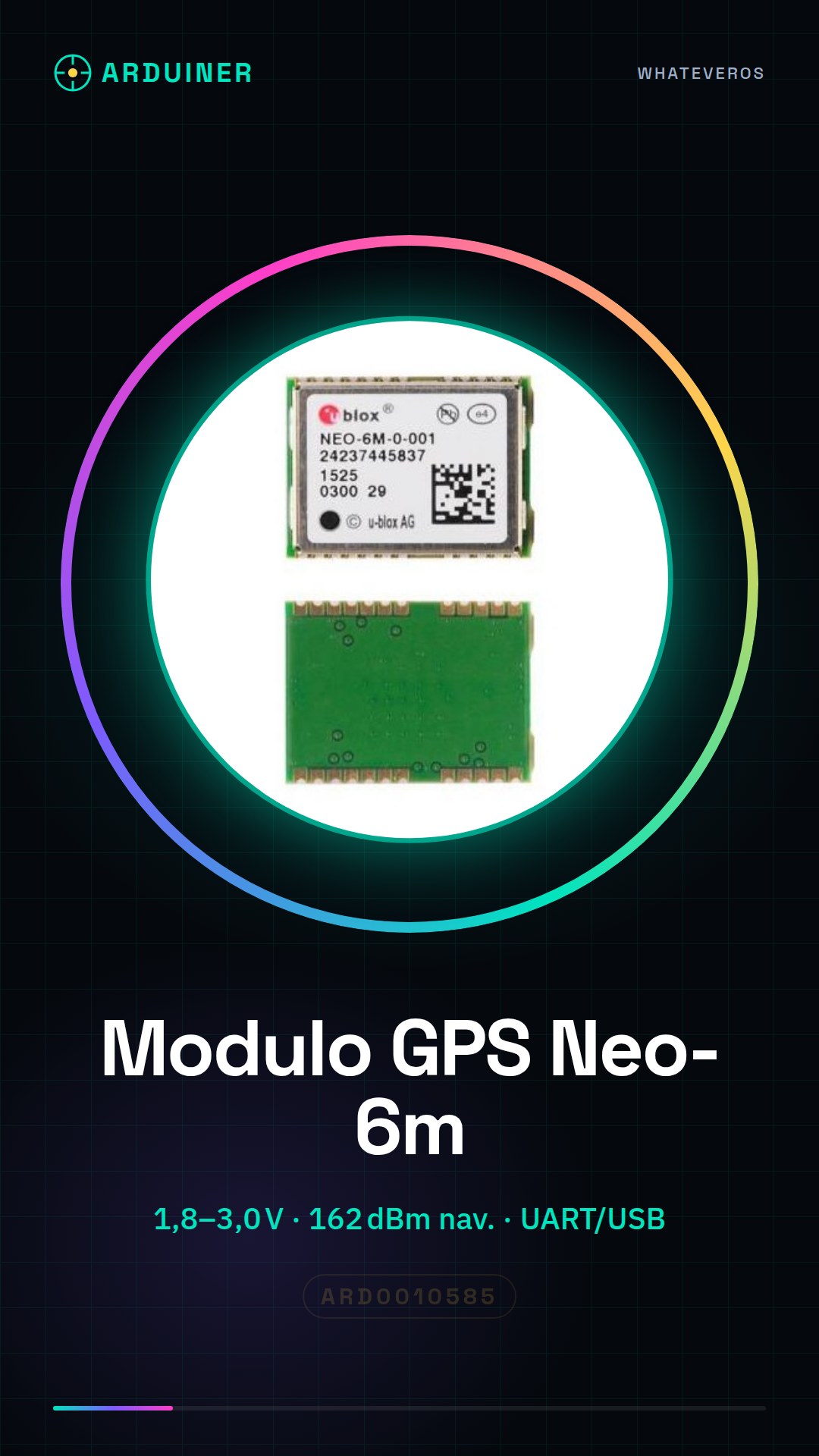
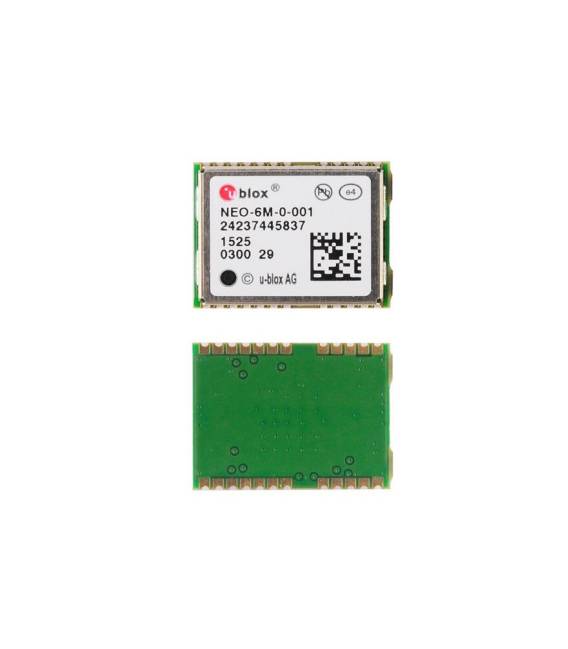
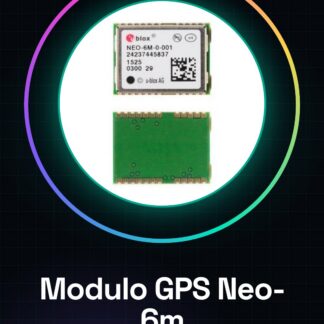
Neo-6m Gps Neo-6m-0-001 U-blox Module
The NEO-6 module series brings the high-performance u-blox 6 engine to the NEO form factor in miniature. u-blox 6 was designed with low power consumption and low cost in mind. Intelligent power management is a breakthrough for low-power applications.
These receivers combine a high level of integration capability with flexible connectivity options in a small package. This makes them perfectly suited for mass-market end products with stringent size and cost requirements.
UART, USB, DDC (I2C compliant) and SPI interfaces
Available in Crystal and TCXO versions
Integrated Crystal RTC for faster warm and cold starts
Variants from 1.8 V and 3.0 V
– u-blox 6 engine:
– Navigation up to 162 dBm and 148 dBm cold start
– Faster acquisition with AssistNow Autonomous
– Configurable power management
– Hybrid GPS / SBAS (WAAS, EGNOS, MSAS) motor
– Anti-jamming technology
– Simple integration with u-blox wireless modules
– A-GPS: AssistNow Online and AssistNow Offline services, compliant with OMA SUPL
– Backwards compatible (hardware and firmware); easy migration from NEO-5 or NEO-4S family
– LCC package for reliable and economical production
– Compatible with u-blox GPS solution for Android
– Based on GPS chips qualified according to AEC-Q100
Tutorial: How to use Neo-6m-0-001
The u-blox Neo-6m-0-001 GPS module is ideal for projects requiring precise positioning. Useful for beginner and intermediate makers.
What you need
- Arduino or compatible
- I2C connector FFC cable
- Pull-up resistor (10kΩ)
- 3.3V power supply cable
Steps
- 1. Mount the GPS module on your Arduino using the FFC cable.
- 2. Connect the pull-up resistor (10kΩ) between SDA and GND.
- 3. Power the module with 3.3V.
- 4. Download the following code to Arduino.
- 5. Insert your GPS API key if required.
- 6. Upload the code.
- 7. Check the serial console for GPS coordinates.
- 8. Refer to the datasheet for further settings.
Example code
```
#include <SoftwareSerial.h>

SoftwareSerial gpsSerial(10, 11); // RX, TX

void setup() {
  Serial.begin(9600);
  gpsSerial.begin(9600);
}

void loop() {
  if (gpsSerial.available()) {
    Serial.write(gpsSerial.read());
  }
}
```
Mini project
Create a GPS bookmark that sends coordinates to your smartphone.
Common mistakes
- Do not use 5V to power the module.
- Check the correct I2C connection.
- Make sure the pull-up resistor is correct.
- Check the serial console configuration.
Recommended accessories
- Arduino Nano
- USB cable
- Smartphone for testing
- GPS app for smartphone
Frequently asked questions
How can I check for GPS signal presence?
Check the serial console for module initialization messages.
Can I use this module with a Raspberry Pi?
Yes, but it might require a different driver.
How long does it take to acquire the coordinates?
It can take up to 30 seconds in an open environment.
Does the module require an API key?
No, but it can be useful for advanced features.
Available in Crystal and TCXO versions
Integrated Crystal RTC for faster warm and cold starts
Variants from 1.8 V and 3.0 V
```
#include <SoftwareSerial.h>
SoftwareSerial gpsSerial(10, 11); // RX, TX
void setup() {
Serial.begin(9600);
gpsSerial.begin(9600);
}
void loop() {
if (gpsSerial.available()) {
Serial.write(gpsSerial.read());
}
}
```Check the serial console for module initialization messages.
Yes, but it might require a different driver.
It can take up to 30 seconds in an open environment.
No, but it can be useful for advanced features.
Reviews
There are no reviews yet.