 EN
 IT Italiano
 ES Español
 FR Français
 DE Deutsch
Description
What it is
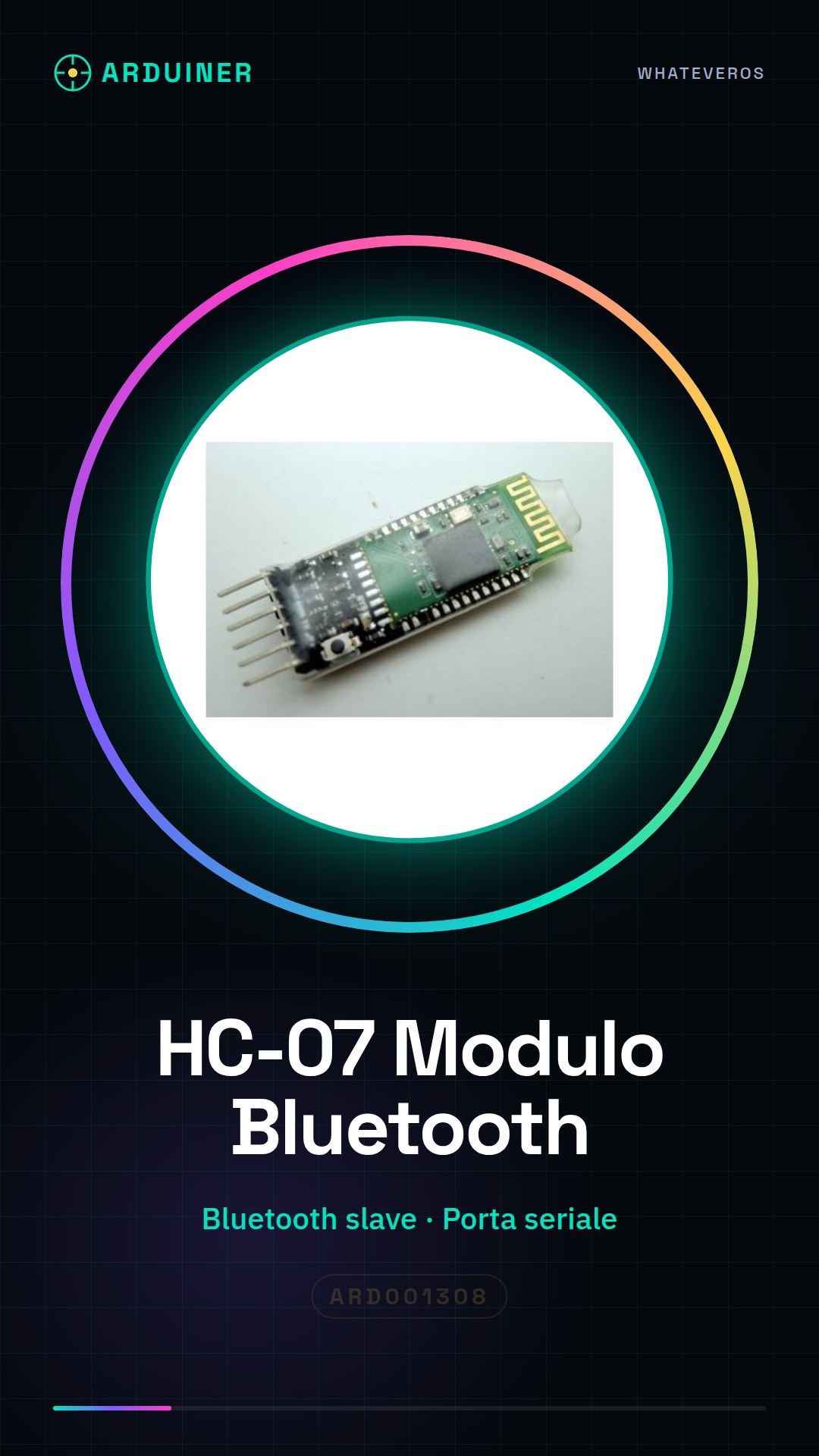
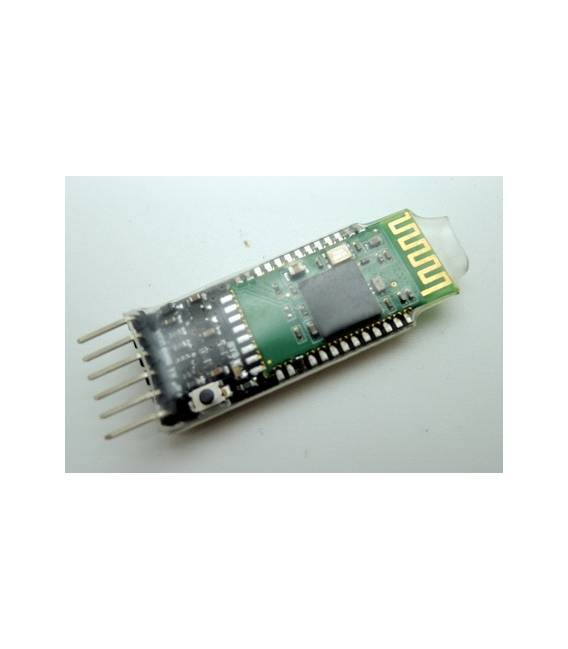
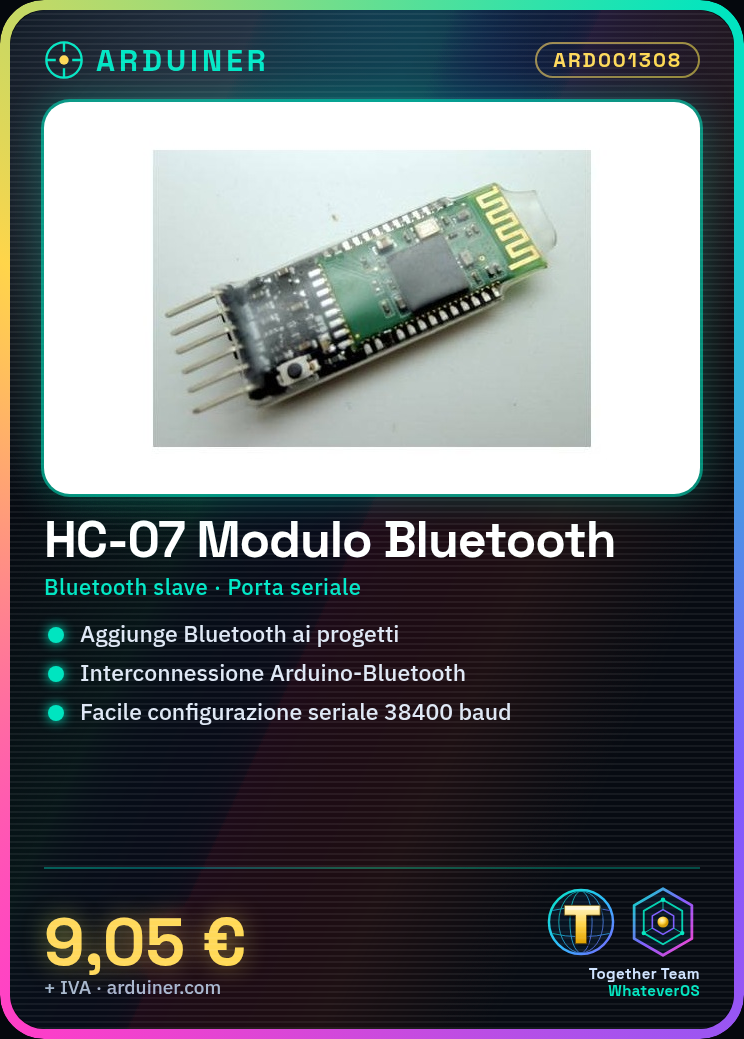
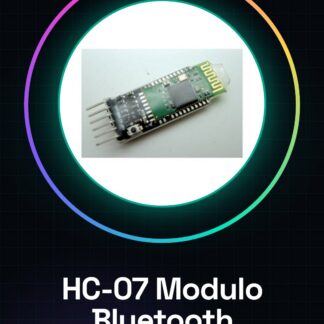
The HC-07 module is a Bluetooth slave device designed for data communication via serial port with Arduino. This module allows you to add Bluetooth connectivity to your electronic projects, enabling easy interconnection between your Arduino circuit and Bluetooth-enabled devices.
Features
- HC-07 Bluetooth module slave
- Data communication via serial port
What it is for
HC-07 modules are useful for projects that require wireless connectivity. For example, you can create a simple remote control device to control an LED connected to Arduino via your smartphone or computer.
Tutorial: How to use HC-07
The HC-07 is a Bluetooth module that allows you to connect your Arduino project to Bluetooth-enabled devices. It is useful for those who want to add wireless connectivity to their projects.
What you need
- Arduino
- USB cable
- PC with Arduino IDE
- HC-07 module
Steps
- 1. Connect the HC-07 module to your Arduino using the following pins: TX of HC-07 to RX of Arduino, RX of HC-07 to TX of Arduino, VCC of HC-07 to VCC of Arduino, GND of HC-07 to GND of Arduino.
- 2. Turn on the Arduino and the HC-07 module.
- 3. Open the Arduino IDE on your PC.
- 4. Upload the following code to your Arduino:
- 5. `void setup() { Serial.begin(38400); }`
- 6. `void loop() { if (Serial.available()) { Serial.write(Serial.read()); } }`
- 7. Connect your smartphone or computer to HC-07 using the serial name ‘HC-05’ or ‘HC-06’.
- 8. Type ‘Hello’ on your smartphone or computer and observe how it appears on the display of your Arduino project.
Example code
```
void setup() {
  Serial.begin(38400);
}

void loop() {
  if (Serial.available()) {
    Serial.write(Serial.read());
  }
}
```
Mini project
Create a simple remote control device to control an LED. Connect an LED to pin 13 of Arduino and control it via your smartphone or computer using the HC-07 module.
Common mistakes
- Do not connect VCC and GND incorrectly.
- Check if the serial name of your Bluetooth device is correct.
- Make sure the baud rate is set correctly on both devices.
- Check the datasheet to ensure the power supply for your Arduino is sufficient.
Recommended accessories
- LED
- 220 Ohm resistor
- USB cable
- Arduino
Frequently asked questions
The module does not connect to my Bluetooth device.
Make sure the serial name is correct and the baud rate is set to 38400.
The module does not work after a certain period of time.
Check the power supply and make sure it does not exceed the maximum limit indicated in the datasheet.
How can I control multiple devices with HC-07?
You can use multiple HC-07 modules by connecting them to an Arduino Shield or using an Arduino with multiple serial ports.

Reviews
There are no reviews yet.