 EN
 IT Italiano
 ES Español
 FR Français
 DE Deutsch
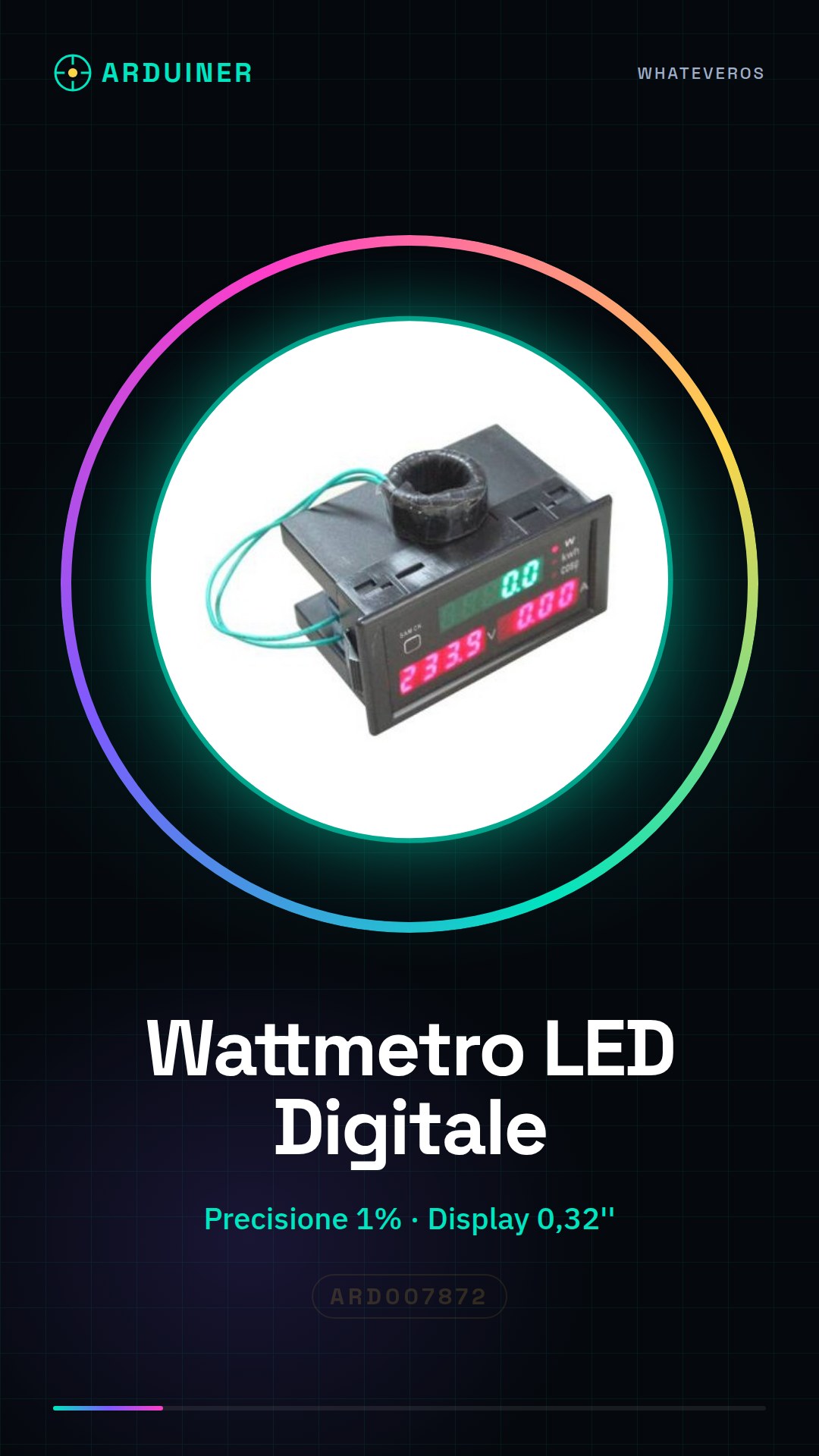
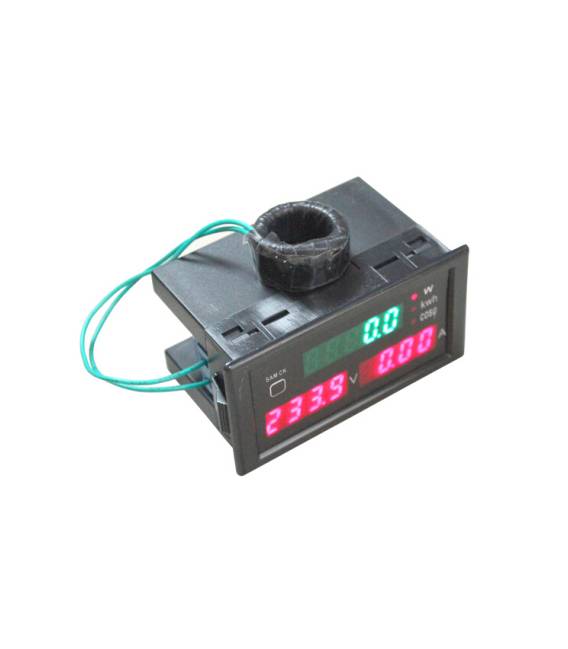
Description
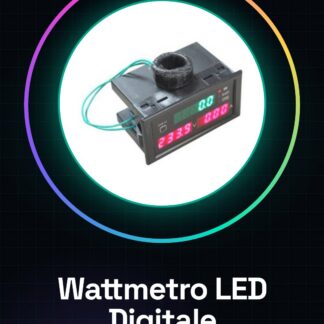
1x Digital Power Meter Voltmeter Ammeter Kilowatt Hour Module Power Factor Module
Digital Measurement Tools DL69-2047 Type
User Guide
The D69-2047 digital multifunction meter simultaneously displays and measures AC voltage, AC current, active power, energy (degrees), power factor, and other electrical parameters on the instrument.
Main Specifications
1. Accuracy: 1%
2. Display: Voltage and Power Factor 0.32 inch display with 4-digit digital current display and 4-digit digital tube display, 0.32 inch red LED.
Active Power, Energy (degrees) use 5, 0.32 inch green LED digital tube display
3. Measurement Range: AC Voltage: AC80.0-300.0 V, (or AC200.0-450.0 V, depending on the user’s needs at the time of order)
AC Current: AC0.00-100.0 A, when measuring current below 100 A the display resolution is 0.01 A, when measuring currents above 100 A the display resolution is 0.1 A, automatic conversion range.
: (Active measurement voltage AC80.0-300.0 V) 0.0- 30000 W (AC200.0-450.0 V: 45000 W)
Energy (electrical degrees): 0.000-99999kWh, automatic decimal conversion
Power factor: 1.000-0.000
4. Measurement speed: approximately 2 times per second
5. Dimensions: 79 43 48mm
Usage and wiring methods
1. In accordance with the electrical diagram drawings, it will end with the secondary instrument of the current transformer, (green wire) on the blue terminals connected to the instrument, the measurement circuit cables through the central hole of the current transformer.
2. Position the cables connected to the green terminals of the voltage measurement instrument. Then transmit the measured voltage. Start reading the measurement results.
3. After the power measurement instrument display, the display functions are voltage (V), current (A), active power (W). When pressing the left button on the dashboard
(SAM CK), active power meter (W), the display changes to show power (electrical degrees) (kwh), then click the button to display the power factor (cos). Press the button again to return to the active display (W). Pressing the display function buttons digital tube (SAM CK) shown in the green cycle shown in the following diagram:
4. When the need for electrical energy (electric degrees) measured from zero measurement, press the button (SAM CK) to convert the measurement into electrical energy (electric degrees) is displayed above the digital LED green display indicator 5 meters to the right of the kwh position, then hold down the button (SAM CK) for 5 seconds, the supply (electric degrees) shows all five digital displays zero zero, release the button (SAM CK) electrical energy (electric degrees) from zero.
5. electricity (electric degrees) has shown an interruption of current, the data of the automatic saving function, that is when the measured voltage is disconnected or an interruption of current, the counter will automatically save the current energy (electric degrees) data count when the power measurement tools are reconnected to continue accumulating in the original data.
Tutorial: How to use Digital LED Wattmeter
The Digital LED Wattmeter is a useful module for makers and electronics enthusiasts who want to measure the energy consumption of electrical devices. This tool allows monitoring of voltage, current, active power (Watts), Kilowatt-hours, and power factor.
What you need
- Arduino Uno or compatible
- USB cable to connect Arduino to computer
- External power supply 5V-24V
- Protection resistor
Steps
- Connect the LED Wattmeter module to the Arduino using appropriate cables.
- Install the necessary library to manage the module, if it is not already included in the Arduino software.
- Write a simple sketch that reads data from the module and displays it on the Arduino serial monitor.
- Power the Arduino with an external power supply in the 5V-24V range.
- Connect a device to be measured to the Wattmeter module, respecting the maximum circuit voltage.
- Insert a protection resistor between the module and the device to be measured to prevent damage.
- Open the Arduino IDE and upload the previously written sketch to the microcontroller.
- Monitor the data displayed in the Arduino IDE serial monitor.
Example code
void setup() {
  Serial.begin(9600);
}

void loop() {
  // Leggi i valori dal modulo Wattmetro e invia i dati al monitor seriale.
}
Mini project
Create an energy monitoring system for an LED lamp, showing real-time power consumption.
Common mistakes
- Use voltages higher than the module’s tolerance.
- Omit the required protection resistor.
- Fail to install the required Arduino library for the Wattmeter module.
- Connect the Arduino to an unregulated or unstable power source.
Recommended accessories
- Protected resistors
- Stabilized power supplies 5V-24V
- Connection wires from various places
- LCD display to show the data
Frequently asked questions
How can I verify the accuracy of the measured values?
Check the specifications of the Wattmeter module and compare the results with another measuring device.
The module does not communicate with the Arduino, what should I do?
Check all connections and verify that the library is correctly installed.
Reviews
There are no reviews yet.