 EN
 IT Italiano
 ES Español
 FR Français
 DE Deutsch
Description
What it is
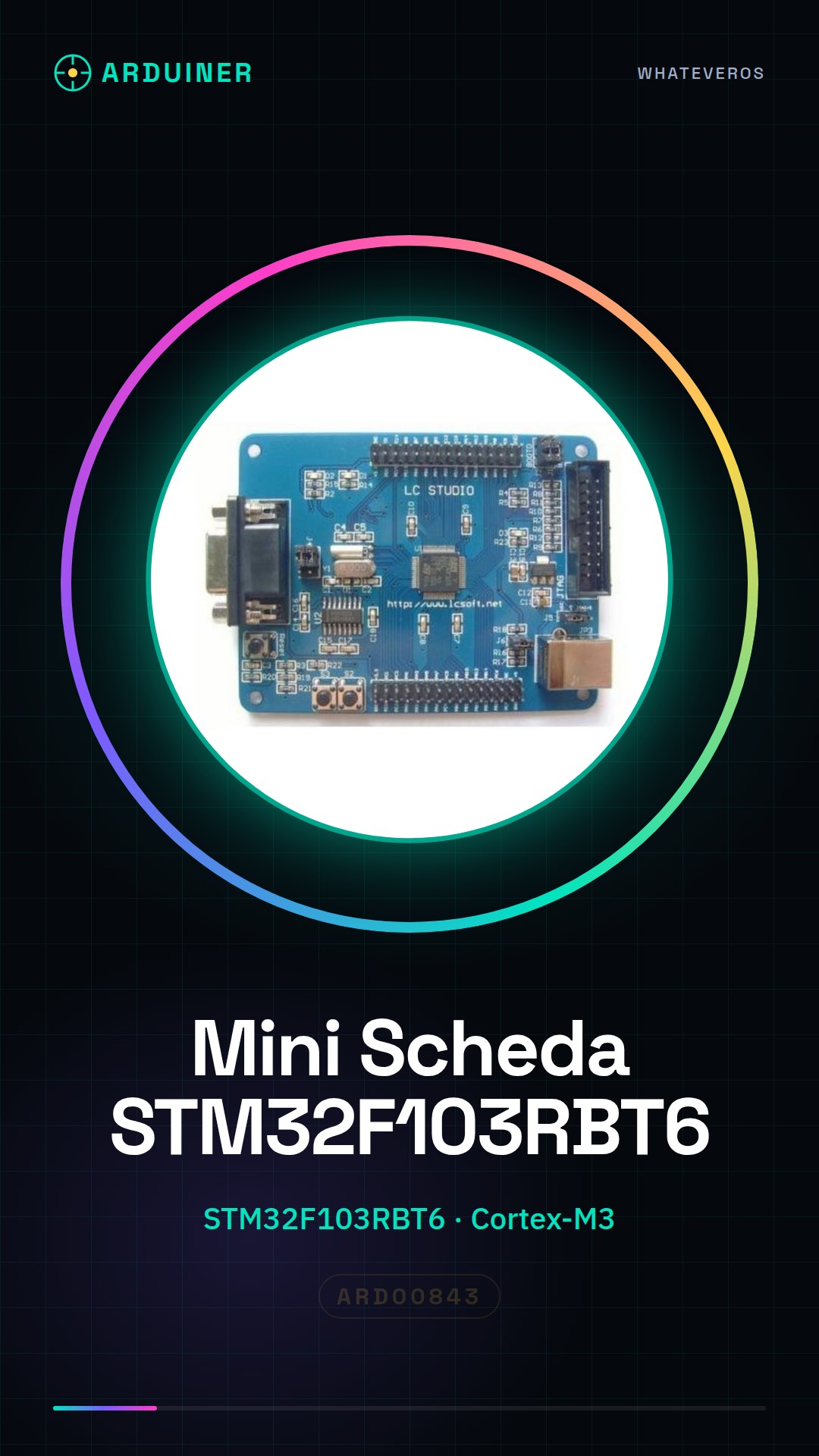
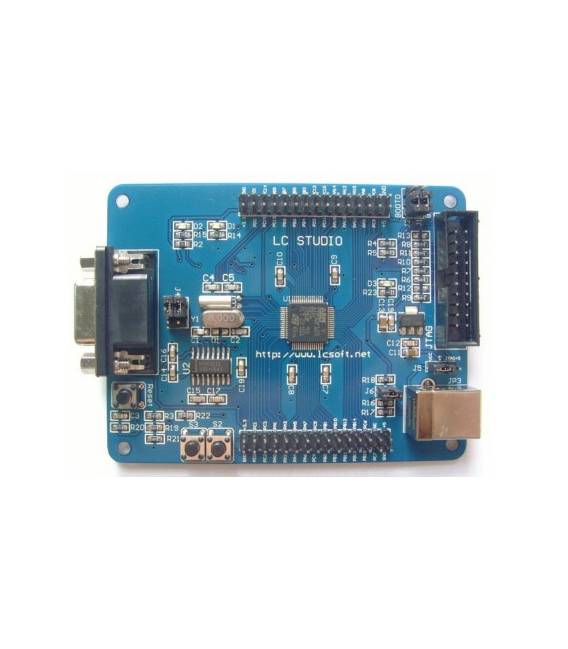
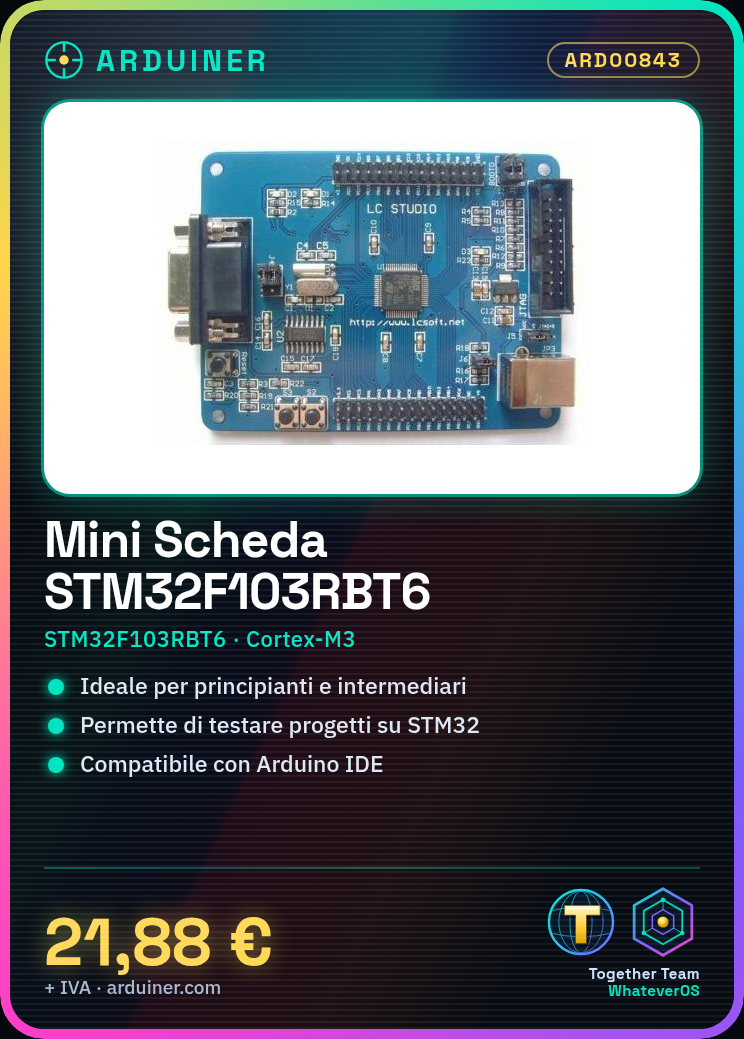
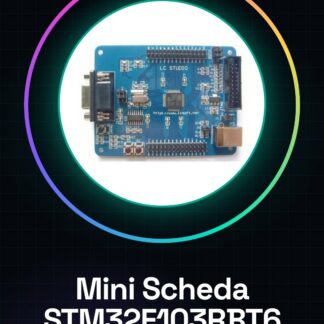
The STM32F103RBT6 Mini Development Board is a developer platform for those who want to explore and test projects based on the STM32 microcontroller. This device offers advanced features at a low cost, making it ideal for both beginners and intermediate developers.
Features
- STM32F103RBT6 Microcontroller
- Development Board Compatible with Cortex-M3
What it is for
The board is ideal for projects that require programming and testing on STM32 microcontrollers. It can be used to create simple applications like button counters, or integrate it into more complex systems.
Tutorial: How to Use the STM32F103RBT6 Mini Development Board STM32
This board allows you to develop and test your projects based on STM32 microcontrollers. Ideal for beginners and intermediates.
What you need
- STM32F103RBT6 Mini Development Board STM32
- Arduino IDE
- USB Cable
- Example Project (check the datasheet)
Steps
- 1. Download and install the Arduino IDE.
- 2. Connect the board to your computer via the USB cable.
- 3. Select the STM32F103RBT6 board in the ‘Tools’ menu > ‘Board’.
- 4. Select the correct serial port in the ‘Tools’ menu > ‘Port’.
- 5. Upload the ‘Blink’ sketch to the Arduino IDE.
- 6. Check that the on-board LED turns on and off.
- 7. Try modifying the code to control other pins.
- 8. Always check hardware compatibility in the datasheet.
Example code
void setup() { pinMode(5, OUTPUT); } void loop() { digitalWrite(5, HIGH); delay(1000); digitalWrite(5, LOW); delay(1000); }Mini project
Create a simple button counter with the on-board LED.
Common mistakes
- Not selecting the correct serial port.
- Not having the Arduino IDE updated.
- Forgetting to install the USB drivers.
- Not having the correct code in the sketch.
Recommended accessories
- ESD Protection
- 10kΩ Resistor
- Push Button
- LED
Frequently asked questions
How can I verify the compatibility of my project?
Always check the datasheet.
Can I use this board with other IDEs?
Yes, but make sure you have the USB driver installed.
Which USB drivers do I need to install?
Install the USB driver for the STM32 microcontroller.
Reviews
There are no reviews yet.