 EN
 IT Italiano
 ES Español
 FR Français
 DE Deutsch
Description
What it is
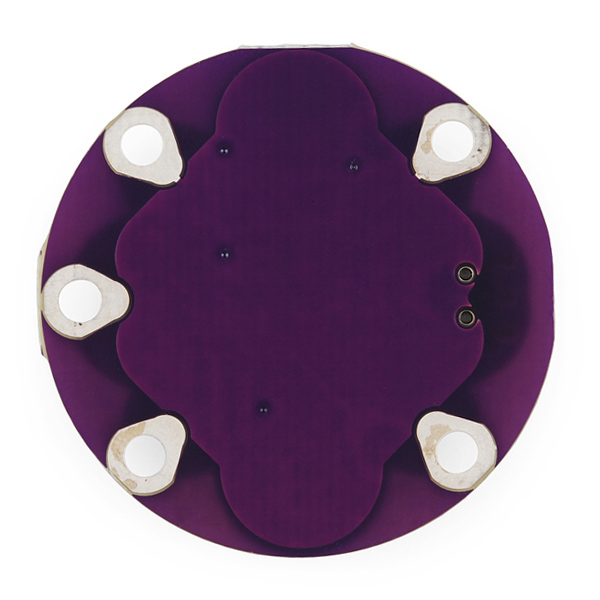
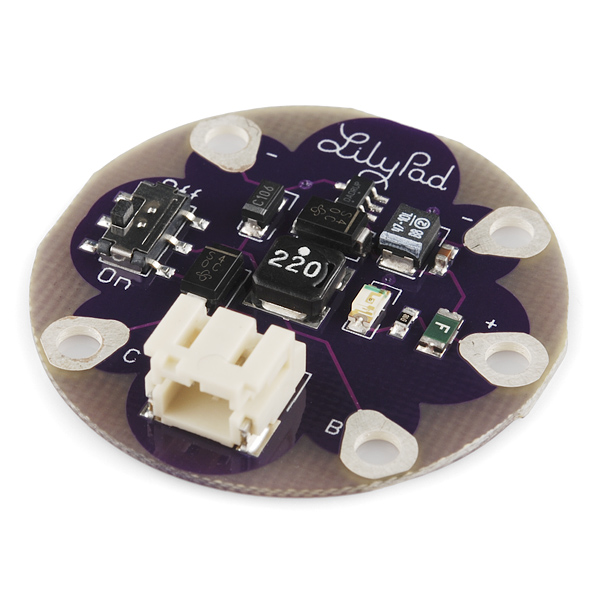
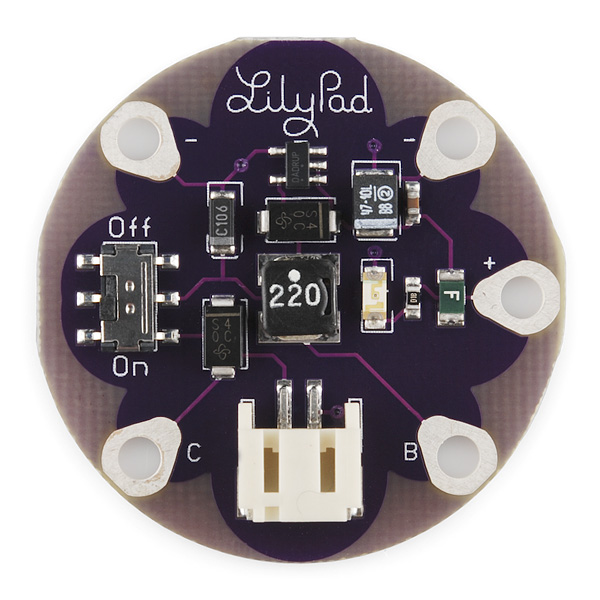
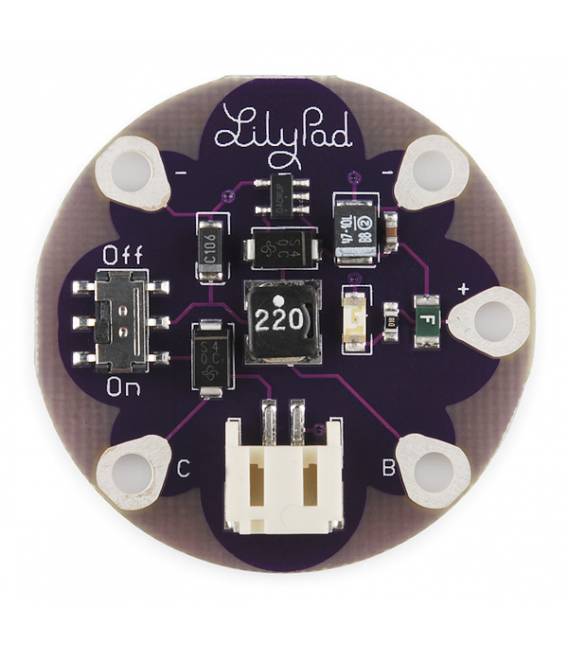
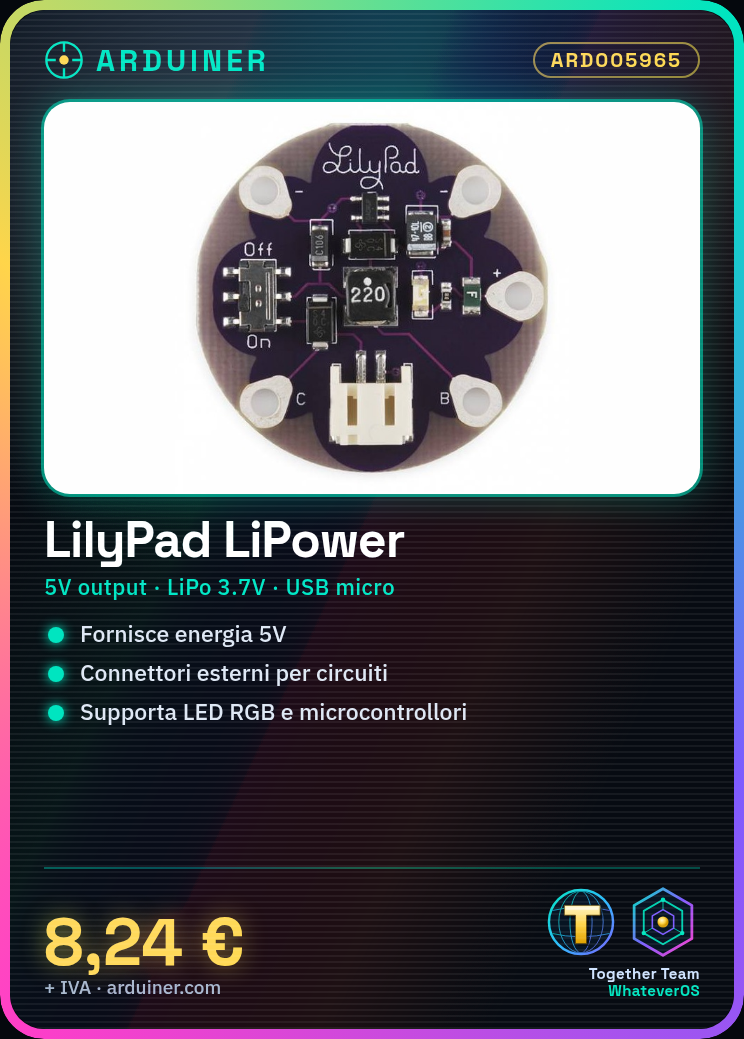
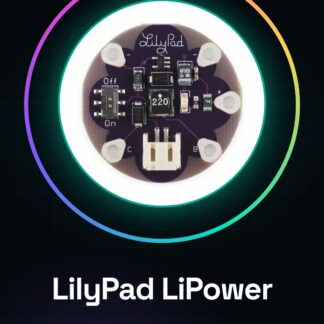
The LilyPad LiPower is a main board for LiPo batteries, designed to provide a safe and reliable power supply to your electronic projects. This board integrates easily with Arduino and other low-power devices.
Features
- Integrated LiPo battery
- 5V output
What it is for
It is used to power low-power electronic projects, such as wearable devices and visual arts. Ideal for creating glowing LED bracelets or any other device that requires a portable and reliable power source.
Tutorial: How to use LilyPad LiPower
The LilyPad LiPower is a power module for low-power devices, ideal for wearable and visual arts projects that require a portable power source. This guide shows you how to easily connect it to your circuits.
What you need
- LilyPad LiPower
- Arduino LilyPad or equivalent
- 3.7V LiPo battery
- USB cable for charging the battery
Steps
- Connect the micro-USB cable to the module’s charging port and to the computer.
- Check that the LED on the LilyPad LiPower lights up, indicating that charging is in progress.
- Once fully charged (usually 2 hours), turn off the computer and remove the micro-USB cable.
- Connect the LilyPad LiPower module to your circuit using the connectors on the outside of the device.
- Verify the output voltage with a multimeter to ensure it is within the desired range (check the datasheet).
- If necessary, adjust the battery protection switch to charge/disabled mode.
- Connect your electronic circuit to the LilyPad LiPower module following the device documentation.
- Test the project to ensure everything is properly powered.
Mini project
Create a glowing LED bracelet with the LilyPad LiPower and a series of RGB LilyPad LEDs. The project takes about 30 minutes.
Common mistakes
- Do not check the output voltage
- Use an incompatible battery
- Omit the battery protection switch
- Connect the circuit before the battery is fully charged
Recommended accessories
- 3.7V LiPo battery
- Micro-USB cable
- RGB LilyPad LED
- LilyPad slide switch
Frequently asked questions
How do I charge the battery?
Use the USB cable to connect the module to a computer or an external battery charger.
What devices can I power with this module?
Low power devices such as LilyPad LEDs, sensors, and microcontrollers.
Reviews
There are no reviews yet.