 EN
 IT Italiano
 ES Español
 FR Français
 DE Deutsch
Description
What it is
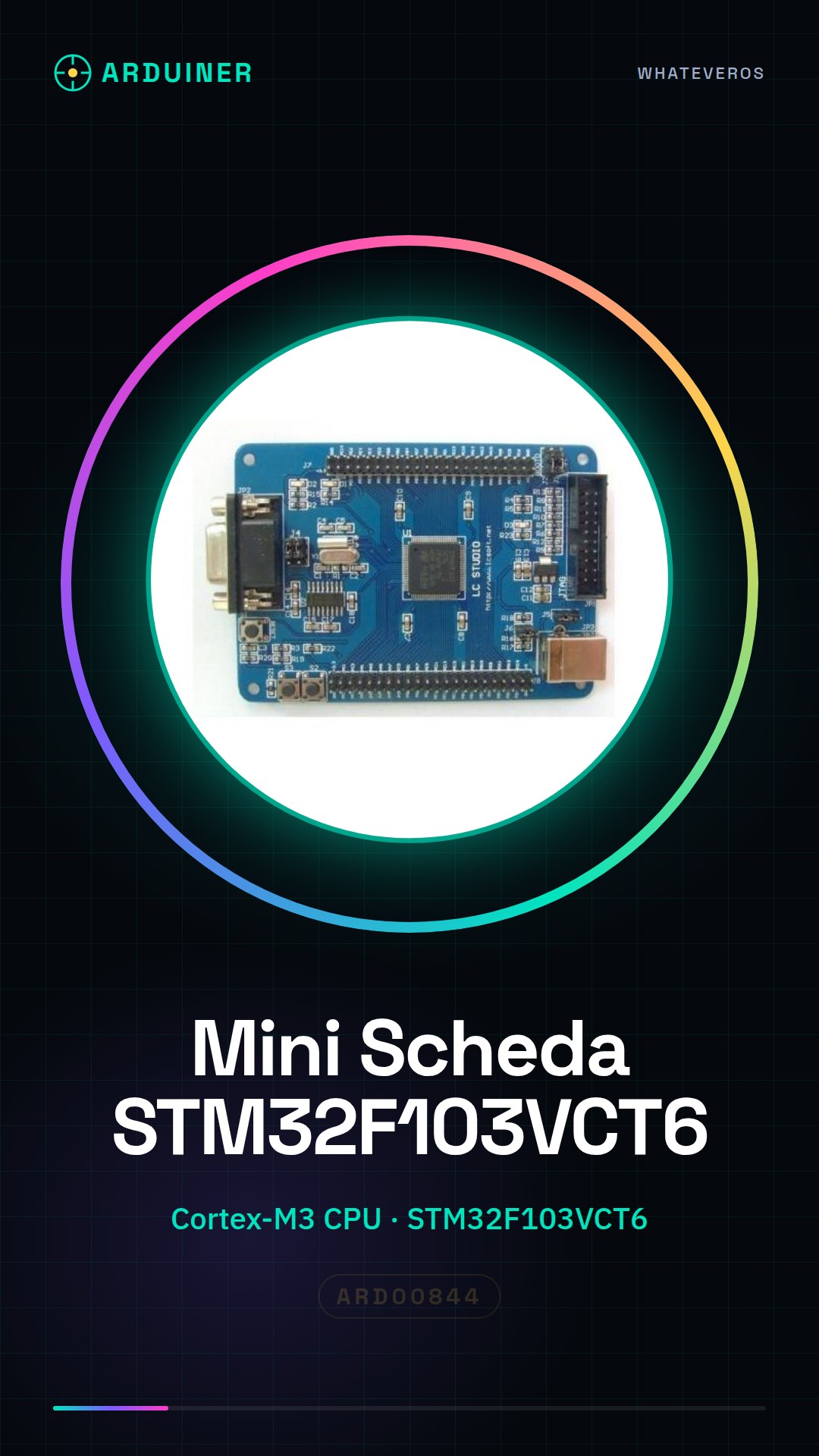
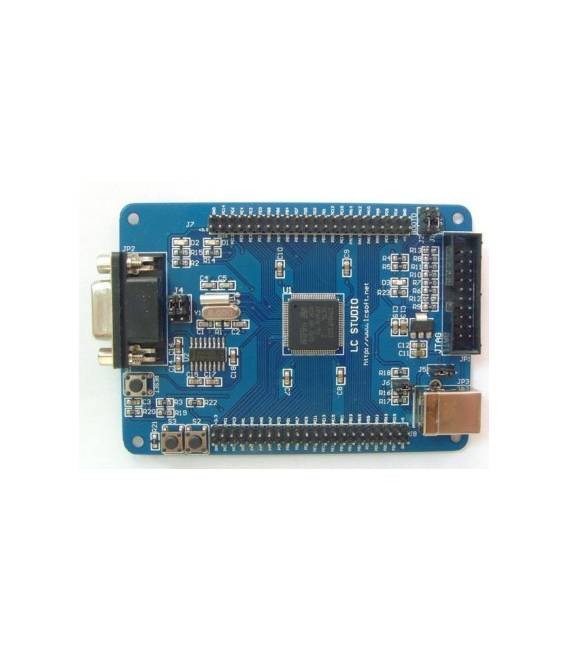
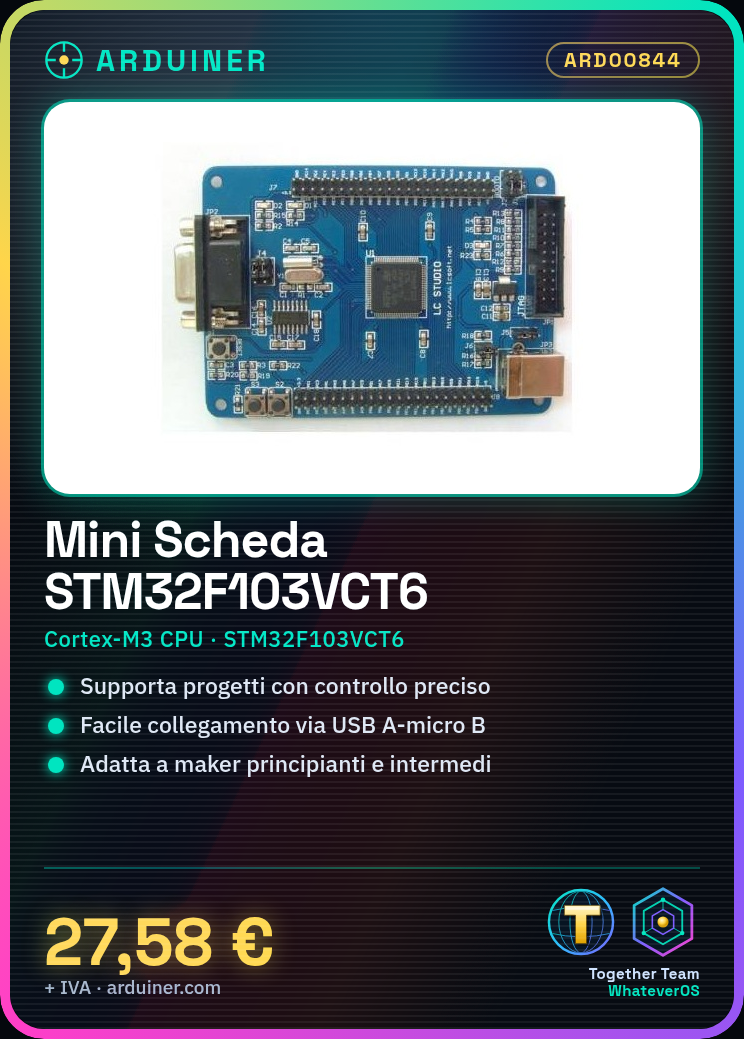
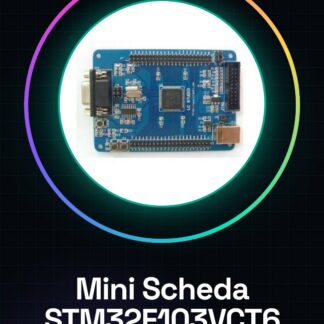
The STM32F103VCT6 Mini Board is a development board based on the STM32F103VCT6 microcontroller. It is designed for electronic projects that require high performance and flexibility.
Features
- Microcontroller: STM32F103VCT6
- CPU: Cortex-M3
- SKU: ARD00844
- Price: 27.58 €
What it is for
The board is suitable for developers and makers looking for a wide range of hardware features. It can be used for projects such as creating digital counters, interfacing with LEDs and buttons, and other projects that require precise control and quick response. The board is not compatible with the Arduino or ESP development environment.
Tutorial: How to Use the STM32F103VCT6 Mini Development Board
The STM32F103VCT6 board is ideal for projects that require power and flexibility, suitable for beginner and intermediate makers. With a Cortex-M3 CPU, this board offers advanced hardware resources.
What you need
- Computer with Windows/Linux/MacOS operating system
- USB A-micro B cable
- Compatible development IDE (e.g., STM32CubeIDE)
Steps
- Install the compatible development IDE such as STM32CubeIDE.
- Connect the board to the computer’s USB port via a micro-B cable.
- Open the project in the software and configure it to select the correct CPU (STM32F103VCT6).
- Check the datasheet for the specific pins needed for your project.
- Compile a simple example code provided by the IDE or downloaded online.
- Upload the code to the board via the IDE.
- Monitor the console to verify that everything is working correctly.
- Try modifying the code and recompile to see how the board reacts.
Example code
void setup() {
  // Inizializza le porte di uscita
}

void loop() {
  // Aggiungi qui il tuo codice
}
Mini project
Create a simple digital counter that increments every second. Use LEDs and buttons connected to the board to display and interact with the counter.
Common mistakes
- Ensure that the IDE is correctly configured.
- Check the USB connection between computer and board.
- Ensure that the pins are correctly configured in the code.
- Resolve any board power supply issues.
Recommended accessories
- USB A-micro B cable
- Breadboard
- Variable resistor set
- Wi-Fi antenna
Frequently asked questions
Is this board compatible with Arduino?
No, it uses a different language and IDE.
What components can be connected to this board?
You can connect sensors, LEDs, motors and other digital devices.
Reviews
There are no reviews yet.