 EN
 IT Italiano
 ES Español
 FR Français
 DE Deutsch
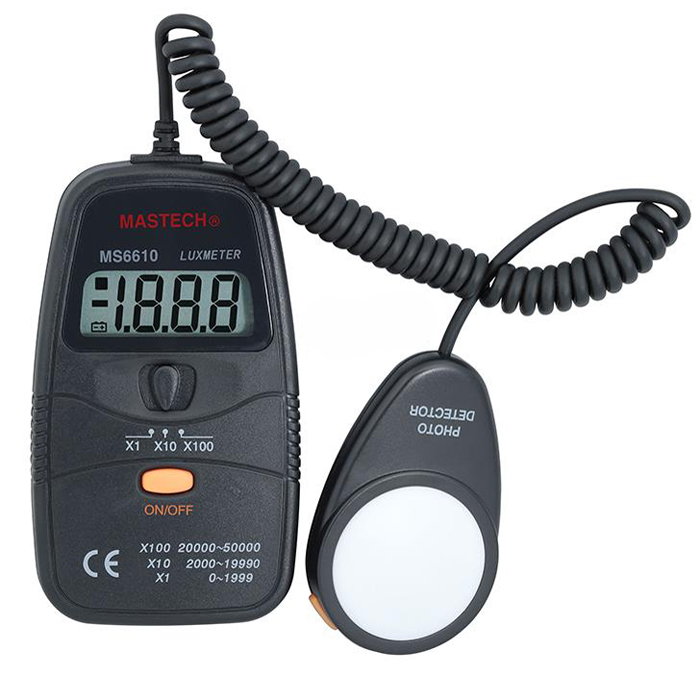
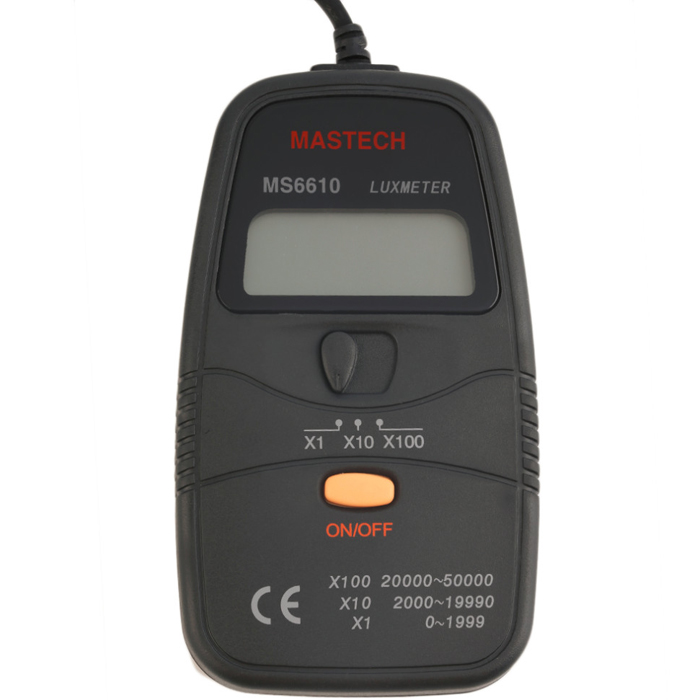
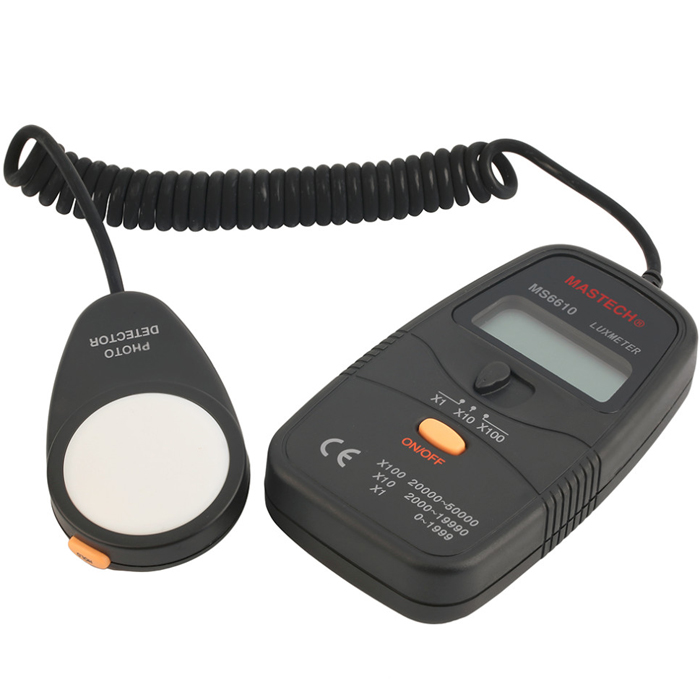
Description
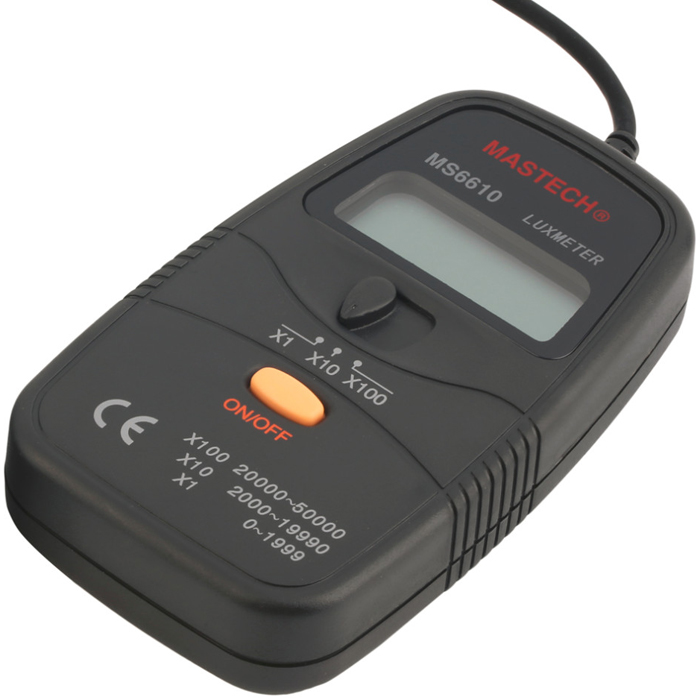
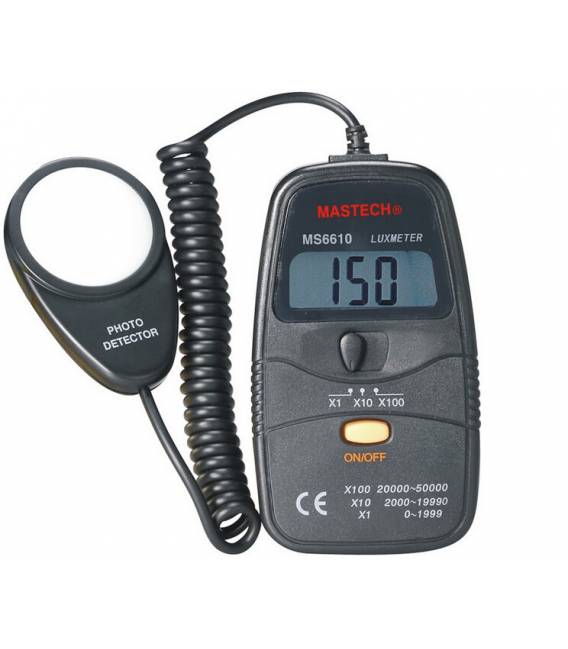
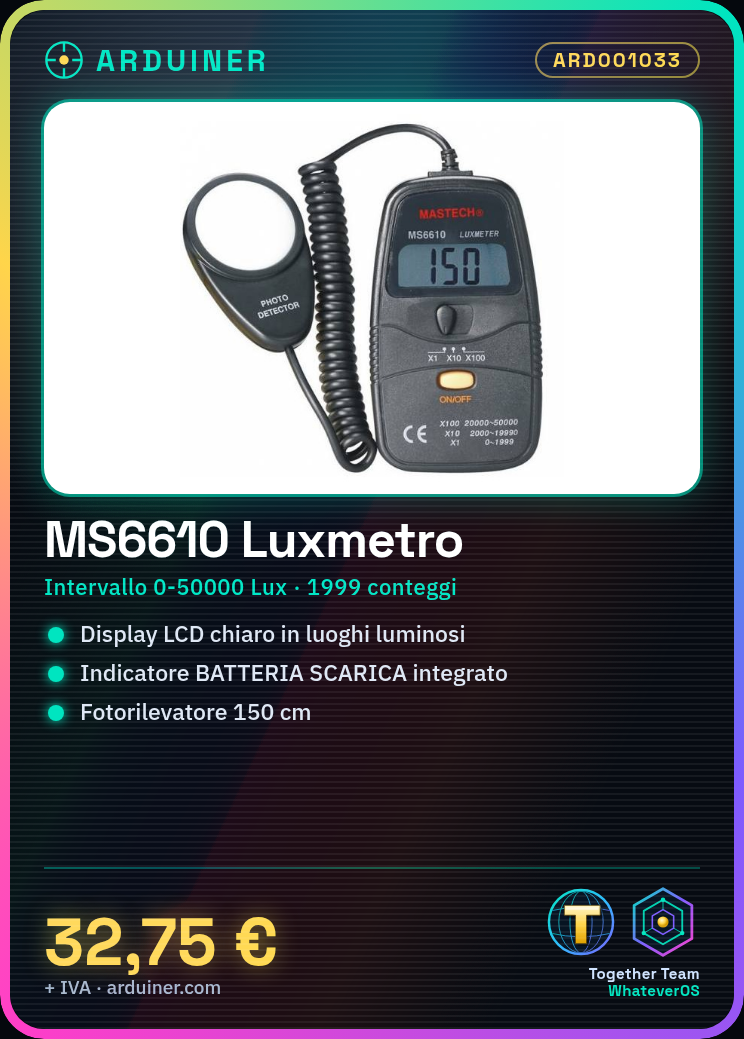
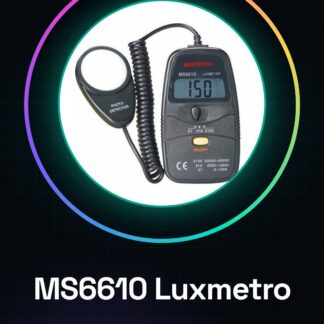
MASTECH MS6610 Luxmeter Light Intensity Meter Illuminometer
Features :
Precise and easy to read.
High precision and wide measurement range.
The use of LSI circuit offers high reliability and durability.
Integrated LOW BATTERY indicator.
The LCD display allows clear reading even in bright locations.
The LCD display offers low power consumption.
Compact, lightweight and excellent performance.
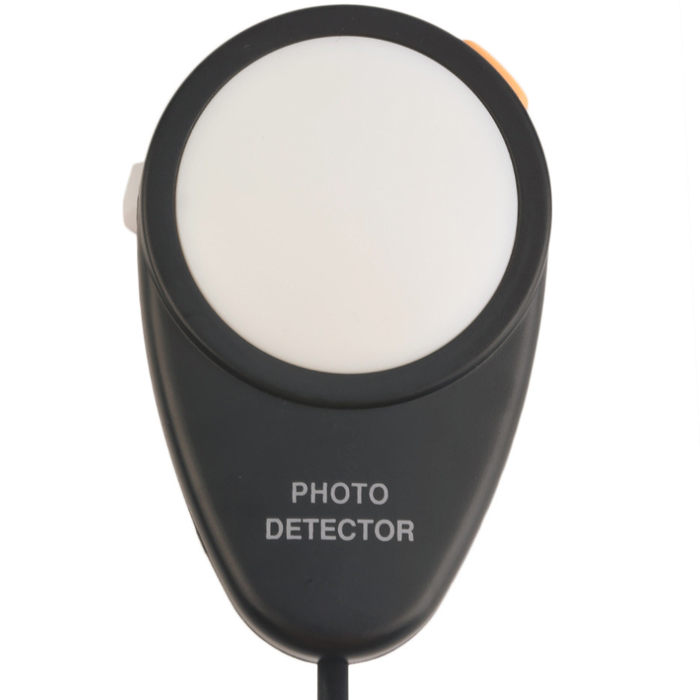
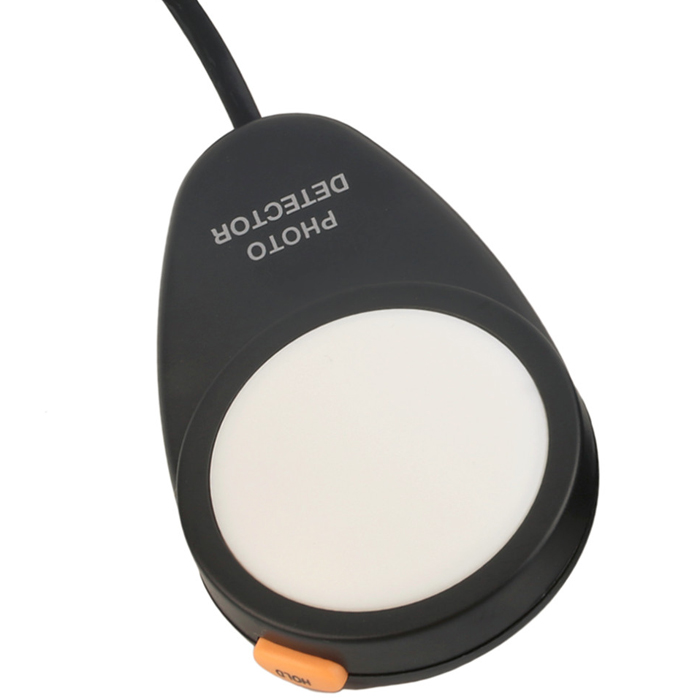
The SEPARATE PHOTO DETECTOR allows the user to perform measurements in an optimal position.
Data Hold function to preserve measurement values.
Specifications:
Display: 1999 counts, large digits 13mm
Range: 0 to 2000Lux 5.0%, 2000 to 19990Lux 5.0%, 20000 to 50000Lux 5.0%
Photo detector: one silicon photodiode with filter
Photo detector lead length: approximately 150 cm
Photo detector dimensions: 83 x 52 x 20.5 mm
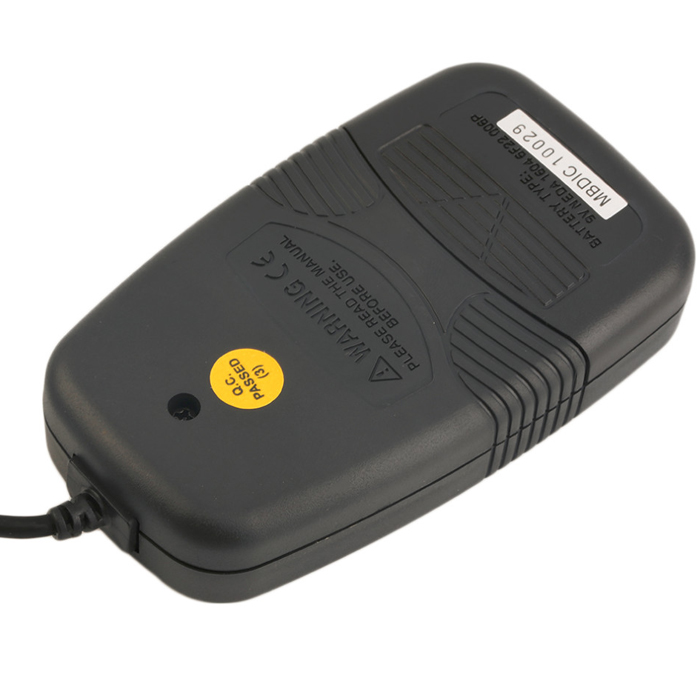
Power: 1 x 6F22 (9V) (not included)
Dimensions: 125.5 x 72 x 27 mm
Color: black
Tutorial: How to use MS6610
The MS6610 is a lux meter for measuring light intensity. It is useful for projects that require light measurements, such as smart lighting systems or environmental sensors.
What you need
- MS6610
- Arduino
- Power cable
- Resistor (10kΩ)
Steps
- 1. Connect the MS6610 to the Arduino using the following pins: VCC to 5V, GND to GND, SDA to A4, SCL to A5.
- 2. Add a 10kΩ resistor between SDA and SCL to stabilize I2C communication.
- 3. Load the provided Arduino code.
- 4. Run the code and check the output on the serial monitor.
- 5. Refer to the datasheet for further details on configuration.
- 6. Test the accuracy of the meter in various lighting conditions.
- 7. Record the data for further analysis.
- 8. Check the stability of the meter after periods of inactivity.
Example code
void loop() { Serial.println(analogRead(A4)); }Mini project
Create an intelligent lighting system that adjusts brightness based on ambient light.
Common mistakes
- Forget to connect the 10kΩ resistor between SDA and SCL.
- Connect the wrong pins on the MS6610.
- Forget to update the Wire library.
- Do not check the stability of the meter after periods of inactivity.
Recommended accessories
- Arduino UNO
- USB cable
- Updated Wire library
- 5V power cable
Frequently asked questions
How can I check the stability of the meter?
Leave the meter in an idle state for at least 10 minutes before using it.
Which pins should I use to connect the MS6610?
SDA to A4 and SCL to A5.
Does the MS6610 work with Arduino UNO?
Yes, the MS6610 is compatible with Arduino UNO.
What are the specifications of the MS6610?
Check the datasheet for further details.
Reviews
There are no reviews yet.