 EN
 IT Italiano
 ES Español
 FR Français
 DE Deutsch
Description
What it is
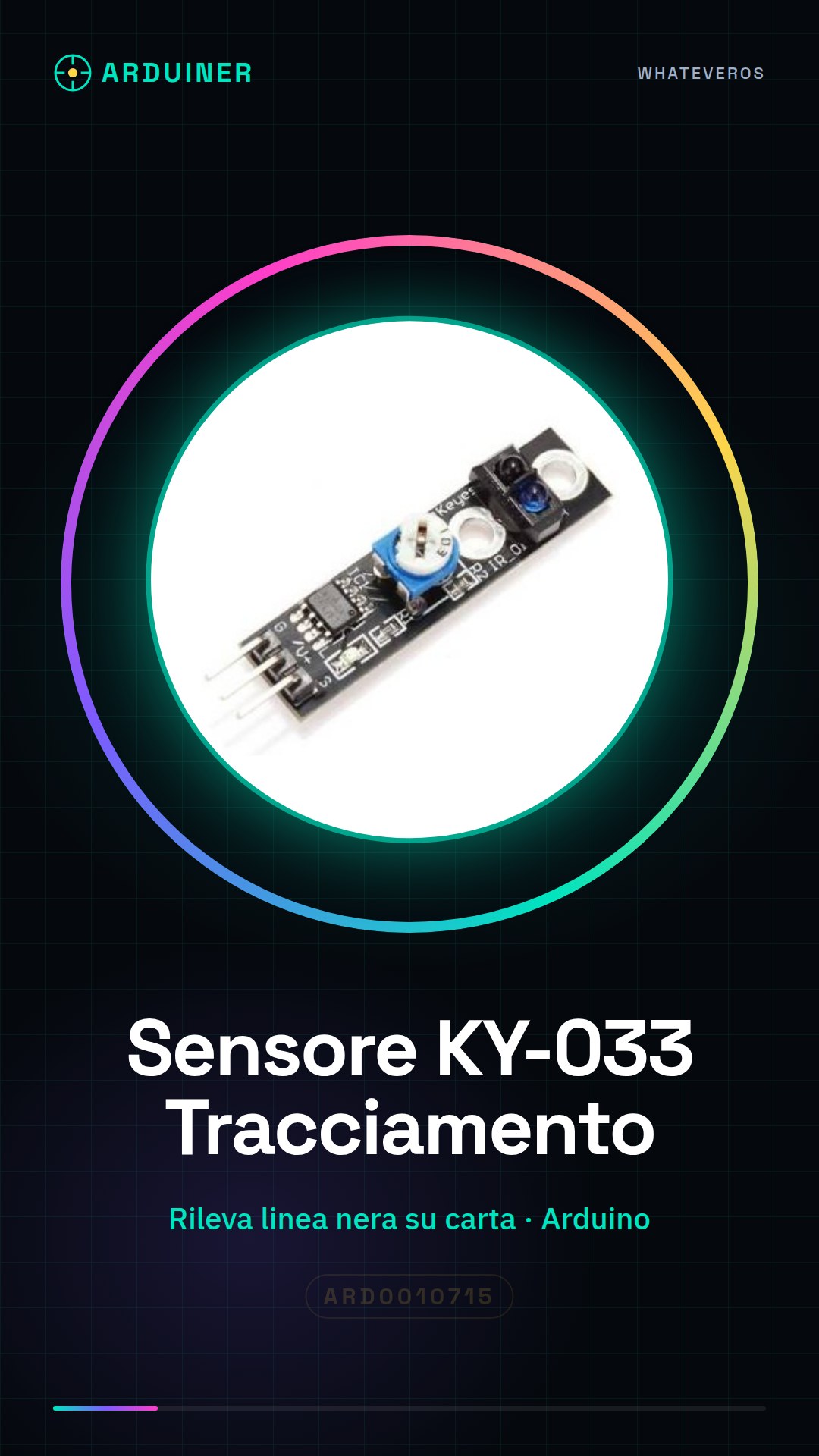
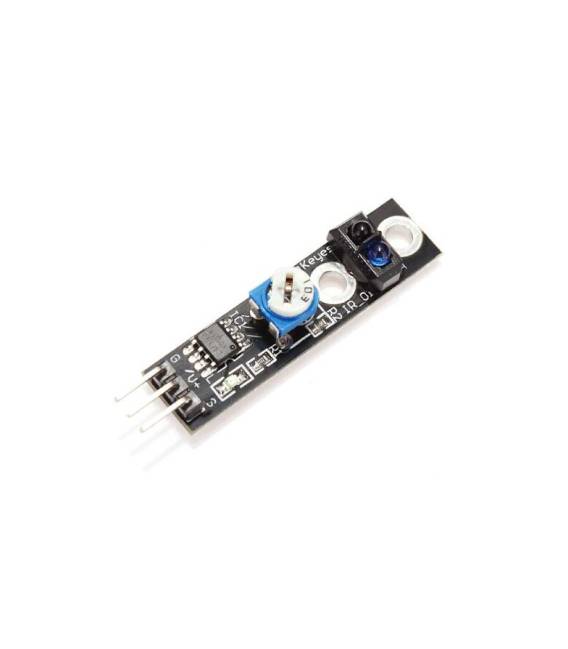
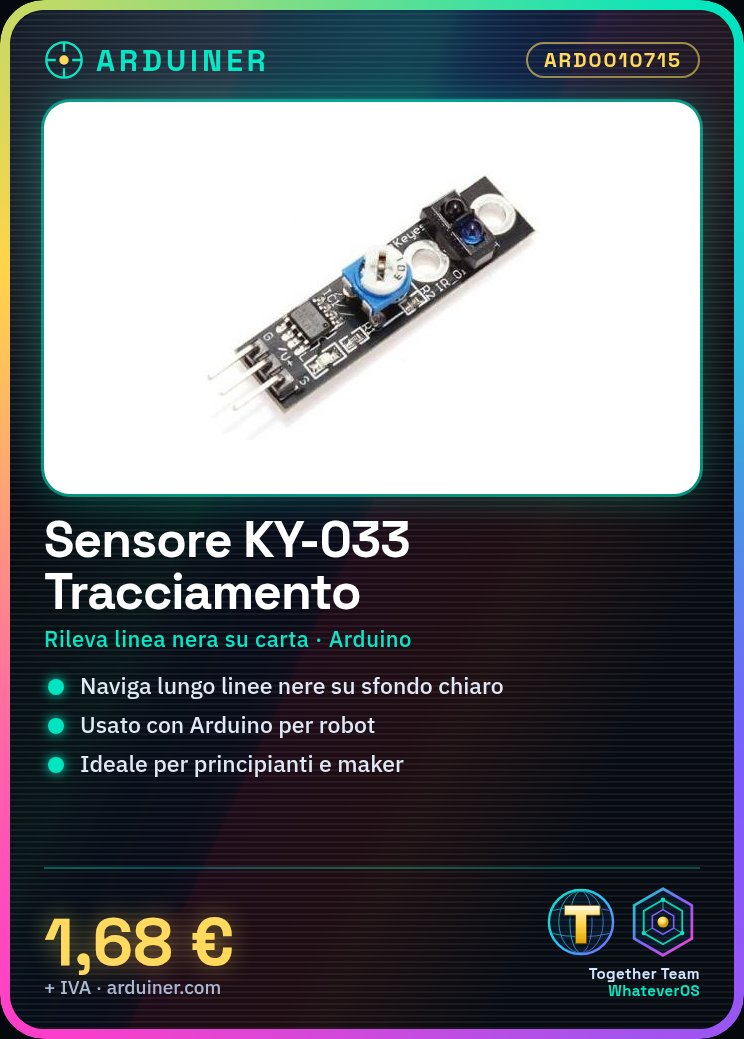
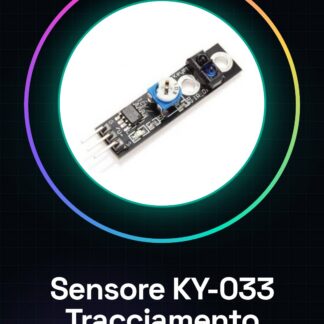
The KY-033 sensor is a device used for line tracing in robotics and automation projects. This sensor allows devices to navigate along black lines on a light background, making it ideal for creating robots capable of following a line.
Features
- Ideally used in line tracing projects with Arduino;
- Detects the position of the black line on white paper;
What it is for
The KY-033 sensor is perfect for beginners and makers who want to create a robot capable of following a traced line. It is useful in applications such as domestic robots, school experiments, or interactive games.
Tutorial: How to use Line Hunter Sensor KY-033
The KY-033 sensor is ideal for robotics and automation projects that require tracing black lines on a light background. It is perfect for beginners and makers who want to create a robot capable of following a drawn line. It is useful in applications such as domestic robots, school experiments, or interactive games.
What you need
- Arduino Uno
- USB connection for power supply and communication with PC
- Drawing paper with black lines
Steps
- Connect the VCC, GND, OUT pins of the KY-033 sensor to the corresponding digital pins of the Arduino Uno.
- Check the wire connections and ensure there are no tangles or short circuits.
- Open the Arduino IDE software and load the example sketch to read data from the KY-033 sensor.
- Modify the sketch according to the specifications of your project (see datasheet).
- Test the sensor by placing the black line under the KY-033 sensor and observe the outputs on the Arduino IDE serial monitor.
Example code
void setup() {
  Serial.begin(9600);
}

void loop() {
  int sensorValue = digitalRead(A0); // Verifica sul datasheet per il pin corretto
  Serial.println(sensorValue);
}
Mini project
Create a simple line follower robot that follows a black line on white paper. Use the KY-033 sensor to detect the line position and control two DC motors with an L298N module.
Common mistakes
- Failing to properly verify pin connections.
- Using a power supply voltage different from what is specified in the KY-033 sensor datasheet.
- Forgetting to upload the sketch to the Arduino Uno microcontroller.
- Misinterpreting the digital value returned by the KY-033 sensor.
Recommended accessories
- L298N module for controlling motors
- Basic line follower robot kit
- Drawing paper with black lines
- DC motors
Frequently asked questions
My sensor is not working.
Check all electrical connections, upload the correct sketch to Arduino, and check the datasheet for the KY-033 sensor power supply specifications.
What are the dimensions of the KY-033 sensor?
Check the datasheet to obtain detailed physical measurement information about the component.
Reviews
There are no reviews yet.