 EN
 IT Italiano
 ES Español
 FR Français
 DE Deutsch
Description
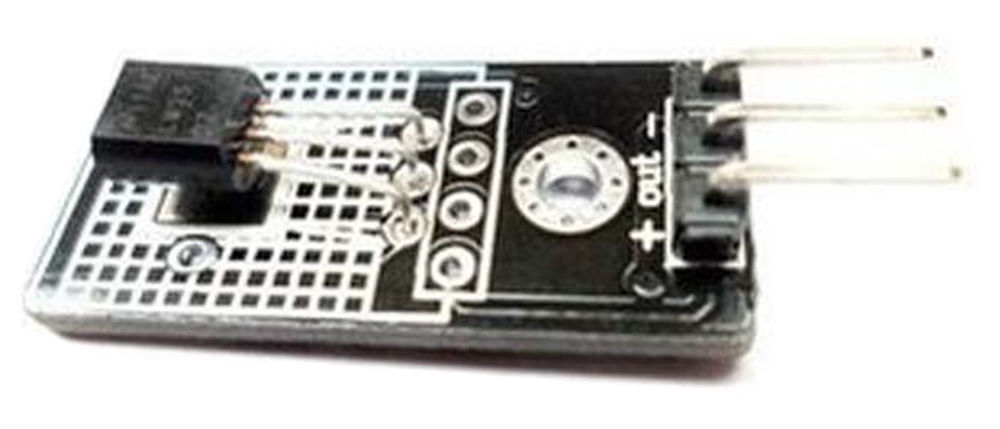
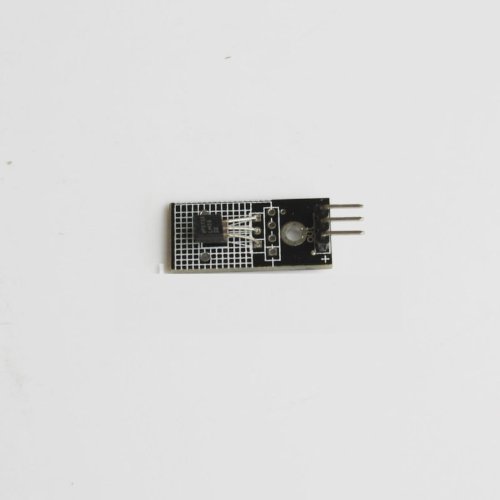
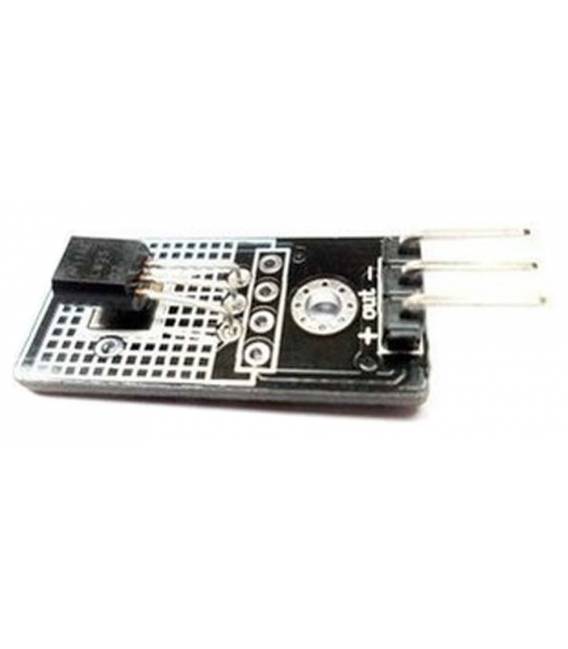
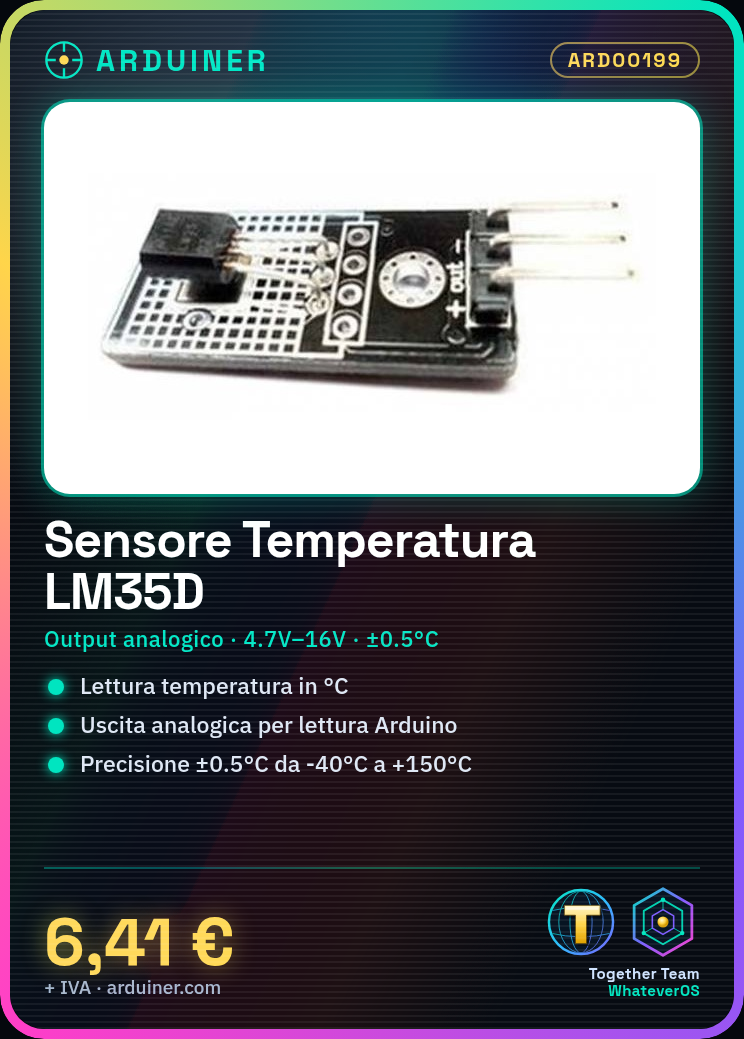
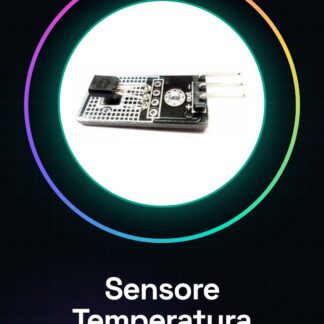
The LM35D module is a temperature sensor that provides a reading of temperature in degrees Celsius. The sensor’s output is an analog signal that can be read by an Arduino or another development platform.
Tutorial: How to Use LM35D Analog Temperature Sensor Module
The LM35D module is an ideal temperature sensor for Arduino projects that require accurate ambient temperature measurements. It is suitable for both beginners and more experienced makers, offering easy integration with the Arduino microcontroller.
What you need
- Arduino Uno or compatible
- USB cable
- Computer with Arduino IDE installed
Steps
- Connect the analog output of the LM35D module to pin A0 of the Arduino.
- Power the LM35D module with 4.7V – 16V from a power supply or the 5V pin of the Arduino.
- Open the Arduino IDE and write the provided sketch to read the sensor data.
- Load the sketch onto the Arduino microcontroller.
- Display the temperature values in degrees Celsius on the Arduino IDE Serial Monitor.
Example code
void setup() {
  Serial.begin(9600);
}

void loop() {
  int sensorValue = analogRead(A0);
  float voltage = sensorValue * (5.0 / 1023.0);
  float temperatureC = voltage * 100;
  Serial.print("Temperatura:");
  Serial.println(temperatureC);
  delay(1000);
}
Mini project
Create a digital thermometer with the LCD and LM35D module. Connect the LCD to the Arduino microcontroller and modify the sketch to display the temperature on the display.
Common mistakes
- Do not connect the sensor correctly to the Arduino pins.
- Ignore the sensor’s supply voltage.
- Omit converting the analog values to degrees Celsius.
Recommended accessories
- 16×2 LCD Module for Arduino
- USB Power Supply
- Set of Connectors and Cables
Frequently asked questions
What is the precision of the LM35D sensor?
The precision is ±0.5°C from -40°C to +150°C.
Can I connect the sensor directly to the Arduino pin 3V3?
Yes, but check the datasheet for the minimum operating voltage of the LM35D sensor.
Reviews
There are no reviews yet.