 EN
 IT Italiano
 ES Español
 FR Français
 DE Deutsch
Description
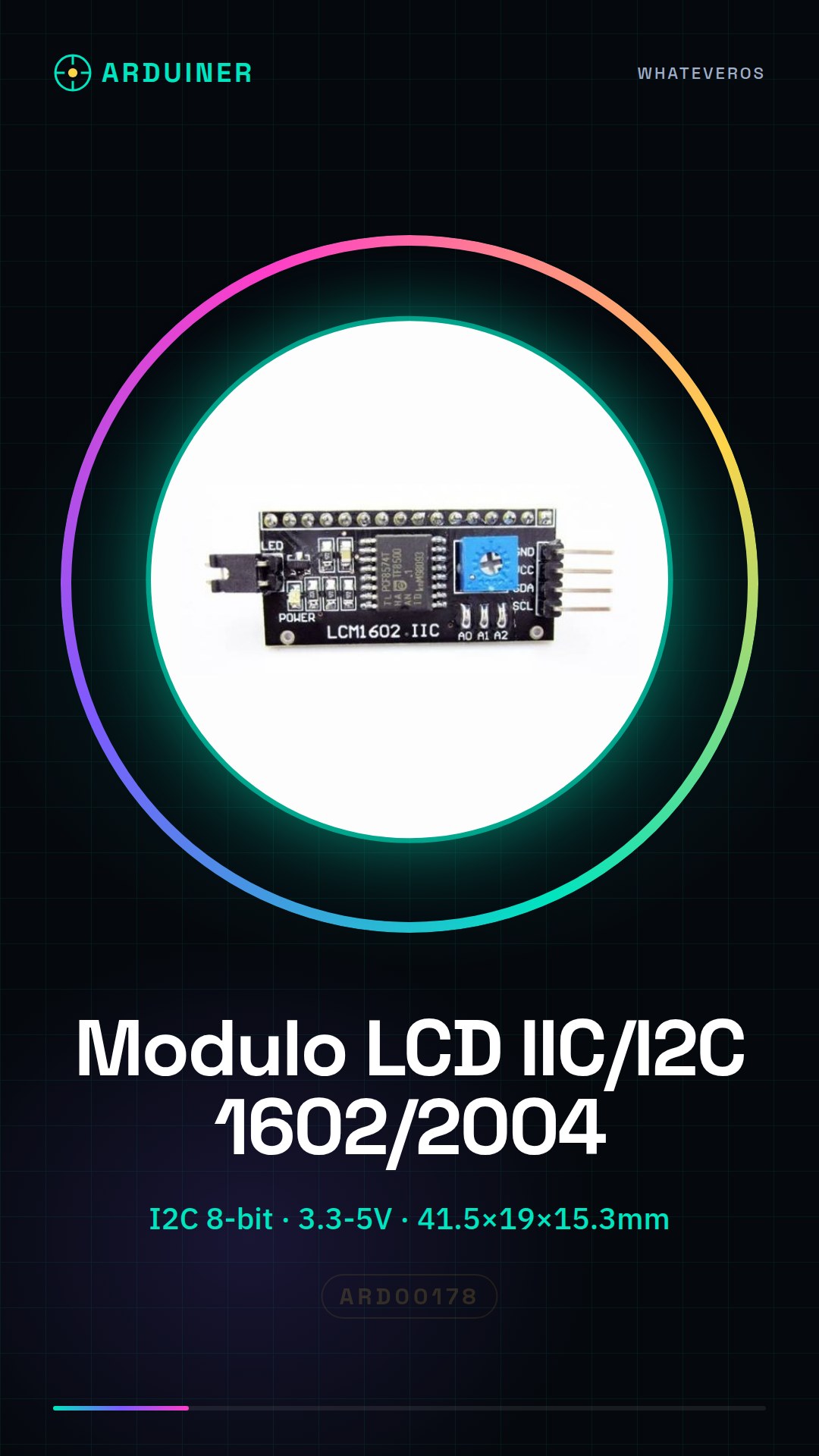
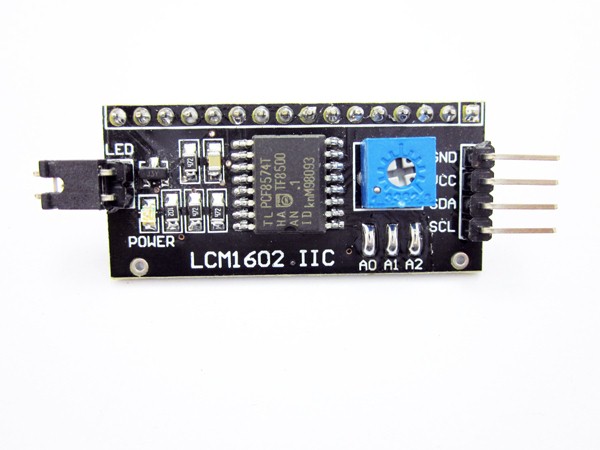
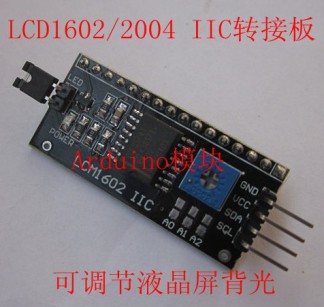
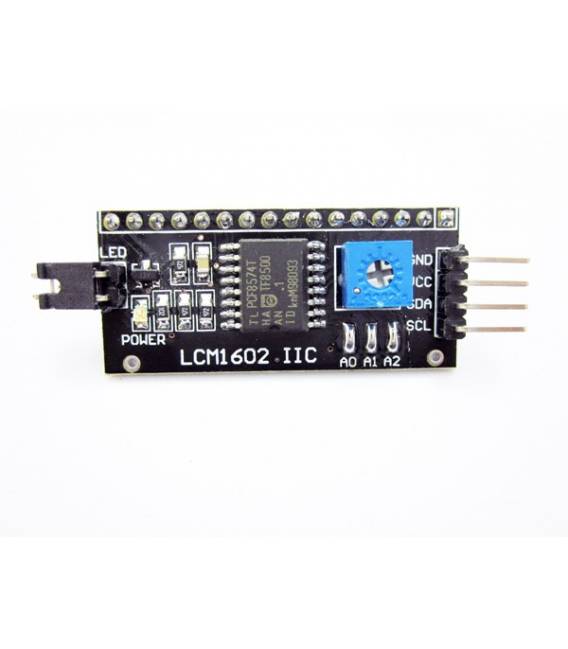
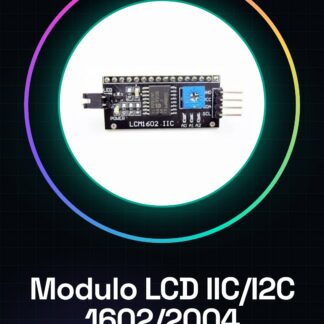
LCM1602 LCD Serial IIC/I2C Adapter for LCD1602/2004 for Arduino
The module connects directly to any alphanumeric display of two or four rows of 16 characters. The module’s input consists of an I2C interface and allows the display to be connected through this type of interface.
Technical specifications:
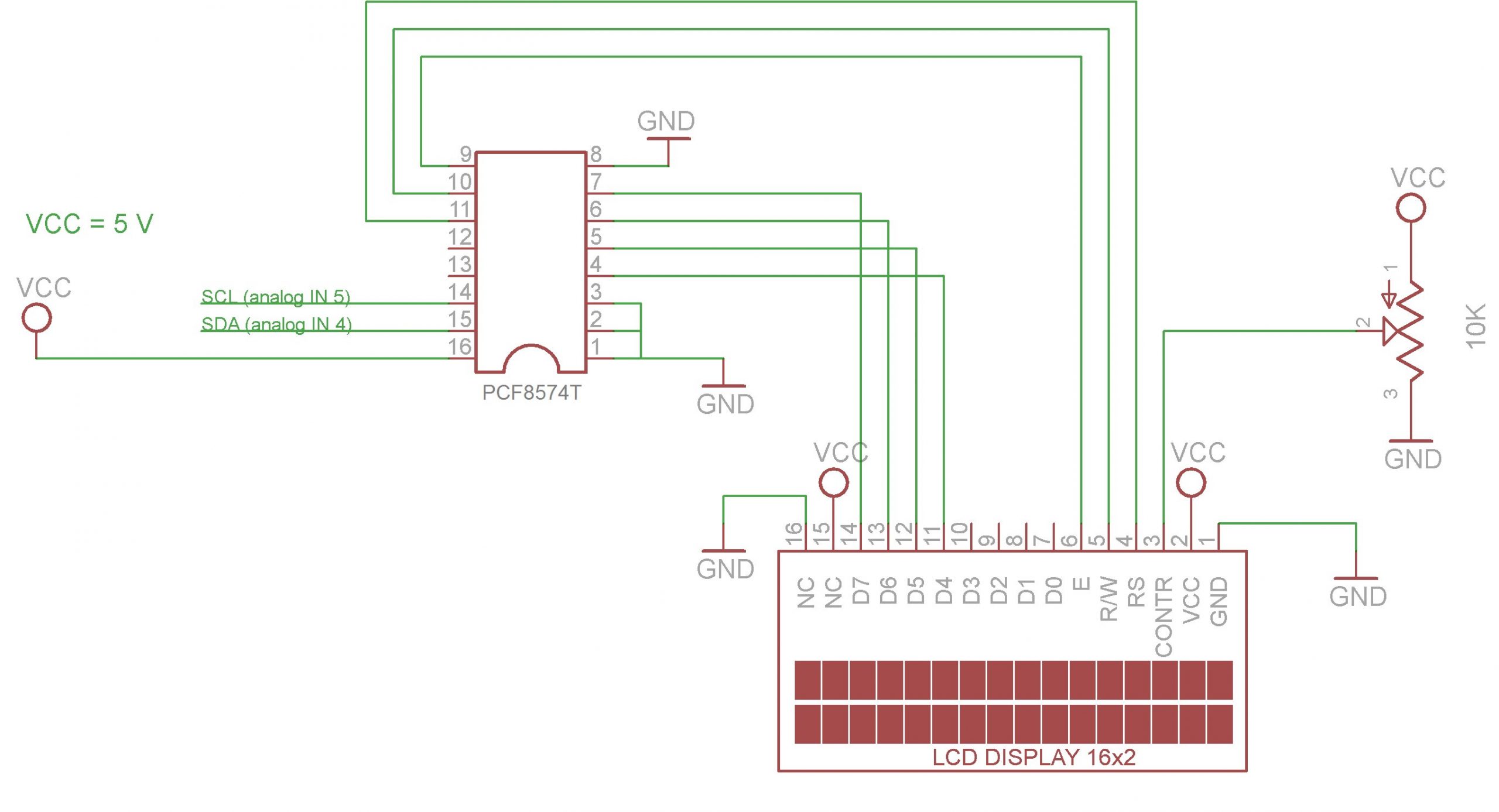
– Serial interface of type I2C on the input side with an 8-bit parallel interface for alphanumeric displays
– Power supply from 3.3 to 5V
Connection methods:
1. Input connector 1
a. Pin-1 Ground
b. Pin-2 Power supply from 3.3 to 5V
c. Pin-3 serial input data
d. Pin-4 serial clock
2. Output connector 2
a. Compatible with alphanumeric displays
4, line screen 1602 Arduino 1602 I2C interface
The Arduino IIC LCD1602 / I2C interface adapter plate without LCD screen
The Arduino board IO mouth only 20, add some sensors, SD card, relay module, etc. IO mouth is not enough,
1602 screen need seven IO mouth to drive up, we developed this module can help you save five IO port, we can give the arduino function library
Product parameters:
1. Size: 41.5 mm (length) * 19 mm (width) * 15.3 mm (high)
2. Weight: 5 g
3. PCB color: black
4. The power supply voltage: 2.5 to 6 v
5. Support the I2C protocol
6. With backlight power control can be set through the jumper cap is connected to the backlight power supply. Plug in the jumper cap is connected to the backlight power supply, remove the jumper cap to disconnect the backlight power supply
7. Contrast can be adjusted, rotate blue potentiometer, clockwise, counterclockwise. Potentiometer design on the front, convenient customer adjust freely anytime and anywhere
8. The module can cascade, up to eight. Through the short circuit A0 / A1 / A2 modify device address. The default address 0x27
We have datasheets available for all components, if not present in the product download card, send us a message through the contact form and we will publish it as soon as possible on our website.
Tutorial: How to use LCM1602 LCD IIC/I2C Module for Arduino
The LCM1602 LCD IIC/I2C module is a useful component for displaying information on a liquid crystal display screen. This tutorial will guide you through the installation and configuration of the module with Arduino.
What you need
- Arduino Uno/Nano
- LCM1602 LCD IIC/I2C Module (SKU: ARD00178)
- USB cable to connect Arduino to the computer
- Arduino IDE Software
Steps
- Connect the LCD module to an I2C port of Arduino using the appropriate cables.
- Open the Arduino IDE and install the LiquidCrystal_I2C library from the library manager.
- Upload the following sketch to your Arduino to test the module’s functionality.
- Check that the I2C settings are correct by consulting the module’s datasheet.
- Modify the sketch to display the desired data on the LCD screen.
- Test additional features such as text scrolling and display backlighting.
- Try integrating the module into a more complex project, such as a weather station.
- Resolve any I2C communication errors by following the instructions in the datasheet.
Example code
LiquidCrystal_I2C lcd(0x27,16,2); // impostare l'indirizzo e dimensioni del display
lcd.begin();
lcd.print("Benvenuto!");
Mini project
Build a simple weather station that displays temperature and humidity on an LCD screen.
Common mistakes
- I2C connection error
- Incorrect module settings in the datasheet
- Problems with the LiquidCrystal_I2C library
- Lack of I2C protocol support
Recommended accessories
- DHT11 Temperature and Humidity Sensor (SKU: ARD00179)
- AA Batteries x4
- 3D Print Case for Arduino Uno/Nano
- RTC DS3231 Module for Arduino
Frequently asked questions
How can I change the I2C address of the module?
Check the datasheet on how to modify the pull-up resistor to change the address.
What display sizes are supported?
The module supports LCD 1602 and 2004, check your display specifications.
How can I control the display brightness?
Use the brightness control pin on the module or modify the sketch to adjust the intensity.
Reviews
There are no reviews yet.