 EN
 IT Italiano
 ES Español
 FR Français
 DE Deutsch
Description
What it is
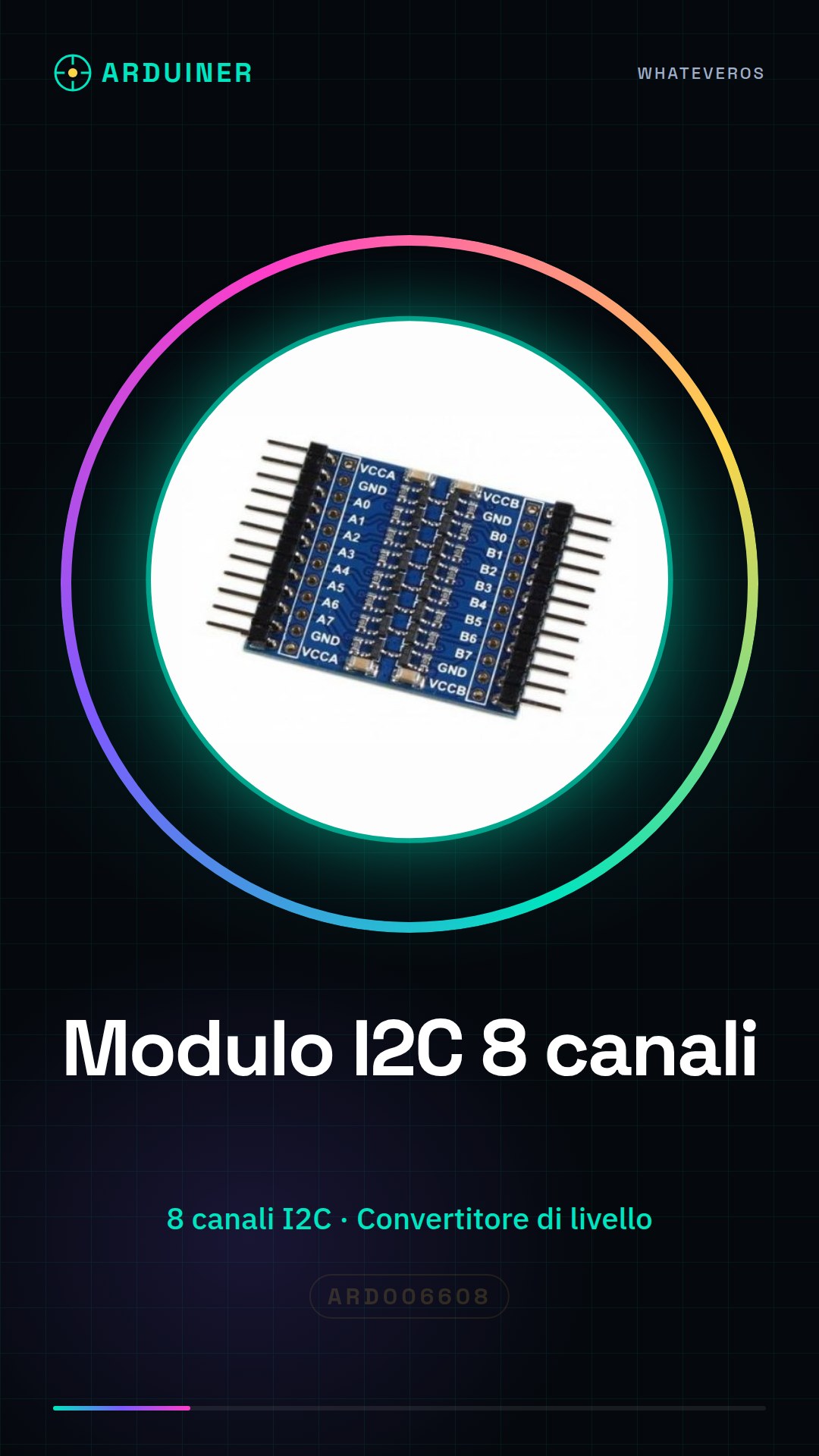
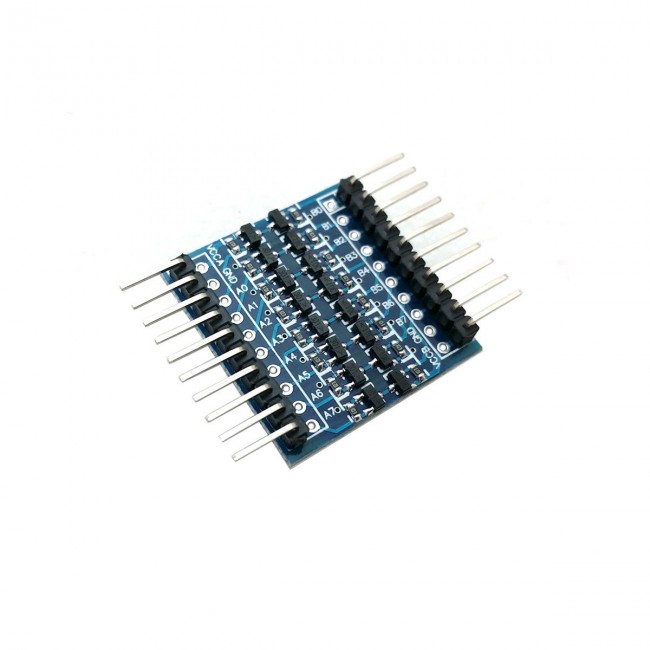
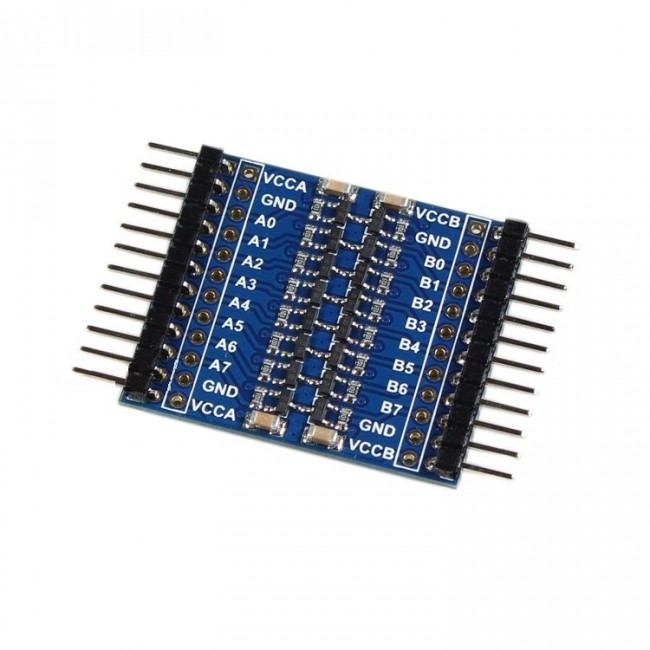
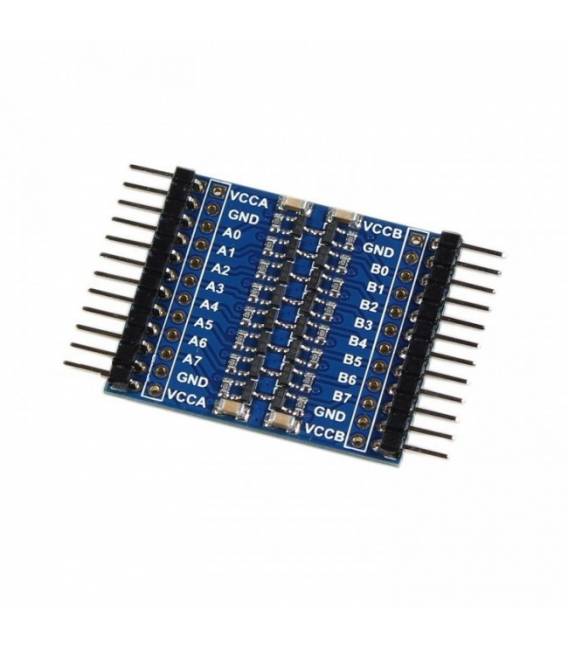
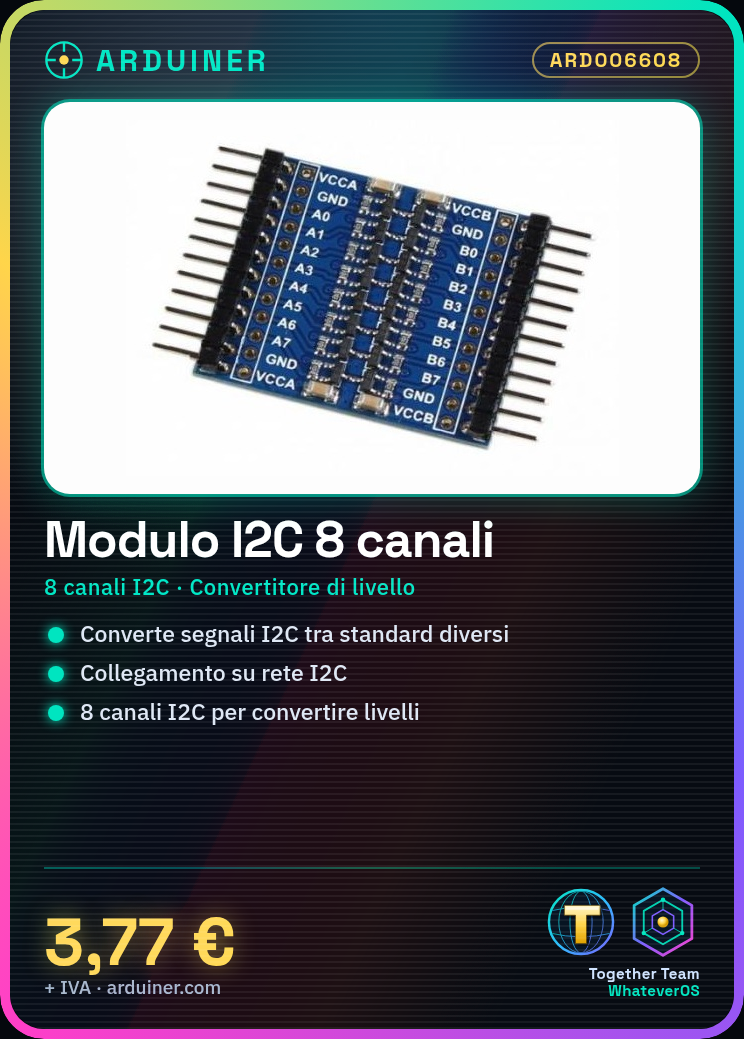
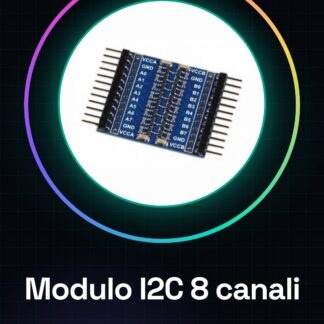
This 8 channel IIC I2C module is a tool that allows converting I2C level signals between different standards. This is useful when you want to connect electronic devices with different voltage levels on the same I2C network.
Features
- 8 channel I2C
- I2C Level Converter
- SKU: ARD006608
- Price: 3.77 €
What it is for
This module is ideal for connecting devices with different voltage levels on the same I2C network. A typical use case is creating a 16×2 LCD display with an Arduino, connecting it to the module and the microcontroller.
Tutorial: How to Use the I2C Level Converter 8 Channels
This module allows converting I2C level signals between different standards, ideal for connecting devices with different voltage levels on the same I2C network.
What you need
- Arduino or compatible I2C microcontroller
- 0.1″ cable
- Pull-up resistor (10kΩ)
- I2C devices with different voltage levels
Steps
- 1. Installation: Assemble the module on your circuit, make sure the pins match.
- 2. Connection: Connect the VCC and GND pins to your microcontroller.
- 3. Data Connection: Connect the SDA and SCL pins to your microcontroller.
- 4. Pull-up Resistance: Connect a pull-up resistor (10kΩ) between SDA and VCC, between SCL and VCC.
- 5. Configuration: Use the SDA and SCL pins to connect I2C devices.
- 6. Verification: Check the voltage levels of the SDA and SCL pins with a multimeter.
- 7. Test: Connect an I2C device and verify communication.
- 8. Debug: If it doesn’t work, check the datasheet for pin specifications.
Example code
```cpp
#include <Wire.h>

void setup() {
  Wire.begin();
  Serial.begin(9600);
}

void loop() {
  Wire.requestFrom(0x3C, 1);
  if (Wire.available()) {
    int value = Wire.receive();
    Serial.println(value);
  }
}
```
Mini project
Create a simple 16×2 LCD display with an Arduino and an I2C converter. Connect the display to the converter and the microcontroller, then send messages from the display.
Common mistakes
- Forget to connect pull-up resistors
- Incorrect VCC and GND connections
- Wrong SDA and SCL pin connections
- Do not check connections with a multimeter
Recommended accessories
- Display 16×2 LCD
- Arduino Uno
- 0.1″ cables
- 10kΩ pull-up resistor
Frequently asked questions
How to connect to an I2C device with a different voltage level?
Connect the level shifter between your microcontroller and the device.
What are the pins of the level shifter?
VCC, GND, SDA, SCL.
Why is a pull-up resistor necessary?
To ensure the stability of I2C signals.
Reviews
There are no reviews yet.