 EN
 IT Italiano
 ES Español
 FR Français
 DE Deutsch
Description
What it is
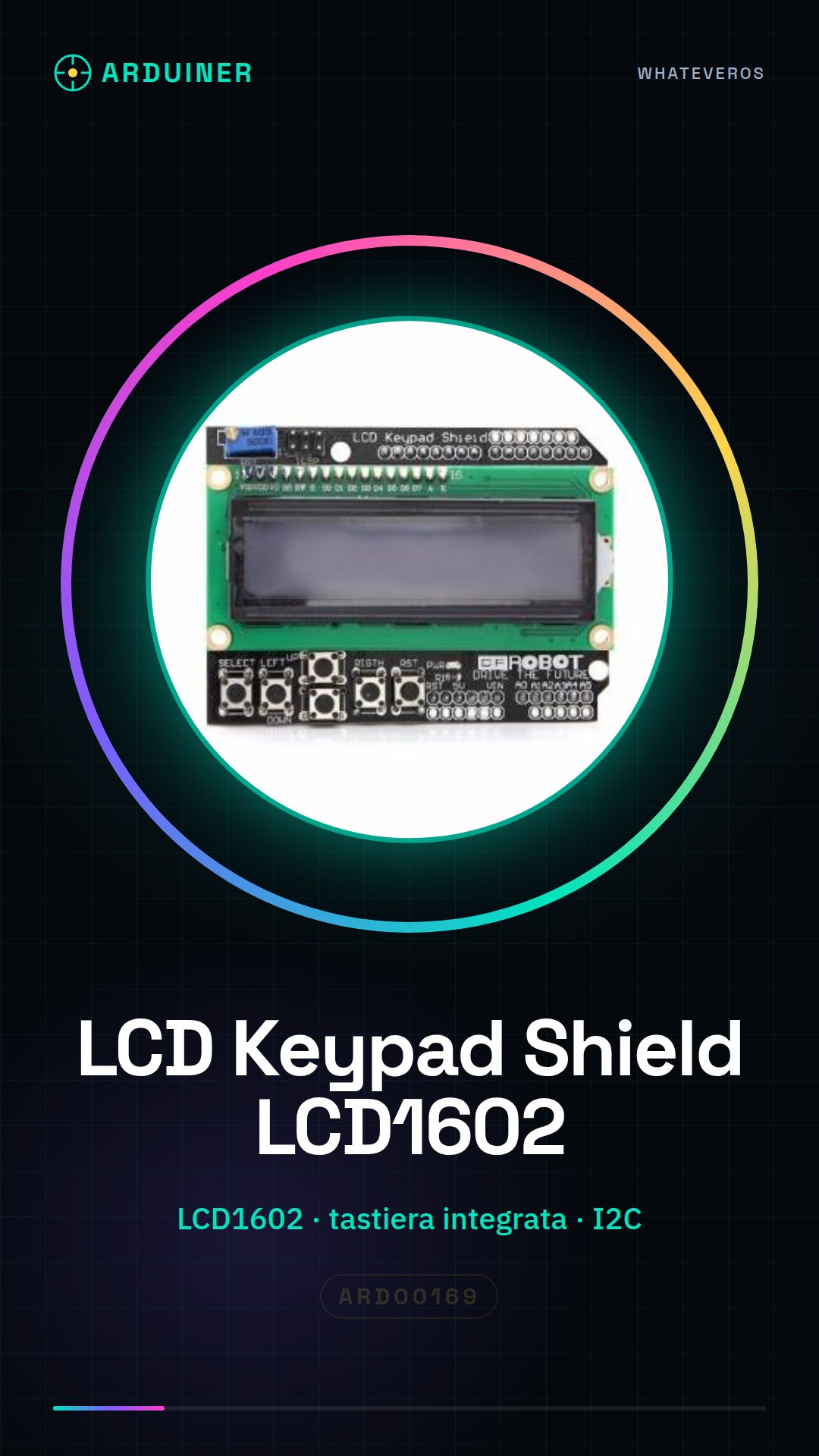
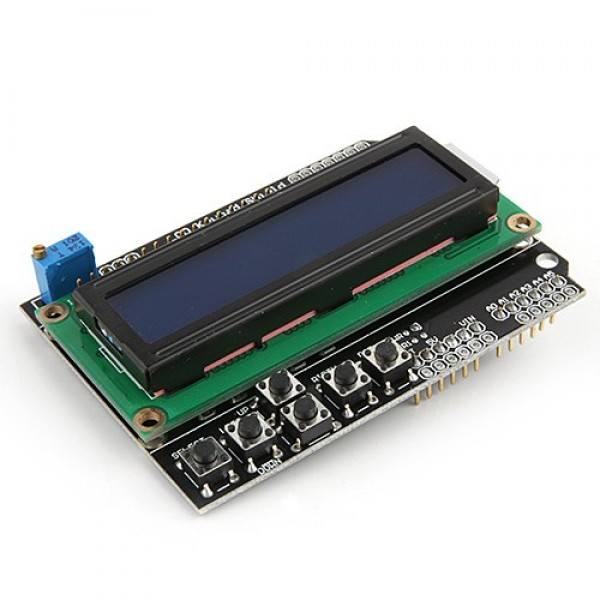
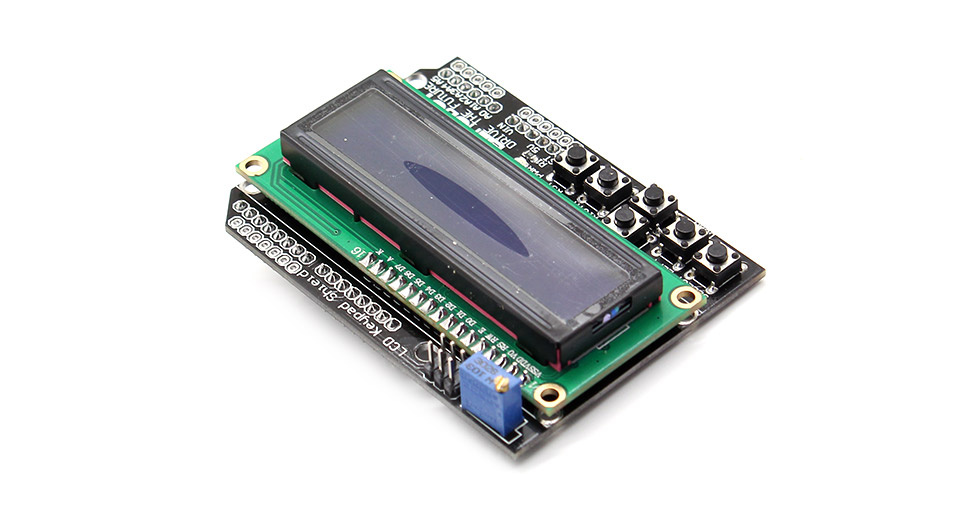
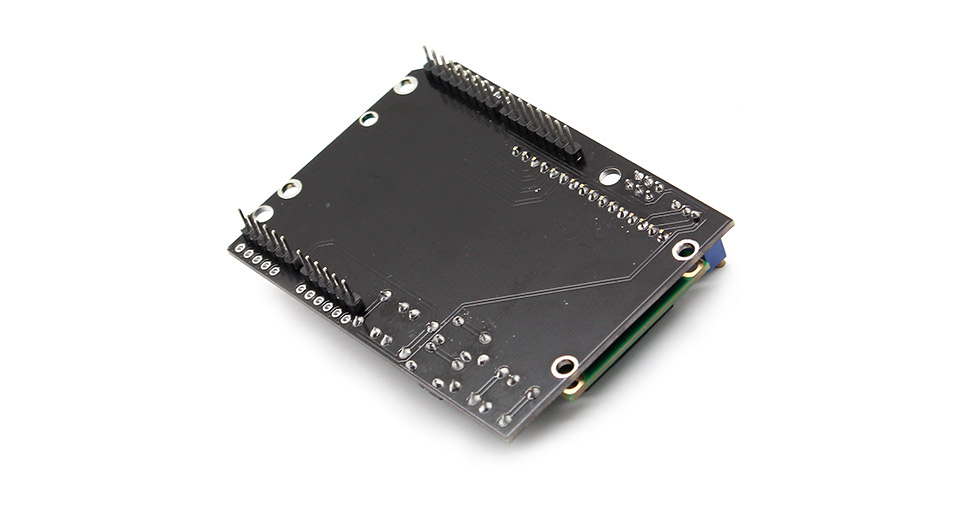
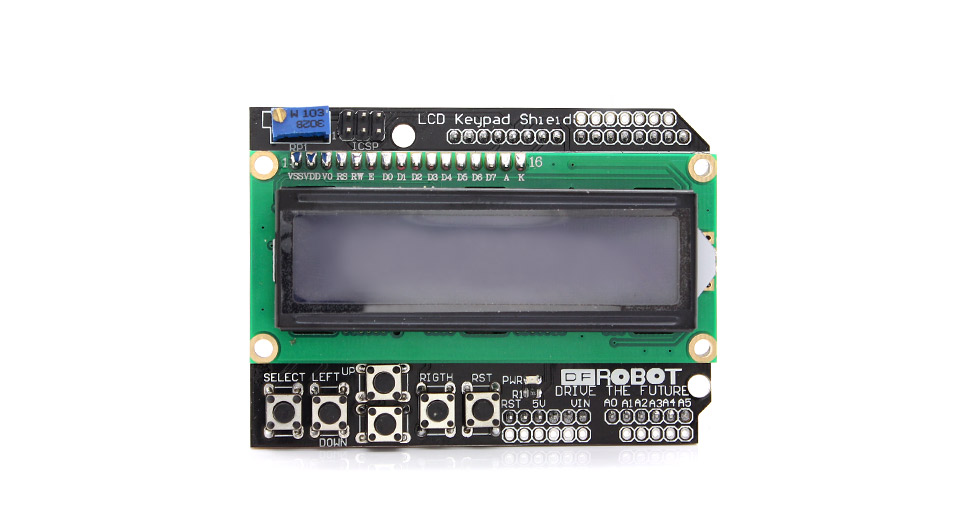
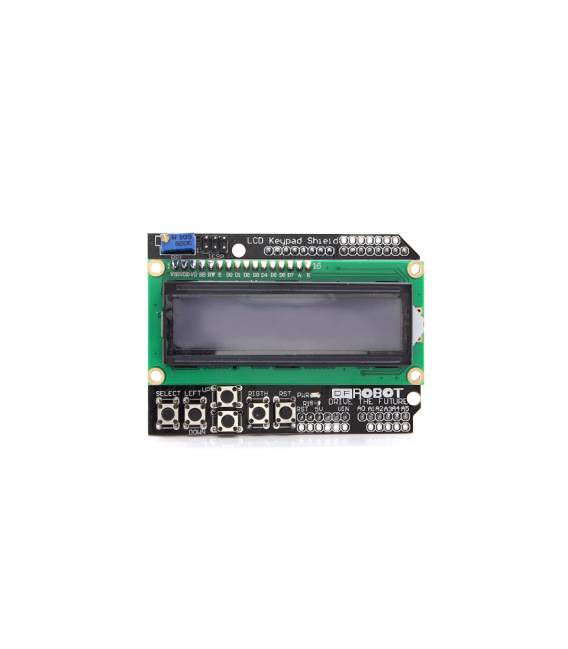
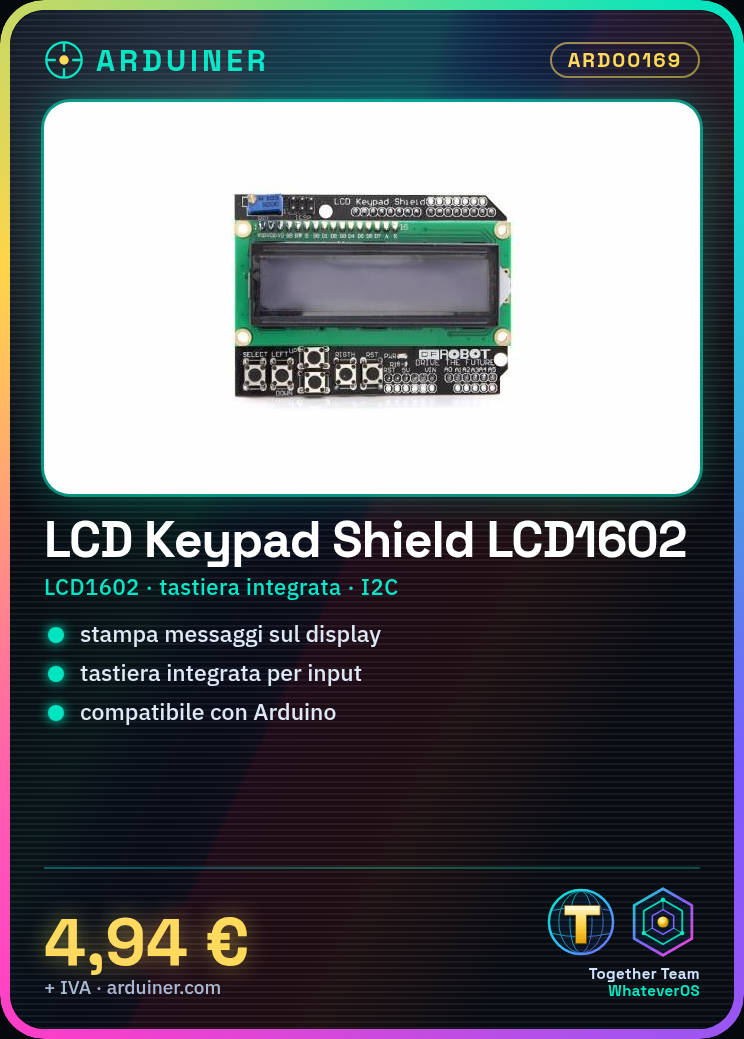
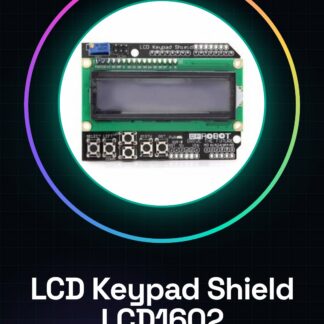
LCD Keypad Shield ARD00169 is a 1602 LCD module with integrated keypad designed for use with Arduino. This component allows you to add an interactive display to your projects, providing both visualization and user input.
Features
- 1602 LCD Module
- Integrated Keypad
What it is for
Ideal for monitoring and control projects, this module is suitable for both beginners and experts. You can use it to create small control consoles or interactive displays. Compatible with Arduino.
Tutorial: How to Use LCD Keypad Shield for Arduino 1602 LCD Module with Keypad
This 1602 LCD module with integrated keypad is ideal for monitoring and control projects that require a simple yet effective visual interface. It is perfect for both beginners and more experienced makers who want to add an LCD screen to their Arduino projects.
What you need
- Arduino Uno or compatible
- USB cable to connect the Arduino to the computer
- LiquidCrystal_I2C library (to be installed via Arduino IDE managed libraries)
- Arduino IDE software
Steps
- Install the LiquidCrystal_I2C library from the Arduino Library Manager.
- Connect the LCD1602 module to your Arduino using the shield header or the specific module pins, check the datasheet for exact connections.
- Open a new sketch in Arduino IDE and include the LiquidCrystal_I2C library.
- Configure the LCD instance variable with the I2C bus (SCL/SDA) and the I2C address of the module, check the datasheet for specific details.
- Write a simple code that turns on the display and shows a text message.
- Test the integrated keyboard by writing a short input loop that prints the pressed letters on the serial console.
- Check the output on the serial monitor to ensure everything is working correctly.
- Explore additional features such as backlight control and integrated keyboard key management.
Example code
// Includi la libreria LiquidCrystal_I2C
#include <Wire.h>
#include <LiquidCrystal_I2C.h>
// Configura l'istanza LCD con bus I2C (SCL/SDA) e indirizzo del modulo, verifica sul datasheet
LiquidCrystal_I2C lcd(0x27, 16, 2);
void setup() {
  // Inizializza il display
  lcd.begin();
  // Stampa un messaggio di benvenuto
  lcd.print("Benvenuti!");
}
void loop() {
  // Aggiungi qui la gestione dei tasti della tastiera integrata e altre funzionalità.
}
Mini project
Create a small control console that displays the day’s minimum and maximum temperatures on two separate lines. Use a DS18B20 sensor to measure temperature and update the display every hour.
Common mistakes
- Do not install the LiquidCrystal_I2C library correctly.
- Connect the SCL/SDA lines to the LCD module incorrectly.
- Use code that does not fit the specifications of your Arduino or display.
- Omit checking the datasheet for specific details of the LCD1602 module.
Recommended accessories
- DS18B20 sensor
- 4.7kΩ pull-up resistors
- USB-TTL serial cable
- RTC module
Frequently asked questions
How can I connect the module to an Arduino Mega?
Check the shield header or specific pins of the LCD1602 module for correct connections on the Arduino Mega, verify in the datasheet.
The display does not turn on. What should I do?
Check the connection between the module and the Arduino, ensure that the power lines are correct and install the LiquidCrystal_I2C library properly.
Reviews
There are no reviews yet.