 EN
 IT Italiano
 ES Español
 FR Français
 DE Deutsch
Description
What it is
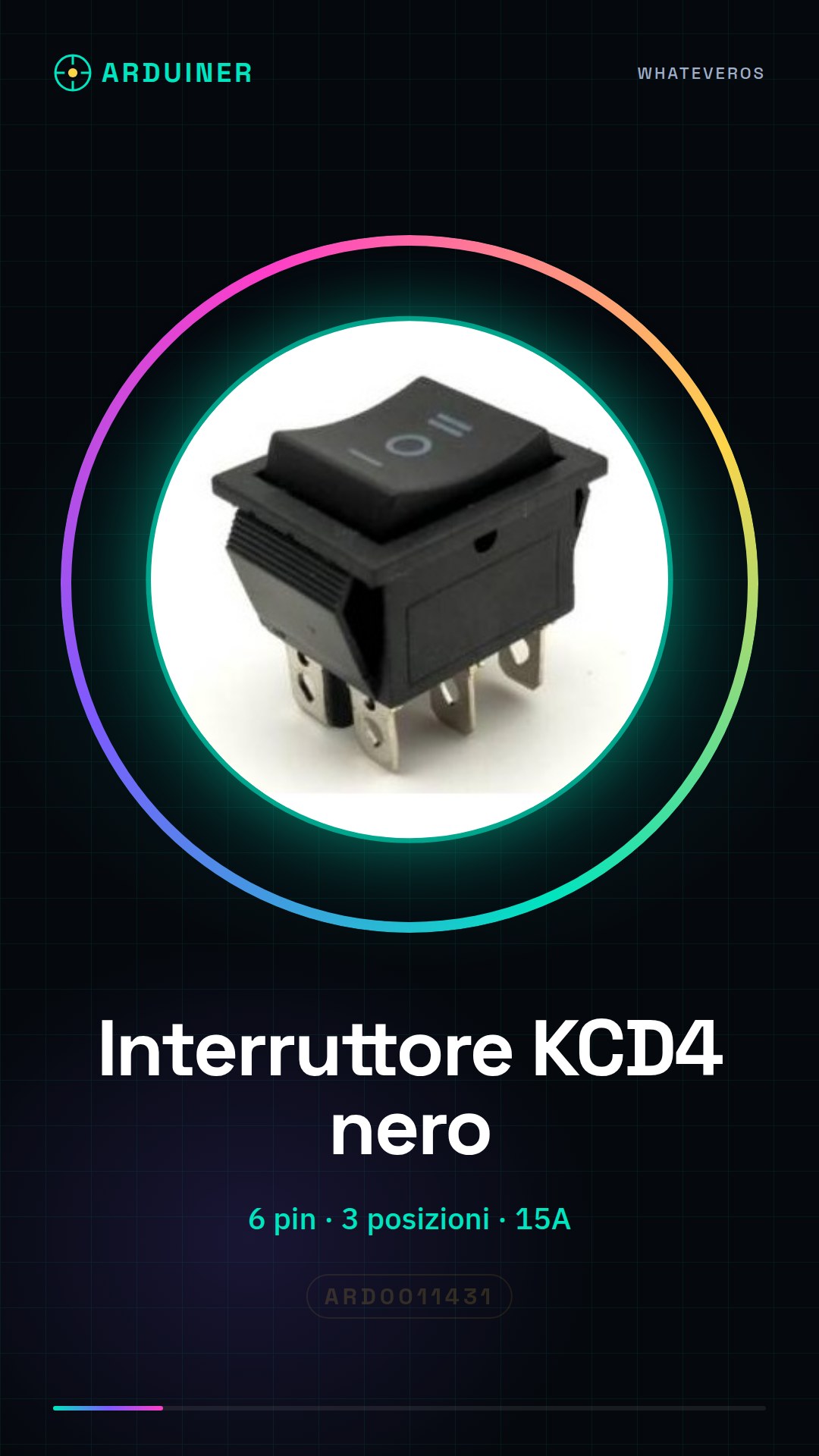
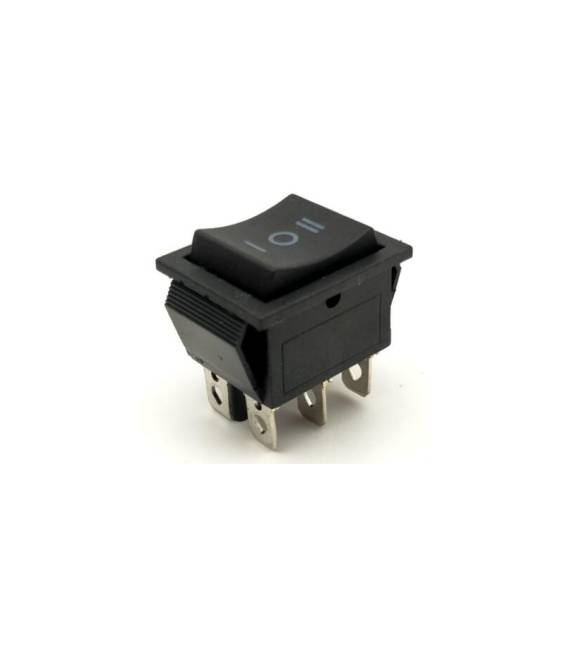
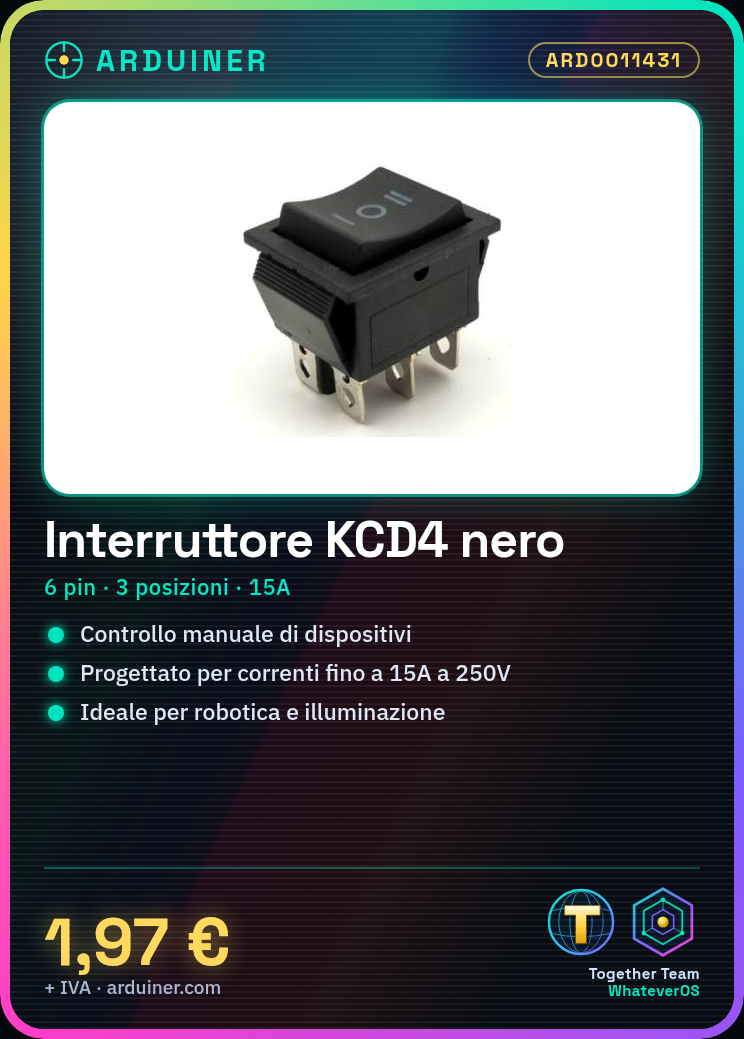
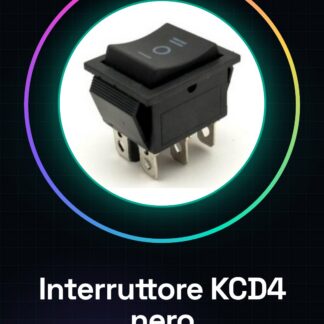
The KCD4 black switch is a 6-pin round switch with 3 positions. It is designed to handle currents up to 15A at 250V.
Features
- 6 pin
- 3 positions
- Maximum current: 15A
- Maximum voltage: 250V
- Color: black
What it is for
The KCD4 switch is ideal for controlling electronic devices that require manual intervention. It can be used in robotics projects, lighting circuits, or any application where a manual switch is needed.
Tutorial: How to use the KCD4 Switch
The KCD4 switch is ideal for controlling electronic devices that require manual intervention. Useful for beginner and intermediate makers.
What you need
- KCD4 Switch
- Arduino
- Power cable (5V)
- Resistor (optional protection)
Steps
- 1. Ensure the KCD4 switch is compatible with your project.
- 2. Connect the switch to the Arduino using 6 pins.
- 3. Check the datasheet for power specifications (15A, 250V).
- 4. Connect pins 1 and 2 to pin 2 (digital) of the Arduino.
- 5. Connect pin 3 to pin GND of the Arduino.
- 6. Connect pin 4 to pin 3 (digital) of the Arduino.
- 7. Connect pin 5 to pin 4 (digital) of the Arduino.
- 8. Connect pin 6 to pin 5 (digital) of the Arduino.
Mini project
Create a simple lighting circuit that turns on and off with the KCD4 switch.
Common mistakes
- Do not check the specifications on the datasheet before connecting.
- Connect the switch without protection to the main circuit.
- Use an analog pin instead of a digital pin.
- Ignore the power specifications of the switch.
Recommended accessories
- Protection resistor
- Power cable
- Arduino
- LED
Frequently asked questions
Is the KCD4 switch compatible with Arduino?
Yes, it is compatible. Check the datasheet for power specifications.
Which pins to use to connect the switch?
Connect pins 1 and 2 to pin 2 (digital) of the Arduino. Connect pins 3, 4, 5, and 6 to the respective digital pins of the Arduino.
What to do if the switch does not work?
Check the connections and specifications in the datasheet. Ensure that the power supply is correct.
Can the KCD4 switch be used for devices with higher power?
No, use the switch only for devices with power below 15A and voltage below 250V.



Reviews
There are no reviews yet.