 EN
 IT Italiano
 ES Español
 FR Français
 DE Deutsch
Description
What it is
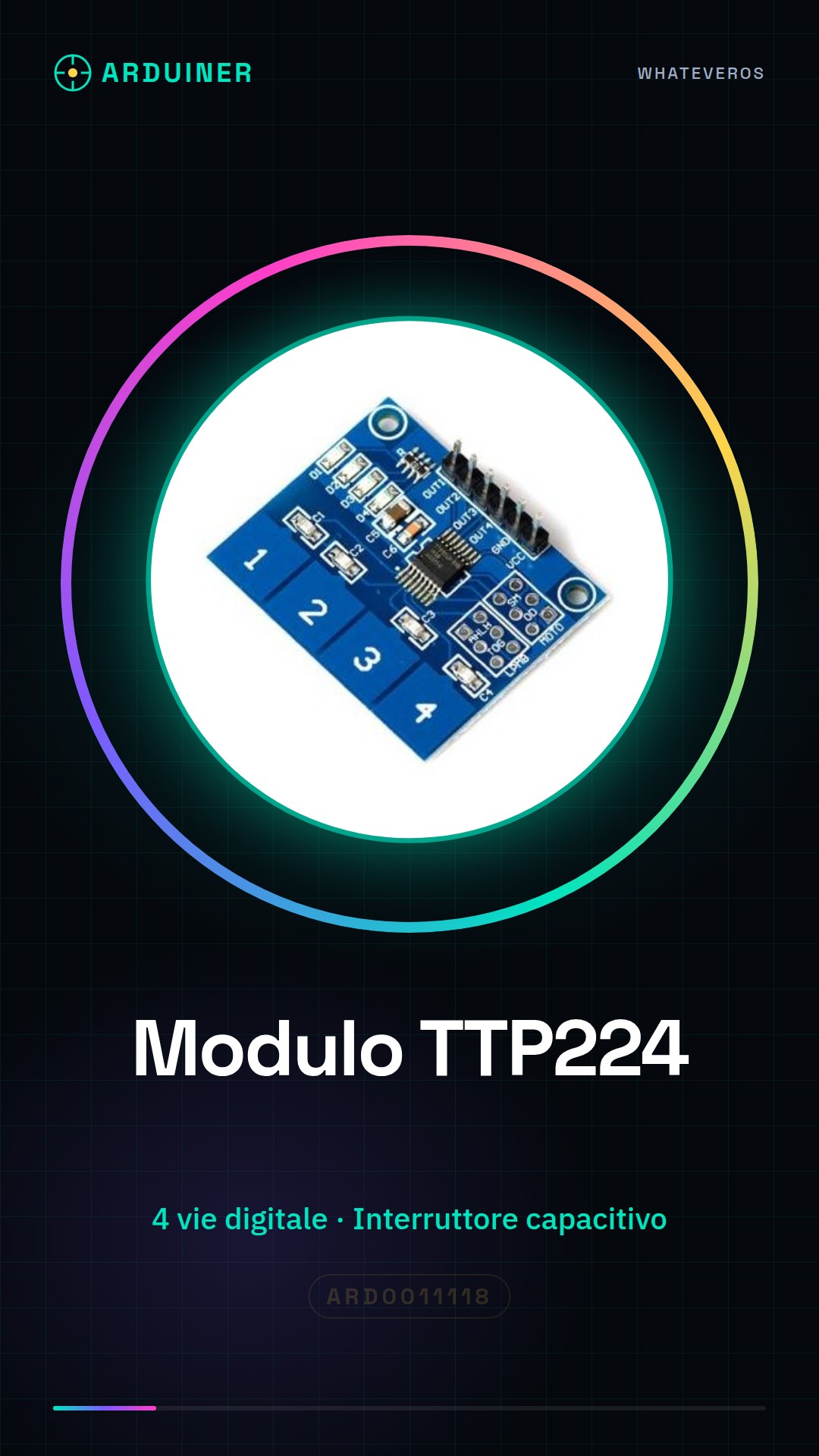
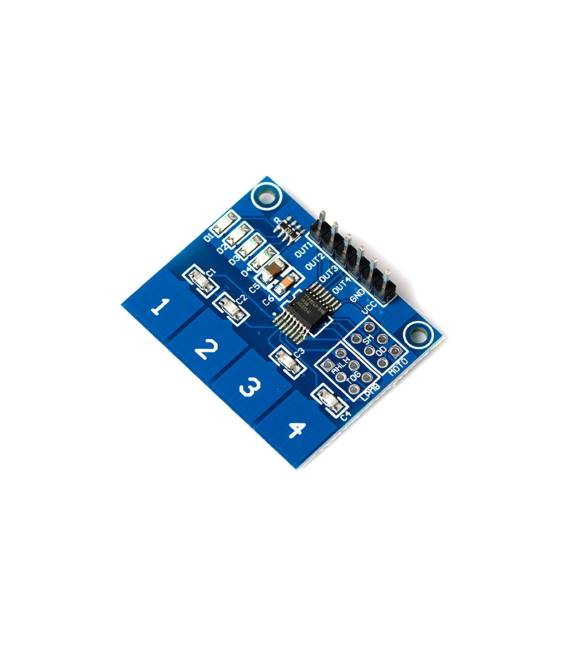
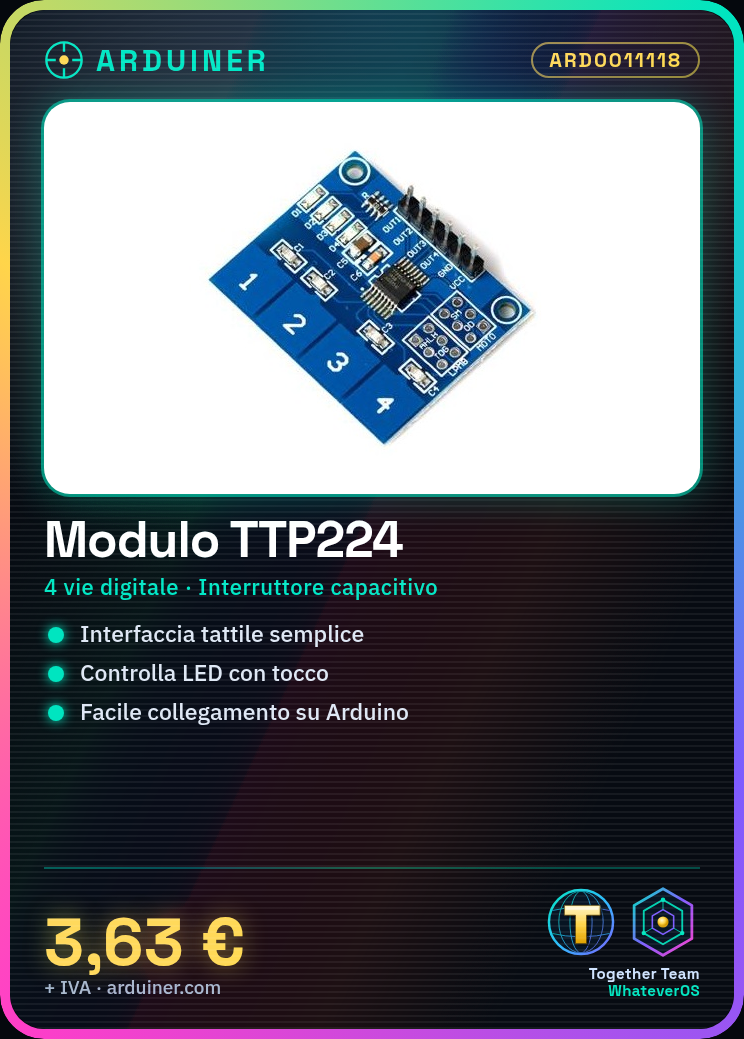
The TTP224 is a 4-channel digital touch sensor module with integrated capacitive switch, designed for use in various Arduino-based electronic projects. This device allows the creation of simple user interfaces that respond to touch interactions.
Features
- 4-channel digital touch sensor
- Integrated capacitive switch
What it is for
TTP224 modules are ideal for projects that require simple and intuitive touch interactions, such as turning LEDs on or off. They are compatible with Arduino and can be used in various electronic devices.
Tutorial: How to use TTP224
The TTP224 is a 4-channel digital touch sensor for Arduino, ideal for projects that require simple touch interactions.
What you need
- Arduino
- Power cable
- 10kΩ resistor (for pull-up)
- Arduino connector
Steps
- 1. Connect the Arduino to the computer via USB.
- 2. Install the TTP224 sensor on the protoboard or directly on the Arduino.
- 3. Connect the VCC and GND pins of the TTP224 to the corresponding VCC and GND pins of the Arduino.
- 4. Connect the SDA pin of the TTP224 to pin A4 (SSD1306) or A5 (ILI9341) of the Arduino.
- 5. Connect the SCL pin of the TTP224 to pin A5 (SSD1306) or A4 (ILI9341) of the Arduino.
- 6. Connect the OUT pin of the TTP224 to a digital pin of the Arduino (e.g., D2).
- 7. Connect a 10kΩ resistor between the OUT pin and GND.
- 8. Load the source code onto your Arduino.
Example code
void setup() {
  pinMode(2, INPUT);
}

void loop() {
  if (digitalRead(2) == HIGH) {
    Serial.println("Tasto premuto");
  }
}
Mini project
Create a simple touch switch to turn an LED on and off.
Common mistakes
- Connect the OUT pin without a pull-up resistor.
- Forget to connect GND.
- Use unsupported pins for SDA and SCL.
Recommended accessories
- LED
- 220Ω resistor
- Electric shock
- 5V power supply cable
Frequently asked questions
How can I test the sensor?
When connected correctly, the sensor should generate a signal when touched.
Can I use the TTP224 with an Arduino Uno?
Yes, the TTP224 is compatible with Arduino Uno.
Does the TTP224 require a specific code?
No, a simple digital read code is sufficient.



Reviews
There are no reviews yet.