 EN
 IT Italiano
 ES Español
 FR Français
 DE Deutsch
Description
What it is
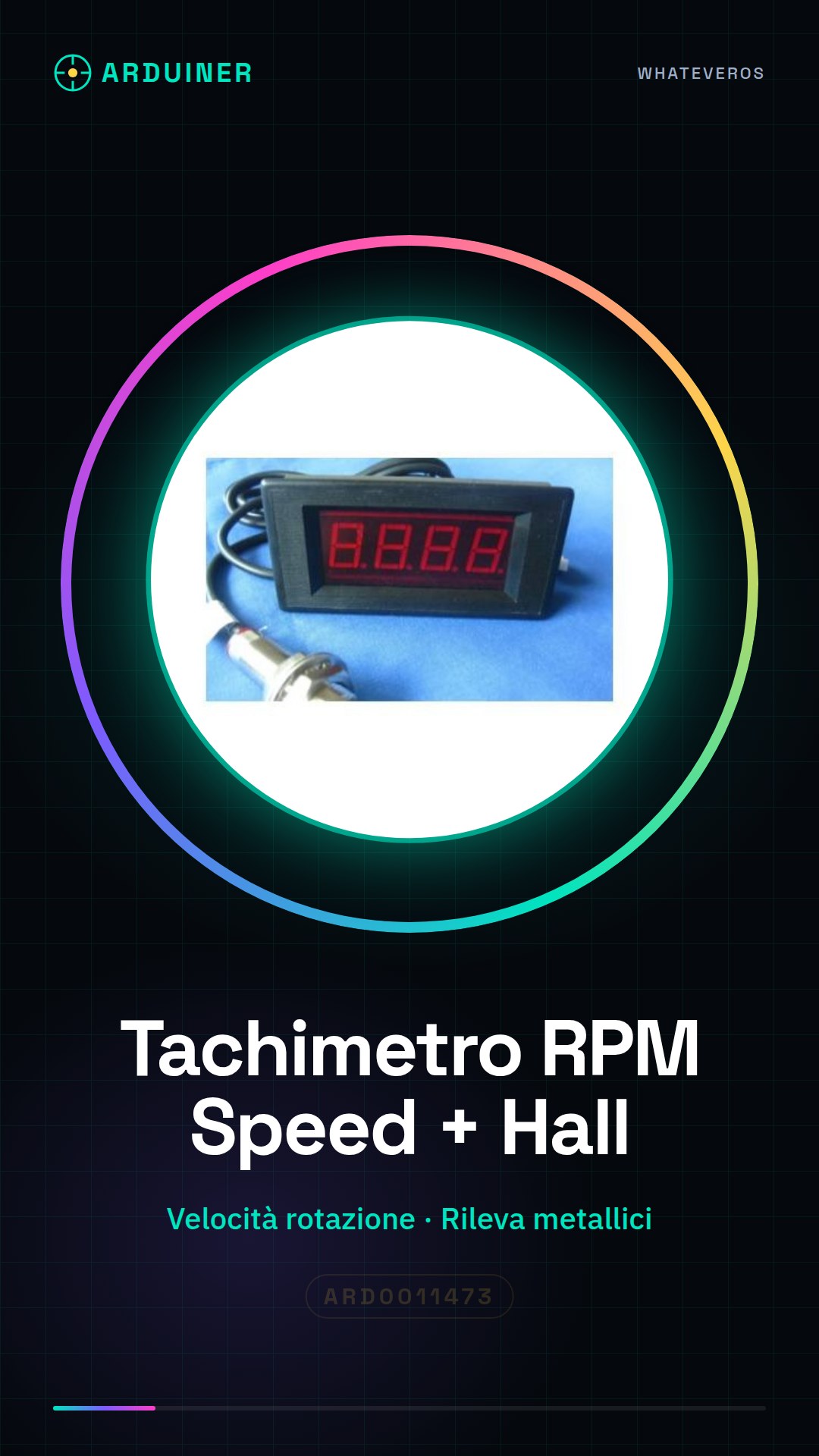
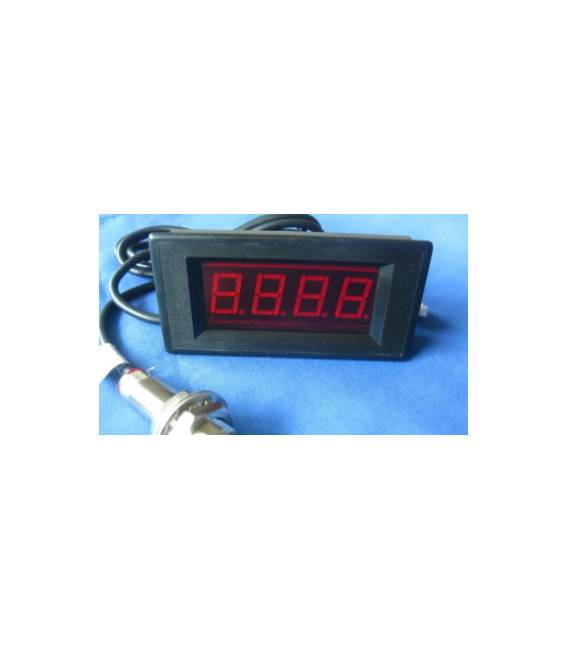
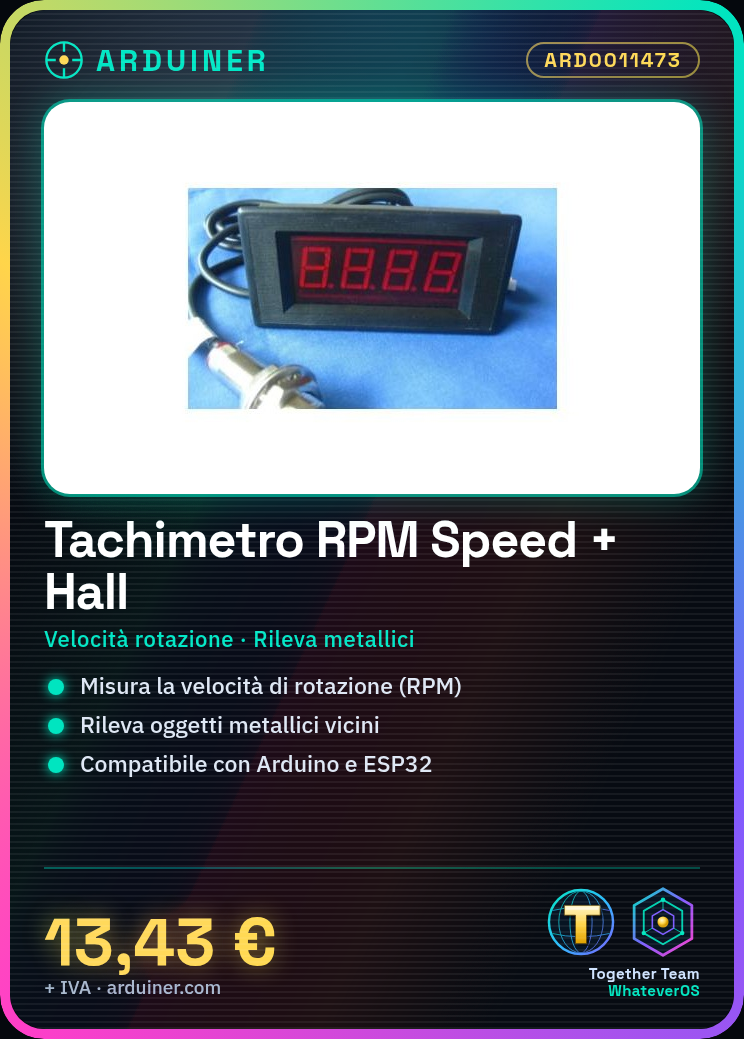
The RPM Speed Meter + Hall NPN proximity sensor is a device that can be used to measure rotational speed and detect the approach of metallic objects. It is ideal for applications that require monitoring the speed of motors or other rotating components.
Features
- RPM Tachometer for measuring rotational speed
- Hall NPN proximity sensor for detecting nearby metallic objects
What it is for
This tachometer can be used in various projects, such as:
- Collision warning systems based on the presence of metallic objects
- Measuring the speed of motors for automation and robotics applications
The device is compatible with Arduino and ESP32, allowing integration into programming and electronic control projects.
Tutorial: How to use RPM Speed Meter + Hall NPN proximity sensor
This component measures rotational speed (RPM) and the presence of nearby objects, ideal for motorization and automation projects.
What you need
- Arduino
- Connection wires
- Check the datasheet
Steps
- 1. Connect the Hall proximity sensor to pin D2 of Arduino.
- 2. Connect the VCC pin of the sensor to the VCC of Arduino.
- 3. Connect the GND pin of the sensor to the GND of Arduino.
- 4. Upload the following code to Arduino.
- 5. Turn on the Arduino.
- 6. Check the tachometer reading.
- 7. Check the proximity sensor function.
- 8. Check the datasheet for further settings
Example code
```
int hallPin = 2;
int hallValue;

void setup() {
  Serial.begin(9600);
}

void loop() {
  hallValue = digitalRead(hallPin);
  Serial.println(hallValue);
}
```
Mini project
Build a collision warning system using the Hall proximity sensor. Connect the sensor to an LED and raise it near metal to make it light up.
Common mistakes
- Connecting VCC to the wrong pin.
- Forgetting to check the datasheet.
- Not initializing the Serial correctly.
- Connecting the sensor to an analog pin instead of a digital one.
Recommended accessories
- LED
- Metal for testing the proximity sensor
- Arduino
- Connection wires
Frequently asked questions
Which Arduino pins to use?
Use digital pins, for example D2 for the Hall effect proximity sensor.
How can I verify the tachometer function?
Connect the sensor to a motor and measure the frequency of pulses with an oscilloscope or an app like WaveForms.
Does the sensor work with all metallic materials?
The NPN Hall sensor works best with ferromagnetic materials.
Does the code work on Arduino Nano?
Yes, the code works on Arduino Nano, but make sure to use the correct pin.




Reviews
There are no reviews yet.