 EN
 IT Italiano
 ES Español
 FR Français
 DE Deutsch
Description
What it is
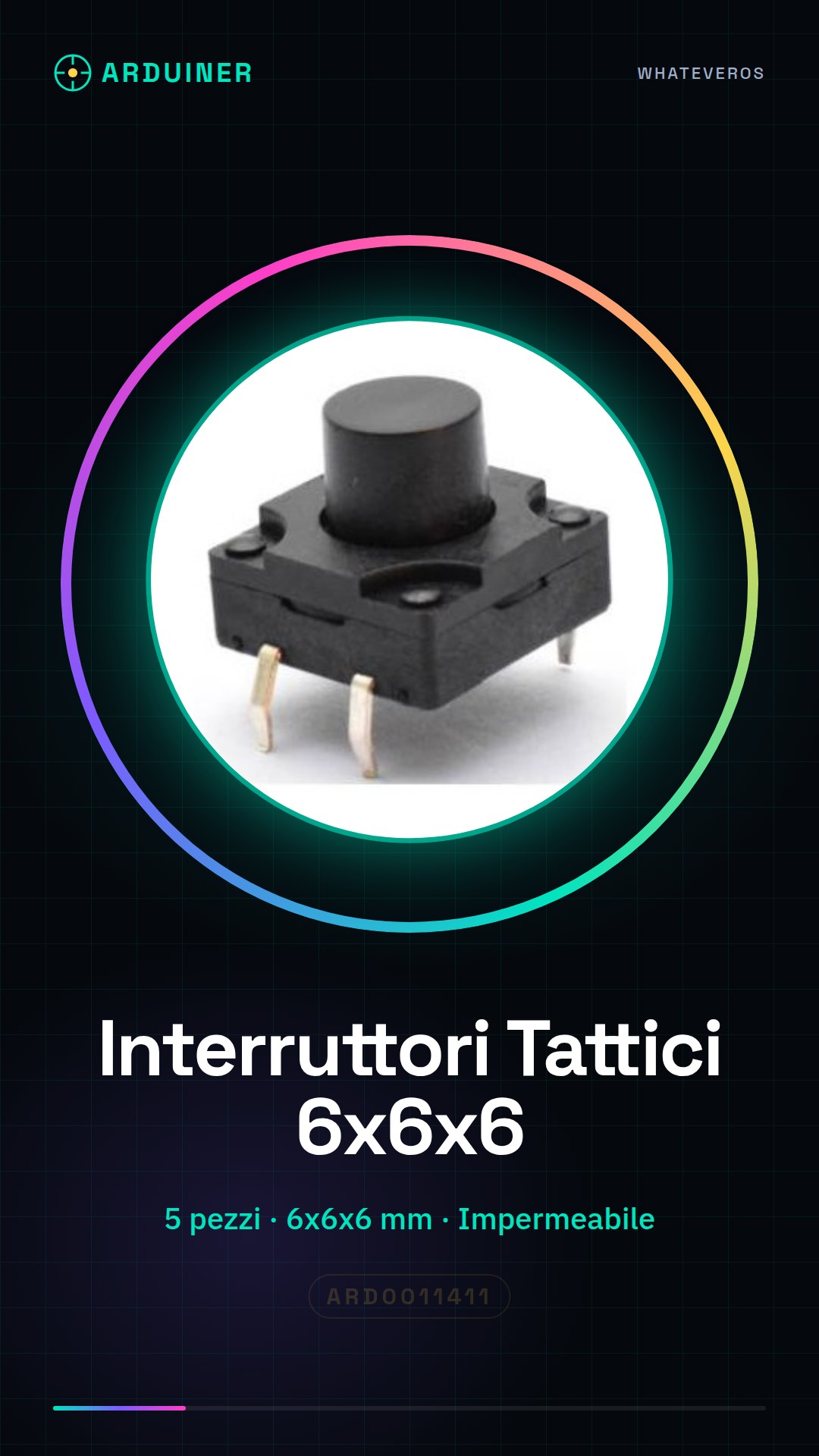
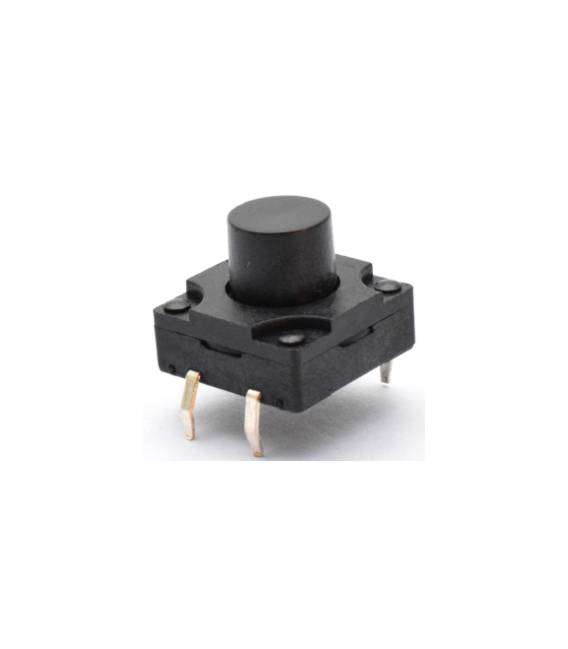
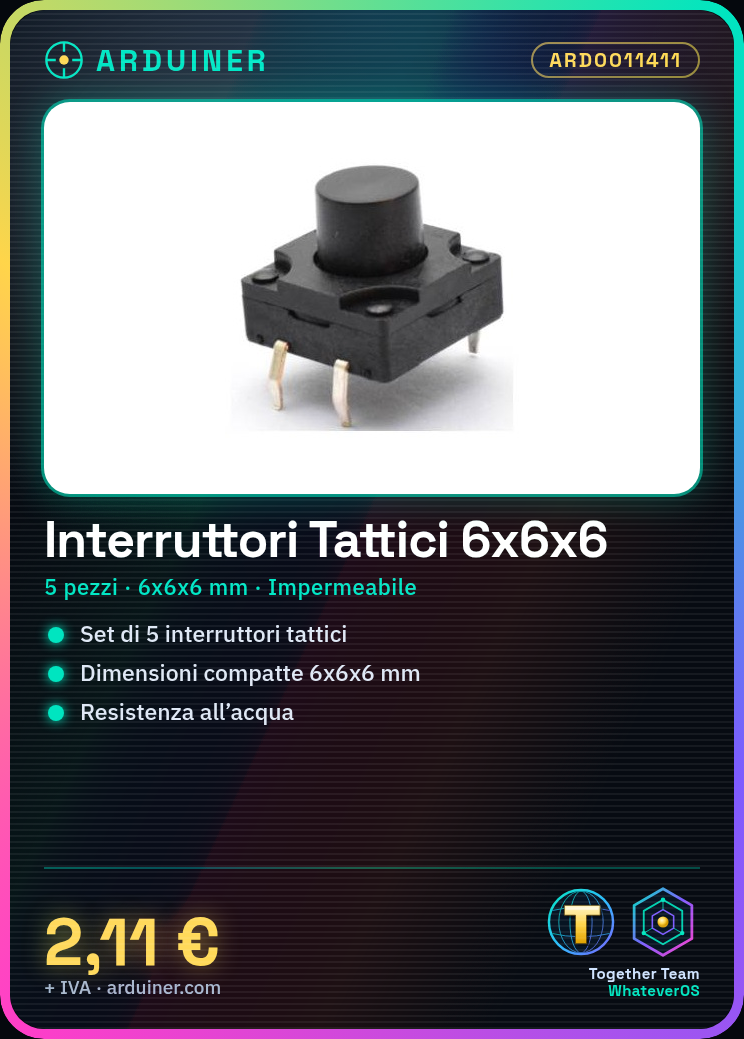
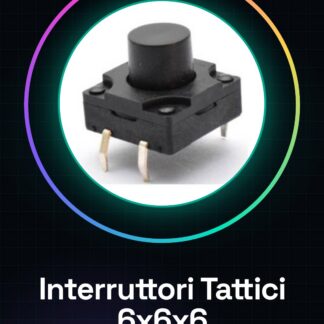
This product is a set of 5 waterproof tactile switches with dimensions 6x6x6 mm. They are suitable for electronic projects that require water resistance.
Features
- 5 pieces
- Dimensions: 6x6x6 mm
- Type: tactile switch
- Waterproof
What it is for
These switches are ideal for electronic projects that require a robust and water-resistant button, such as robots or recovery vehicles. They can be used to create a simple switch pressure counter. Compatibility with Arduino or ESP is not specified in the name or hints.
Tutorial: How to Use 6x6x6 Tactile Switch
This tactile switch is ideal for projects that require a robust and water-resistant button, such as robots or recovery vehicles.
What you need
- 6x6x6 Tactile Switch
- Arduino
- Power cable
- 10kΩ resistor
Steps
- 1. Take the switch and assign the pins: GND (red), VCC (black), SW (white).
- 2. Connect the GND pin of the switch to the GND of the Arduino.
- 3. Connect the VCC pin of the switch to the VCC of the Arduino.
- 4. Connect the SW pin of the switch to digital pin 2 of the Arduino through a 10kΩ resistor.
- 5. Check the datasheet for the pull-up resistor.
- 6. Upload the following code to your Arduino.
- 7. Try pressing the switch and check the serial console.
- 8. Adapt the code to your project.
Example code
int buttonPin = 2; void setup() { pinMode(buttonPin, INPUT_PULLUP); } void loop() { if(digitalRead(buttonPin) == LOW) { Serial.println("Premuto"); delay(100); } }Mini project
Create a simple switch press counter. Connect an LED to pin 13 and turn the LED on/off every time the switch is pressed.
Common mistakes
- Press the switch too quickly.
- Connect the SW pin without a resistor.
- Forget to check the pull-up resistor on the datasheet.
- Do not use a serial console to check the output.
Recommended accessories
- 5mm LED
- 220Ω resistor
- Micro-USB power cable
Frequently asked questions
My switch is not responding?
Check the connection and pull-up resistance. Check the serial console for errors.
Can I use this switch with a different microcontroller?
Yes, but check the supply voltage and pull-up resistance.
How long can the switch last?
Check the datasheet for usage duration and water resistance.



Reviews
There are no reviews yet.